[Resolved] Duplicated content on only 1 language for the homepage
This thread is resolved. Here is a description of the problem and solution.
Problem: The client's website, translated into five languages using Elementor Pro, displayed the French homepage content twice. After attempting to delete the French page to retranslate it, the client found that the "+" icon for adding a French translation was missing, replaced by a "gear" icon that still showed the unwanted content. Solution: We discovered that the French translations were still in the trash, which caused the display error. We restored these translations, and the issue was resolved. If you're experiencing similar issues, we recommend checking if the translations are in the trash and either restoring or permanently deleting them to avoid conflicts.
Please note that this solution might be outdated or not applicable to your specific case. We highly recommend checking related known issues at https://wpml.org/known-issues/, verifying the version of the permanent fix, and confirming that you have installed the latest versions of themes and plugins. If the problem persists, please open a new support ticket.
This is the technical support forum for WPML - the multilingual WordPress plugin.
Everyone can read, but only WPML clients can post here. WPML team is replying on the forum 6 days per week, 22 hours per day.
Hi all!
My website is translated in 5 languages.
I use Elementor Pro.
In one of the languages (FR), the homepage showed the page content twice. So I went to pages > selected French in the top bar, and trashed the French page, in the hope of being able to translate it again.
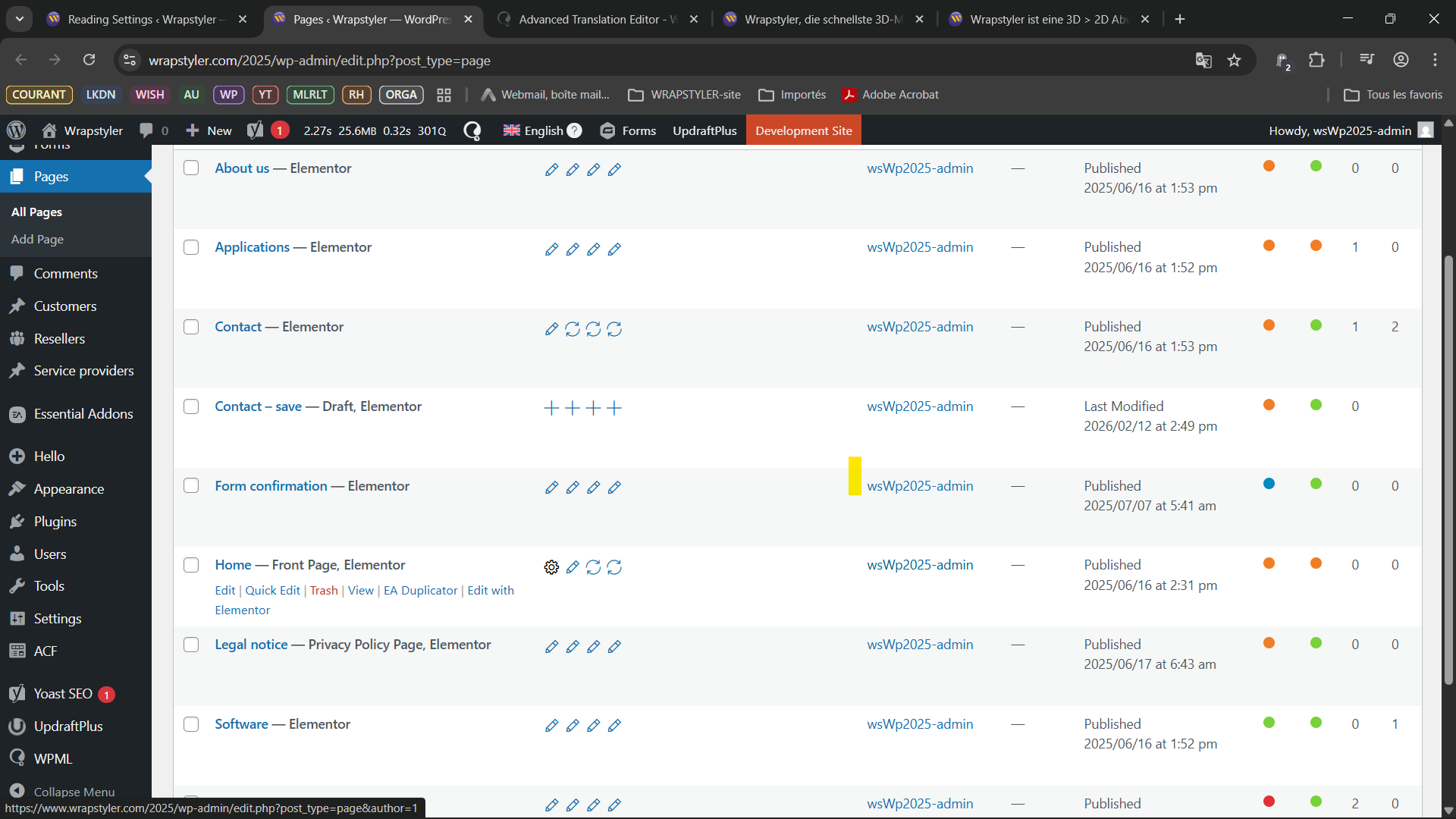
But we I go back to the English (main) version of the pages list, there is no "+" icon for French for the Home page, just a "gear" icon which shows me all the content I try to get rid of.
I used the WPML Troubleshooting page and deleted ghost entries, Canceled in-progress automatic jpbs, and clear the cache.
But the problem remains (and I don't have a FR frontpage any more).
Thank you for contacting WPML support. I’ll be happy to assist you with this issue.
Could you please click on the settings icon, complete the translations, and ensure the status changes to the pencil icon? After that, please try deleting the translations.
Additionally, could you clarify what you are trying to remove from the WPML editors? If possible, please share a screenshot with examples so I can better understand the situation and assist you further.
thank you for your reply.
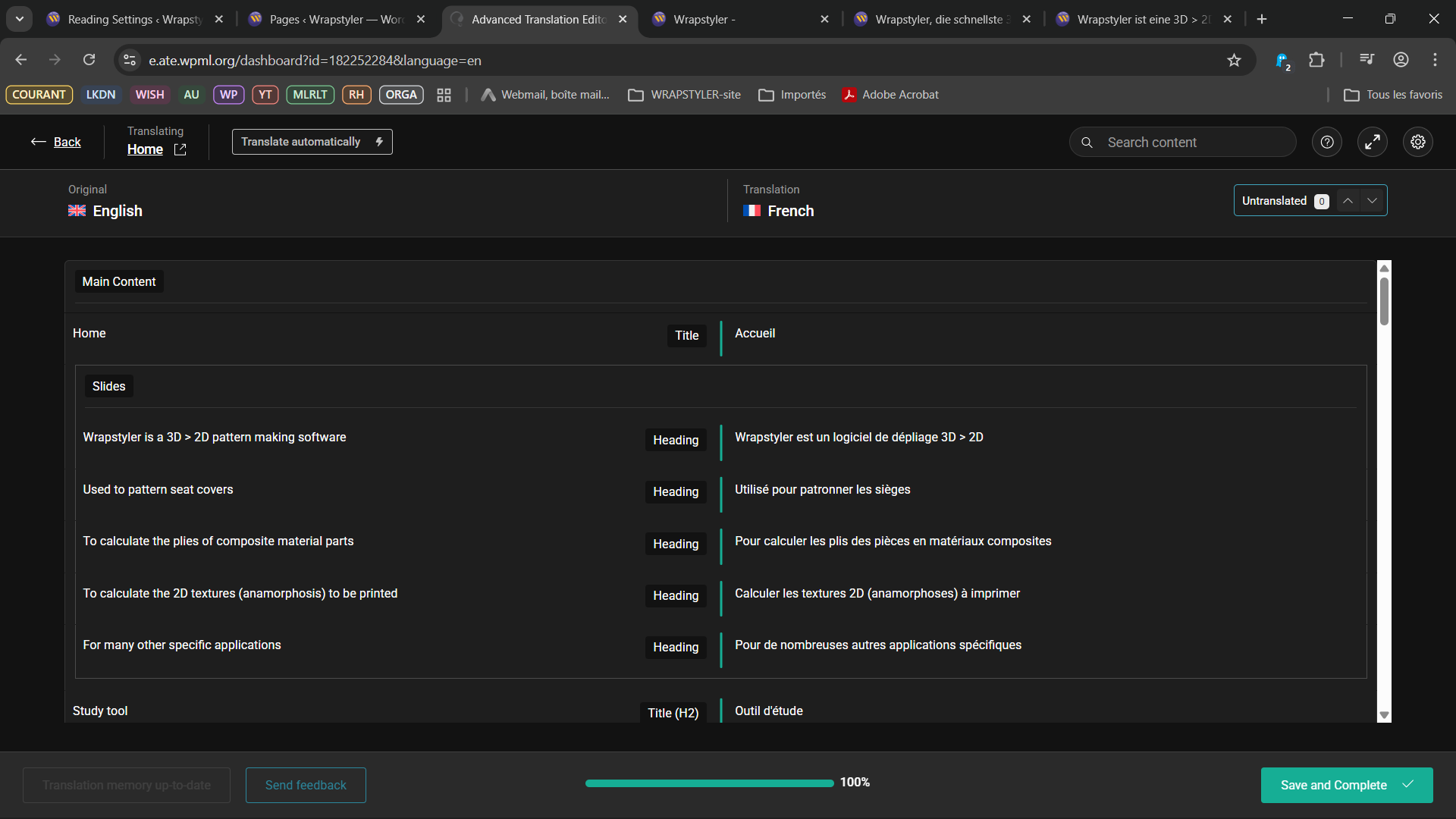
The translation has been completed, and there is still a gear icon on the French translation.
But I cannot delete the translation. I cannot see any sidebar or menu that would allow me to delete it (please see screenshot attached).
I'm trying to remove the French traduction, to be able to create the French page again, because of a bug I encountered :
In one of the languages (FR), the homepage showed the page content twice. So I went to pages > selected French in the top bar, and trashed the French "home" page, in the hope of being able to translate it again.
But we I go back to the English (main) version of the pages list, there is no \"+\" icon for French for the Home page, just a gear or pencil icon.
I used the WPML Troubleshooting page and deleted ghost entries, Canceled in-progress automatic jpbs, and clear the cache.
But the problem remains (and I don\'t have a FR frontpage any more).
Please forgive me if it's not very clear. Using WPML + Elementor has been quite confusing for me ^^'.
To debug this issue further, I would need to check your site settings once, for this I would need temporary access (wp-admin and ftp) to your site.
So could you please provide me with those details, you will find the needed fields for this below the comment area when you log in to leave your next reply. hidden link
The Elementor team has now finished their investigation.
You can continue testing on your end.
I don't know if this information is helpful to your action (if not, I apologize) : but while debugging with the Elementor team, we realized WPML (the main plugin, Mulitlingual CMS) prevented the Elementor editor to open properly while editing some templates (the footer, for example). In that case, Elementor safe mode needed to be enabled to open properly.
Please don't hesitate to reach out if I can be of help in your tests.
thank you for your help.
I can see that the icon in front of the French translation is now a pencil.
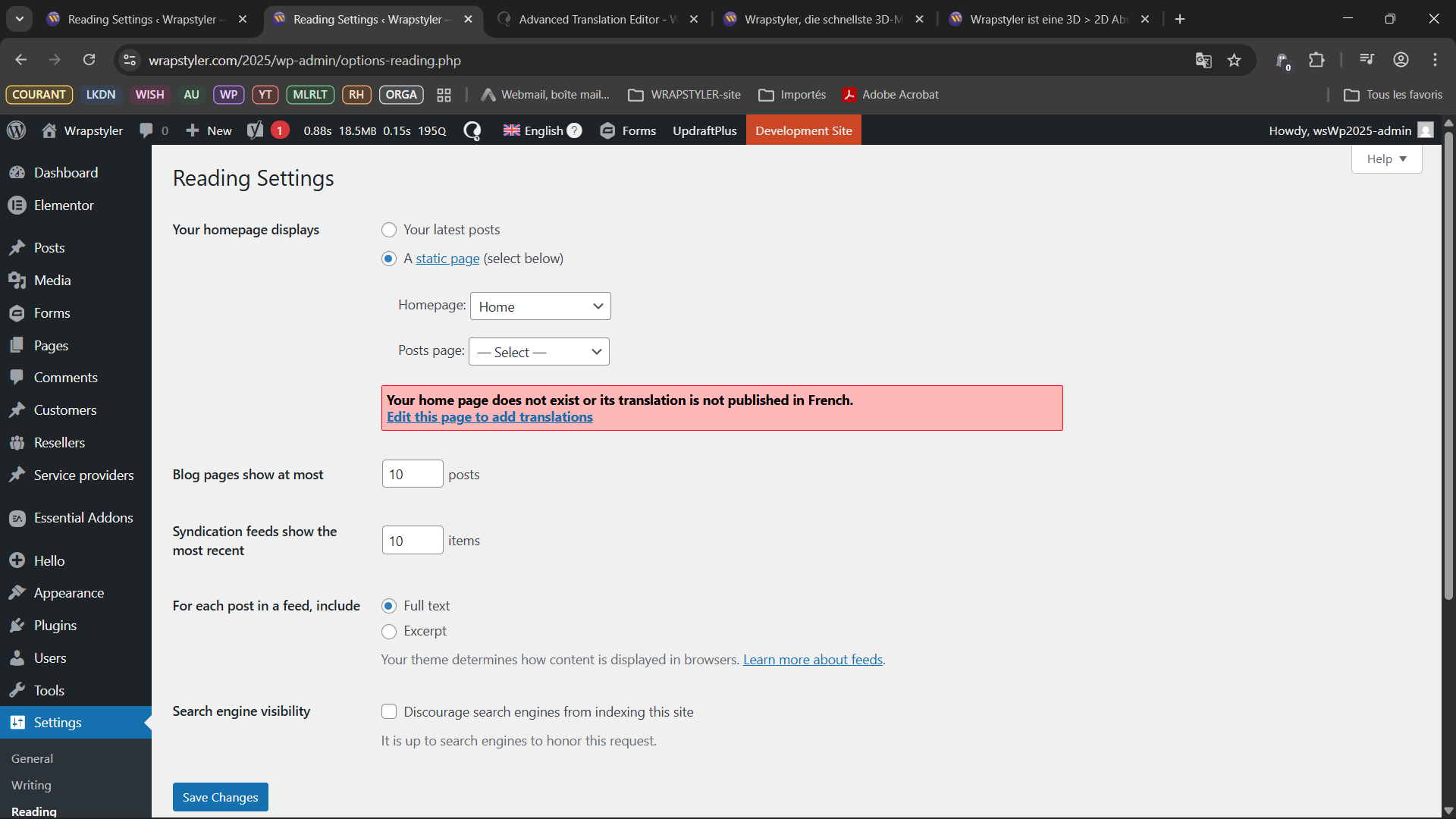
Besides that, unfortunately, the reading settings still show the same error :
"Your home page does not exist or its translation is not published in French."
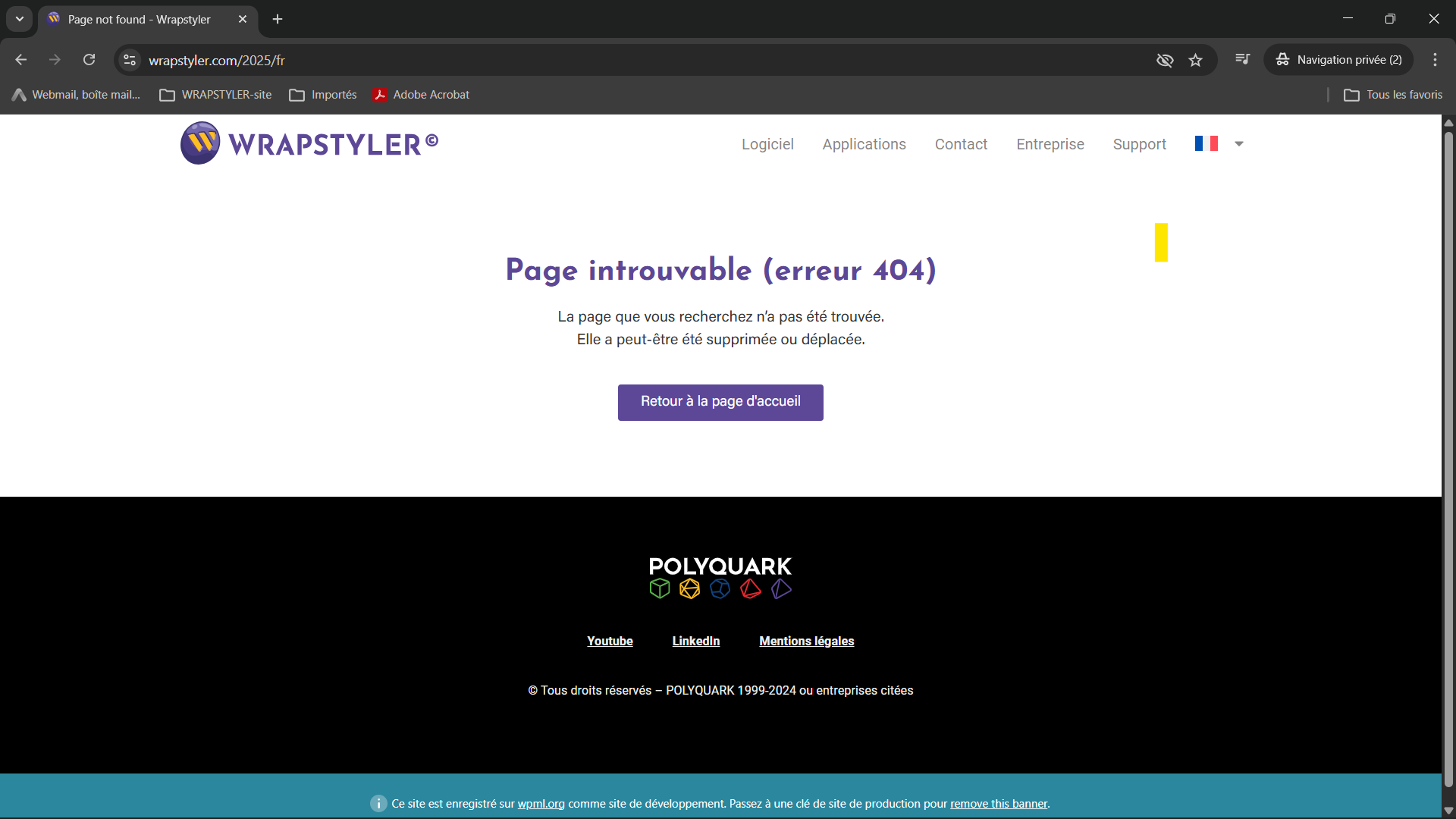
And on front-side, I still have a 404 error on hidden link.
I also purged the Cloudflare cache, and my browser's.
Am I missing something ? Sorry, I don't really know where to go from here.