Home›Support›English Support›[Resolved] experiencing an issue with image URLs after using the automatic and manual translation features in W...
[Resolved] experiencing an issue with image URLs after using the automatic and manual translation features in W...
This thread is resolved. Here is a description of the problem and solution.
Problem: You are experiencing an issue where image URLs change after using WPML's automatic and manual translation features. Specifically, the year and month folder part of the URL is removed in the translated versions. Solution: This problem was due to using an outdated version of the SVG Support plugin. Updating to version 2.5.9 or higher, as confirmed by the plugin author, resolves this issue for new uploads. For images uploaded before the update, you need to re-upload them to regenerate the correct metadata. Alternatively, you can apply a specific code fix available at WPML Errata. After adding the code, update the page and its translations. If issues persist, especially with PNG images used as translations for SVGs, re-upload the original SVG and the PNG in translations.
If this solution does not apply to your case, or if it seems outdated, we recommend opening a new support ticket. We also highly recommend checking related known issues at WPML Known Issues, verifying the version of the permanent fix, and confirming that you have installed the latest versions of themes and plugins. For further assistance, please visit our support forum at WPML Support Forum.
This is the technical support forum for WPML - the multilingual WordPress plugin.
Everyone can read, but only WPML clients can post here. WPML team is replying on the forum 6 days per week, 22 hours per day.
Background of the issue:
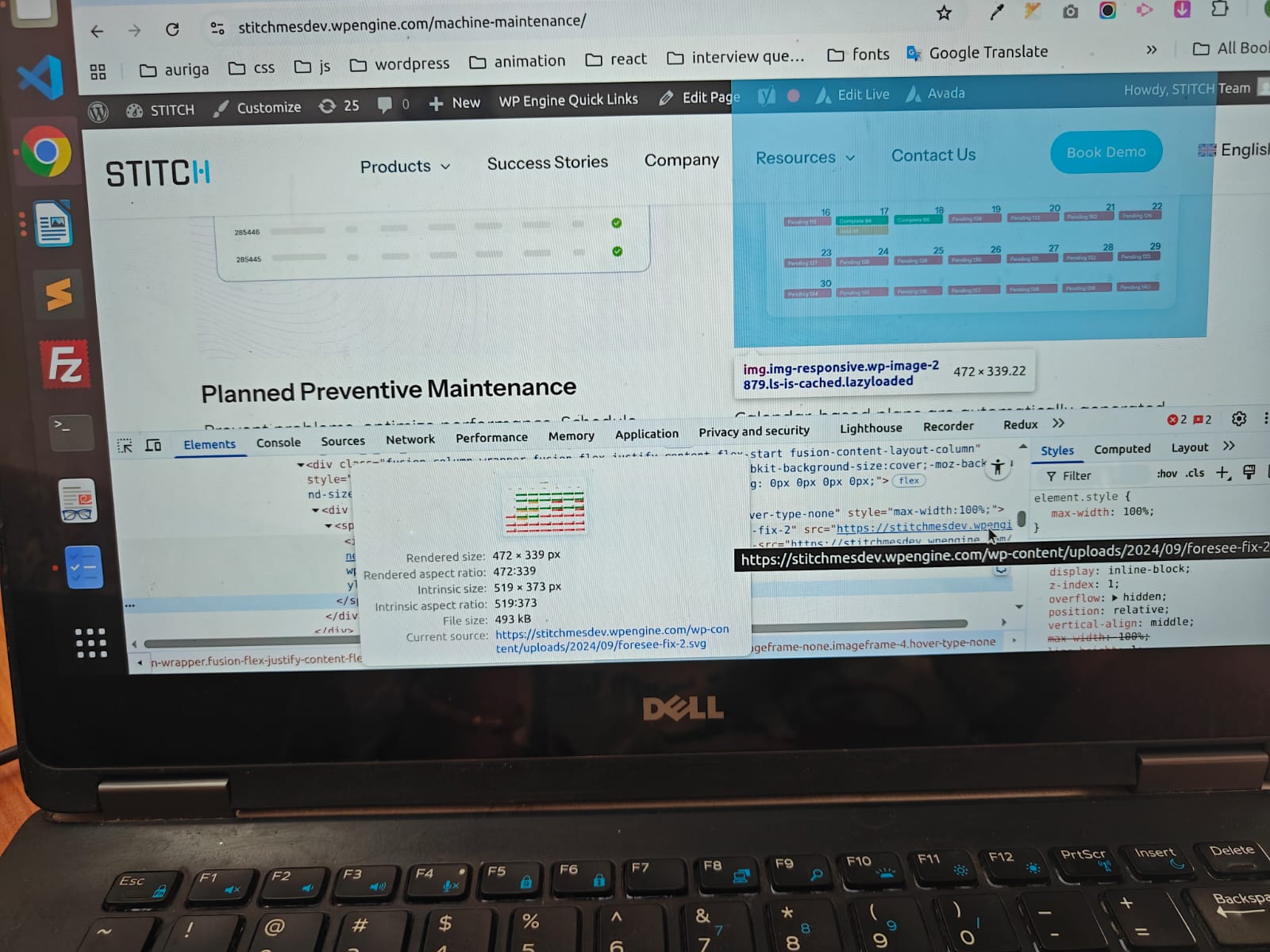
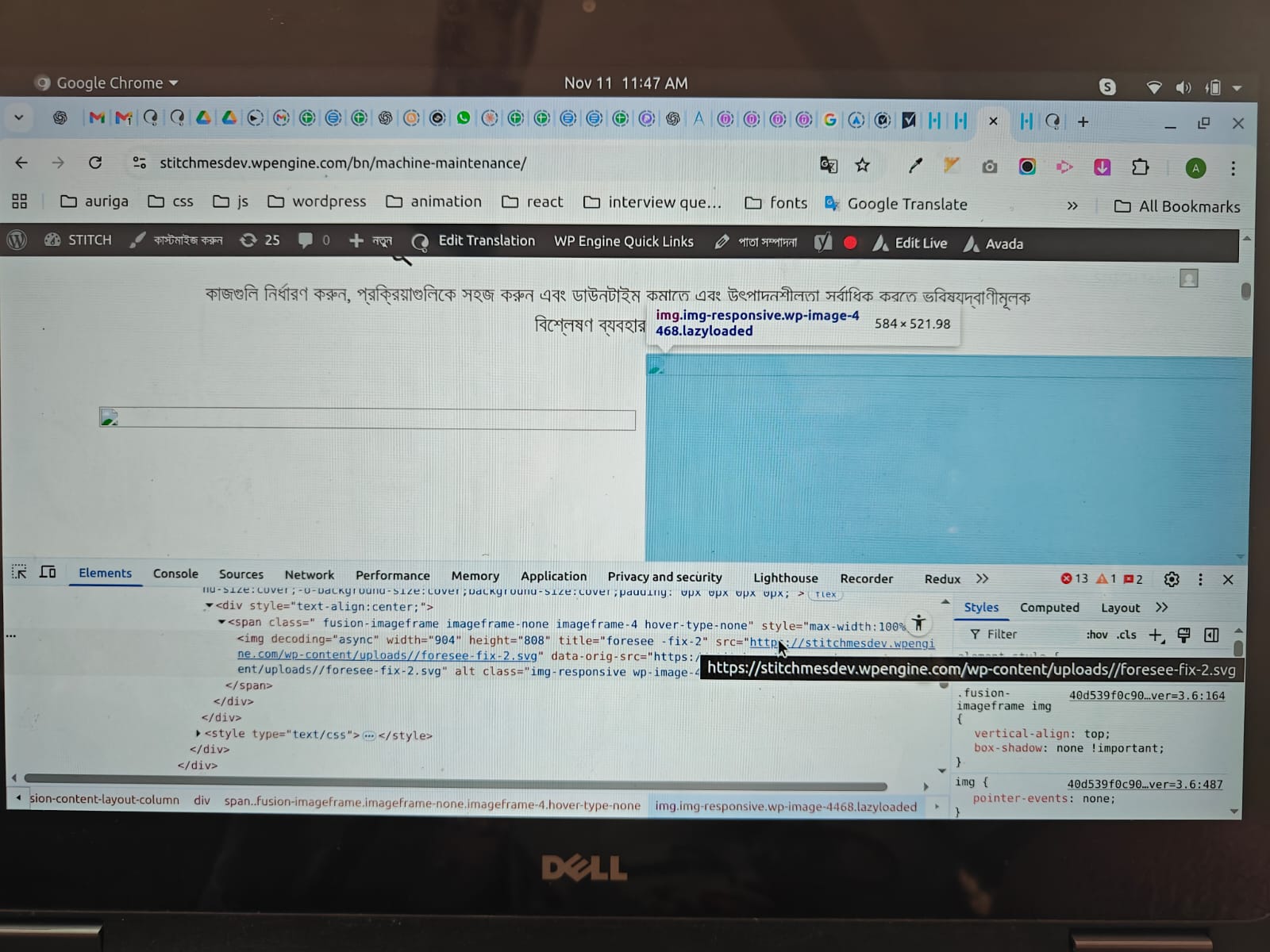
I am experiencing an issue with image URLs after using the automatic and manual translation features in WPML. On my original English page, the image URLs include the year and month folder, for example: hidden link. However, after automatic translation, the translated version changes the URL and removes the 2024/09 part.
Symptoms:
The translated version of the page changes the image URL and removes the year and month folder from the path.
Questions:
Why does the translated version of the page change the image URL and remove the year and month folder?
How can I ensure that the image URLs remain consistent across translations in WPML?
You were previously using an outdated version of the SVG Support plugin (v2.5.8). In that version, whenever a media file was uploaded, the plugin incorrectly updated the _wp_attachment_metadata field with the wrong file path.
However, the fix only applies to new uploads — existing SVG files remain affected.
To correct the issue for SVGs that were uploaded before the update, you’ll need to re-upload those images. Doing so will regenerate the correct metadata automatically.
Once you add the code, please update the page and the translations once so it gets applied. In edge cases you will need to re-upload the images.
Also, for the PNG images with issue, the PNG images is not working as it's uploaded as a translations for SVG images and it misses the metadata, if you go to WPML->Media Translations and search for control-and-consistency and check the translations for control-and-consistency-1, the PNG image will be found. I suggest you to re-upload the svg in original and PNG in translations once to fix it.
I saw your solution — I’ve updated the SVG plugin also , and now all media will be re-uploaded into the new folders with year and month structure. So, do we need to go to each page and change the image paths one by one? If yes, it will be a huge task bcz there are around 30-40pages and eah pages is alredy converted in 4 different language ..so according to this page count is more than 100
Please explain what needs to be done in this case.
Yes, once you add the code, you will need update the page and the translations once so it gets applied. There is no need to change the urls.
You can also try bulk update pages, go to Dashboard->Pages and bulk edit the pages, for translations, change the language from top-bar and update the translations.
In edge cases you will need to re-upload the images.
I am sorry I don't have any other solutions as of now.
My developer has recorded the entire process while performing the task.
For testing purposes, we used the following page: hidden link
We deleted the existing banner image, re-uploaded it, bulk-edited the page, and also completed the translation. However, the same issue persists — the image appears correctly on the English version, but for other languages, the image path remains broken.
I’m sharing the video with you so you can review it and let me know if we did anything wrong. If everything looks fine, please suggest an alternative solution.
here is the link of recording - hidden link
Let me know also if u are able to access the recoding video
Hopefully, it will help my developer.
One more help I need - can u create a similar type of screen recording video for bulk edit and update pages and bulk translate?
Thanks
With this manual process, the issue has been resolved for the existing images.
Please let me know the correct process for new pages that I will be converting into multiple languages, so that we don’t face the same issue again.