[Resolved] Suddenly, WPML doesn't work anymore. Notice:
This thread is resolved. Here is a description of the problem and solution.
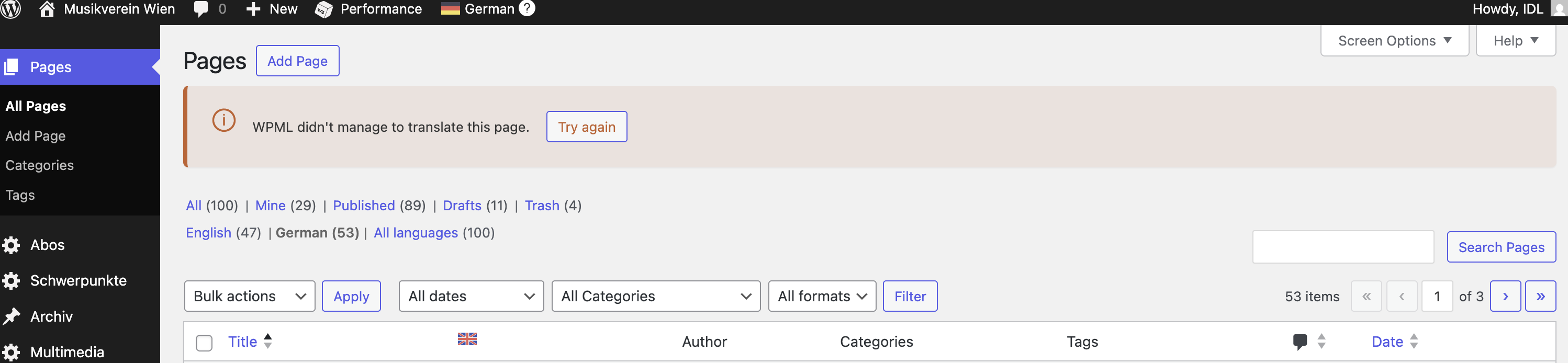
Problem: The client was unable to use WPML to translate a page on their website, encountering an error message stating, 'WPML didn't manage to translate this page. Try again.' This issue was due to a custom field that should not be translated. Solution: We resolved the issue by setting the custom field,
_wds_opengraph
, to 'Don't translate' in the WPML settings under Custom Fields Translation. After adjusting this setting, we revisited the translation editor to complete the translations for the homepage.
If this solution does not resolve your issue, or if it seems outdated or irrelevant to your case, we recommend opening a new support ticket. Additionally, we highly recommend checking related known issues at https://wpml.org/known-issues/, verifying the version of the permanent fix, and confirming that you have installed the latest versions of themes and plugins. For further assistance, please visit our support forum at WPML Support Forum.
This is the technical support forum for WPML - the multilingual WordPress plugin.
Everyone can read, but only WPML clients can post here. WPML team is replying on the forum 6 days per week, 22 hours per day.
Reference to our recent chat, I've added internal notes for my next colleague attending this ticket (as discussed). You can revoke the access for now and they'll request a new one with private message enabled.
On the other hand, we're hoping to release a fix in an upcoming version. But of course, one of my colleague 'll attend this ticket and 'll follow up accordingly.
This is Andrey here. I will be assisting you further.
I need to request temporary access (wp-admin and FTP) to your site—preferably to a test site where the problem has been replicated if possible—in order to be of better help. When you log in to leave your next reply, you will find the needed fields below the comment area. The information you will enter is private, meaning only you and I can see and access it.
Unfortunately, I cannot log in. I am receiving the following message: "LOGIN BLOCKED: 2FA is required to be active on your account. Please contact the site administrator."
I am unable to share the static IP. Should I ask my colleague to take over this support ticket?
Thank you for the update. I could log in, and as far as I can see, the issue has been resolved with the latest WPML update.
I tested the following:
1. Opened the product named "Hausordnung".
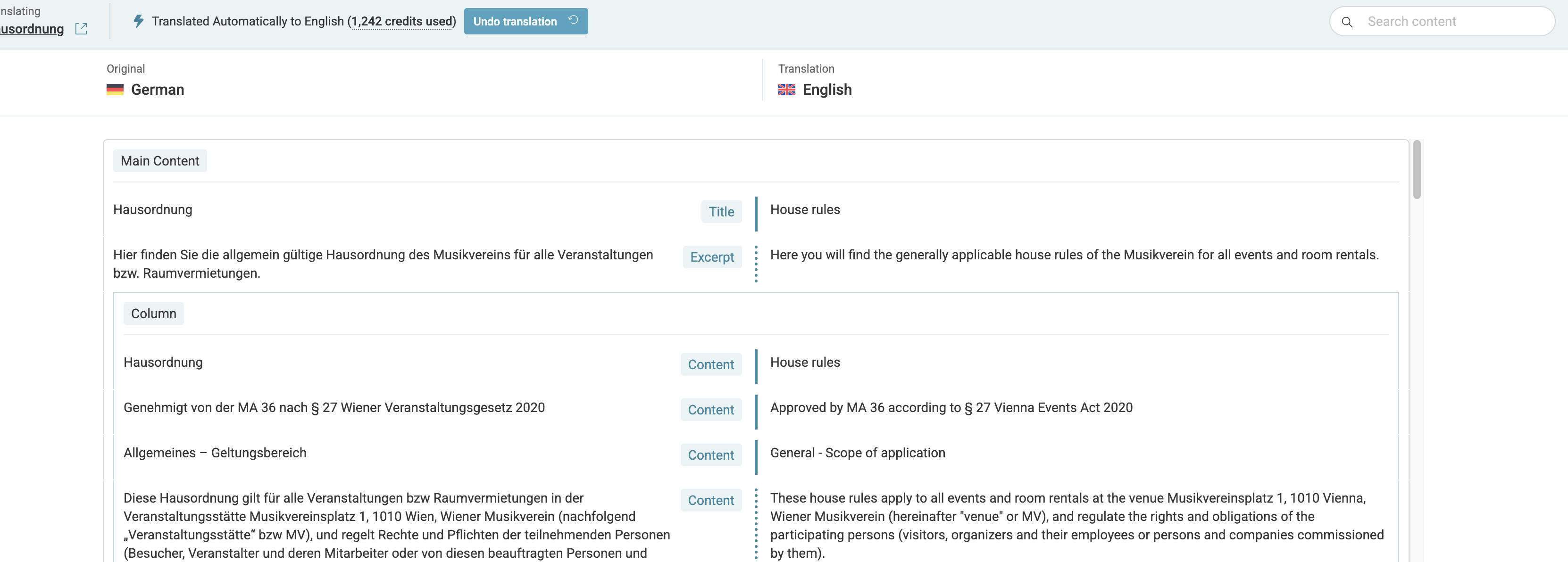
2. Made a minor change to the content and updated the page. The notice "WPML didn't manage to translate this page. Try again." has disappeared, and I reverted the changes.
3. Went to the translation editor and completed the translation.
I have attached a screenshot for your review. Can you please confirm if everything is good now?
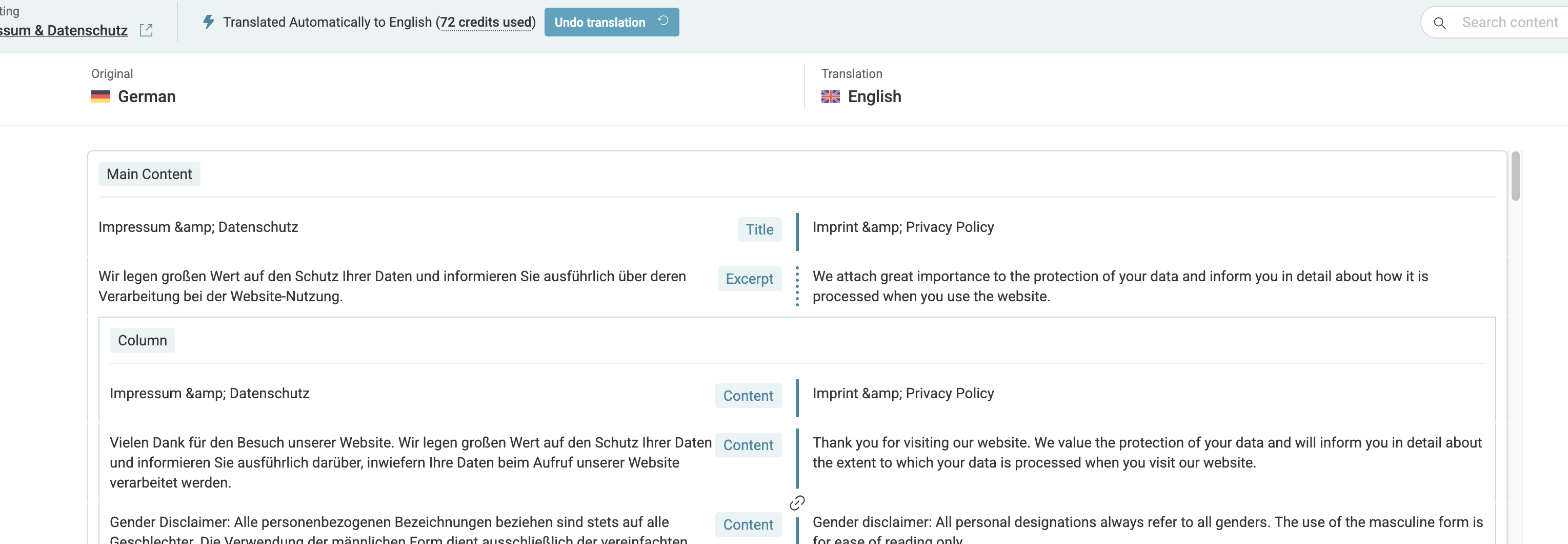
Sadly, this problem only affects certain pages. Please try "Impressum & Datenschutz". If you open the WPML Translation Editor from there, you will get an error. Kind regards. Philip
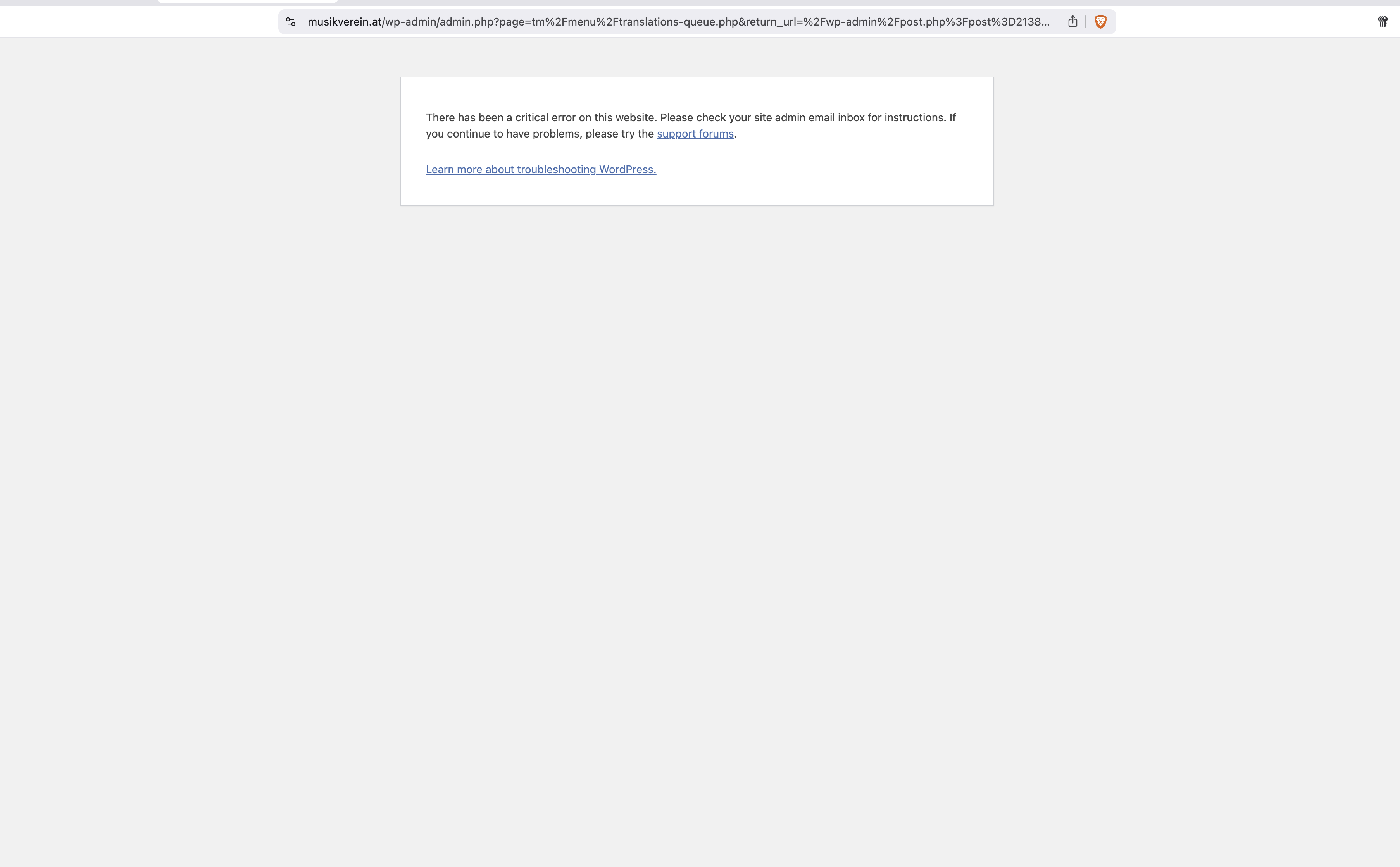
I followed your guideline for the front page, "Einzigartige Konzerte erleben!", which led me to a critical error when entering the translation editor. When I revert to the WordPress page and try again, I get another error.