Background of the issue:
I am trying to translate the 'How to reach us' page on my website hidden link using WPML. The specific page URL is hidden link. I have already attempted to duplicate the translations, but it did not resolve the issue.
Symptoms:
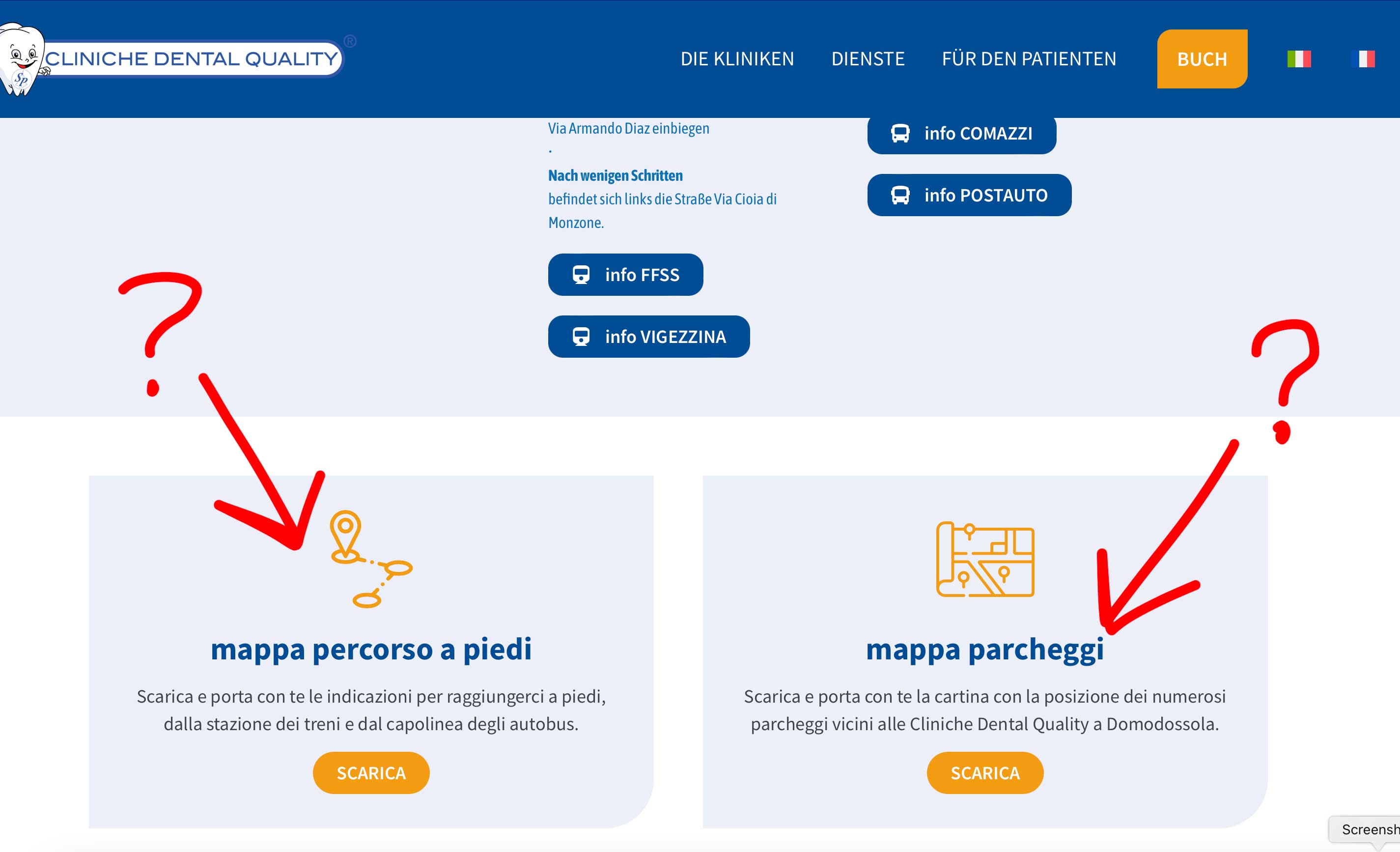
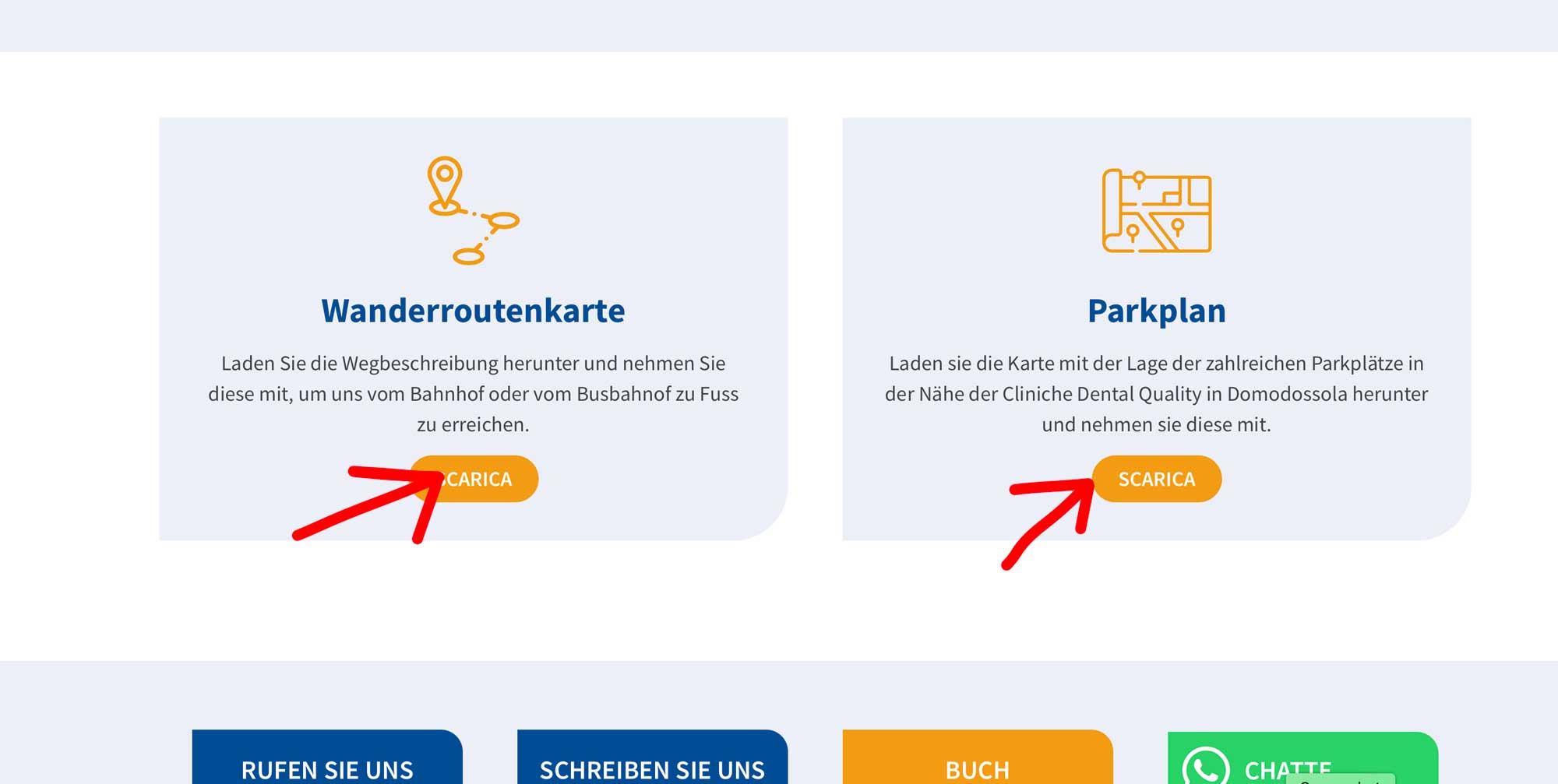
The translation in the two boxes at the end of the 'How to reach us' page does not show up.
Questions:
Why are the translations in the two boxes at the end of the page not showing up?
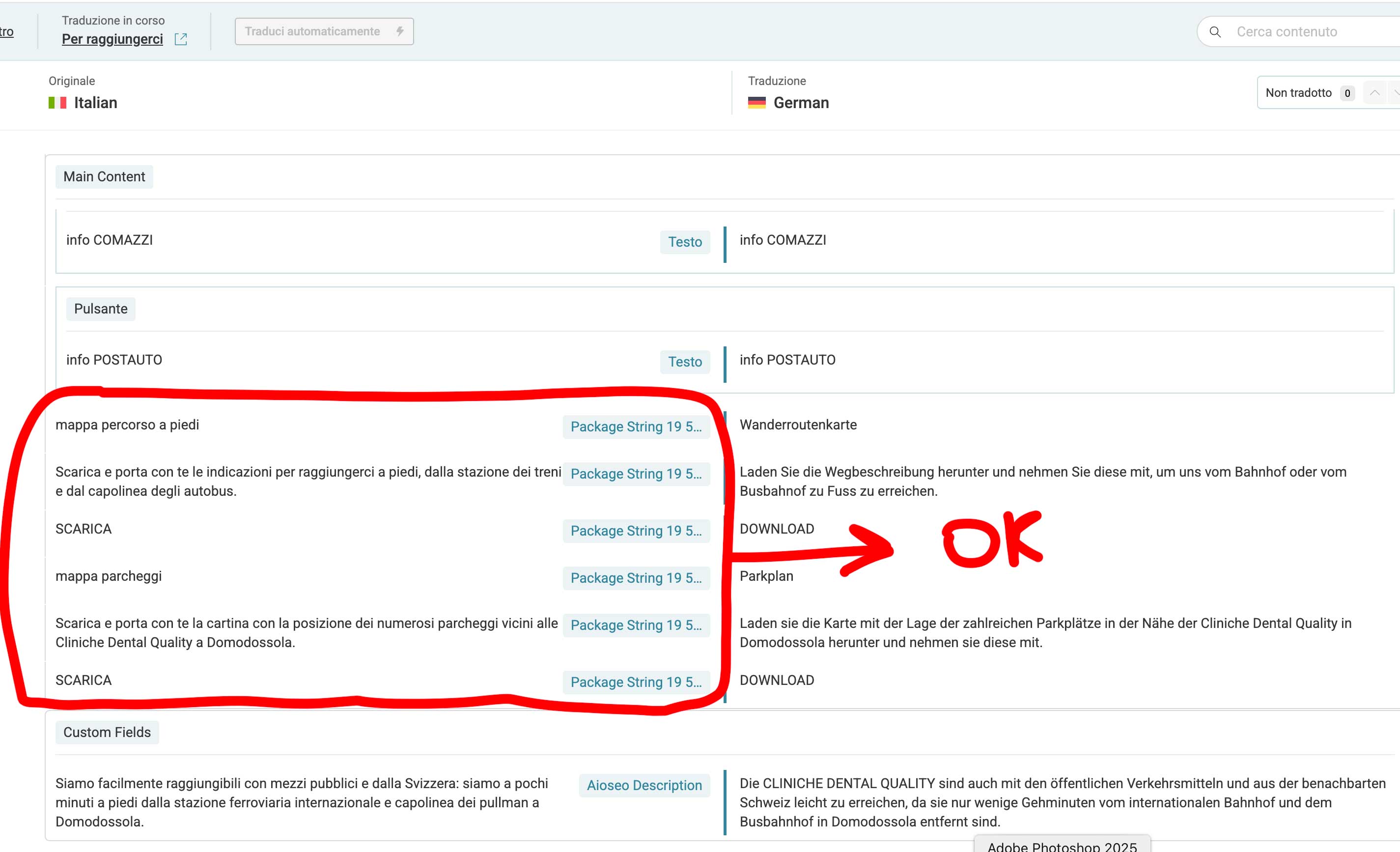
Hi Kor, the content of the Elementor widget ("click to action") did show correctly in your plugin and I did add the transaltion (you can see it in the first screenshot I sent, with Italian on the left and German on the right) but the problem is that it doesn't show up in the published website. So, I was able to translate the text within the widget, but this doesn't show in the published website. Why is this? Is the solution you wrote to me fine anyway? Should I try it?
Thanks for your reply. I will need to closely examine your website. Therefore, I will require temporary access (WP-Admin and FTP) to a test site where the problem has been replicated, if possible. This will enable me to provide better assistance and determine if any configurations need to be modified.
Please note that it is important to have a backup for security purposes and to prevent any potential data loss. You can use the UpdraftPlus plugin (https://wordpress.org/plugins/updraftplus/) to fulfill your backup requirements.
Your upcoming reply will be treated with confidentiality and will only be visible to you and me.
✙ To resolve the issue, I may need your consent to deactivate and reactivate plugins and the theme, as well as make configuration changes on the site if necessary. This emphasizes the significance of having a backup.
Hi Kor, I can give you full access to the website but I need an e-mail address to create a new Admin user. Can you please provide me your e-mail address? Thank you.
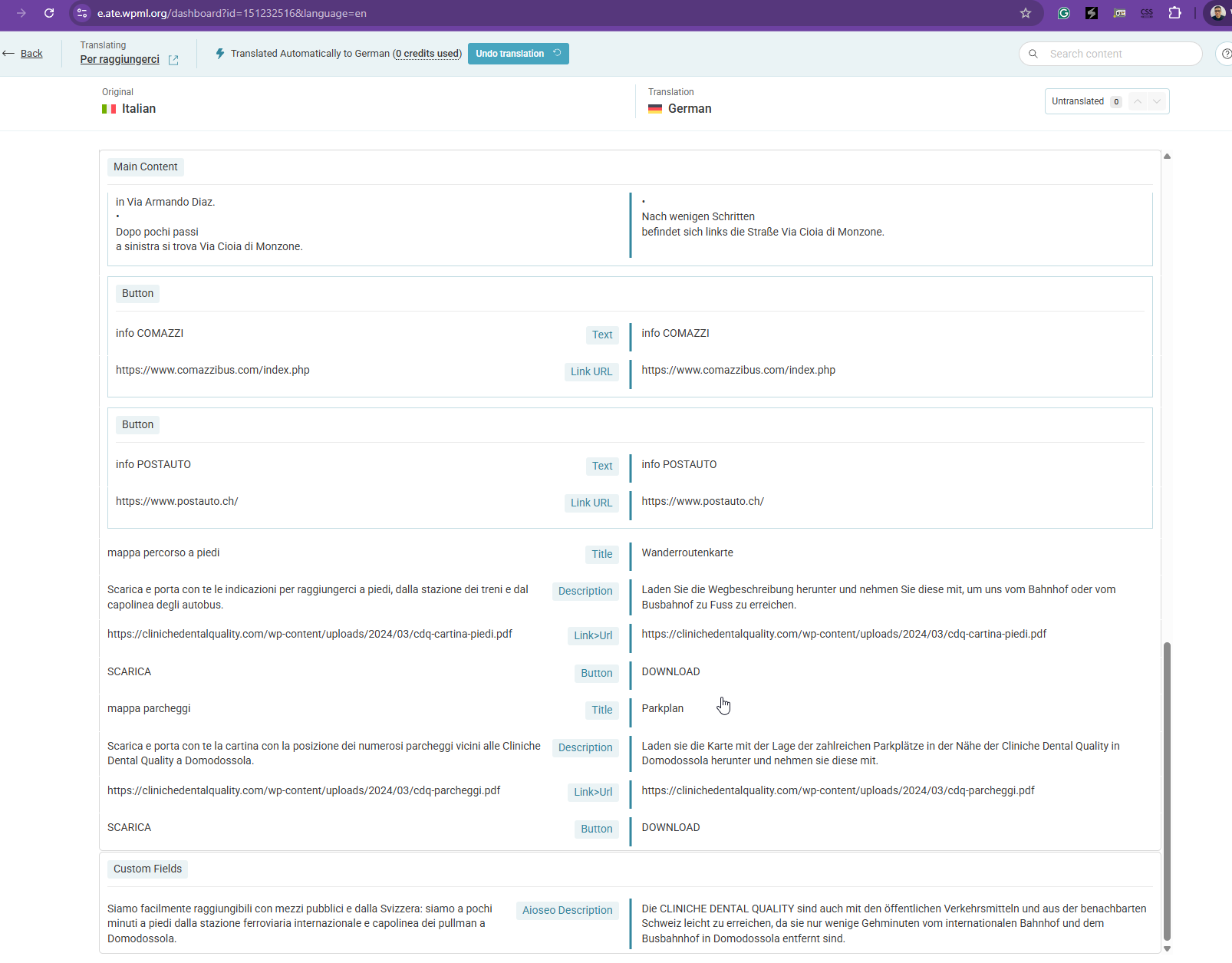
Thanks for your reply. I've added this custom XML configuration here in WPML > Settings > Custom XML Configuration hidden link and translating the call to action section should be possible now. Please check hidden link
Hi, thank you - I see that now it is working but I am missing translation of the text within the buttons (it is still in Italian and in your editor I don't see any related field). Can you fit that too? And what is the problem? Your plugin is not fully compatible with Elementor?
OK the button is located within the same widget, in the same page hidden link. I am attaching the screenshot - you created a field for the link translation but not for the button text 🙂 Thank you.
Thanks for your reply. I've updated the custom XML configuration here hidden link with the code below and it shows up now for translation as shown in the attached screenshot.