This thread is resolved. Here is a description of the problem and solution.
Problem:
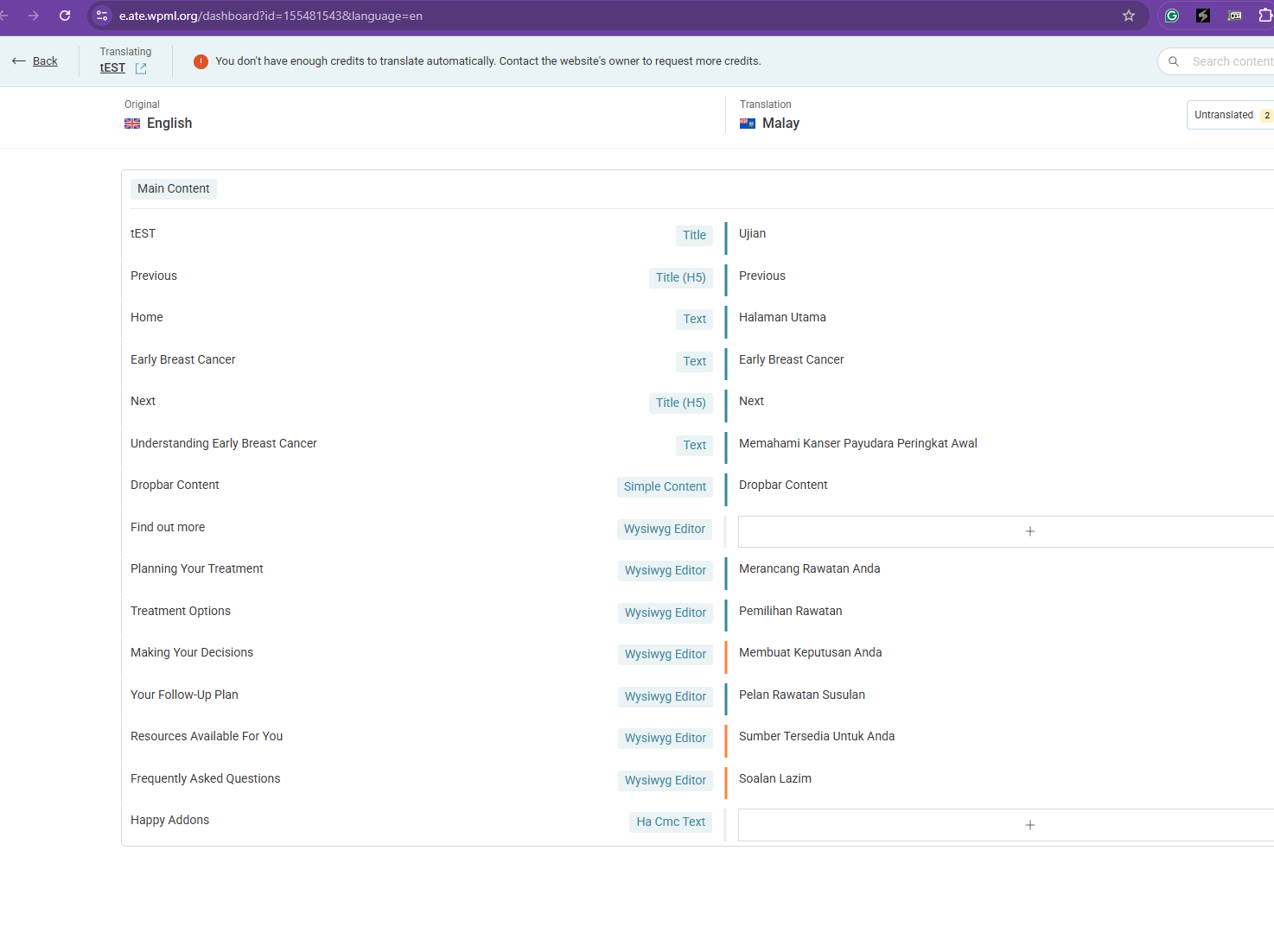
If you're unable to find the dropbar information in the advanced translation dashboard while using WPML.
Solution:
We recommend adding the following custom XML configuration to WPML > Settings > Custom XML Configuration. This will make the dropbar widget translatable:
<wpml-config>
<elementor-widgets>
<widget name="jet-dropbar">
<fields>
<field>button_text</field>
<field>simple_content</field>
<field>wysiwyg_editor</field>
<field>ha_cmc_text</field>
</fields>
</widget>
</elementor-widgets>
</wpml-config>
Please note that this solution might be irrelevant if it's outdated or not applicable to your specific case. We highly recommend checking related known issues at https://wpml.org/known-issues/, verifying the version of the permanent fix, and confirming that you have installed the latest versions of themes and plugins. If the issue persists, please open a new support ticket at WPML support forum.
This is the technical support forum for WPML - the multilingual WordPress plugin.
Everyone can read, but only WPML clients can post here. WPML team is replying on the forum 6 days per week, 22 hours per day.
This topic contains 6 replies, has 0 voices.
Last updated by 6 months, 2 weeks ago.
Assisted by: Kor.