Background of the issue:
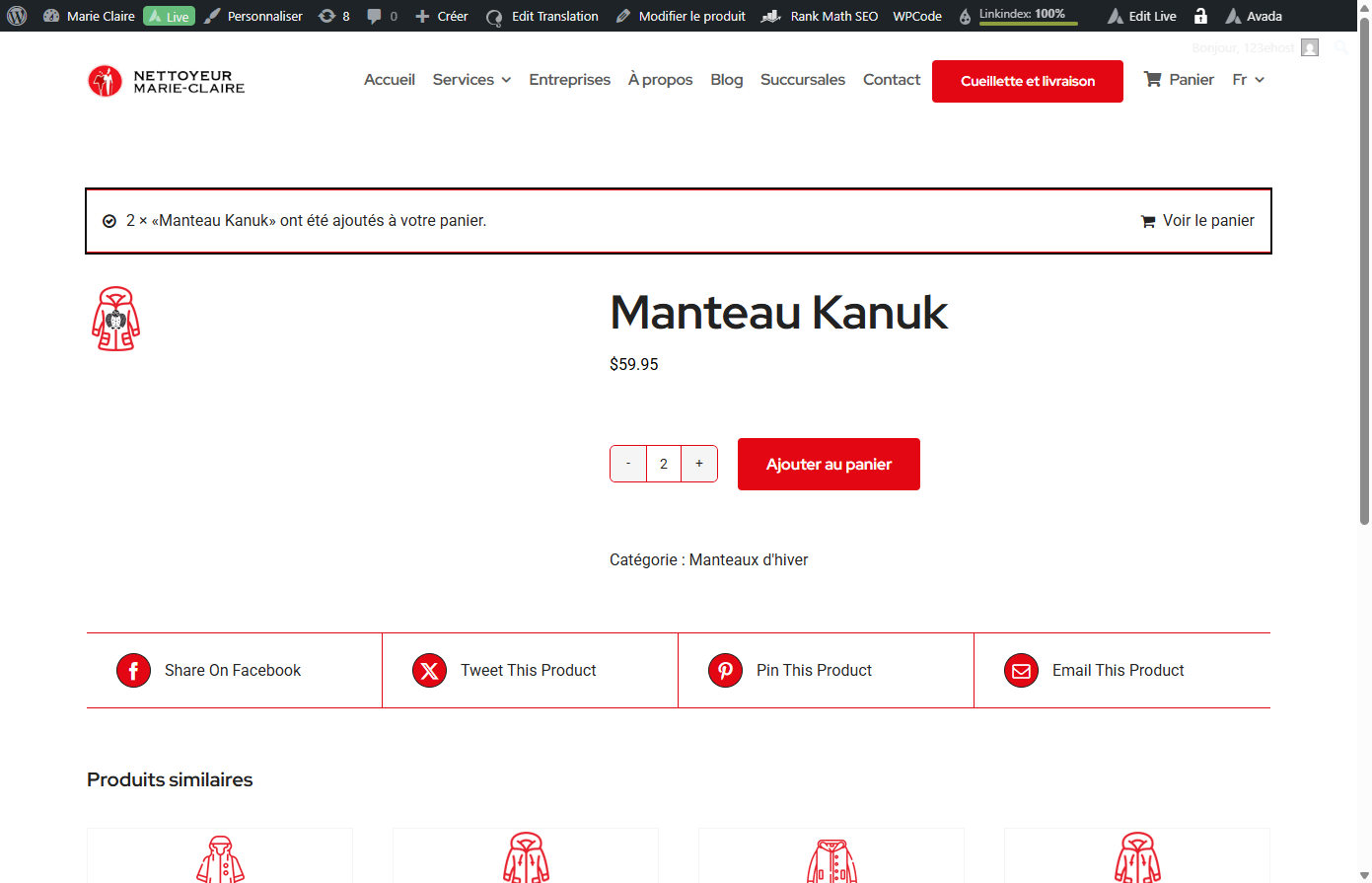
I'm using the Avada theme with WooCommerce on my website hidden link. In the French version, when I add a product, it shows 'voir le panier'. However, in the English version, this does not appear.
Symptoms:
The 'view cart' option does not show in the English version of the site when adding a product with WooCommerce.
Questions:
Why does the 'view cart' option not appear in the English version of my site?
How can I ensure the 'view cart' option appears in both language versions?
Thanks for contacting WPML forums support. I'll be glad to help you today.
I would need to look closely at your site, so I would need to request temporary access (WP-Admin and FTP) Preferably to a test site where the problem has been replicated.
Your answer will be private, meaning only you and I can access it.
❌ Please back up your database and website ❌
✙ I need your permission to deactivate and reactivate the plugins and themes and change site configurations. This is also why the backup is critical.
✙ I also need your permission to take a local copy of your site to debug the issue without affecting your live site.
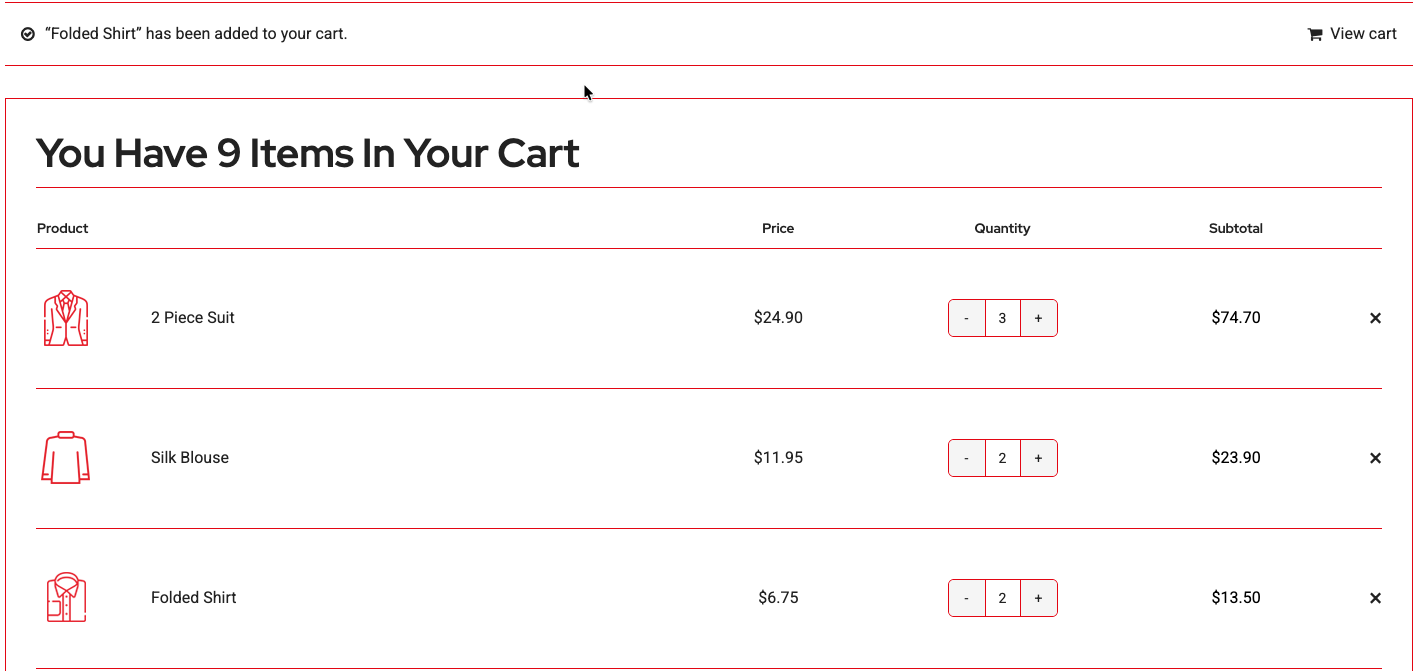
Thanks for the access details. I checked the issue and noticed that the view cart message appears when visiting another page after the product's page. (Kindly check the attached screenshot)
Please check if the issue persists in a minimal environment by following these steps.
1- Deactivate all the plugins except WPML CMS, String Translation, WCML, and WooCommerce core plugins.
2- Switch to a WordPress default theme like Twenty Twenty-one.
If the issue is gone, activate them one by one to see which one is causing an interaction issue.
❌ Please back up your database before the above test ❌
If you are not comfortable doing this test on your site, please let me know so I can install the Duplicator Pro plugin to take a local copy of your site to debug the issue further.
I've disabled the plugins and changed the theme and problem still persists. I've set up a short video hidden link
Another thing I noticed is when you login to wordpress and click "clothing" from the home page hidden link it takes you to the correct page, but when you click on "clothing" from the home page without login to wordpress it still takes you to hidden link but it does not take you to the product page.
Thanks for your update. I installed a local copy of your site, ran the minimal test, and noticed that the message appeared correctly. (Kindly check this hidden link">Screenshot)
After that, I activated the Avada theme, which caused the issue, so I checked further and found that the "Product content" section in Avada-> Layouts is the actual cause.
When disabling this product layout, the message appears correctly. (Kindly check this hidden link">Screenshot)
Best regards,
Osama
The topic ‘[Closed] view cart doesn’t show when adding a product with woocommerce’ is closed to new replies.