Home›Support›English Support›[Resolved] ❗ Fatal error when translating Visual Portfolio "Saved Layout" – strtr(): Argument #1 must be ...
[Resolved] ❗ Fatal error when translating Visual Portfolio "Saved Layout" – strtr(): Argument #1 must be ...
This thread is resolved. Here is a description of the problem and solution.
Problem: If you're experiencing a PHP Fatal Error when trying to translate a Saved Layout created with the Visual Portfolio plugin using WPML, and the error message indicates 'strtr(): Argument #1 ($string) must be of type string, array given', this is likely due to a misconfiguration in the translation settings of a custom field. Solution: We recommend following these steps to resolve the issue: 1. Navigate to WPML > Settings > Custom Fields. 2. Locate the
vp_images
field and change its translation preference to 'Copy' or 'Copy once'. 3. Go to WPML > Translation Management > Jobs, and delete the translation job that is currently in progress. 4. Return to the original post or page, save it again, and then initiate a new translation. This adjustment should correct the error and allow you to access the WPML translation editor without issues.
Please note that this solution might be irrelevant if it's outdated or not applicable to your specific case. We highly recommend checking related known issues at https://wpml.org/known-issues/, verifying the version of the permanent fix, and confirming that you have installed the latest versions of themes and plugins. If the problem persists, please open a new support ticket.
This is the technical support forum for WPML - the multilingual WordPress plugin.
Everyone can read, but only WPML clients can post here. WPML team is replying on the forum 6 days per week, 22 hours per day.
Background of the issue:
I am trying to translate a Saved Layout created with the Visual Portfolio plugin on my WordPress website. The error prevents me from accessing the WPML translation editor. Link to a page where the issue can be seen: hidden link
Symptoms:
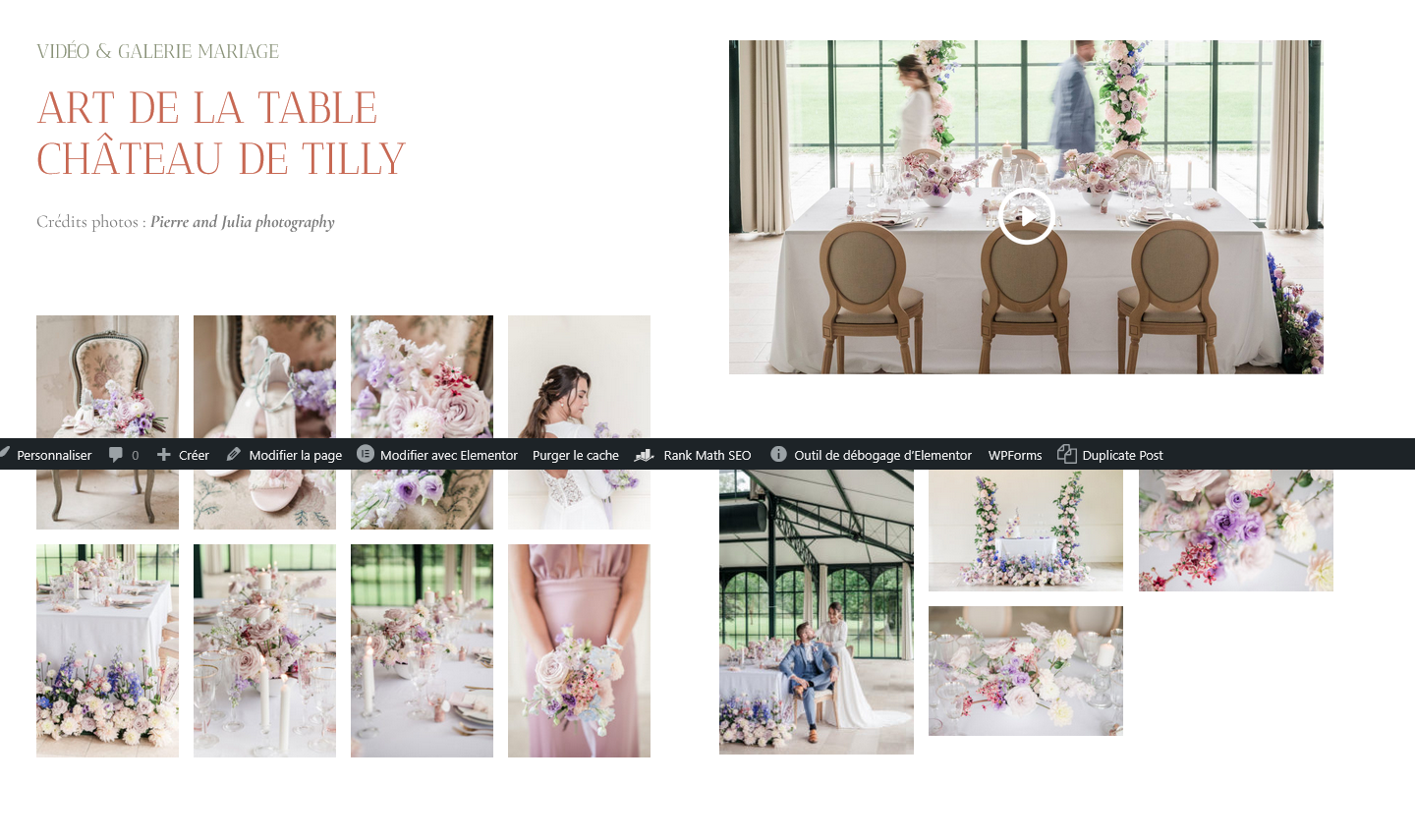
PHP Fatal error: Uncaught TypeError: strtr(): Argument #1 ($string) must be of type string, array given in /wp-content/plugins/sitepress-multilingual-cms/classes/utilities/Labels.php on line 26. The issue happens when attempting to open the translation editor, likely due to a field or label that is not a plain string. I expected to see the Gallery Saved layout without Title H2, but instead, I got an H2 Title under the photos. The layout is not good.
Questions:
Why is WPML expecting a string but receiving an array?
How can I fix the fatal error to access the WPML translation editor?
This has been escalated to our Compatibility team and may take some debugging time, I'll get back to you as soon as I have any news or questions for you.
Languages: English (English )German (Deutsch )French (Français )
Timezone: Europe/Zagreb (GMT+01:00)
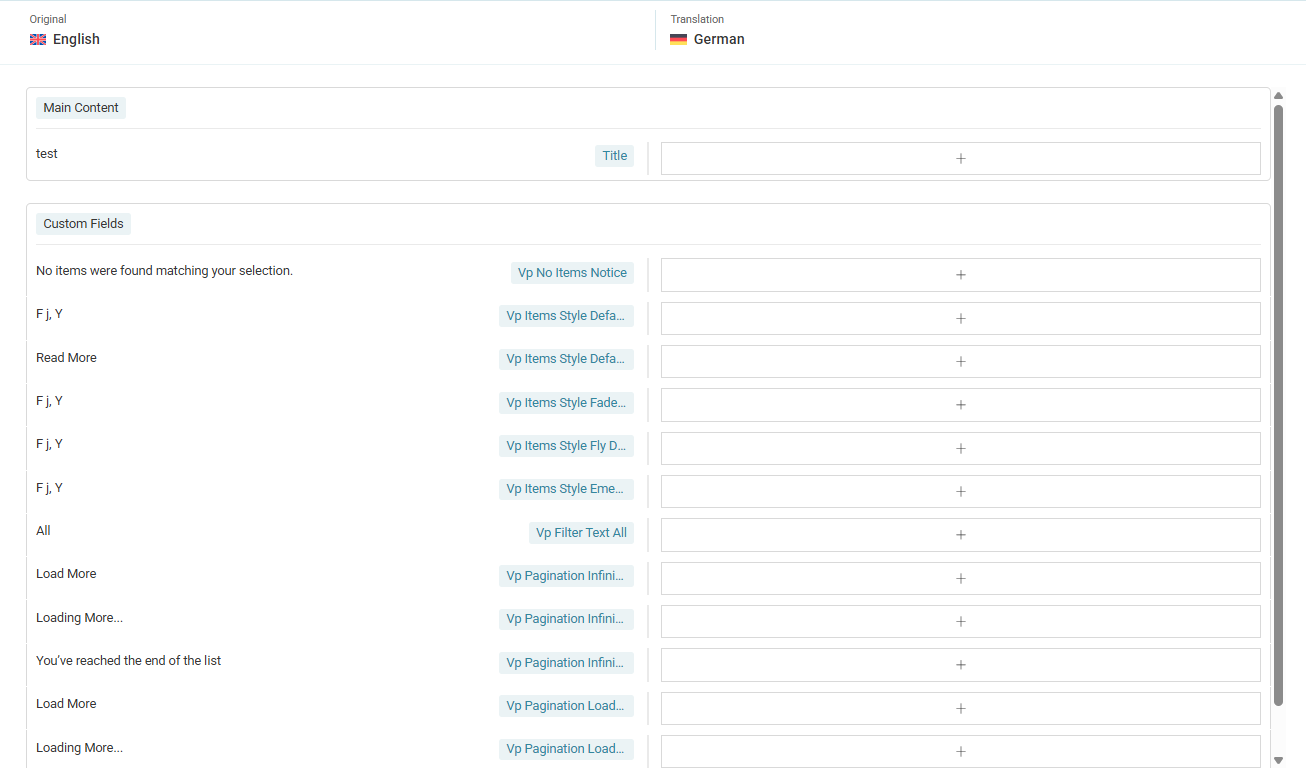
The custom field `vp_images` was originally set to be translatable, but it should actually be set to "Copy". Since this field contains an array (not a single string), it caused the error: "must be of type string, array given."
Here’s how to fix it:
1. Go to WPML > Settings > Custom Fields.
2. Find `vp_images` and change its translation preference to Copy (or Copy once).
3. Navigate to WPML > Translation Management > Jobs, and trash the translation job that is currently in progress.
4. Go back to the original post/page, resave it, and then create a new translation.
This will ensure everything works properly without errors.