Hello, I need assistance with the following 3 points:
1.I want to translate the buttons of WooCommerce, originally called 'add to cart' in English.
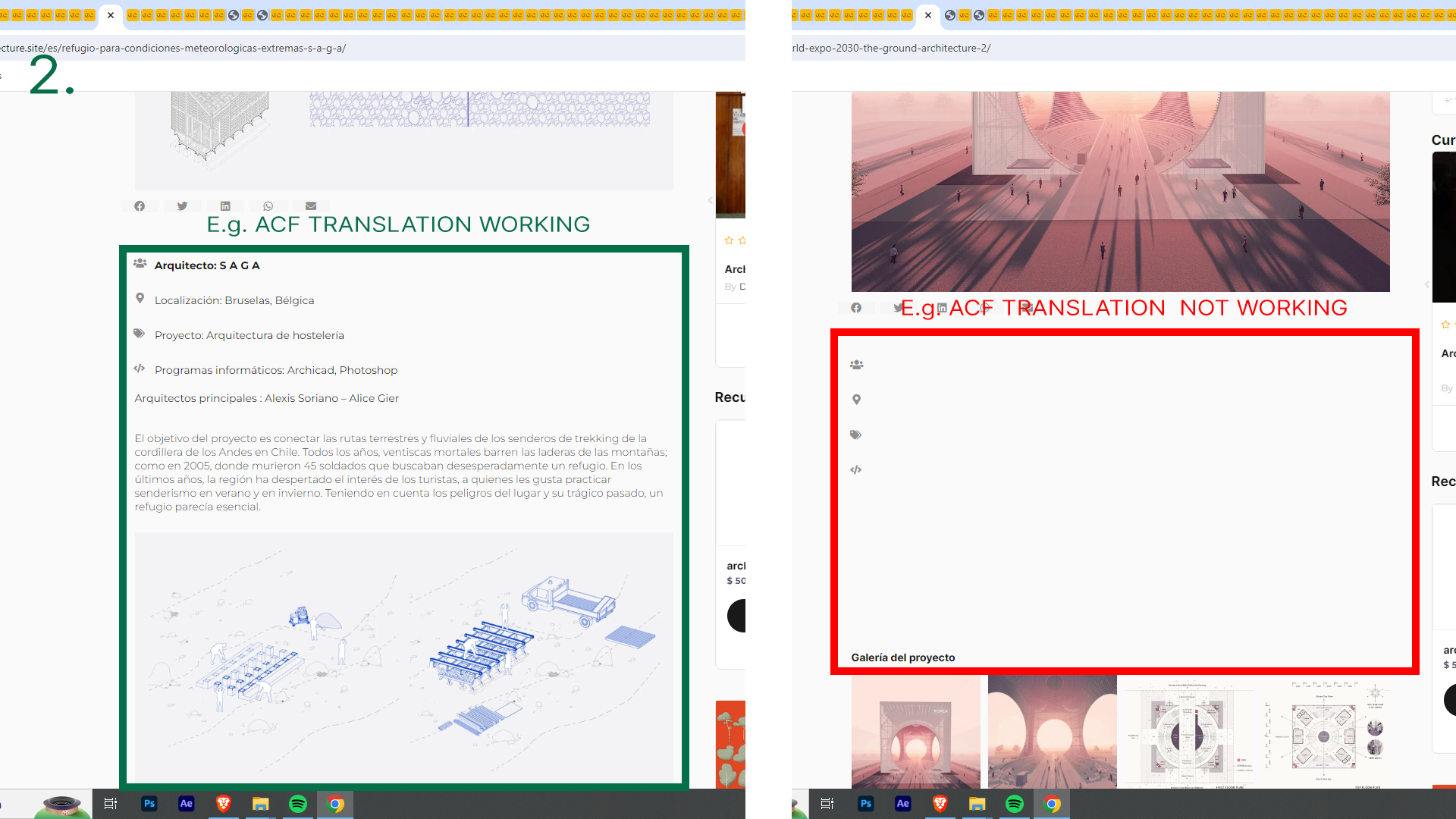
2. I'm working on my website with ACF. The issue is that some posts translate correctly, while others remain completely blank including the images doesnt appear.
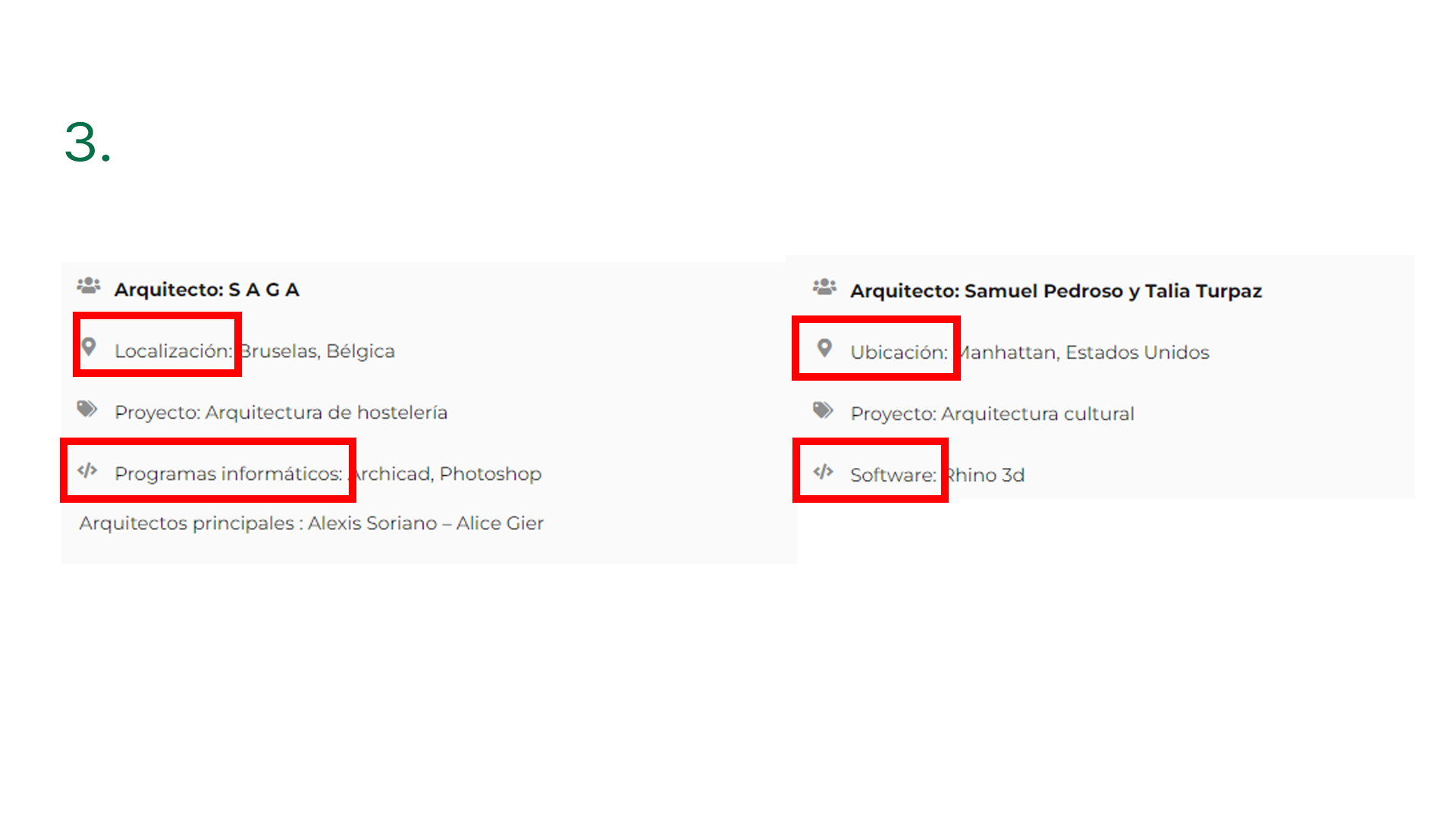
3. Why do some ACF fields translate differently? For example, in the original language, I have the word 'Location' as a prefix in an ACF container. However, it translates differently in each post; in some, it appears in Spanish as 'ubicación', while in others as 'locación'."
I understand what you're looking for. I'm including answers for each point below.
1) Translating WooCommerce Buttons: As the WooCommerce Button texts are static, you should be able to translate them from String Translation. Please go to "WPML > String Translation" and search for the text that you want to translate. If that appears in the result, click on the "+" icon below the language flag and add the translation.
2) ACF data are not showing in some posts: Upon checking the WPML Debug Info, I found that the translation preference for the Architect fields is set to "Translate". Therefore, the data should appear correctly on the translated page/post. Could you please try the following and check if that helps in solving the issue?
- Open the default page/post in the WordPress Editor.
- Make a small change there and update the changes.
- It will trigger a translation update. Proceed to update the translation. Make sure to 1005 complete the translation.
- Clear the caches from the site and then check again.
3) Elementor Prefix appears differently in each post: Upon inspection, I found that the section containing 'Location' and other details is saved as an Elementor template(default template ID: 17114). Since you have already translated the template, the translated prefix should appear constantly in each post. Could you please go to "WPML > String Translation" and ensure that the text has been translated properly? You can also remove the prefix and update the template. Then add it again, update the template, and its translation as well.
Let me know how it goes. I will be happy to help if you need further assistance in this matter.
Best regards,
Prosenjit
The topic ‘[Closed] acf fields and woocommerce’ is closed to new replies.