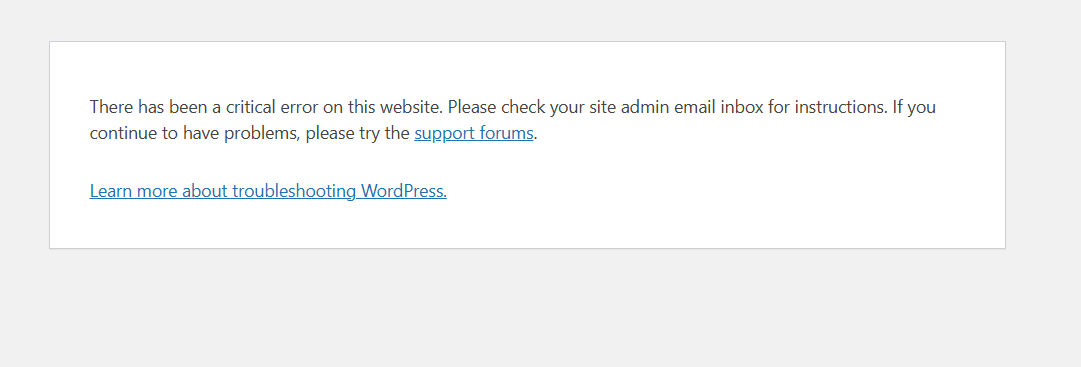
This thread is resolved. Here is a description of the problem and solution.
Problem: When WPML plugins are active, the client cannot access the Astra Pro customize page. Errors occur, including a PHP notice about an incorrectly called function and a fatal error due to memory exhaustion. Solution: We recommend increasing the PHP memory limit to 512M to handle the operations with the number of plugins installed. This adjustment can be made by editing the wp-config.php file and adding or updating the following line:
If this solution does not resolve the issue or seems irrelevant due to being outdated or not applicable to your case, we highly recommend checking related known issues at https://wpml.org/known-issues/, verifying the version of the permanent fix, and confirming that you have installed the latest versions of themes and plugins. If problems persist, please open a new support ticket.
This is the technical support forum for WPML - the multilingual WordPress plugin.
Everyone can read, but only WPML clients can post here. WPML team is replying on the forum 6 days per week, 22 hours per day.
To better understand your situation, could you please enable debugging, replicate the issue, and share the full error message from your debug.log file?
Here are the steps:
1. Enable WordPress debugging by editing your wp-config.php file. Add (or modify, if these lines already exist) the following lines before the comment /* That's all, stop editing! Happy publishing. */:
2. Replicate the error.
3. Check the debug.log file (located in the /wp-content/debug.log) for any WPML-related errors.
4. Copy and paste the full error message here.
PHP Fatal error: Allowed memory size of 134217728 bytes exhausted (tried to allocate 6976328 bytes) in /public_html/wp-includes/script-loader.php on line 3015
It looks like your current PHP memory limit is set to 128M, which may not be sufficient for the operation you’re performing with the number of plugins installed. I recommend increasing it to 512M, and then testing the issue again.
You can increase the WordPress memory limit by editing your wp-config.php file and adding (or updating) the following line:
[16-Feb-2026 13:27:59 UTC] PHP Notice: Function WP_Scripts::add was called incorrectly. The script with the handle "awf" was enqueued with dependencies that are not registered: jquery-blockui. Please see Debugging in WordPress for more information. (This message was added in version 6.9.1.) in /public_html/wp-includes/functions.php on line 6131
[16-Feb-2026 13:28:03 UTC] PHP Fatal error: Allowed memory size of 134217728 bytes exhausted (tried to allocate 6976328 bytes) in /public_html/wp-includes/script-loader.php on line 3015
[16-Feb-2026 13:28:06 UTC] PHP Notice: Function WP_Scripts::add was called incorrectly. The script with the handle "awf" was enqueued with dependencies that are not registered: jquery-blockui. Please see Debugging in WordPress for more information. (This message was added in version 6.9.1.) in /public_html/wp-includes/functions.php on line 6131
Did you actually increase the PHP memory limit? You might need to contact your hosting provider if the value is not yet increased or follow the documentation I shared earlier.
Please upload a screenshot of WPML → Support and the Info PHP section.
I need to request temporary access (wp-admin and FTP) to your site—preferably to a test site where the problem has been replicated if possible—in order to be of better help. When you log in to leave your next reply, you will find the needed fields below the comment area. The information you will enter is private, meaning only you and I can see and access it.
Please provide the steps to replicate the issue on your site.