Skip to content Skip to sidebar

This is the technical support forum for WPML - the multilingual WordPress plugin.

Everyone can read, but only WPML clients can post here. WPML team is replying on the forum 6 days per week, 22 hours per day.

Sun Mon Tue Wed Thu Fri Sat
12:00 – 20:00 12:00 – 20:00 12:00 – 20:00 12:00 – 20:00 12:00 – 20:00 - -
- - - - - - -

Supporter timezone: Asia/Karachi (GMT+05:00)

This topic contains 6 replies, has 0 voices.

Last updated by Quick Easy 1 day, 22 hours ago.

Assisted by: Noman.

Author Posts
January 13, 2026 at 1:45 pm #17725819

Quick Easy

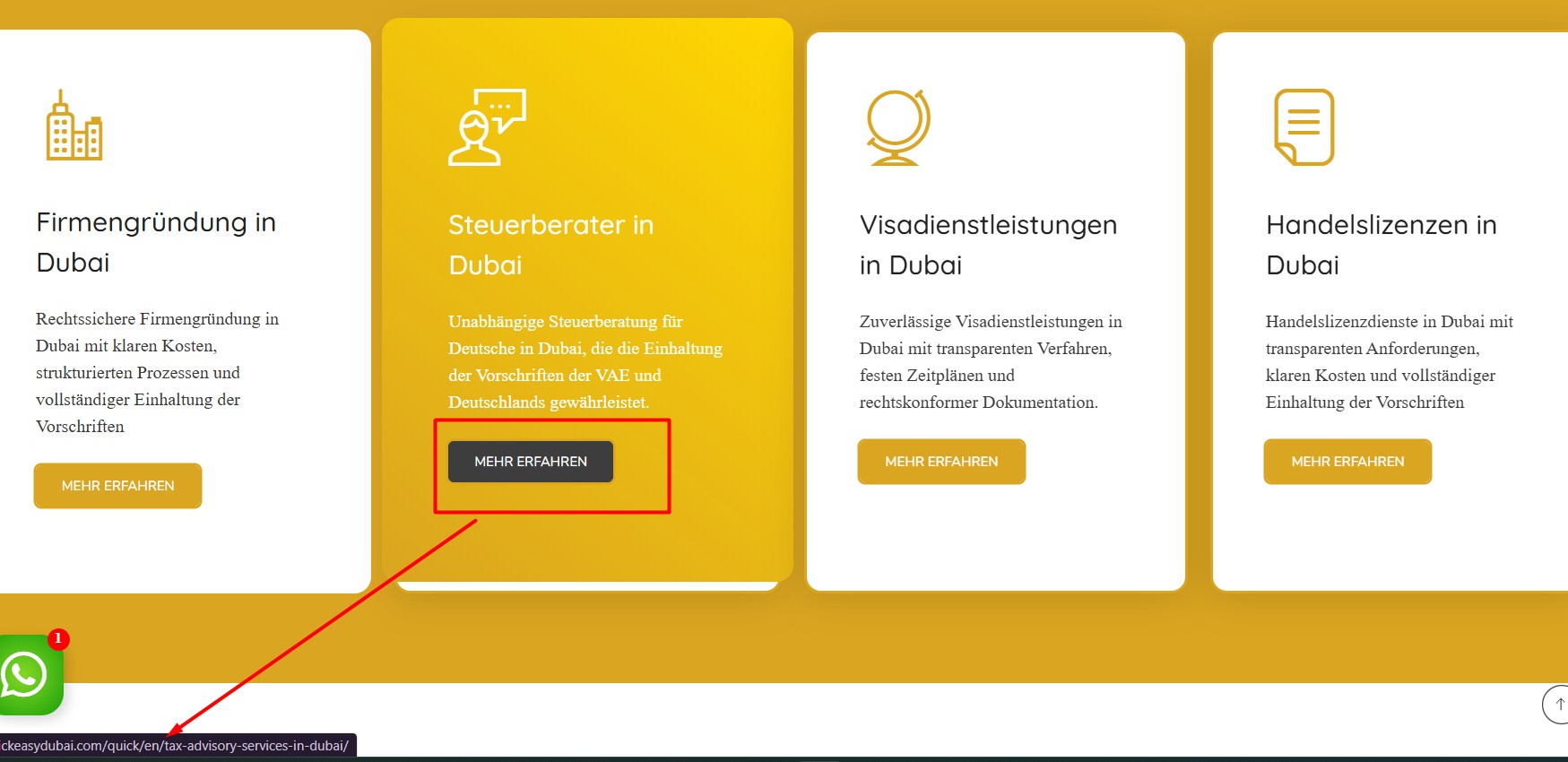
We also need to know how to redirect the homepage section button link to the respective language page link.
Currently, when the URL is hidden link, the button link redirects to the respective English page. Similarly, when the URL is hidden link, the button link redirects to the corresponding German page.

January 13, 2026 at 5:06 pm #17726846

Noman
WPML Supporter since 06/2016

Languages: English (English )

Timezone: Asia/Karachi (GMT+05:00)

Hi,

Thank you for contacting WPML Support. I can see the German home page buttons are redirected to the English home page as you can see in the attached screenshot. Could you please try to follow the below steps:

1. Go to Settings >> General and make sure both WordPress Address (URL) and Site Address (URL) use https, not http.

2. Go to WPML >> Settings > Update internal links, click Scan now and adjust links, and let the scan finish.

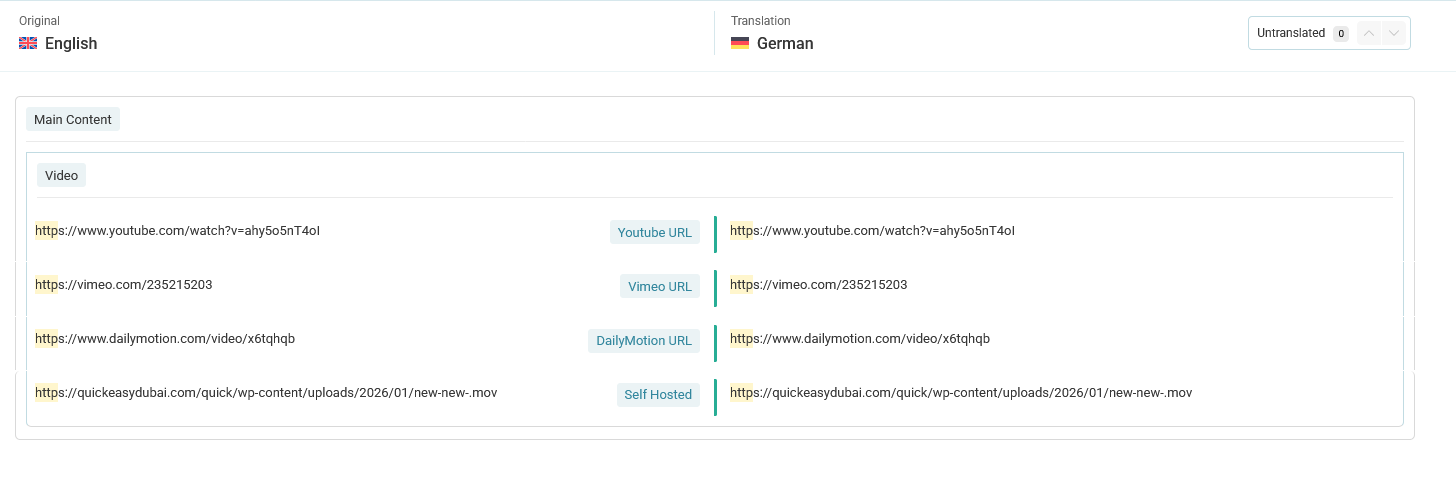
3. If the issue continues, open the translated page in the WPML Translation Editor, search the button URL by typing “http” in the search input box. If the link appears, translate it and complete the translation.

4. Clear all sorts of site/server/CDN cache and see if this resolves the issue.

Here is a doc for more details: https://wpml.org/faq/how-to-translate-links/

If the issue persists, please add the debug report in the Debug Information box. I have also enabled debug info box for your next reply: https://wpml.org/faq/provide-debug-information-faster-support/

Kindly let me know the results,
Thank you

button link translation 2.jpg
January 14, 2026 at 4:05 am #17727740

Quick Easy

All the steps have been tried, but I am still unable to change the link translation. I have attached a screenshot for your reference.

Advanced Translation Editor - WPML.png
Link-path.jpg
January 14, 2026 at 9:59 am #17728483

Noman
WPML Supporter since 06/2016

Languages: English (English )

Timezone: Asia/Karachi (GMT+05:00)

Thanks for trying the above steps and providing the screenshots. To take a closer look at this issue, please provide temporary access (WP-Admin and FTP Login info) to your site (preferably staging site), so that I can look into your setup and debug the issue.

Your next answer will be private, meaning only you and I can access it.

=== Please backup your database and website ===

✙ I would need your permission to deactivate and reactivate Plugins and the Theme and to change configurations on the site. This is also a reason the backup is essential.

Thank you

January 15, 2026 at 11:32 am #17732878
Quick Easy

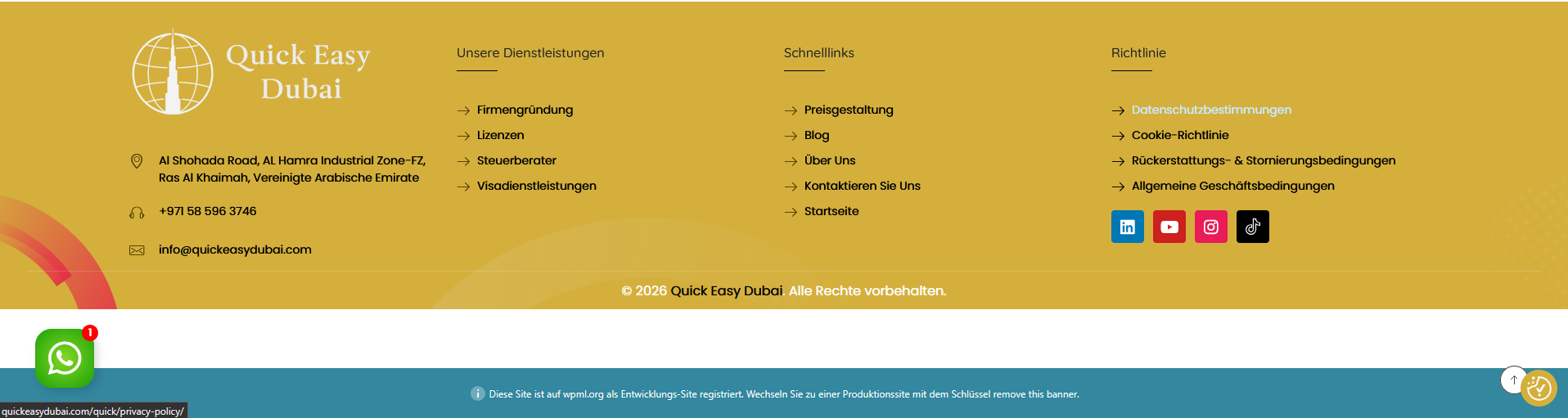
Also in footer links not updating. attached screenshot for your reference

New threads created by Noman and linked to this one are listed below:

https://wpml.org/forums/topic/split-the-faq-section-accordion-not-converted-to-german-version-of-the-page/

Screenshot 2026-01-15 170049.png
January 15, 2026 at 5:56 pm #17735007

Noman
WPML Supporter since 06/2016

Languages: English (English )

Timezone: Asia/Karachi (GMT+05:00)

Thanks for providing the login details. I followed the below steps:

1. Added the below XML:

<widget name="aux_text">
      <fields>
        <field type="Info Box Title" editor_type="LINE">title</field>
        <field type="Info Box Content" editor_type="VISUAL">content</field>
        <field type="Info Box Button" editor_type="LINE">btn_label</field>
        <field type="Info Box Button URL" editor_type="LINK">btn_link>url</field>
      </fields>
    </widget>
    <widget name="aux_icon_list">
      <fields-in-item items_of="list">
        <field type="Icon List Text Primary" editor_type="LINE">text_primary</field>
        <field type="Icon List Text Secondary" editor_type="LINE">text_secondary</field>
        <field type="Icon List URL" editor_type="LINK">link>url</field>
      </fields-in-item>
    </widget>

In WPML >> Settings > Custom XML Configuration section.

2. Made a small change in the home page/Footer template title to reload the translation, completed the translation in German language.

Now, it shows the correct link translation at the front end.

Now the links are also available in the WPML Translation Editor, and you can update them there if needed.

For FAQ Accordion translation issue, I created a new ticket here: https://wpml.org/forums/topic/split-the-faq-section-accordion-not-converted-to-german-version-of-the-page/

If the button links translation issue is solved, could you please mark this ticket as resolved and we will continue working on the above ticket.

Thank you

January 16, 2026 at 11:20 am #17736631

Quick Easy

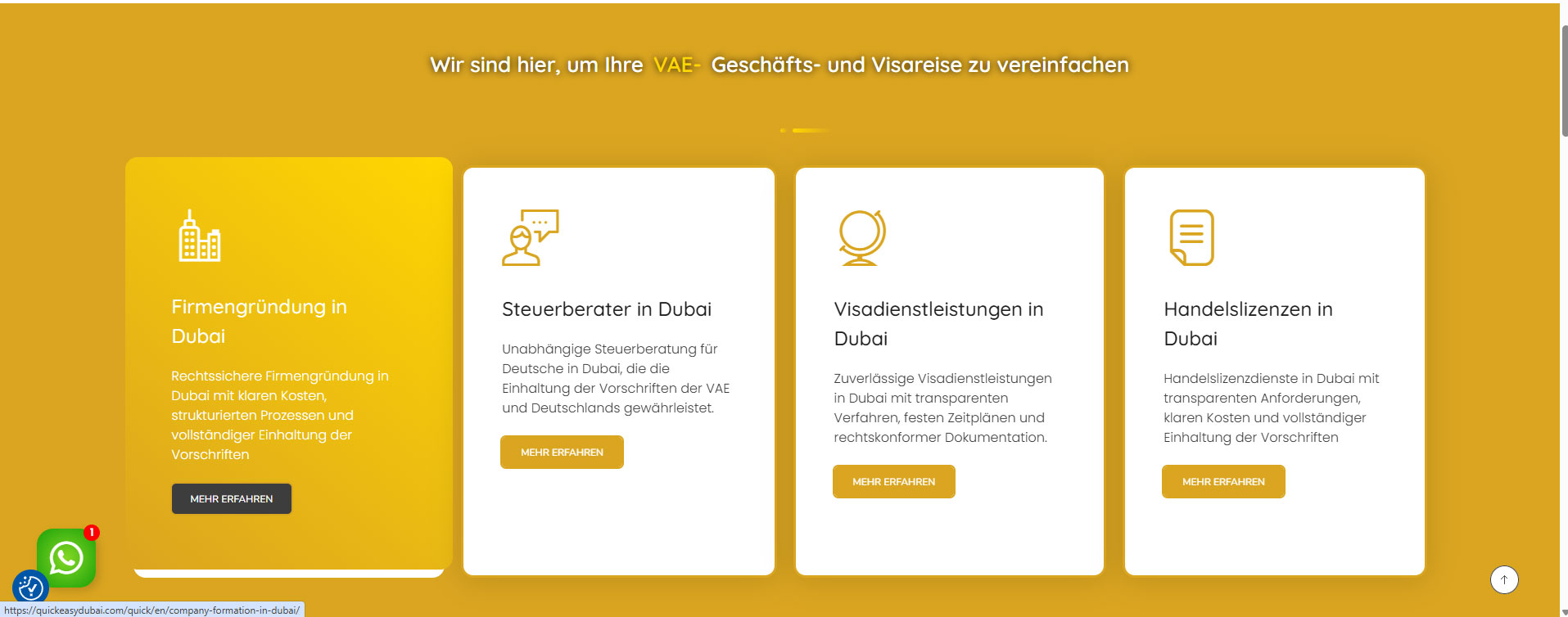
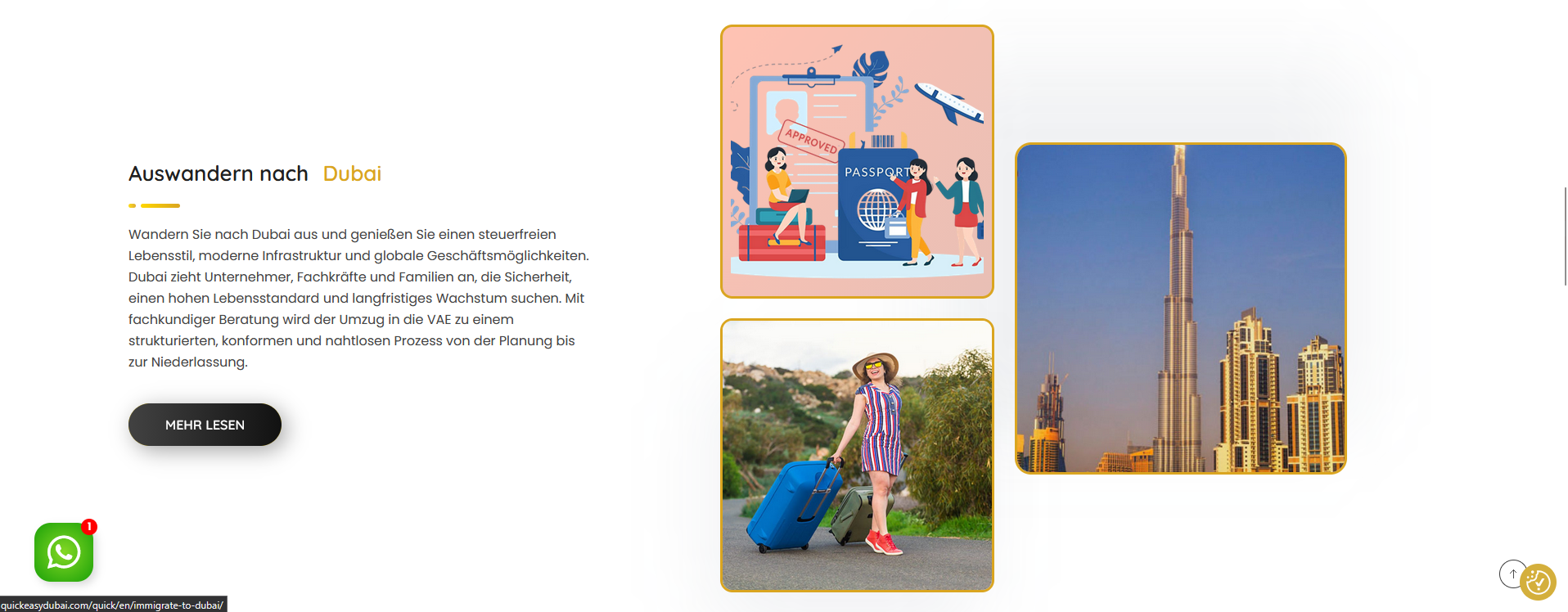
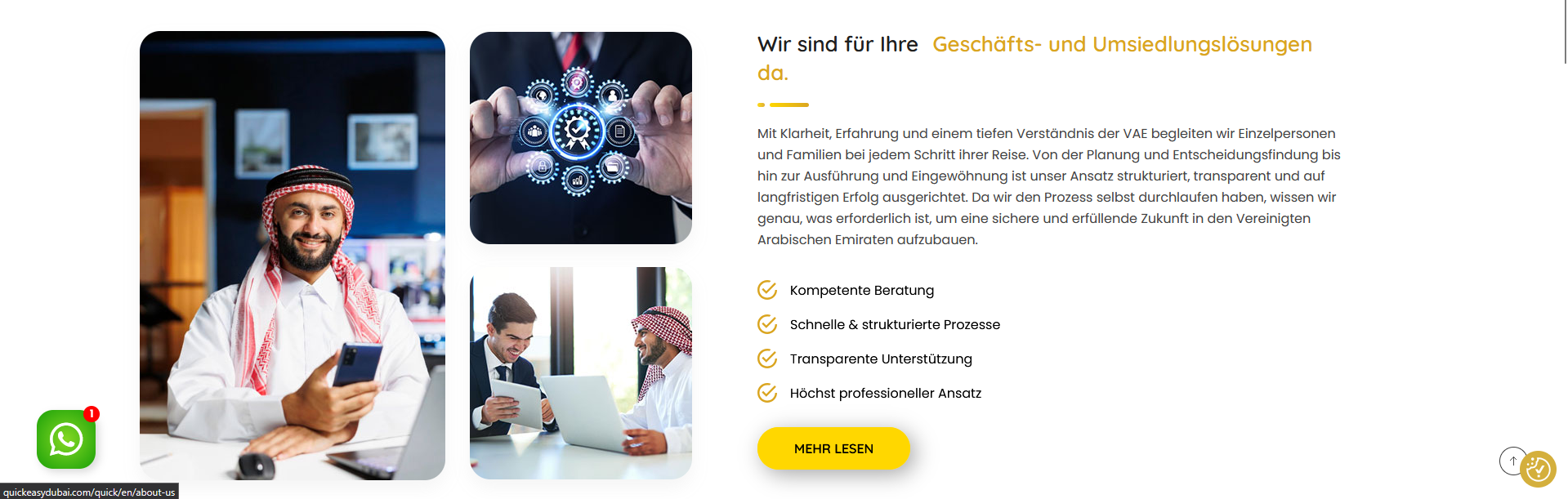
In the German version, two links are redirecting to the English version (the About Us section and the Immigrate to Dubai section). Please find the attached screenshot for your reference.

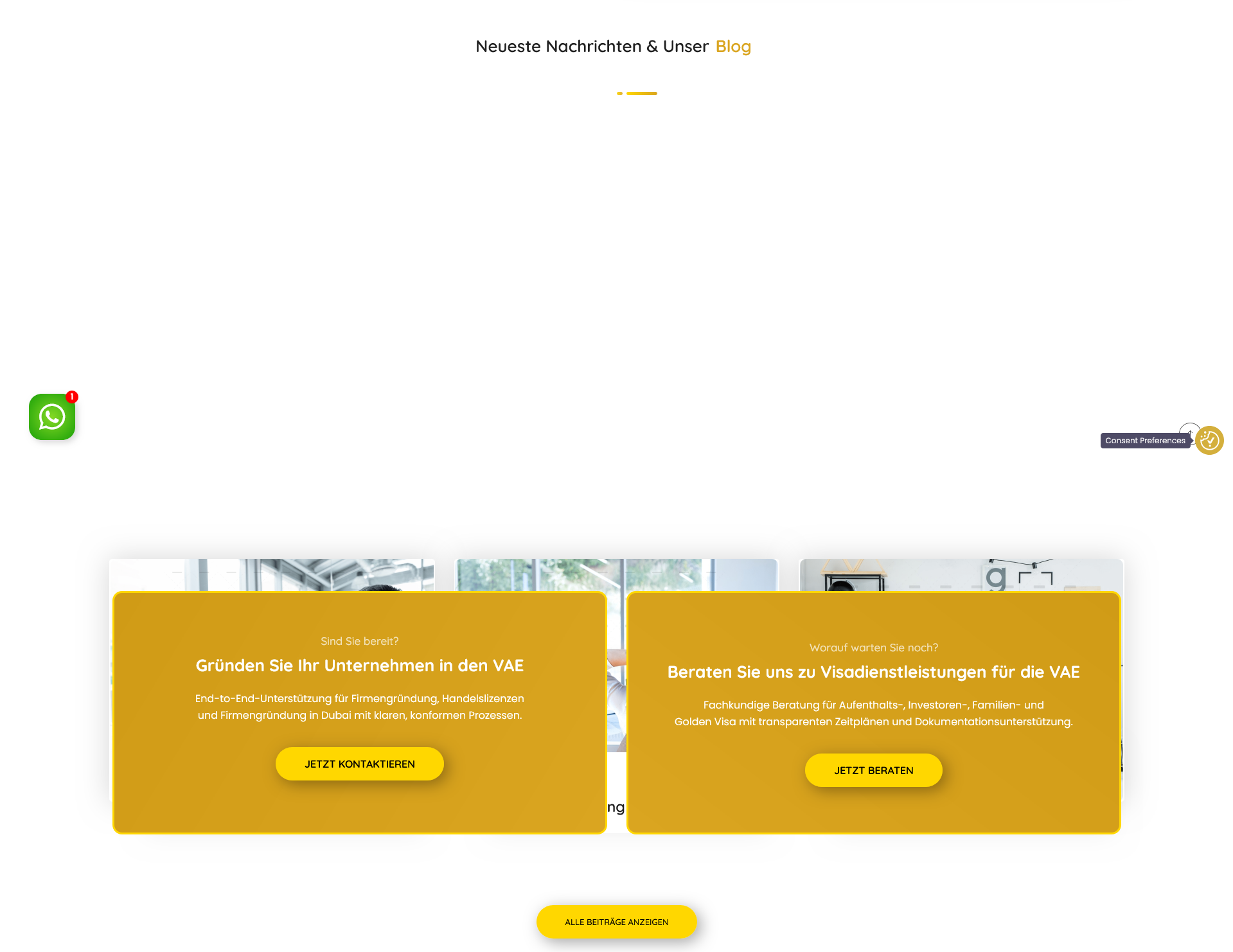
Also, in the German version, the homepage blog section is overlapping, while it is displayed properly in the English version. (Screenshot attached)

Please let me know if I can fix the link issue by myself. If the same issue arises in the future, I would like to be able to fix it on my own. If yes please share tutorials.

Blog Section.png
Immigrate to Dubai Section.png
About Us Section.png