Skip to content Skip to sidebar

This thread is resolved. Here is a description of the problem and solution.

Problem:
The client is trying to display the language switcher in the top navigation menu of their website using Divi 4 and DonDivi's DiviMenus Flex. The language switcher is set as the third menu item with a link type of 'Sub', sourcing from a WP Menu labeled 'Language Switcher'. However, the menu does not display any languages and only shows an option to 'Customize the language switcher'. Additionally, in the backend, the language switcher menu item displays all pages, which the client wishes to hide while editing.

Solution:
To address the visibility of languages in the frontend, follow these steps:
1. Navigate to WPML → Languages → Hide languages and select the languages you wish to hide from visitors.
2. Go to Users → Profile and enable 'Display hidden languages' for your user account. This setting will hide the selected languages from visitors but will allow you to see them in the backend, facilitating your workflow without affecting the frontend display.

Regarding the issue in the Visual Builder where all pages are displayed instead of the language switcher:
1. Ensure that the 'WPML Switcher Only' menu is created in Appearance → Menus.
2. Place this menu in the desired section using the Visual Builder.
3. Check if the menu contains any items. If not, WordPress might display a list of pages as a fallback, which explains the behavior observed.

If these solutions do not resolve your issues or if the information becomes outdated, we recommend checking related known issues at https://wpml.org/known-issues/, verifying the version of the permanent fix, and confirming that you have installed the latest versions of themes and plugins. Should further assistance be needed, please open a new support ticket at WPML support forum.

This is the technical support forum for WPML - the multilingual WordPress plugin.

Everyone can read, but only WPML clients can post here. WPML team is replying on the forum 6 days per week, 22 hours per day.

Tagged: 

This topic contains 6 replies, has 0 voices.

Last updated by Andrey 2 months ago.

Assisted by: Andrey.

Author Posts
January 13, 2026 at 6:41 pm #17727100

nathalieM-5

I'm trying to get the the language switcher to show in the upper right top navigation menu, next to Contact Us.
I've attached screenshots to explain my issue.
1. I'm using the latest theme Divi 4 and DonDivi's DiviMenus Flex.
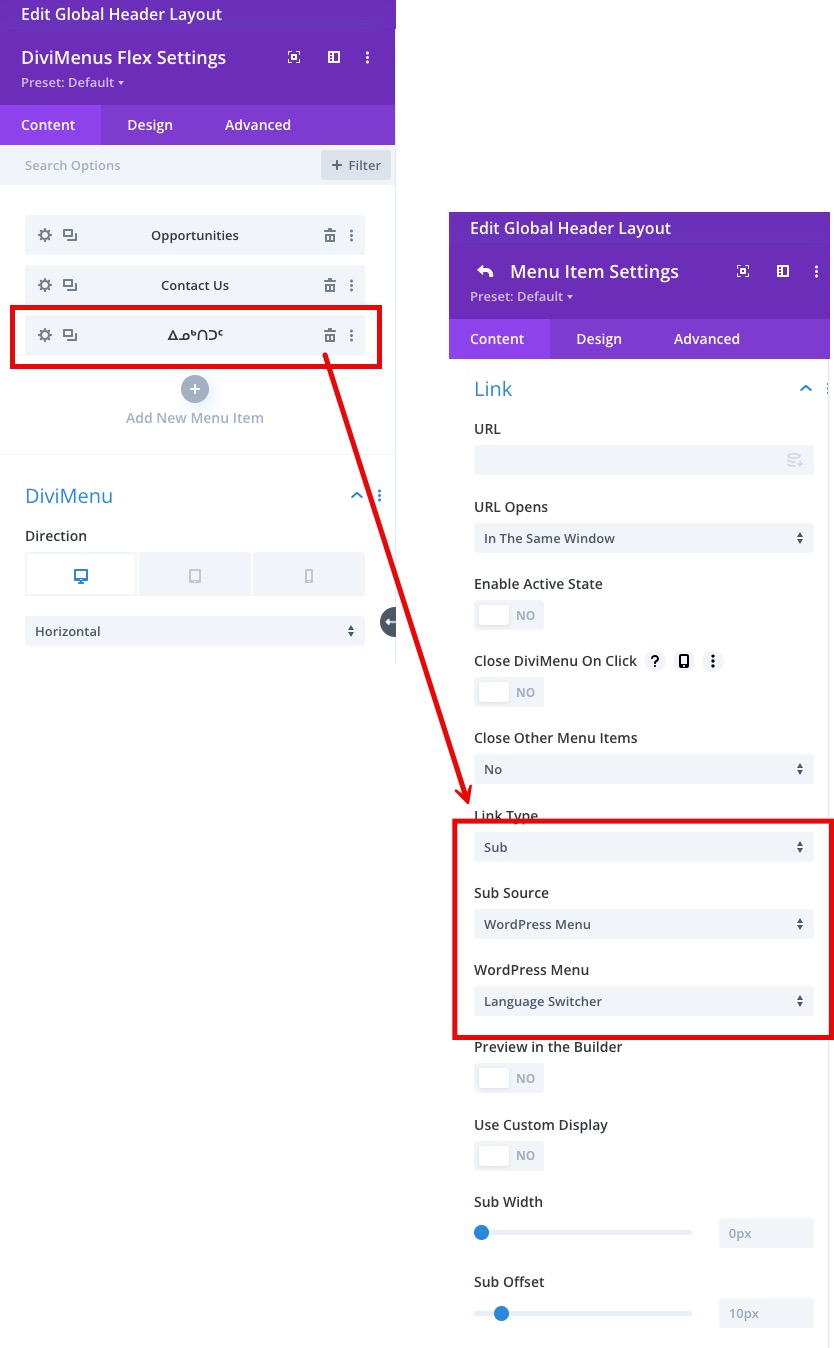
2. The language switcher is the 3rd menu item and its link type is set to "Sub", with "Sub Source" to WP Menu labeled "Language Switcher".
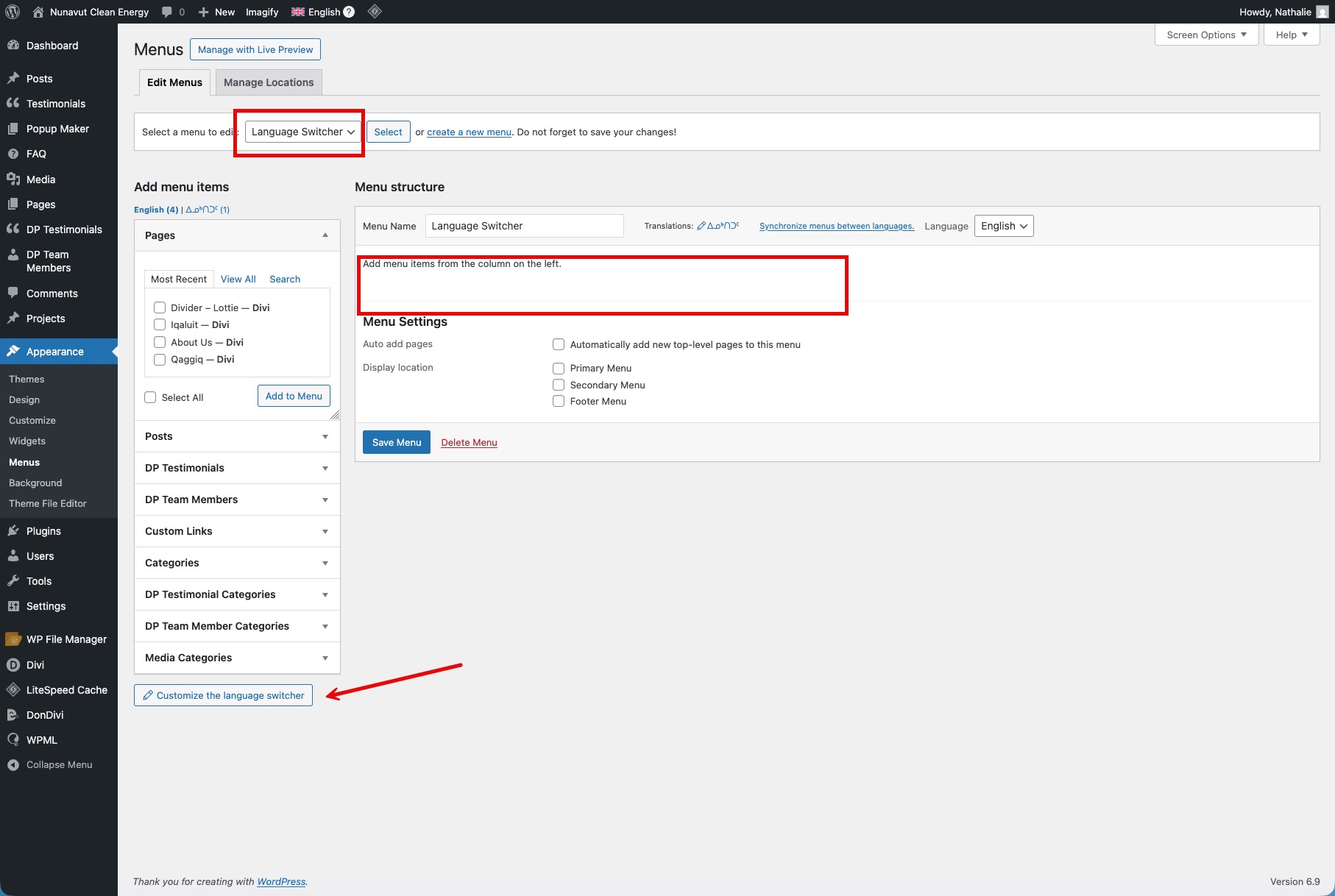
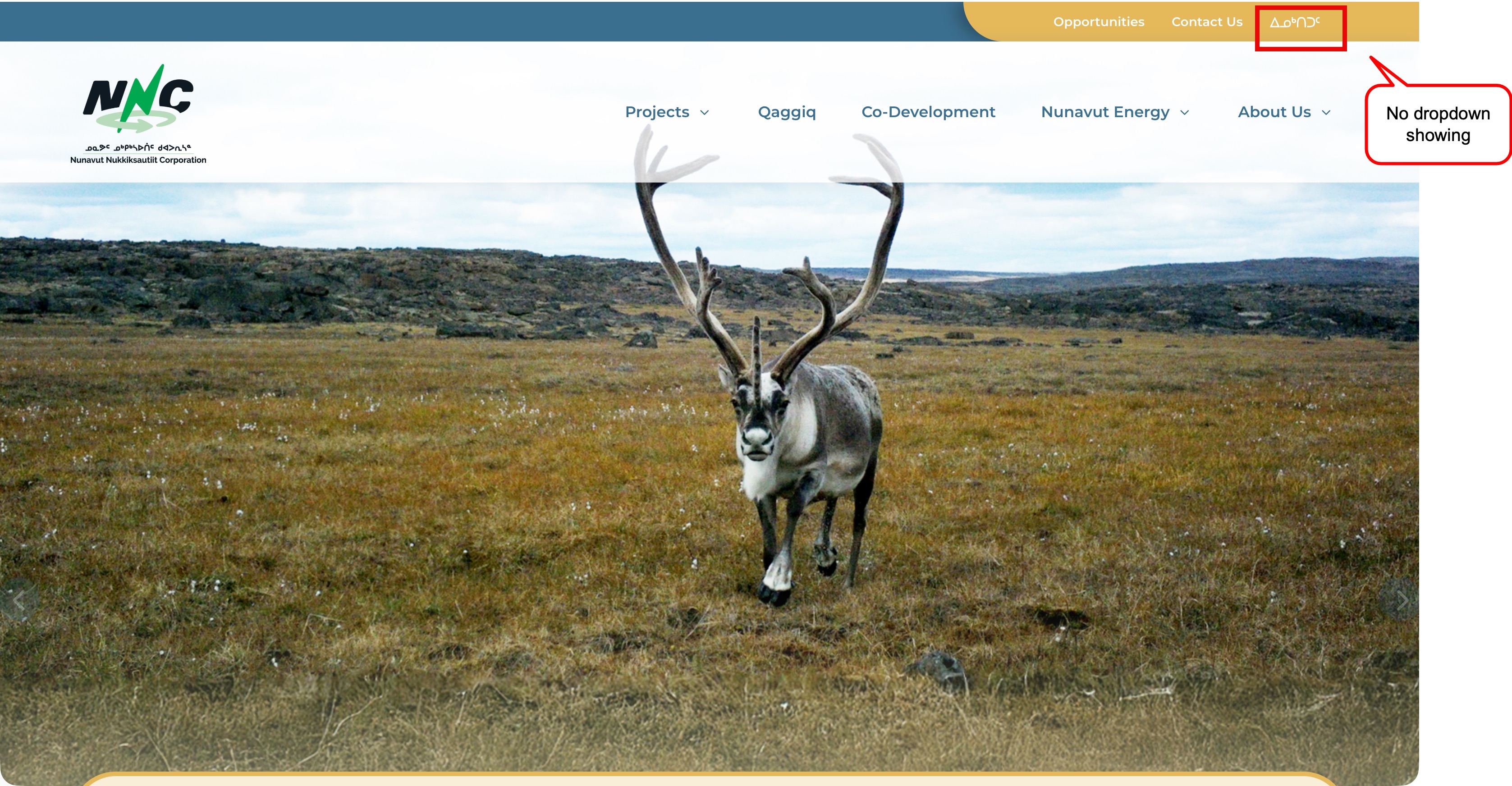
3. In the Menus setting, the Language Switcher doesn't show any languages (English or Inuktitut), but it does have "Customize the language switcher".
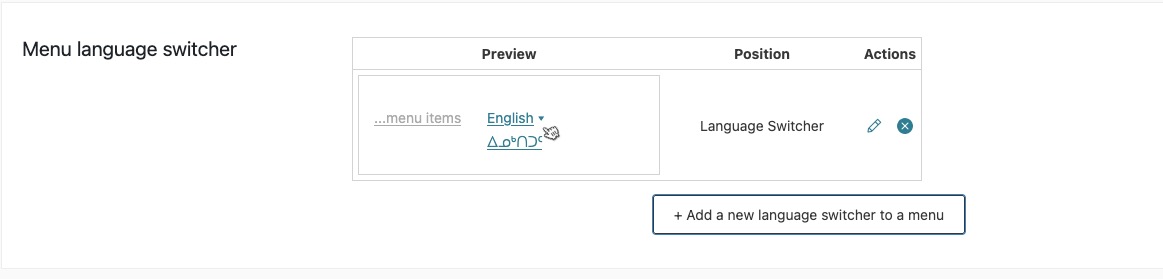
4. When clicking on that, it leads me to the Menu language switcher showing the correct setup.

Can you please help me get this working? Is there another setting I'm missing?

Thank you!

January 13, 2026 at 8:57 pm #17727359

Andrey
WPML Supporter since 06/2013

Languages: English (English ) Russian (Русский )

Timezone: Europe/Kyiv (GMT+02:00)

Thank you for contacting WPML support.

I need to request temporary access (wp-admin and FTP) to your site—preferably to a test site where the problem has been replicated if possible—in order to be of better help. When you log in to leave your next reply, you will find the needed fields below the comment area. The information you will enter is private, meaning only you and I can see and access it.

January 14, 2026 at 9:45 pm #17731333

nathalieM-5

Hi - I ended up fixed this menu item myself. I used a different menu module for the language switcher so it wouldn't go through a complex sub-source to pull the translation task.

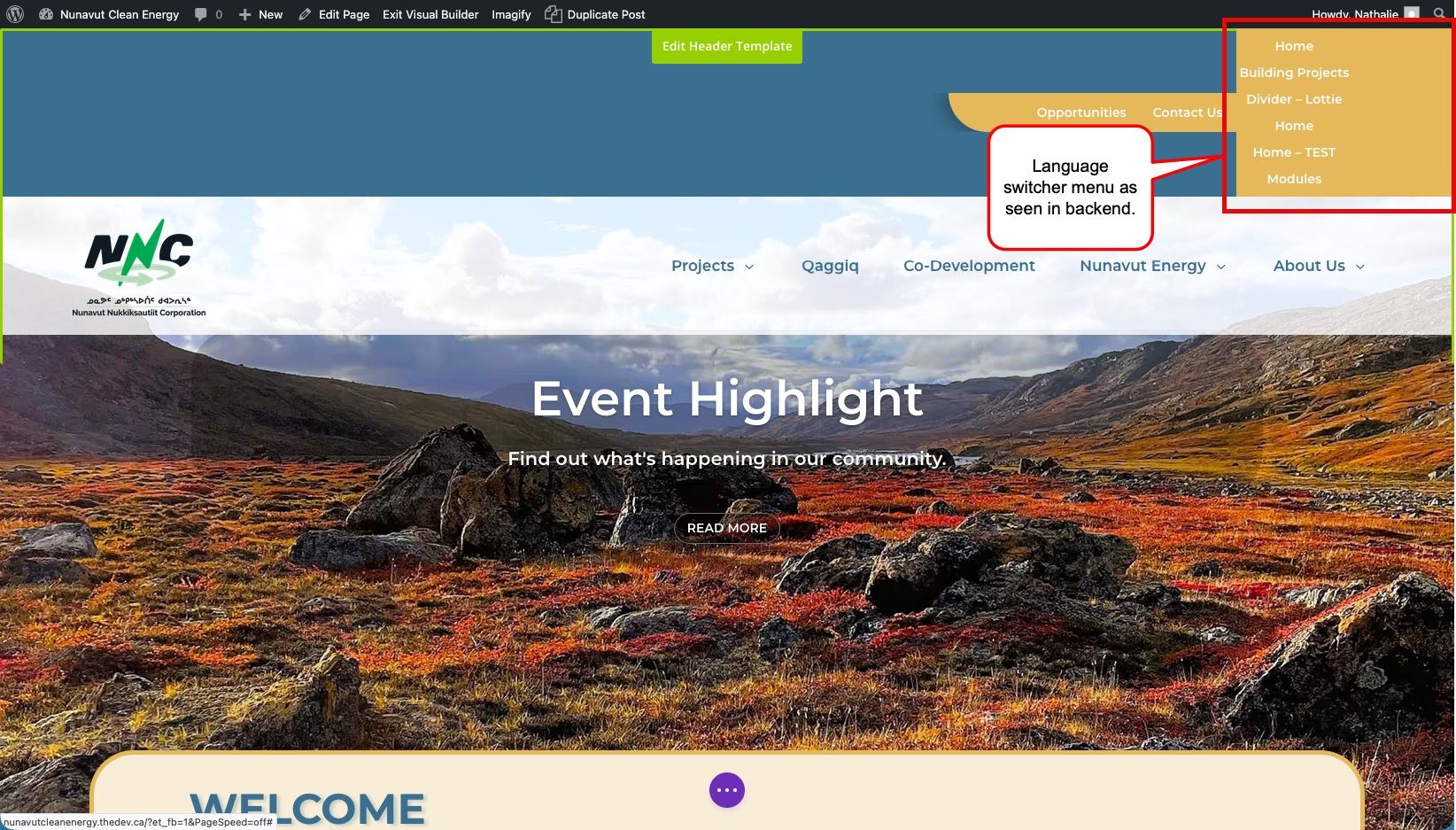
I do have one question while in the backend though. When I'm editing my pages, this language switcher menu item displays all the pages created - I'm in the staging site and there will be many more pages to be created. Is there a way to hide this while working in the backend?

WPML screenshot 5.jpg
January 15, 2026 at 11:34 am #17732905

Andrey
WPML Supporter since 06/2013

Languages: English (English ) Russian (Русский )

Timezone: Europe/Kyiv (GMT+02:00)

Thank you for your feedback.

I am glad to hear that you have fixed the problem with the language switcher.

I do have one question while in the backend though. When I'm editing my pages, this language switcher menu item displays all the pages created - I'm in the staging site and there will be many more pages to be created. Is there a way to hide this while working in the backend?

There is no way to hide the menu itself, but you can hide the language for visitors or temporarily assign another menu while you work on the one you need.

How to hide:
• Go to WPML → Languages → Hide languages and hide the language(s) you don’t want visible to visitors.
• Then, in Users → Profile, enable “Display hidden languages” for your user account.

This way, the hidden languages won’t be shown to visitors on the frontend, but you’ll still be able to work with them in the backend without affecting your workflow.

January 15, 2026 at 1:22 pm #17733639

nathalieM-5

Thanks for providing this option. What I meant is what would that specific menu item (language switcher) show all the pages created instead of just "English/ᐃᓄᒃᑎᑐᑦ"?

January 15, 2026 at 1:24 pm #17733659

nathalieM-5

*why (not what) would that specific menu item show ....

January 15, 2026 at 3:18 pm #17734568

Andrey
WPML Supporter since 06/2013

Languages: English (English ) Russian (Русский )

Timezone: Europe/Kyiv (GMT+02:00)

Thank you for your feedback.

I’ve reviewed your website in relation to your last question. While I can’t say with absolute certainty why the Visual Builder behaves this way, the most likely explanation is the following:
• You created a WPML Switcher Only menu in Appearance → Menus.
• This menu was then placed in that section of the site using the Visual Builder.
• The WPML Switcher Only menu itself does not contain any menu items (although the menu exists).
• When a menu has no items, WordPress may automatically display a list of pages for that menu, which is why you’re seeing all pages appear in the Visual Builder.