Background of the issue:
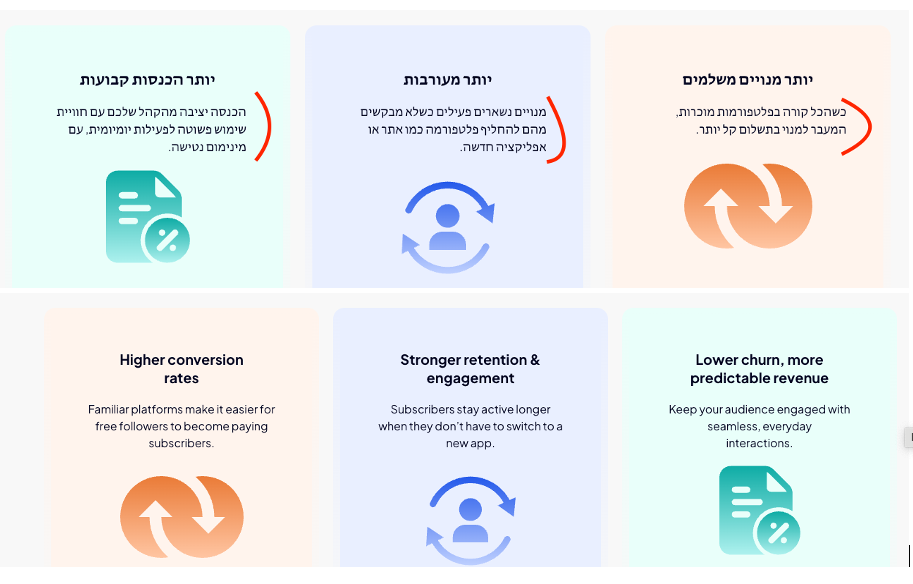
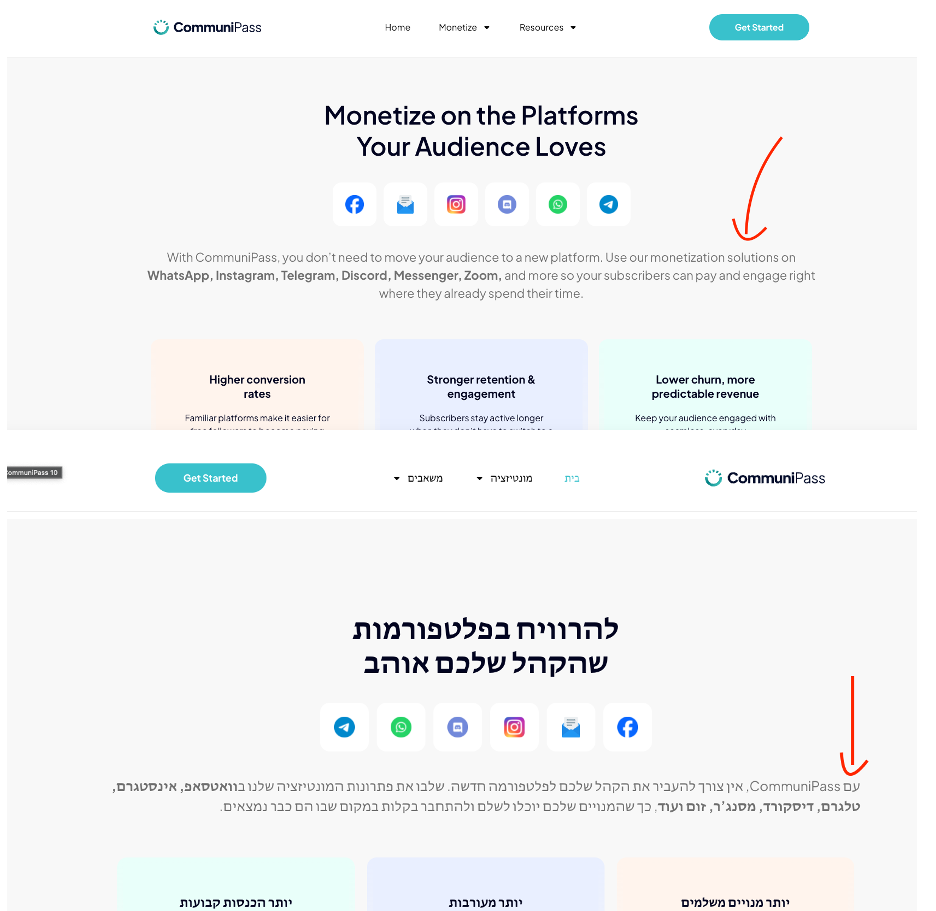
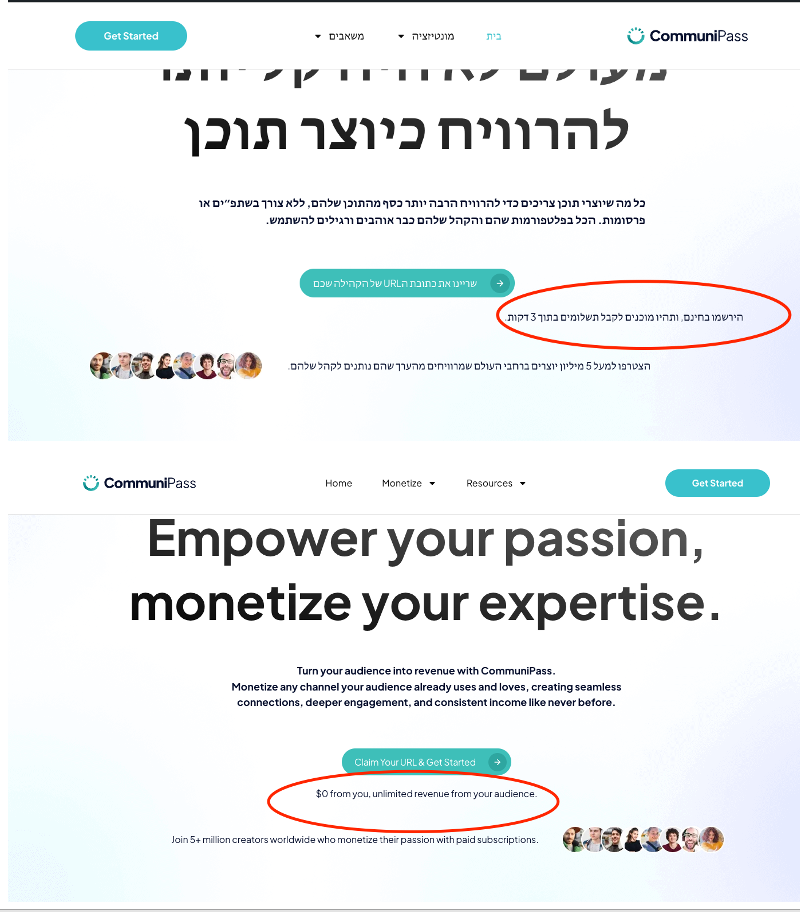
I have added a translation from English (the default) to Hebrew. Most of the text that was aligned to the center in the English version is now aligned to the right side in the Hebrew version. This issue is occurring on the homepage. Link to a page where the issue can be seen: hidden link
Symptoms:
Centered text is aligned to the right side in the Hebrew translation.
Questions:
Why is the text alignment changing from center to right in the Hebrew translation?
How can I fix the text alignment issue on the homepage?
Where is the alignment of the text set? At the page level or within each element?
Please try the following:
❌ Please make a full website backup before proceeding ❌
1. Go to Dashboard > Pages
2. Using the language switcher in the admin bar switch to Hebrew
3. Edit the page home page
4. Check the page alignment options
5. Edit one of the misaligned elements, and check the alignment options
Considering that this is a test and may cause issues while testing it's better to do it in a development environment. If this is not possible make sure to have a reliable backup. Let me know if none of this is possible, and I'll help you create a testing environment.
Hi Otto
I have Elementor Pro installed, and I'm making the translation through the translation editor. So do you mean I will make the changes in Elementor, or in the translation editor?
I am truly sorry, but I didn't get any notification from you (before the last one from yesterday).
Did you migrate? It seems it failed because the destination site is still a fresh WP site.
To expedite things, I would like to request temporary access (wp-admin and FTP) to your site to take a better look at the issue.
It would be better to a testing site where the issue is replicated.
The information you will enter is private which means only you and I can see and have access to it.
Maybe I'll need to replicate your site locally. For this, I'll need to temporarily install a plugin called “Duplicator” or "All in One WP Migration" on your site.
This will allow me to create a copy of your site and your content.
Once the problem is resolved I will delete the local site.
**IMPORTANT**
- Please make a backup of site files and database before providing us access.
- If you do not see the wp-admin/FTP fields this means your post & website login details will be made PUBLIC. DO NOT post your website details unless you see the required wp-admin/FTP fields.
Best Regards,
Otto
The topic ‘[Closed] Hebrew translation change text alignment’ is closed to new replies.