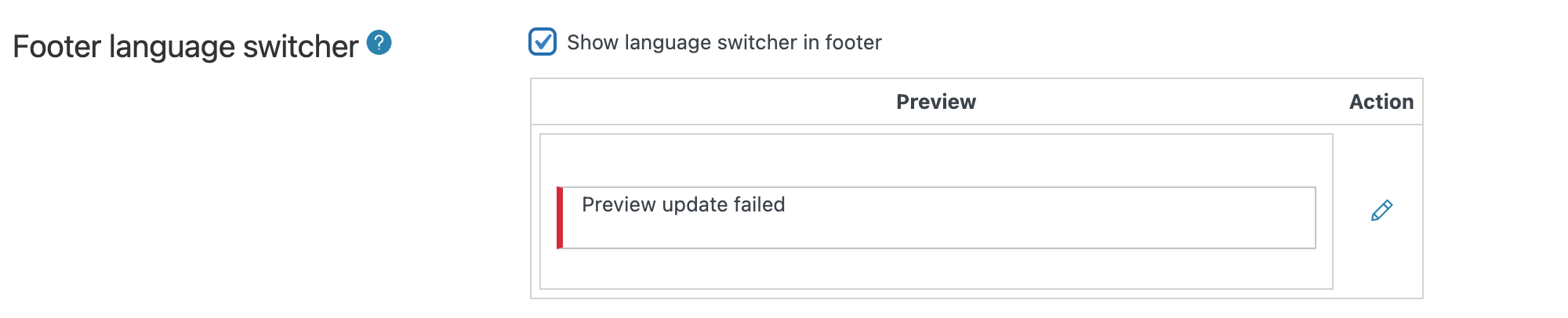
Before this ticket gets assigned to one of my colleagues, I will try to help.
This issue looks to me like it could be either caused by server-related causes or a compatibility issue between WPML and (at least) one of the active plugins or the currently active theme.
1. Please make sure that your server follows the WPML minimum requirements and that you are using the very latest WPML versions: https://wpml.org/home/minimum-requirements
2. If the issue is still happening, can you please let me know if it still happens even when only the WPML plugins are active and you are using a default WordPress theme?
Please try the following steps so that we can test for a compatibility-related issue:
- create a full website backup
- disable all plugins except WPML and its add-ons
- check if the issue is happening again
- if it's not, reactivate your plugins one by one, checking every time if the issue shows up again so that you can understand which plugin is causing that issue
If the issue happens even with the non-WPML plugins disabled:
- leave all the non-WPML plugins deactivated
- switch to a default theme like TwentySeventeen
- try to recreate the issue now
If you have the chance, it would be best to do this in a staging (testing) environment.
Please let ys know how that goes and if following any of these steps solved your issue or brought any change.
We will be waiting for your response.
Mihai Apetrei
The topic ‘[Closed] Positioning of flags’ is closed to new replies.