1. Clear the cache in WPML.
2. Remove ghost entries from the translation tables.
3. Fix element_type collation.
4. Fix WPML tables collation.
5. Set language information.
6. Fix terms count.
7. Fix post type assignment for translations.
Does the issue still occur if you temporarily deactivate all plugins except WPML?
If possible, please also test the behavior using a default theme (such as Twenty Twenty-Four) to determine whether the theme is involved.
Have you also tried the following steps?
1. Make a small change to the page in the original language.
2. Update the page.
3. Open and complete the translation again.
Before making any changes, please ensure that you have a full backup of your database.
So i created a copy of the site to a dev environment using the SAME EXACT database, theme, plugins etc.
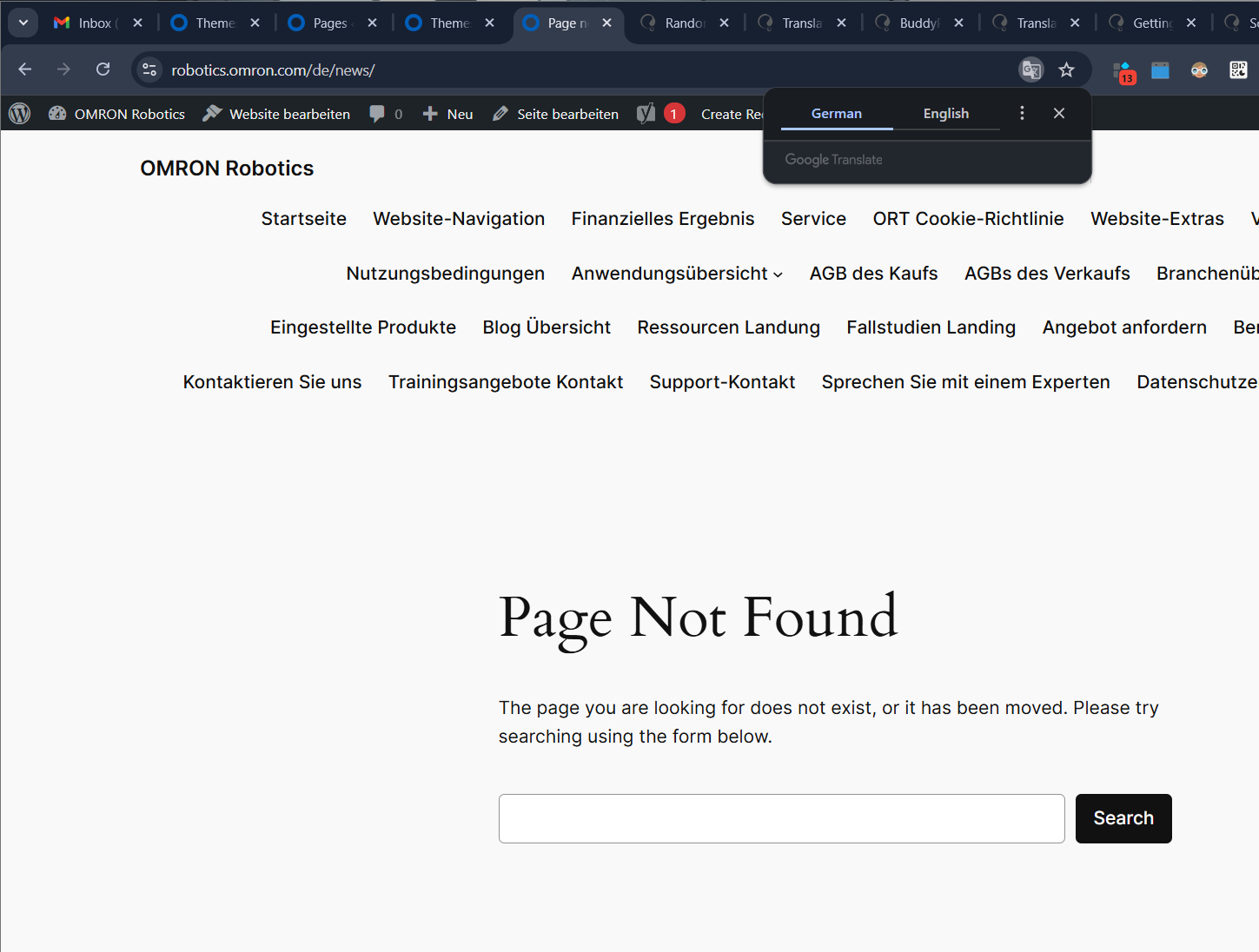
I'm not sure why it is working just fine but in the product site it is returning a 404.
hidden link hidden link
If you even visit the english version of the page you can see that the portuguese and german versions of the page are available so im not sure why this is returning a 404.
This is interesting. I have a few suggestions you can try:
- Refresh the permalinks.
- Clear both your site cache and your server cache.
- Clear the site transients. You can use a plugin such as Delete Expired Transients for this purpose.
Before making any changes, please back up your database.
I also tried switching to a different theme (Twenty Twenty-Four) and its still returning a 404. I've also disabled all plugins except for the WPML related ones and still no luck.
I need to request temporary access (wp-admin and FTP) to your site where the problem has been replicated. When you log in to leave your next reply, you will find the needed fields below the comment area. The information you will enter is private, meaning only you and I can see and access it.
I reviewed the issue but did not find an obvious cause. To investigate further, may I install an FTP manager plugin and the Adminer plugin?
I understand that you already tested this on your staging site. However, I would also like to ask whether I can create a local copy of your site. I want to check if I can replicate it in the local environment.
To do this, I would temporarily install the Duplicator or All-in-One Migration plugin on your site. This will allow me to generate a full copy of your site and its content for testing.
Please let me know if you are comfortable with this approach.
Hi, unfortunately with WP VIP’s strict security rules, plugins like that aren’t allowed. They block any direct file system or database access from the WP admin, so it won’t work there.
I do have a staging environment I can share, but the issue doesn’t show up on staging, so I’m kinda stuck on what might be causing it. Any ideas?
Unfortunately, the staging site does not help us identify the cause. I rechecked your live site and did not find any issues in the WPML configuration.
Even though it works on your staging site without any changes, here are the most likely causes on the live site, in my opinion:
- Advanced Custom Fields PRO is outdated, which may lead to compatibility issues.
- Third-party plugins could be affecting this behavior.
- Your theme may also influence the slug or permalink handling.
- If all the above are ruled out, I would suspect a server-side issue, such as rewrite rules interfering in some way.
Additionally, the page slug “news” may be conflicting with your custom post type “news”, even though the archive for this CPT is disabled. This could still cause unexpected behavior.
If the issue persists, the most reliable workaround is:
Rename the slug of the translated pages instead of using “news” — for example, for German use “nachrichten” (or anything else like 'news-de'). This should resolve the conflict.