Skip to content Skip to sidebar

This is the technical support forum for WPML - the multilingual WordPress plugin.

Everyone can read, but only WPML clients can post here. WPML team is replying on the forum 6 days per week, 22 hours per day.

Sun Mon Tue Wed Thu Fri Sat
- 9:00 – 13:00 9:00 – 13:00 9:00 – 13:00 9:00 – 13:00 9:00 – 13:00 -
- 14:00 – 18:00 14:00 – 18:00 14:00 – 18:00 14:00 – 18:00 14:00 – 18:00 -

Supporter timezone: Europe/Kyiv (GMT+03:00)

Tagged: 

This topic contains 3 replies, has 0 voices.

Last updated by Andrey 11 hours, 29 minutes ago.

Assisted by: Andrey.

Author Posts
April 5, 2026 at 6:33 pm #17950205

naomiS-7

Hi, I desperately need some assistance, I have been banging my head against the wall for a week trying to solve a 404 error I am getting sometimes on translated pages. It had been mostly appearing on dialogo-americas.com/es/, although now I only notice it on dialogo-americas.com/pt-br/, and it occurs on mobile most of the time. For some reason the error clears when I purge the cache on the site using the cloudways breeze plugin, but only momentarily. I have it setup to clear automatically every minute, which is keeping it mostly functional but it still returns a 404 at times.

I just took over managing the site, so I don't know a lot about WMPL. It had been running on an extremely outdated version (4.3.6 if I recall correctly), so I updated it in steps using this thread: https://wpml.org/forums/topic/updating-older-version-4-3-15-of-wpml-woocommerce-multilingual-safely/.

The error was still occurring, so I then ran the troubleshooting steps outlined here: https://wpml.org/forums/topic/translated-page-is-returning-a-404-and-review-button-infinite-loading-2/

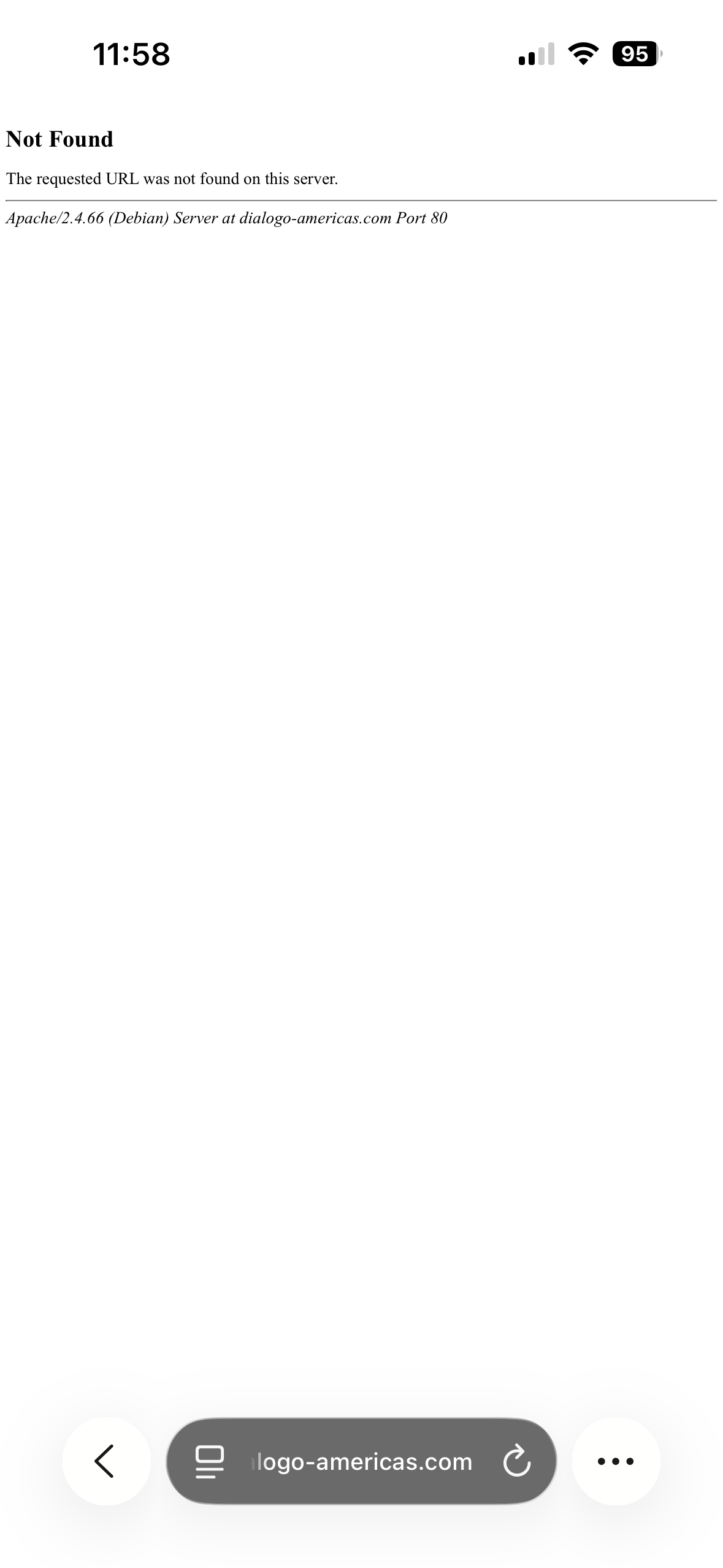
After updating and troubleshooting I am still getting the error and I don't know what else to try at this point. I've reached out to cloudways support as well but they haven't been able to help me as of yet. I uploaded a photo of the 404 page when visiting dialogo-americas.com/pt-br/ on mobile. Thank you so much for your time.

April 7, 2026 at 1:11 pm #17954346

Andrey
WPML Supporter since 06/2013

Languages: English (English ) Russian (Русский )

Timezone: Europe/Kyiv (GMT+03:00)

Thank you for contacting WPML support.

I’ve tried to replicate the issue on both mobile and desktop, but I wasn’t able to reproduce it.

I would also recommend updating your PHP and MySQL to the latest supported releases, as your current versions appear outdated.

Since you’re using an Apache server, please try the following workaround and see how it goes. I suspect your case may be related to this known issue:
https://wpml.org/faq/why-is-htaccess-getting-overwritten-with-the-language-folder-on-my-wpml-website/

April 10, 2026 at 4:20 pm #17962634

naomiS-7

Thank you for the resources! Sorry for the delay, I didn't see the response. I won't be able to test if that is the error occurring by plugin deactivation as suggested in the link because I'm unable to replicate the error in the staging environment, but I will try the quick workaround by adding the suggested code to the functions.php file on the live site during lower usage times to see if it fixes the issue.

Thanks!

April 11, 2026 at 5:42 pm #17963573

Andrey
WPML Supporter since 06/2013

Languages: English (English ) Russian (Русский )

Timezone: Europe/Kyiv (GMT+03:00)

Thank you for your feedback.

Sure, just let me know how it goes.

I would also suggest enabling the debug.log file to see if there's anything in it when the error occurs. To enable debugging, add these lines to your wp-config.php file:

define( 'WP_DEBUG', true );
define( 'WP_DEBUG_LOG', true );
define( 'WP_DEBUG_DISPLAY', false );

Recreate the issue, then check the debug.log file in the wp-content directory. It will show up if any error occurs.