This thread is resolved. Here is a description of the problem and solution.
Problem:
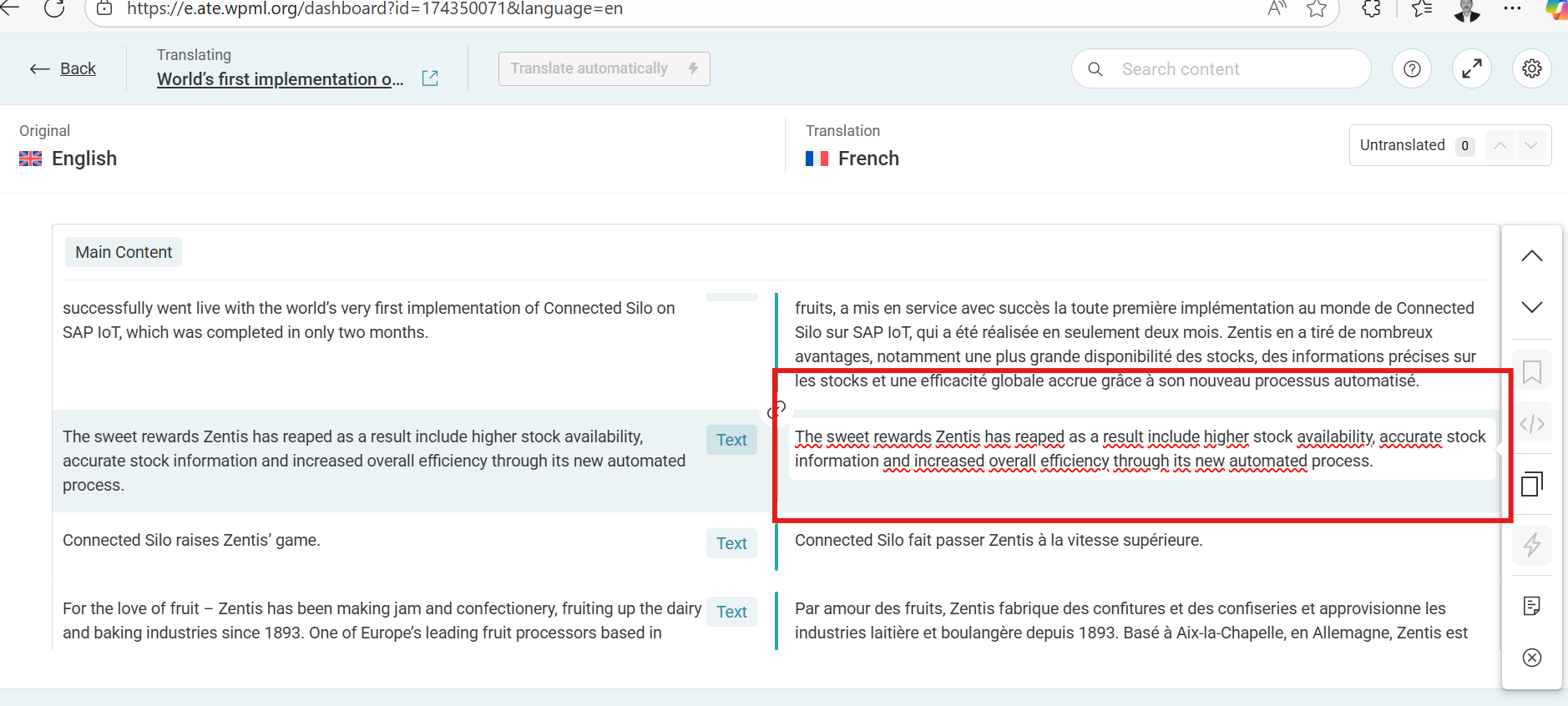
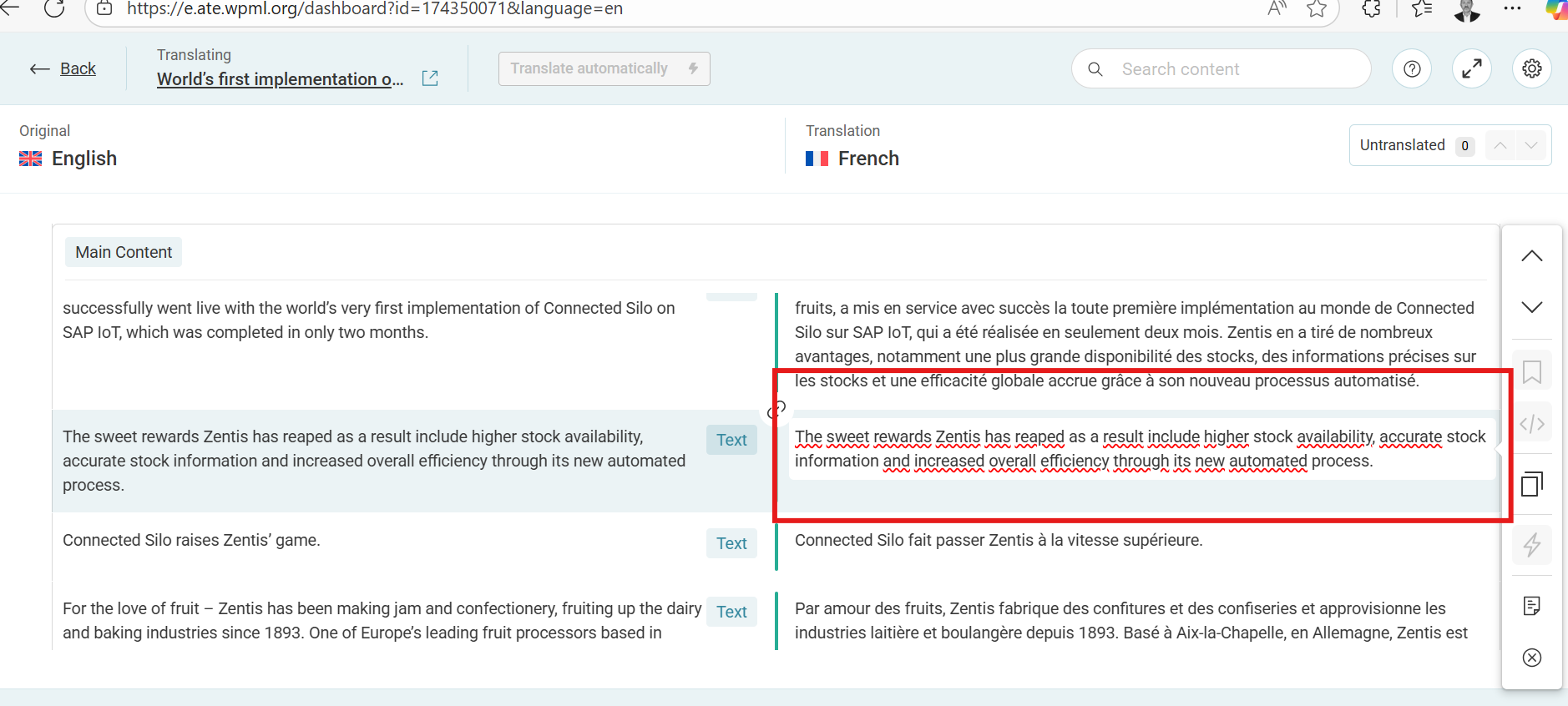
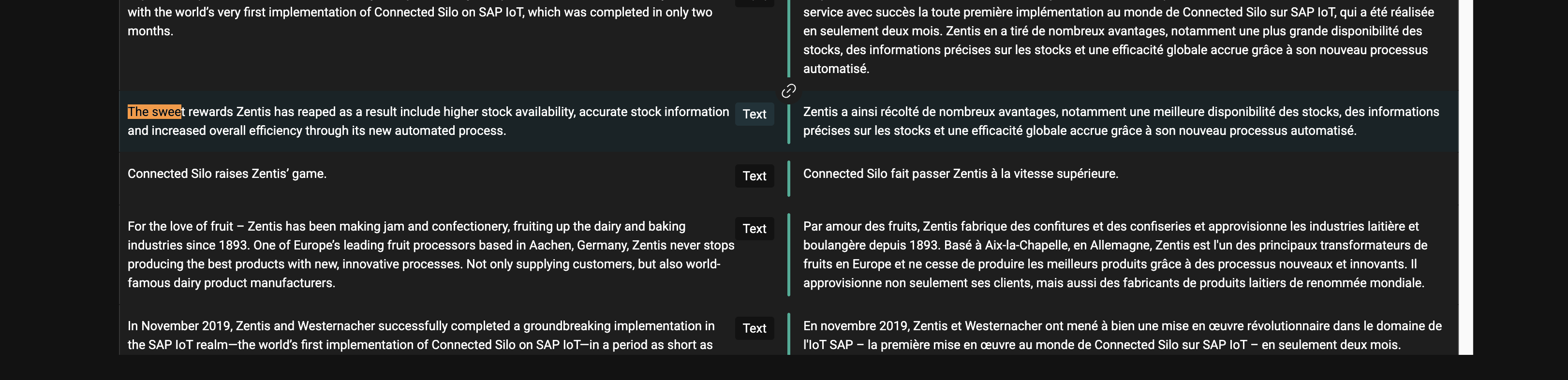
The client reported that automatic translation does not translate all fields in Elementor widgets; some text fields remain untranslated despite being marked for translation in WPML settings.
Solution:
We recommended adjusting the translation preferences for custom fields and using the Multilingual Tools plugin to ensure WPML recognizes all text fields for translation. Here are the steps:
1. Install the Multilingual Tools Plugin from https://github.com/OnTheGoSystems/multilingual-tools.
2. Create a test page with the problematic widgets and fill in all text fields.
3. Generate XML configuration by updating the page and copying the XML code from the 'WPML: Elementor Widgets' section.
4. Add the custom XML configuration to WPML under 'WPML → Settings' in the Custom XML Configuration tab.
5. Resave the original page to force WPML to re-scan with the new configuration.
6. Re-translate the page using WPML's Translation Dashboard or Advanced Translation Editor.
If these steps do not resolve the issue or if the solution seems outdated or irrelevant to your case, we highly recommend checking related known issues at https://wpml.org/known-issues/, verifying the version of the permanent fix, and confirming that you have installed the latest versions of themes and plugins. If further assistance is needed, please open a new support ticket at WPML support forum.
This is the technical support forum for WPML - the multilingual WordPress plugin.
Everyone can read, but only WPML clients can post here. WPML team is replying on the forum 6 days per week, 22 hours per day.