Skip to content Skip to sidebar

This thread is resolved. Here is a description of the problem and solution.

Problem:
If you're experiencing issues where a post translated from French to English and scheduled for later publication reverts to the original French category upon publication, we have identified a solution.
Solution:
We recommend modifying a specific file within the WPML plugin. Please follow these steps:
1. Navigate to

/wp-content/plugins/sitepress-multilingual-cms/addons/wpml-page-builders/classes/Shared/Shutdown/Hooks.php

.
2. Replace the existing

translateMedias()

function with the following code:

public function translateMedias() {<br />    if (!wp_doing_cron()) {<br />        foreach ( $this->pbIntegration->get_save_post_queue() as $post ) {<br />            this->pbIntegration->translate_media( $post );<br />        }<br />    }<br />}

This adjustment ensures that media translations are not processed during scheduled tasks, which helps maintain the correct category associations for scheduled posts.

Please note that this solution might become outdated or may not apply to your specific situation. We highly recommend checking related known issues at https://wpml.org/known-issues/, verifying the version of the permanent fix, and confirming that you have installed the latest versions of themes and plugins. If the issue persists, please open a new support ticket.

This is the technical support forum for WPML - the multilingual WordPress plugin.

Everyone can read, but only WPML clients can post here. WPML team is replying on the forum 6 days per week, 22 hours per day.

Tagged: 

This topic contains 23 replies, has 0 voices.

Last updated by Olivier 2 months, 2 weeks ago.

Assisted by: Shekhar Bhandari.

Author Posts
January 12, 2026 at 11:15 am

Olivier

Hello,

my site main language is french and english is a secondary language.

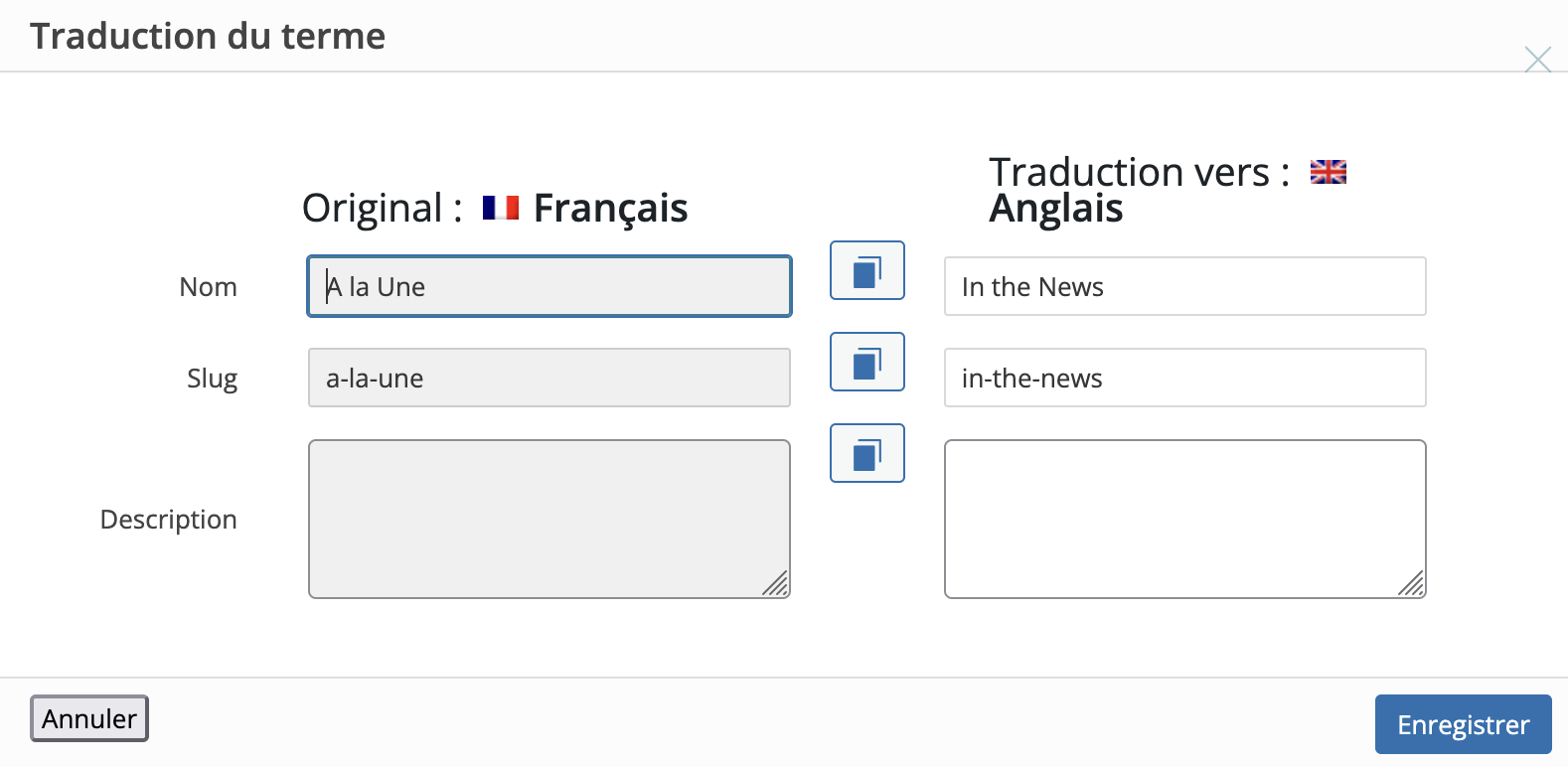
When I translate a french post in english, I associate categories (for example "In the news" that is a translated category of french category "à la une").
Then, I scheduled the publication to a later date.

And after this date, when the post is published, it is no more associated to the initial category (for example "In the news") but it's associated to the category in french (for example "à la une").

Could you please helpme fix this problem?

The taxonomy is yet OK as you could see on the screenshot.

January 12, 2026 at 12:43 pm #17721514

Olivier

I steel need assistance...

January 12, 2026 at 2:14 pm #17721837

Shekhar Bhandari
WPML Supporter since 03/2015

Languages: English (English )

Timezone: Asia/Kathmandu (GMT+05:45)

Hello there,

As mentioned in the chat, did you tried the minimal setup? Does the issue exists on live site even after minimal setup?

Have you tried disabling all non-WPML plugins, switching to one of the default themes, and checking whether the issue still persists or not?

Please remember to create a backup of your site (both files and the database) before making any updates or changes. This is always a good practice.

Look forward to your reply.

Thanks

January 12, 2026 at 2:19 pm #17721844

Olivier

As you can see on screenshots :

Before the scheduled time, the categories are the translated categories in english.

And after, it's the categories in french (the main language of the site).

Capture d’écran 2026-01-12 à 12.00.58.png
Capture d’écran 2026-01-12 à 11.46.05.png
January 12, 2026 at 2:21 pm #17721874

Shekhar Bhandari
WPML Supporter since 03/2015

Languages: English (English )

Timezone: Asia/Kathmandu (GMT+05:45)

Hello there,

I am not sure if you tested the steps as I mentioned above, can you create a staging site if you already tested the steps so I can test it further.

I have enabled the private reply for you.

Thanks

January 12, 2026 at 2:28 pm #17721951

Olivier

Hi,

I will try the minimal setup and let you know

Regards

January 13, 2026 at 2:00 pm #17725865

Olivier

Hello,

I've tested the minimal setup (without any plugins activated) and it appears that the issue only happens when I use an Enfold child theme (even a blank one like this one you can download here: hidden link).

It's OK when I use the Enfold Theme, but not with an Enfold child theme...

Yet , the compability is described as full : https://wpml.org/theme/enfold/

How can I fix this issue ?

Regards,
Olivier.

January 14, 2026 at 4:17 am #17727769

Shekhar Bhandari
WPML Supporter since 03/2015

Languages: English (English )

Timezone: Asia/Kathmandu (GMT+05:45)

Hello there,

I’ve added the enfold child theme to the sandbox site, and I can’t seem to reproduce the issue. It looks like it might be related to some options in the theme. Could you please import and export the options available on the site to the sandbox? That way, we can test further and figure out what’s causing the problem. Thanks a bunch!

Or To get a better understanding, I suggest sharing a backup of your wp-content folder and your database. You can zip the files and send them to me via Google Drive. With these, I can set up a local copy of your site and take a closer look at the issue.

Look forward to your reply.

Thanks

January 14, 2026 at 10:54 am #17728783

Shekhar Bhandari
WPML Supporter since 03/2015

Languages: English (English )

Timezone: Asia/Kathmandu (GMT+05:45)

Hello there,

Thank you for the test site.

I think the articles has corrupted dates on categories and tags, resulting in the error, I would suggest the following:

- Go to WPML->Settings->Posts and pages synchronization and enable "Copy taxonomy to translations"

- Go to WPML->Support->troubleshooting->Clean up and synchronize post categories, this will copy the categories translations accordingly

- Now try to schedule post, it should work without any issues.

Let me know if this helps.

Thanks

January 14, 2026 at 3:43 pm #17730146

Olivier

Hello,

In WPML->Support->troubleshooting, I see only a "Clean and optimize chain tables" button and not "Clean up and synchronize post categories".

Is it this one?

Regards,

January 14, 2026 at 3:58 pm #17730177

Shekhar Bhandari
WPML Supporter since 03/2015

Languages: English (English )

Timezone: Asia/Kathmandu (GMT+05:45)

Hello,

I have attached an image showing the option.

Thanks

Troubleshooting-‹-I-MTech-TEST-—-WordPress-01-14-2026_09_42_PM.jpg
January 14, 2026 at 4:34 pm #17730485

Olivier

Hello,

I've completed the 2 steps in the test site and the issue is still there (see the attached screenshot).

Regards,

Capture d’écran 2026-01-14 à 17.31.34.png
January 15, 2026 at 3:55 pm #17734793

Shekhar Bhandari
WPML Supporter since 03/2015

Languages: English (English )

Timezone: Asia/Kathmandu (GMT+05:45)

Hello there,

I have escalated the issue to our 2nd tier supporters for further debugging. I will update you as soon as I receive further feedback from them.

Thanks

January 16, 2026 at 9:39 am #17736280

Olivier

Hello,

take your time, I'll be on holiday next week.

Regards

January 20, 2026 at 10:46 am #17745518

Shekhar Bhandari
WPML Supporter since 03/2015

Languages: English (English )

Timezone: Asia/Kathmandu (GMT+05:45)

Hello there,

Our 2nd tier checked the issue and To get a better understanding, they suggest sharing a backup of your wp-content folder and your database. You can zip the files and send them to me via Google Drive. With these, they can set up a local copy of your site and take a closer look at the issue.

Look forward to your reply.

Thanks