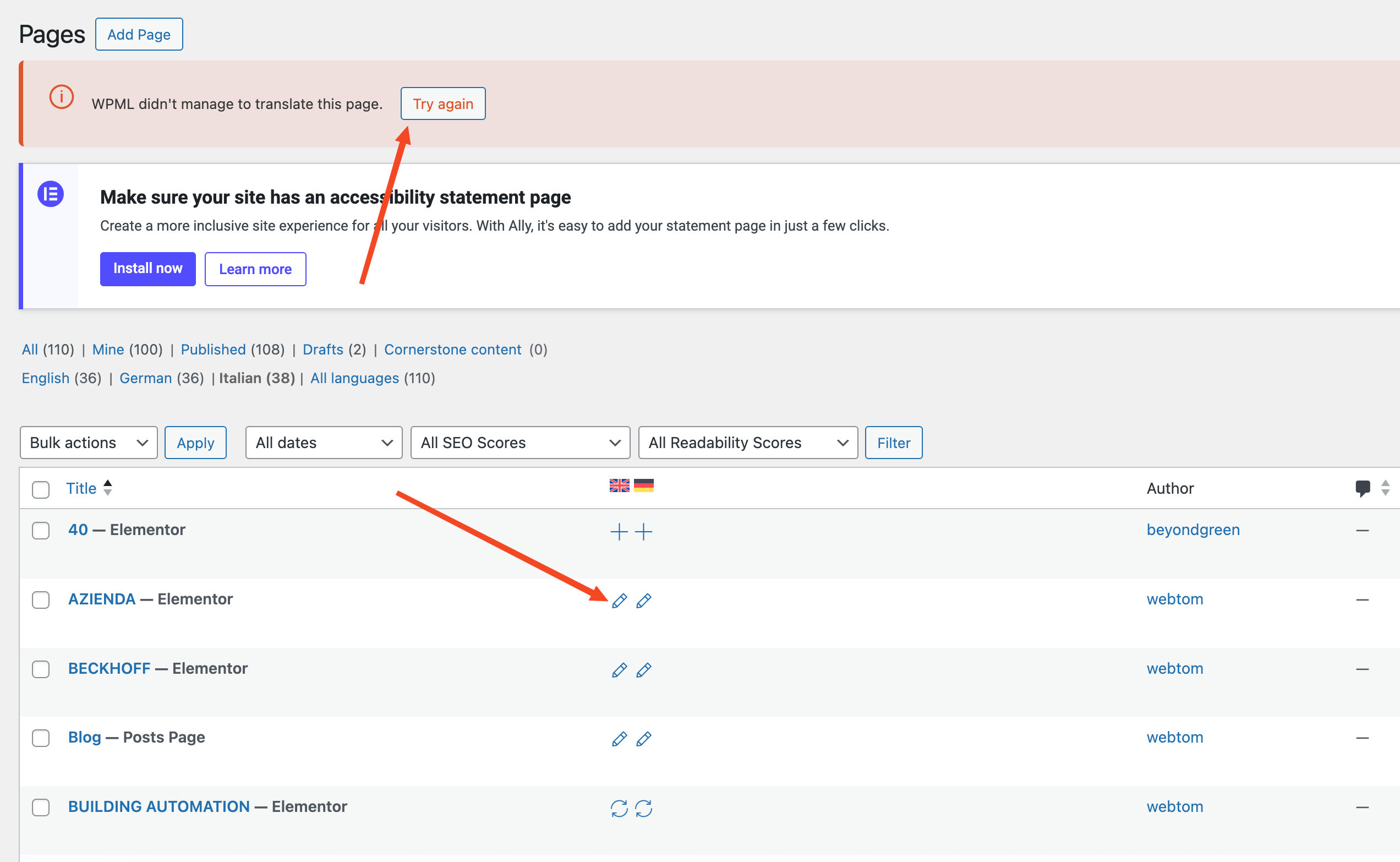
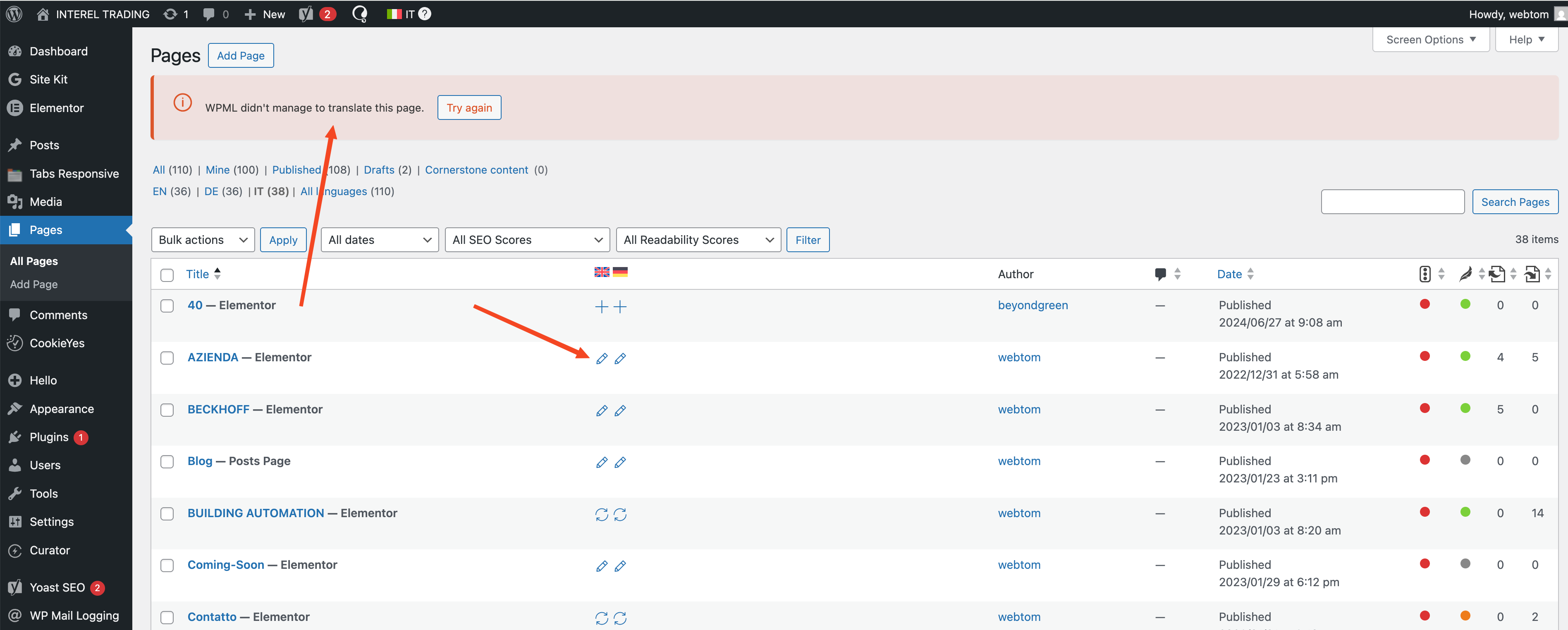
Can you please help me to fix this issue? I already tried to "Clear language information and repopulate languages" but nothing changed.
WPML is missing some records in the languages tables and it cannot fully work until this issue is fixed.
Please go to the Troubleshooting page and click on "Clear language information and repopulate languages" to fix this problem.
This warning will disappear once this issue is fixed.
Thanks for contacting WPML Support. I’m Prosenjit from the WPML Development Team, and I’ll be happy to assist you with this.
I understand the issue you’re experiencing. Problems like this can sometimes happen when the WPML language table becomes incomplete or corrupted, for example after an incomplete migration, update, or database-related issue.
In many cases, the standard troubleshooting steps — such as clearing and repopulating the language information — are enough to fix it. However, since the issue is still persisting on your site, I would recommend following the solution described in the ticket below, which explains how to properly regenerate the language table:
⚠️ Important: Before running any database-related steps or queries, please make sure you have a full backup of the site, including the database, so it can be safely restored if needed.
Please try those steps and let me know how it goes. If you need any help during the process or further assistance in this matter, just let me know and I’ll be happy to assist further.
Since the issue is still persisting, a closer inspection will be needed to understand the root cause.
The best next step would be to share temporary access to the site so I can investigate further.
I’ve enabled the private box for your next reply, so you can safely share the access details there. Once I have access, I’ll take a closer look and do my best to help you resolve this as quickly as possible.
Looking forward to your reply, and I’m always here to help.
I hope you’re doing well, and I’m sorry for the delayed reply due to the weekend.
Thank you for sharing the access details. I checked the site and found that the issue appeared to be related to a combination of stale cache, a corrupted permalink structure, and incorrect WordPress Address / Site Address settings (set without HTTPS).
To address this, I cleared the cache from the cache directory, then went to the Pages section, selected a page, chose Edit from the bulk actions dropdown, and saved it without making any actual changes.
That action triggered the translation updates, which indicates that some translation entries were in a stale state. Once the page was saved, those stale entries were refreshed, and the update icon started appearing correctly.
After that, I clicked the update icon and was able to access the translation editor without any issues. For example, once the pencil icon appeared again for the page AZIENDA, clicking it no longer showed any error or warning.
This means that some stale elements were preventing the translation process from starting properly, but the quick bulk edit/save refreshed those entries and allowed the translation editor to open normally again.
Here's what I did:
- I selected all posts/pages,
- chose Edit from the Bulk Actions dropdown on top of the pages section, clicked Apply
- Simply saved without making any changes. No content was modified.
You should now see the update icon for all affected pages.
At this point, you should only need to complete the update for each language. The translations are already present in the editor, so simply opening the editor and saving should finalize everything correctly, just as it did for the AZIENDA page.
Please give it a try and let me know how it goes. I’ll be more than happy to help if you need any further assistance.
Best regards,
Prosenjit
The topic ‘[Closed] I am getting this error message “WPML is missing some records in the languages tables and it cannot…’ is closed to new replies.