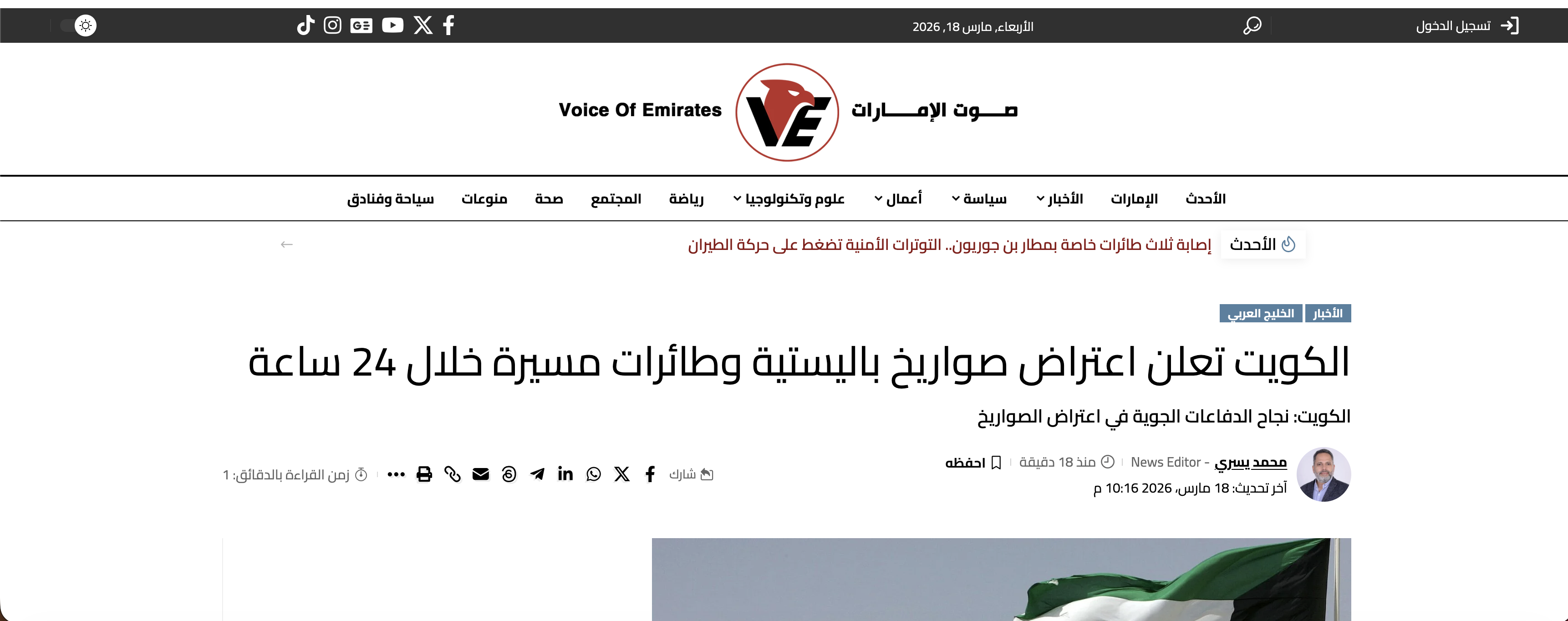
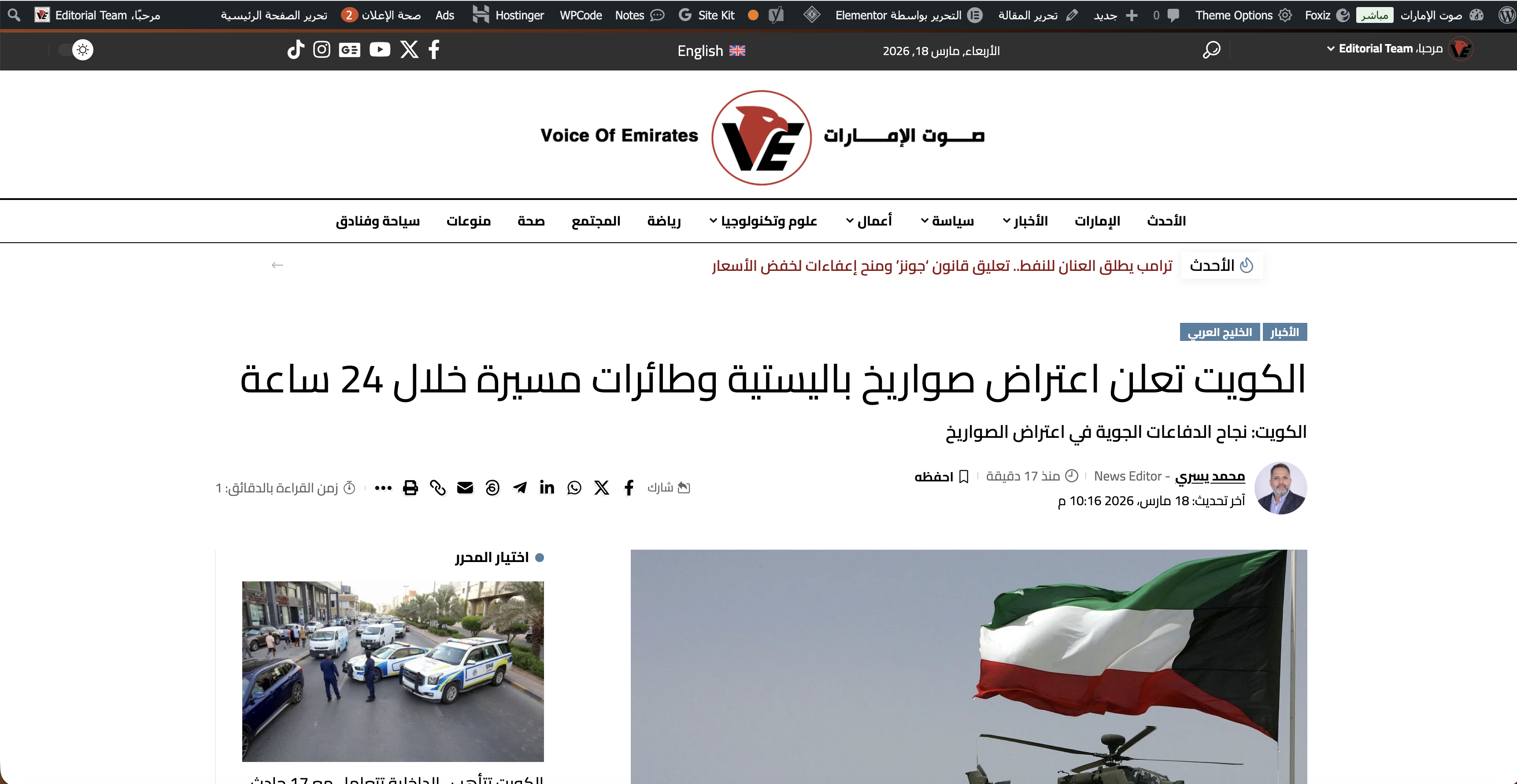
I was able to narrow it down to LiteSpeed Cache Object Cache.
After the recent LiteSpeed Cache update to version 7.8.0.1, the WPML language switcher stopped appearing on single Arabic posts for non-admin / logged-out users. At the same time, it was still showing correctly on the English /en/ single posts.
I tested several things, and the key finding is this:
When Object Cache is enabled in LiteSpeed Cache, the language switcher disappears on the affected Arabic single posts.
When I disable Object Cache in LiteSpeed Cache > Cache > Object, the language switcher appears again normally on those posts.
So at this point, the switcher is working again after turning Object Cache OFF.
This makes it seem like the problem may be related to how cached objects/transients are being stored or served across languages, especially for the default Arabic language pages.
Please let me know if this points to a known compatibility issue with LiteSpeed Object Cache, or if there is anything specific you want me to test next.
Thank you for the detailed update, that’s very helpful.
In general, this setup should work fine, so what you’re describing does sound like a caching-related issue rather than a core WPML problem.
From your findings, it seems likely that visitors are being served a cached version of the page where the language switcher is missing, especially when Object Cache is enabled.
Could you please try the following to confirm:
- Clear the Object Cache from LiteSpeed Cache
- Purge all other caches (page cache, browser cache, CDN if used)
- Then test again in an incognito/private window while logged out
Please let me know the results after clearing all caches, and we’ll take it from there.