[Resolved] Language switcher is not being displayed on custom post types
This thread is resolved. Here is a description of the problem and solution.
Problem: The global header on your website does not display the language switcher on custom post types (CPTs). Solution: If you're experiencing this issue with your CPTs, it's likely because the CPT is set as 'Not translatable' in WPML. To resolve this, go to WPML → Settings → Post Types Translation and change the setting for your CPT to 'Translatable – only show translated items'. After this adjustment, you may also need to translate the custom posts to ensure they display correctly across different languages.
Please note that this solution might be outdated or not applicable to your specific case. We highly recommend checking related known issues, verifying the version of the permanent fix, and confirming that you have installed the latest versions of themes and plugins. If the issue persists, please open a new support ticket.
This is the technical support forum for WPML - the multilingual WordPress plugin.
Everyone can read, but only WPML clients can post here. WPML team is replying on the forum 6 days per week, 22 hours per day.
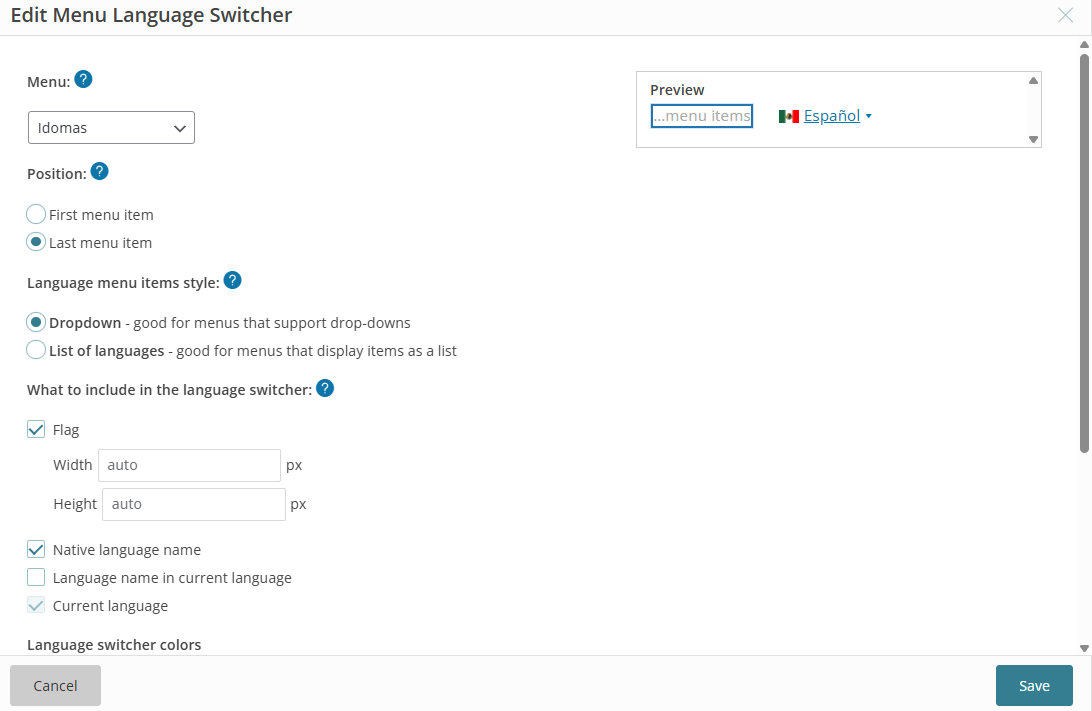
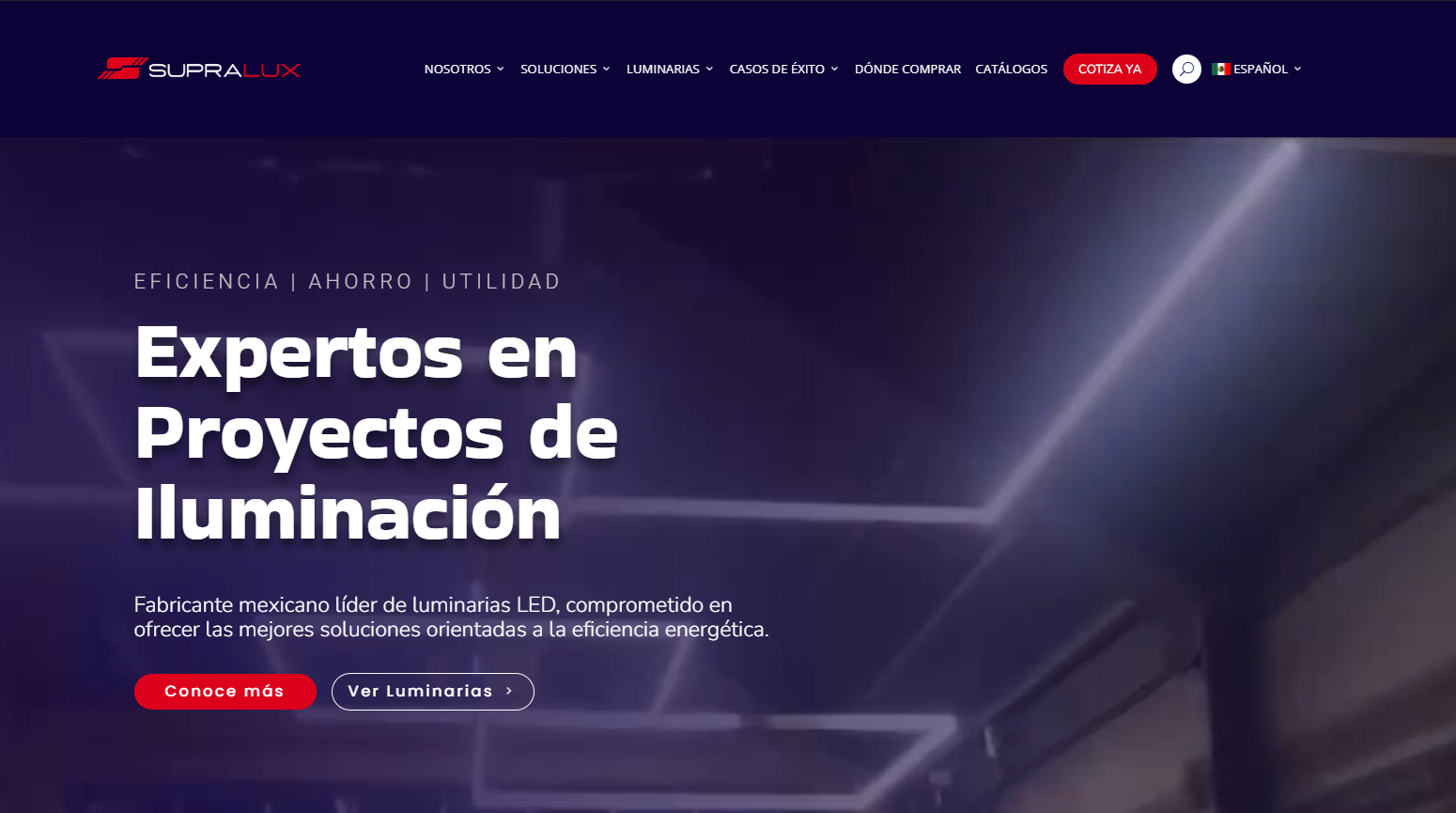
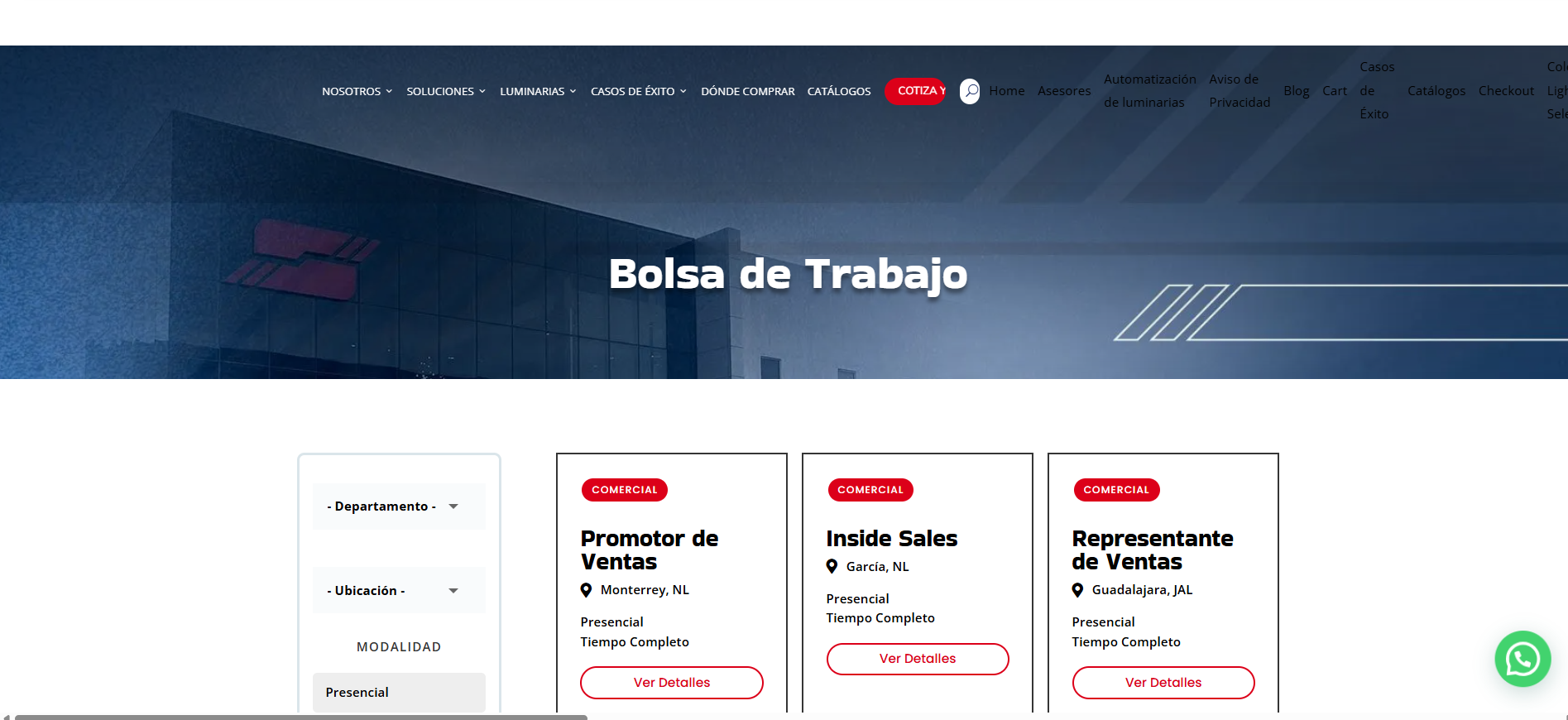
Thanks for your response. The menu im using, is an empty menu which is being used globally. However, when visiting a CPT page, it is not displayed correctly.
I need to request temporary access (wp-admin and FTP) to your site—preferably to a test site where the problem has been replicated, if possible—in order to be of better help. When you log in to leave your next reply, you will find the needed fields below the comment area. The information you will enter is private, meaning only you and I can see and access it.
If I need to debug the problem further, I want to ask whether it's possible to replicate your site locally. I'll need to install a "Duplicator" temporarily or "All In One Migration" plugin on your site. This will allow me to create a copy of your site and your content. If you prefer to do it independently, you can provide the snapshot and send me the zipped package you downloaded.
The server protection credentials appear to be incorrect, and I’m unable to bypass this additional security layer. Could you please check and update me?
I’ve marked my next reply as private, so you can safely share the correct access details there.
As I understand it, the issue with the CPT “Bolsa de Trabajo” that has a slug “vacante”. The behavior you’re seeing is expected—there is no language switcher for this CPT because “Vacantes (vacante)” is currently set as Not translatable in WPML → Settings → Post Types Translation.
To make the language switcher available and ensure proper multilingual behavior, change its setting to “Translatable – only show translated items.” You may also need to translate its custom posts.