Background of the issue:
I am using JetEngine for dynamic content and Elementor Pro for templates on my website, along with WPML for translation. On my live site, when I keep the page slugs in English, the page heading and description aren't translated, although the content itself is translated. This issue does not occur on my staging site, which has the same build and uses the same tools and plugins.
This is where it works normally using English slugs hidden link
Here it doesn't work unless I translate the page slugs or use a hyphen language next to it, hidden link
Symptoms:
Page heading and description aren't translated when page slugs are in English on the live site. hidden link
Questions:
Why is the page heading and description not translating when using English slugs on the live site?
How can I fix the issue so that I can use the same slugs in English and have the content show up translated?
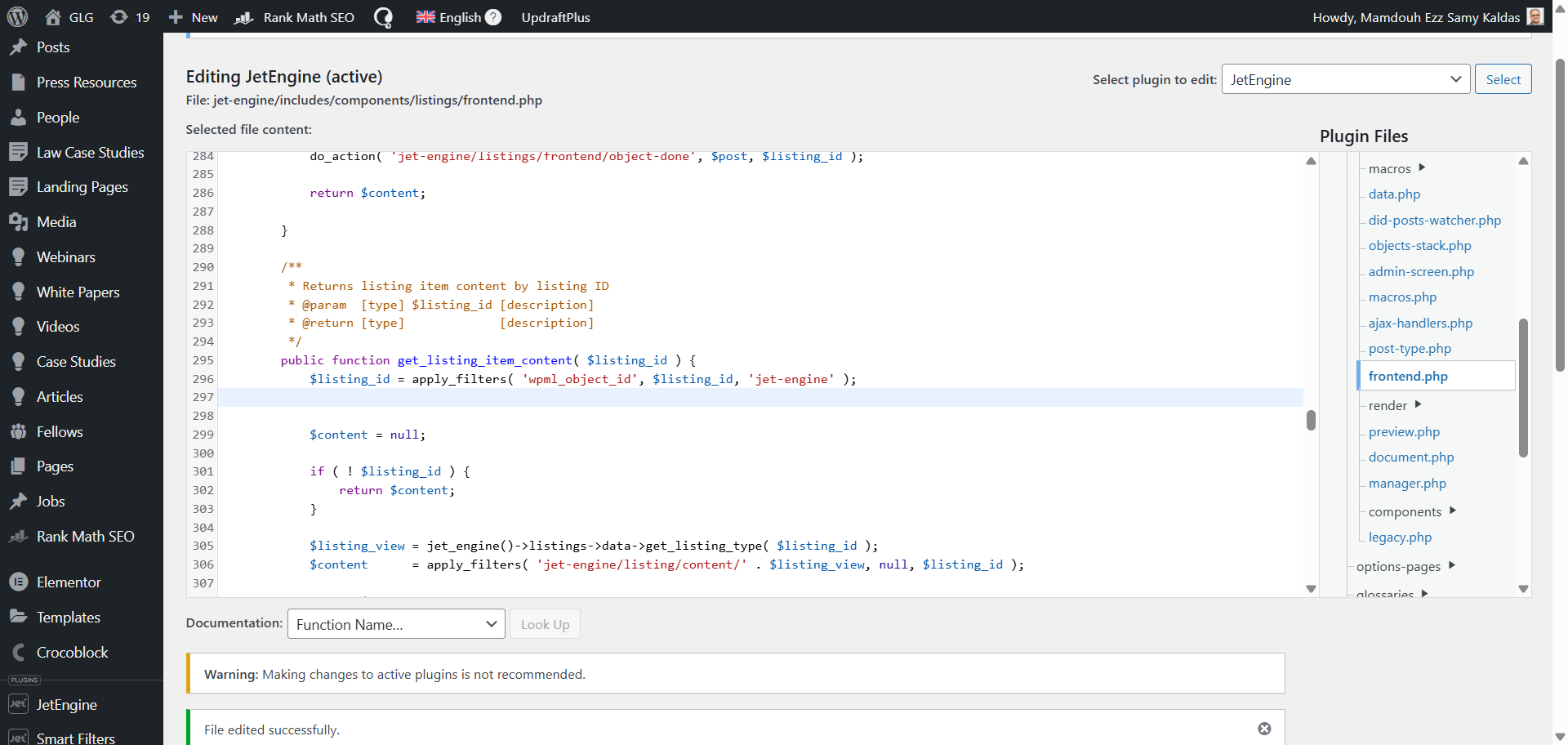
I applied the code you provided and here is a screenshot of how I applied it.
Is that correct?
I did that but I don't see any difference on the front-end. You can check here, hidden link
Try changing the language, only the slugs with -language are the ones translated.
Languages: English (English )Spanish (Español )German (Deutsch )
Timezone: America/Lima (GMT-05:00)
Hello,
I would like to offer to take a closer look and request temporary access (wp-admin and FTP) to the website to investigate the issue further.
The required fields are located below the comments section when you log in to leave the next reply. The information you provide is private, meaning only you and I can see and access it.
IMPORTANT
Please be sure to back up your website and database before granting us access.
If you can't see the "wp-admin / FTP" fields, your post and website credentials will be set to "PUBLIC." DO NOT publish the data unless you see the required wp-admin / FTP fields.
I may need to install a plugin called "All In One WP Migration" to create a copy of the website so I can investigate the issue further.
However, I would also be very grateful if you could provide a staging site or a copy of the website from your server for this purpose.
If you have any questions about creating such a staging site, you can consult your hosting provider. Please note that WPML must also be registered on this staging site at https://wpml.org/account/websites/.
If you are unable to provide such a copy of the website for testing, please let me know on this ticket.
The private reply form looks like this: hidden link
Click "I still need assistance" the next time you reply.
Video: hidden link
Please note that we are required to request this information individually on each ticket. We are not permitted to access any credentials that were not specifically submitted on this ticket using the private response form.
The main point is that this issue is only happening on our live site.
We already have a staging site, which is an exact copy of the live site, and over there the translation is behaving normally as you can see here, hidden link
Same slug but the content is translated as expected so everything is working well.
It's just the live site that's not working as expected.
So, is there any explanation for that?
As for providing access, I'm not sure if we'll be able to provide ftp access but we might be able to provide WP admin access, so will that be good enough for you?
Languages: English (English )Spanish (Español )German (Deutsch )
Timezone: America/Lima (GMT-05:00)
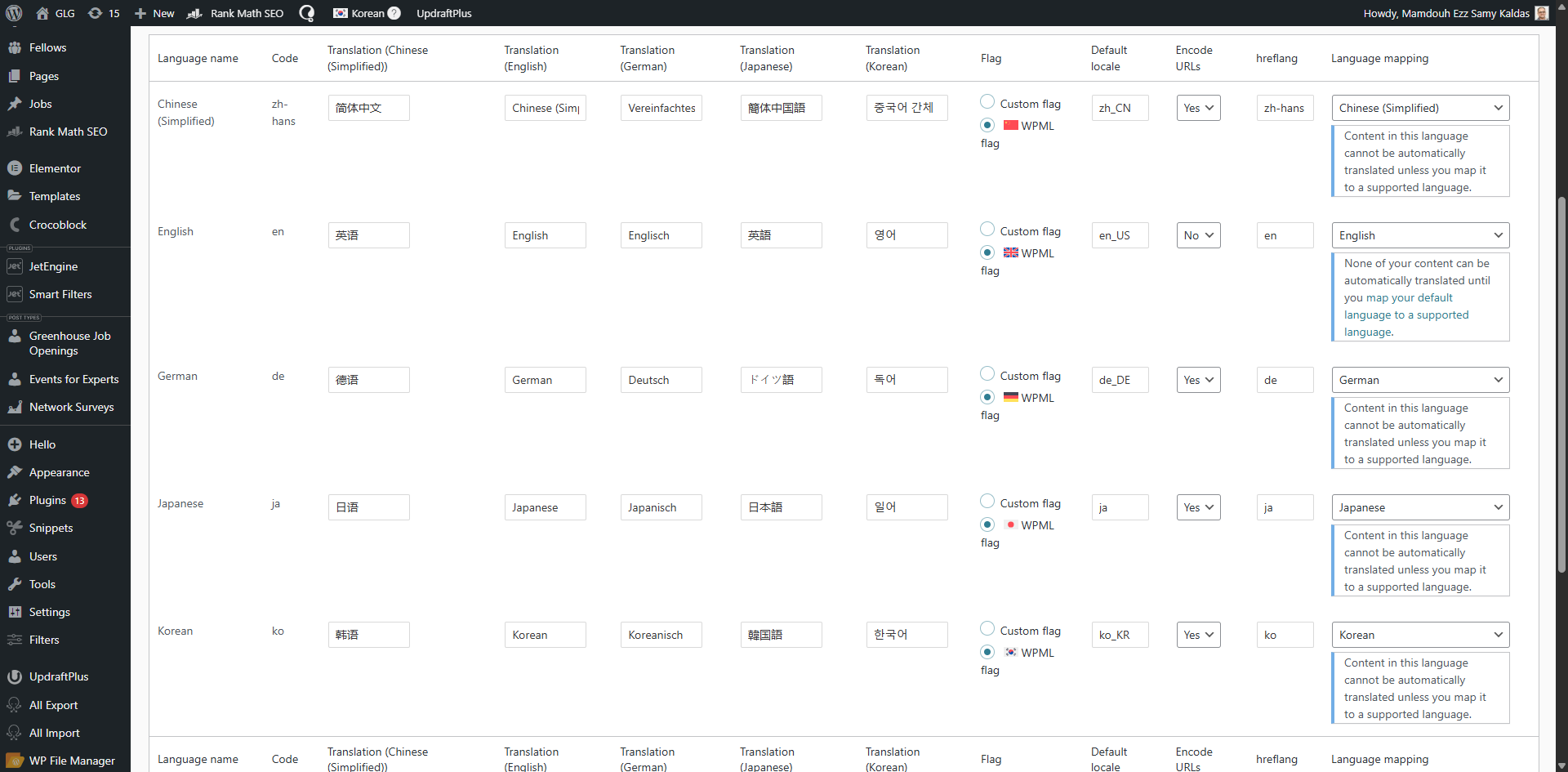
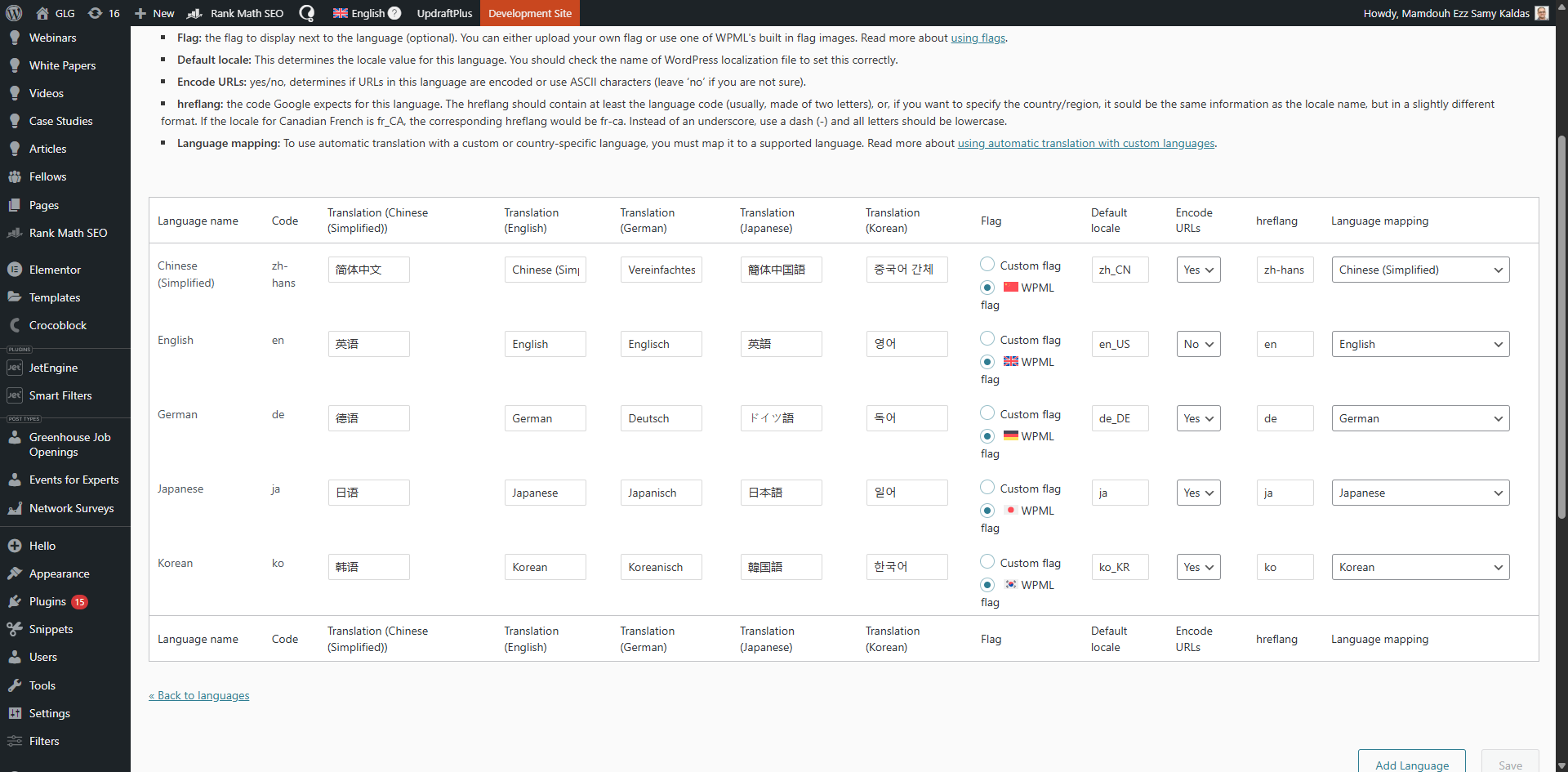
This looks like a language mapping issue, which causes the automatic translation can not operate as expected.
It might be that the site is not registered correctly, or a third plugin is causing an issue with WPML's settings.
It would be ideal if you could provide me with admin access so that I can review the logs and verify if the site is set up correctly. If needed, I will create a local copy of the site for testing, using the plugin "All In One WP Migration".
Also, please note that WPML relies on XML-RPC-API, which is why I can not recommend using a plugin like "Disable XML-RPC-API".
Languages: English (English )Spanish (Español )German (Deutsch )
Timezone: America/Lima (GMT-05:00)
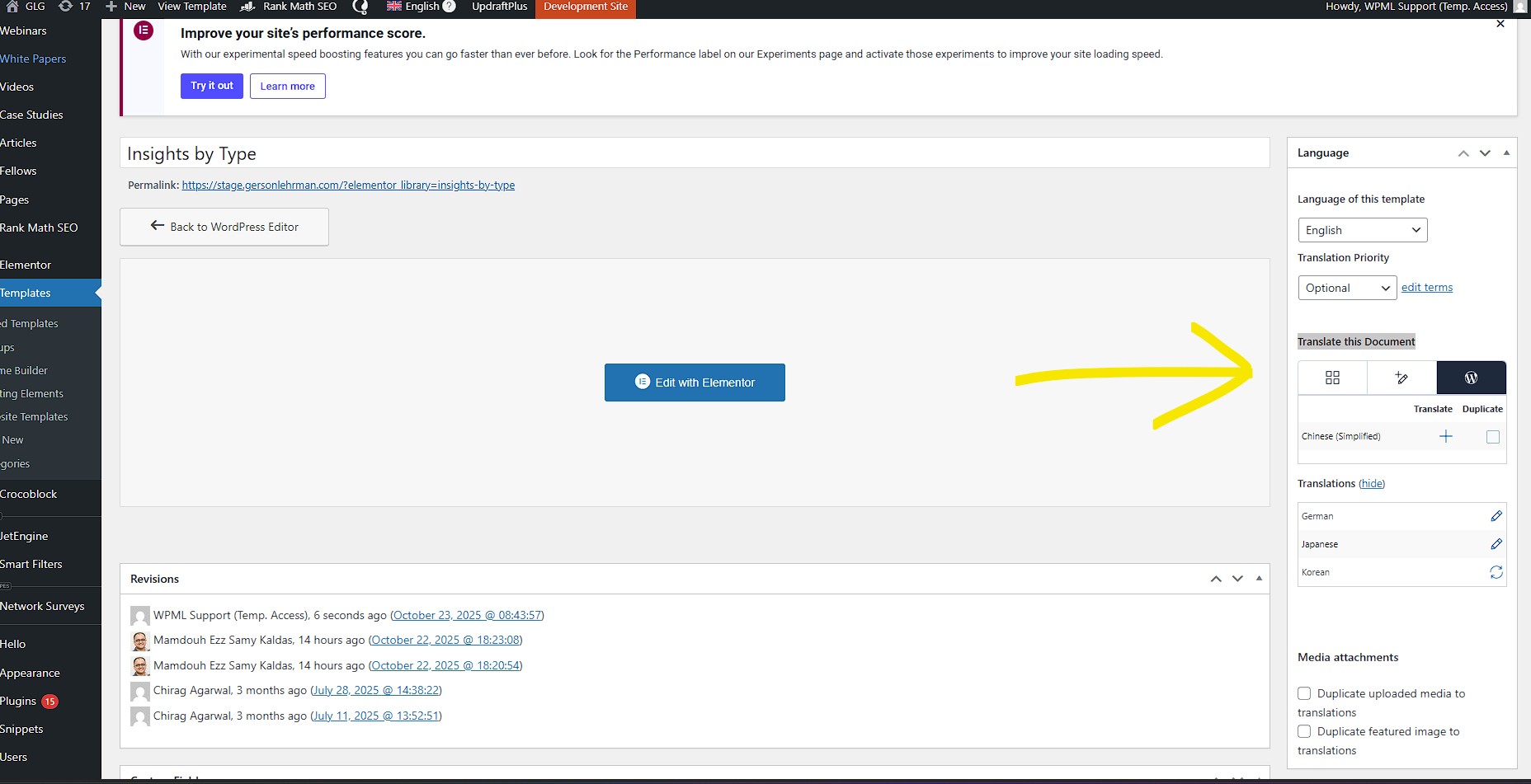
You need to make sure to translate the Archive Template "Insights by Type" at Templates > Saved Templates.
It is currently not translated into Korean.
Further, I suggest using the WPML Translation Editor as the translation method for the templates.
To set the translation method, open the original template inside the WordPress Editor and inside the right sidebar, beneath "Translate this Document" switch the translation method to "WPML Translation Editor".
Then create the translation.
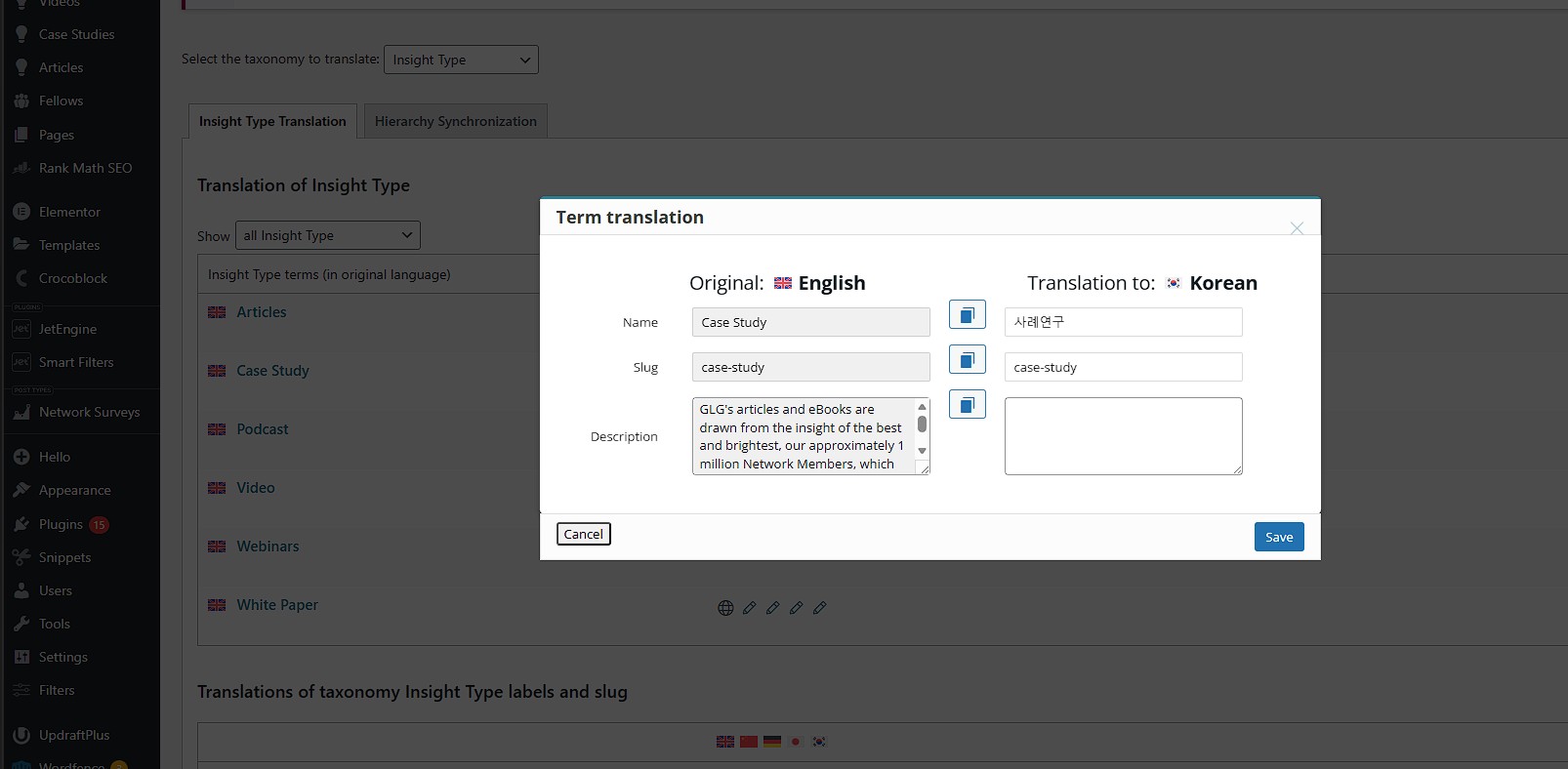
Also, make sure that the term description is translated at WPML > Taxonomy Translation. The Case Study category currently does not have a translated term description.
If this does not solve the issue, please let me know.
The topic ‘[Closed] Page content not translated in full’ is closed to new replies.