This thread is resolved. Here is a description of the problem and solution.
Problem:
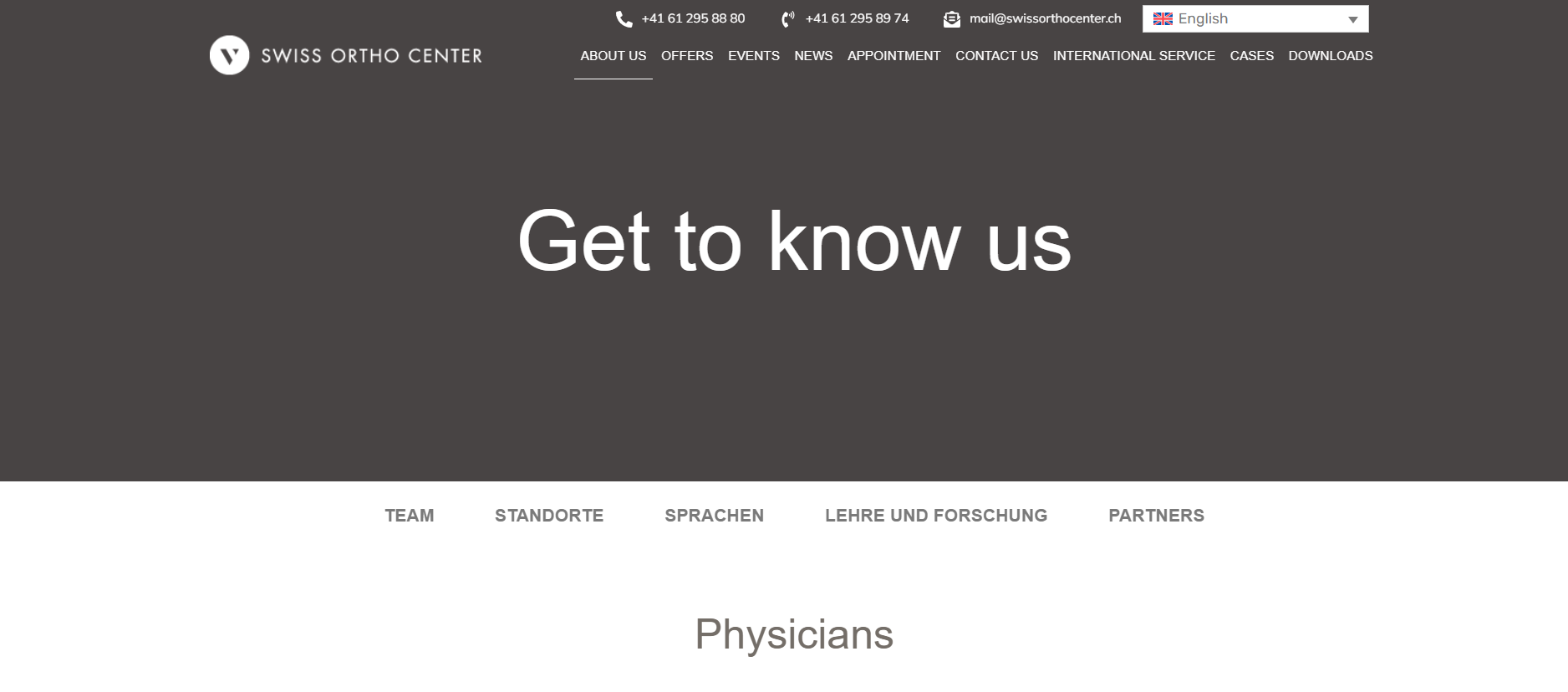
If you're experiencing issues with images breaking on translated pages designed with Elementor, it might be due to how the images were integrated into the page.
Solution:
We recommend first taking a screenshot to help identify how the images were added. Next, try making a small change to the original page, update it, and then complete the translation. This process can often resolve rendering issues with images on translated pages.
If this solution does not resolve your issue, or if it seems outdated or irrelevant to your specific case, please do not hesitate to open a new support ticket. We also highly recommend checking related known issues at https://wpml.org/known-issues/, verifying the version of the permanent fix, and confirming that you have installed the latest versions of themes and plugins.
For further assistance, you can contact us directly through our support forum at WPML support forum.
This is the technical support forum for WPML - the multilingual WordPress plugin.
Everyone can read, but only WPML clients can post here. WPML team is replying on the forum 6 days per week, 22 hours per day.