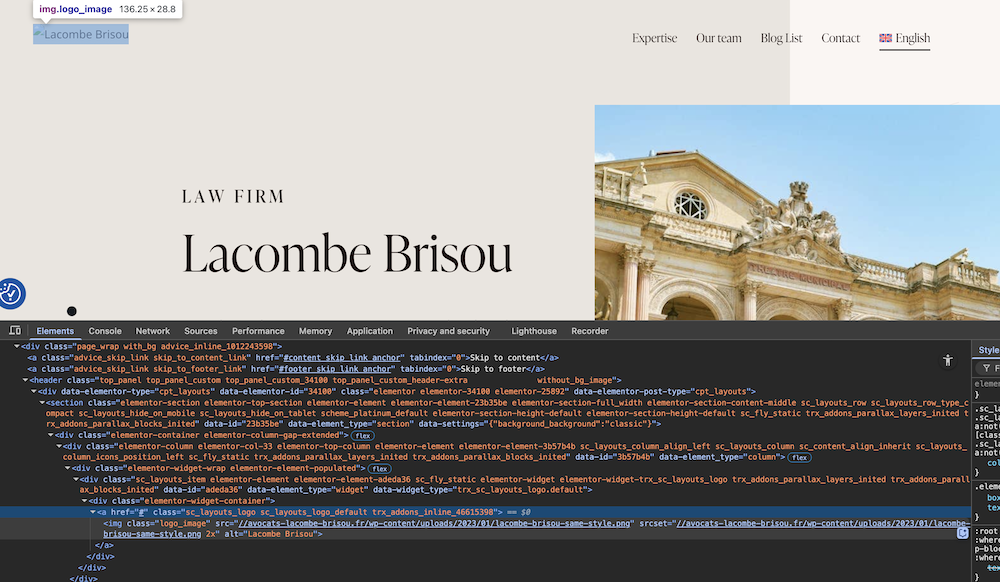
reviewing the issue in the front end I noticed that the FR version with the working logo is pulling the logo from the TRX theme options (correct me if I am wrong, please) and it's text based, where the translations are pulling a png media file.
See images attached.
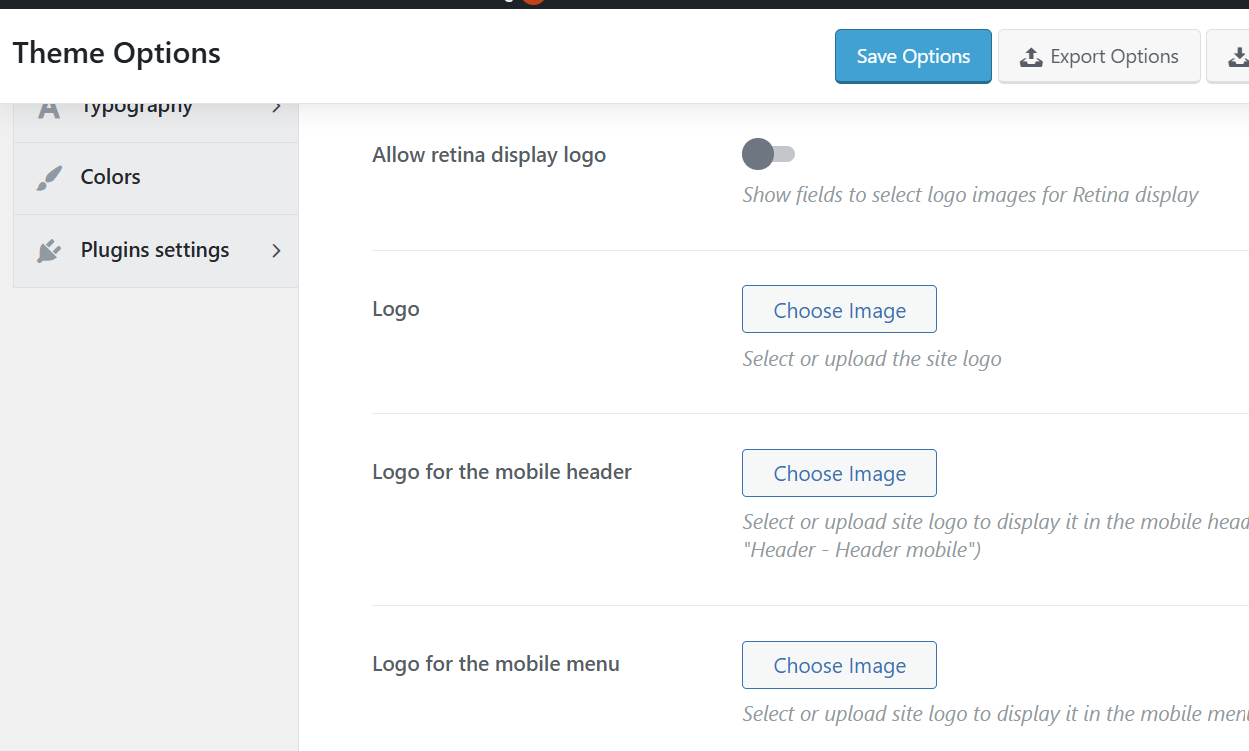
How is the logo configured ? That way I can verify that the logo is correctly configured for all languages based on the default language's configuration.
Hello,
As you can see on my screenshot, I do not have anything configured in customizer, to let the themerex default one displayed.
Also, could you please confirm that if I changed a tag like H1 to H2 for example, it will be taken into account on translated pages ? Or should I modify it myself?
Both languages are pointing to this .png which then results to a broken image or 404
Did you ever have a media set? possibly it is stuck.
When I edit with Elementor directly I can adjust it by adding the Header and tag line however that is overwritten by this logo.
EN : //avocats-lacombe-brisou.fr/wp-content/uploads/2023/01/lacombe-brisou-same-style.png
IT //avocats-lacombe-brisou.fr/wp-content/uploads/2023/01/lacombe-brisou-same-style.png
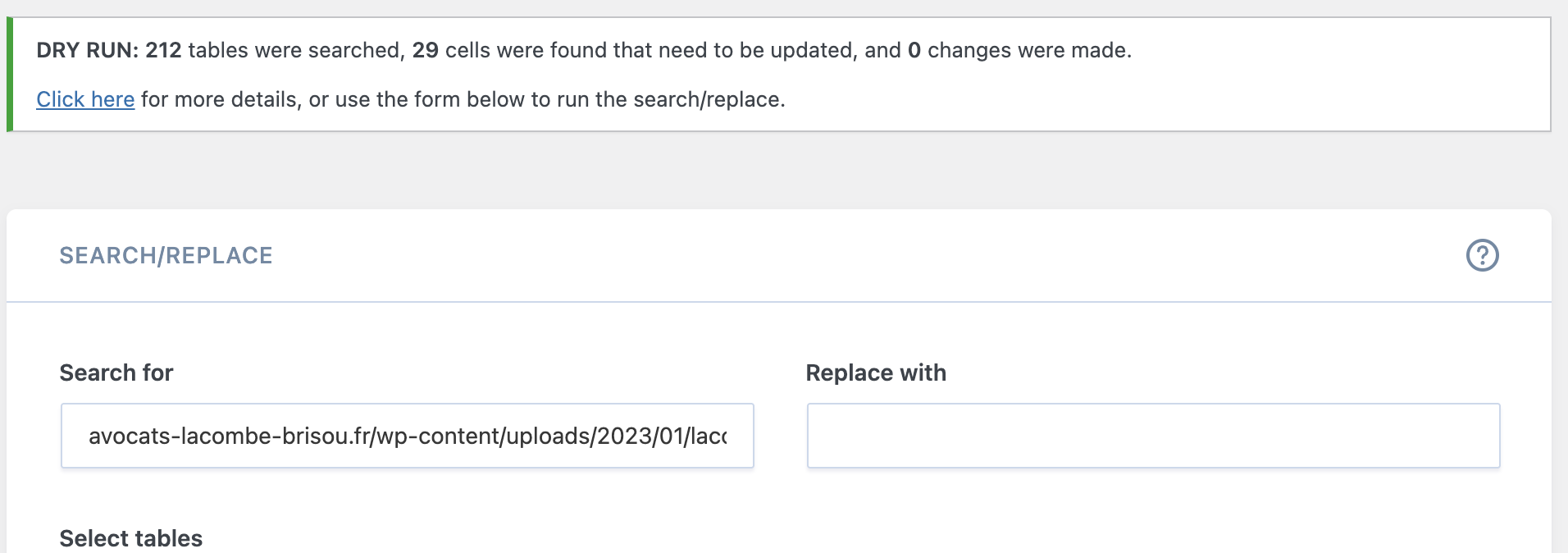
I did a DRY run for search and replace on the above URL and 29 results returned, as this is a live site I am not comfortable running this as a live command.
Hello, did you change a setting in WPML ? I got a 503 error and I see that in my htaccess file.. :
# BEGIN WordPress
# The directives (lines) between "BEGIN WordPress" and "END WordPress" are
# dynamically generated, and should only be modified via WordPress filters.
# Any changes to the directives between these markers will be overwritten.
<IfModule mod_rewrite.c>
RewriteEngine On
RewriteRule .* - [E=HTTP_AUTHORIZATION:%{HTTP:Authorization}]
RewriteBase /
RewriteRule ^index\.php$ - [L]
RewriteRule ^en/wp-login.php /en/wp-login.php [QSA,L]
RewriteRule ^fr/wp-login.php /en/wp-login.php [QSA,L]
RewriteRule ^it/wp-login.php /en/wp-login.php [QSA,L]
RewriteCond %{REQUEST_FILENAME} !-f
RewriteCond %{REQUEST_FILENAME} !-d
RewriteRule . /index.php [L]
</IfModule>
Ok it seems it was triggered by an SEO plugin since I changed it.
But do you confirm those lines look ok ?
Also, I got an issue with canonical links. On IT language, there are several pages that have change their canonical link from FR to IT; EG and went from indexable NO to indexable YES: hidden link hidden link
Is it possible to put them back as FR ? I guess it would impact my SEO otherwise.
It is coming from my SEO new plugin rankmath I guess.
I also removed ES language, but it remain in my sitemap and I cannot clear it from WP , I got infinite load when I try to delete ES data from there:
Language My Templates Theme Layouts Posts Pages Media Delete content
Espagnol 1 7 27 11 8
I can see the issue with the Spanish language and the infinite loop, there is a console error logged -- this will require further debugging and I will split and escalate with the right team to review.
Regarding the media issue.
The above URL is working OK for me, however, please review my previous reply regarding the logo and let me know your results as I did locate the .png files in the database, even though they no longer exist on the site which could be causing this behavior.
Hello,
I found 39 cells for this indeed. But not sure what it was exactly. Don't hesitate to delete it if needed.
I got another MAJOR issue. My elementor editor has infinite load because of WPML since few days for all my THEMEREX layouts.
It seems due to translation of my layouts. I deactivated it in settings but it is still broken.
It only works when I deactivate WPML..
WPML generated a lot of issues on my website since I downloaded it.
I might ask for a refund since I am really disappointed with it.
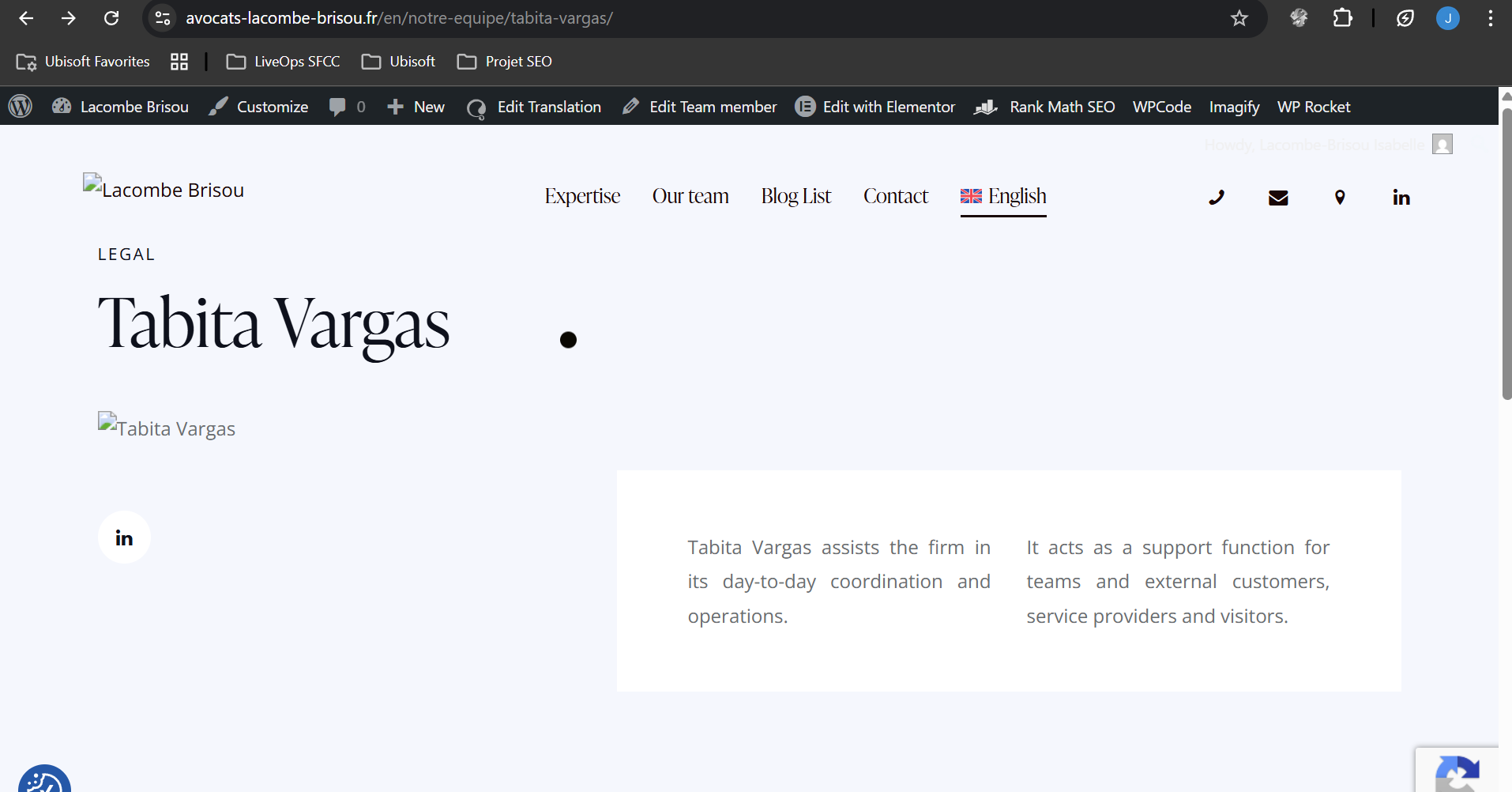
I had errors 500, broken images, etc.. Impacting my image and SEO.
And today, it is still not working properly. I got elementor editor blocked for my trx layouts and some images + logo remains broken.