[Resolved] Split: home page is problematic with translations
This thread is resolved. Here is a description of the problem and solution.
Problem: If you're experiencing issues where translations are not displaying correctly on your website's front end, even though they appear to be added correctly, we can help you address this. Solution: 1) We recommend updating your theme and Elementor plugins to their latest versions to see if that resolves the problem. Always ensure to create a backup before proceeding with updates. 2) If updating does not resolve the issue, consider creating a staging site for further investigation. If creating a staging site isn't feasible, we can assist by making a copy of your site using the Duplicator plugin, but we will need your permission to proceed. 3) As a temporary workaround, you can adjust the code in your site. Specifically, add extra conditions in
If these steps do not resolve your issue or if the solution seems outdated or irrelevant to your case, we highly recommend checking related known issues at https://wpml.org/known-issues/, verifying the version of the permanent fix, and confirming that you have installed the latest versions of themes and plugins. If needed, please do not hesitate to open a new support ticket for further assistance.
This is the technical support forum for WPML - the multilingual WordPress plugin.
Everyone can read, but only WPML clients can post here. WPML team is replying on the forum 6 days per week, 22 hours per day.
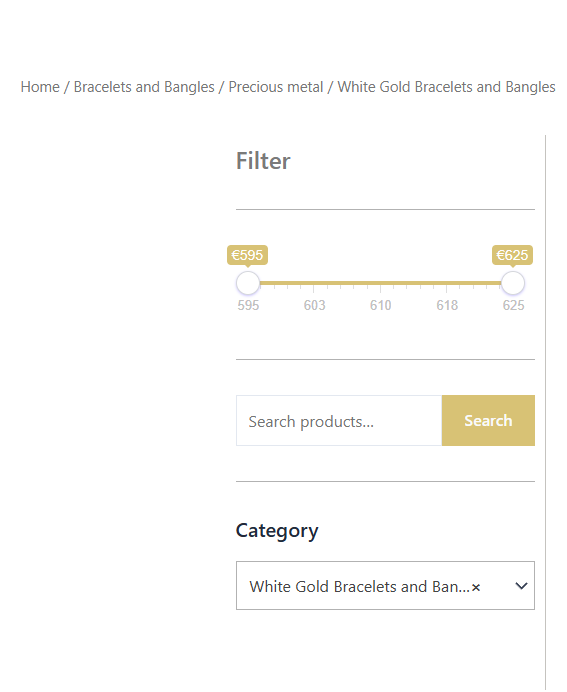
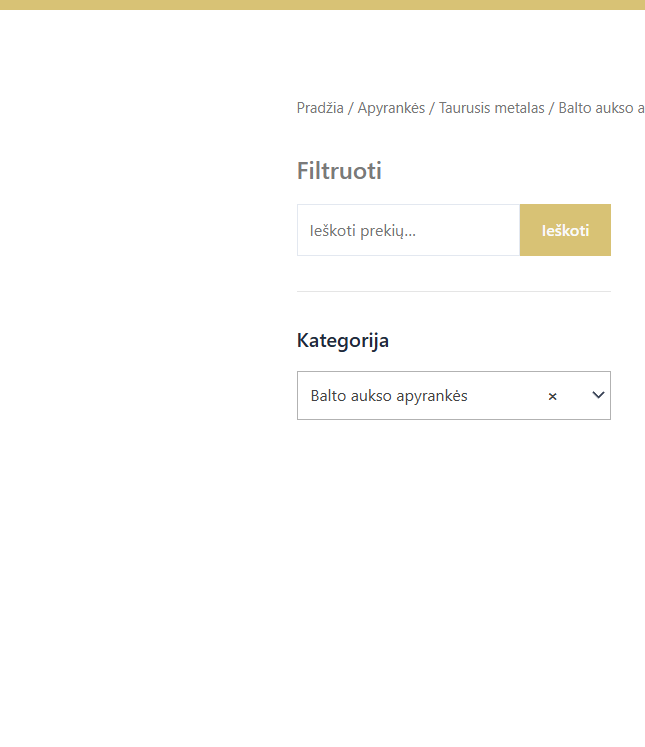
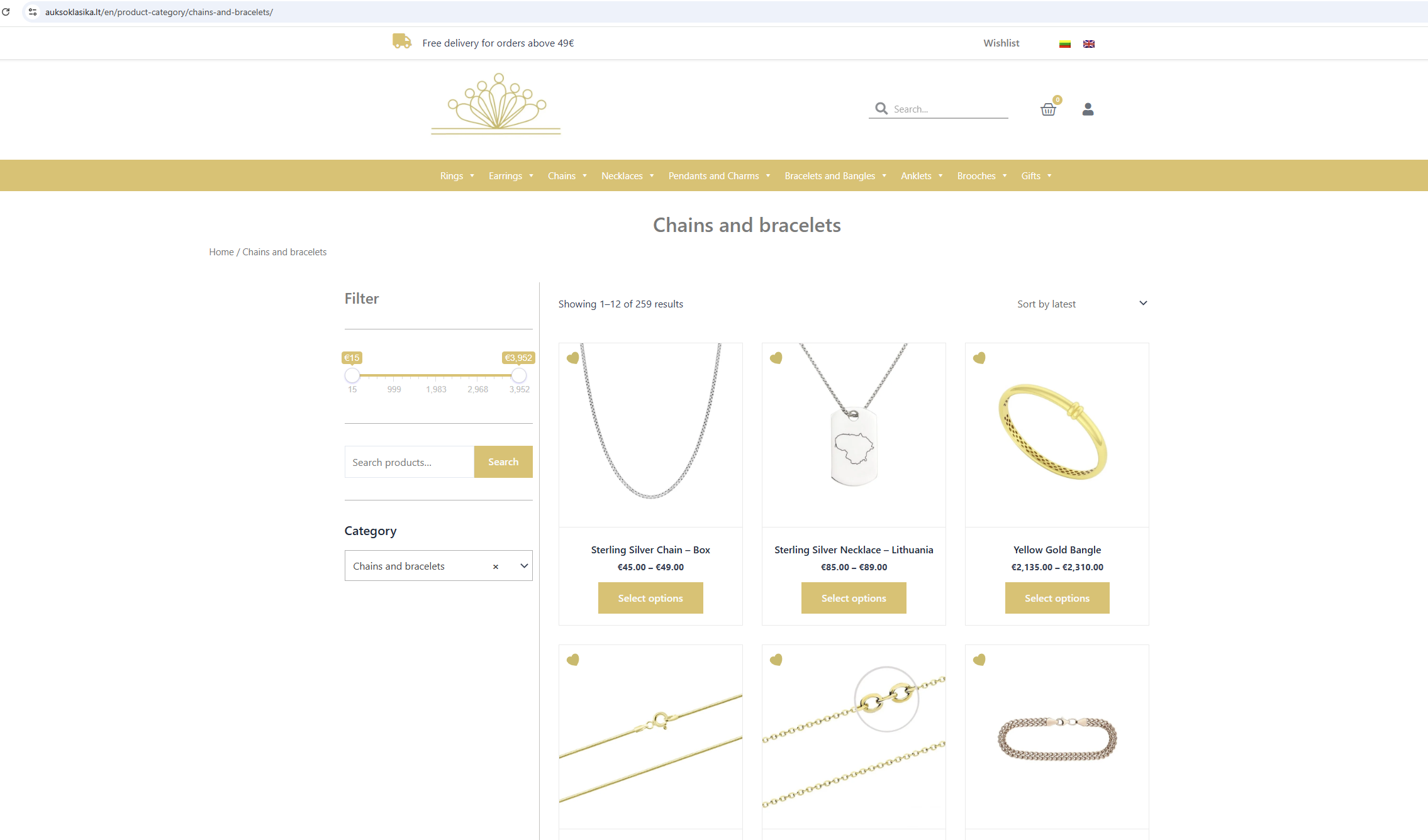
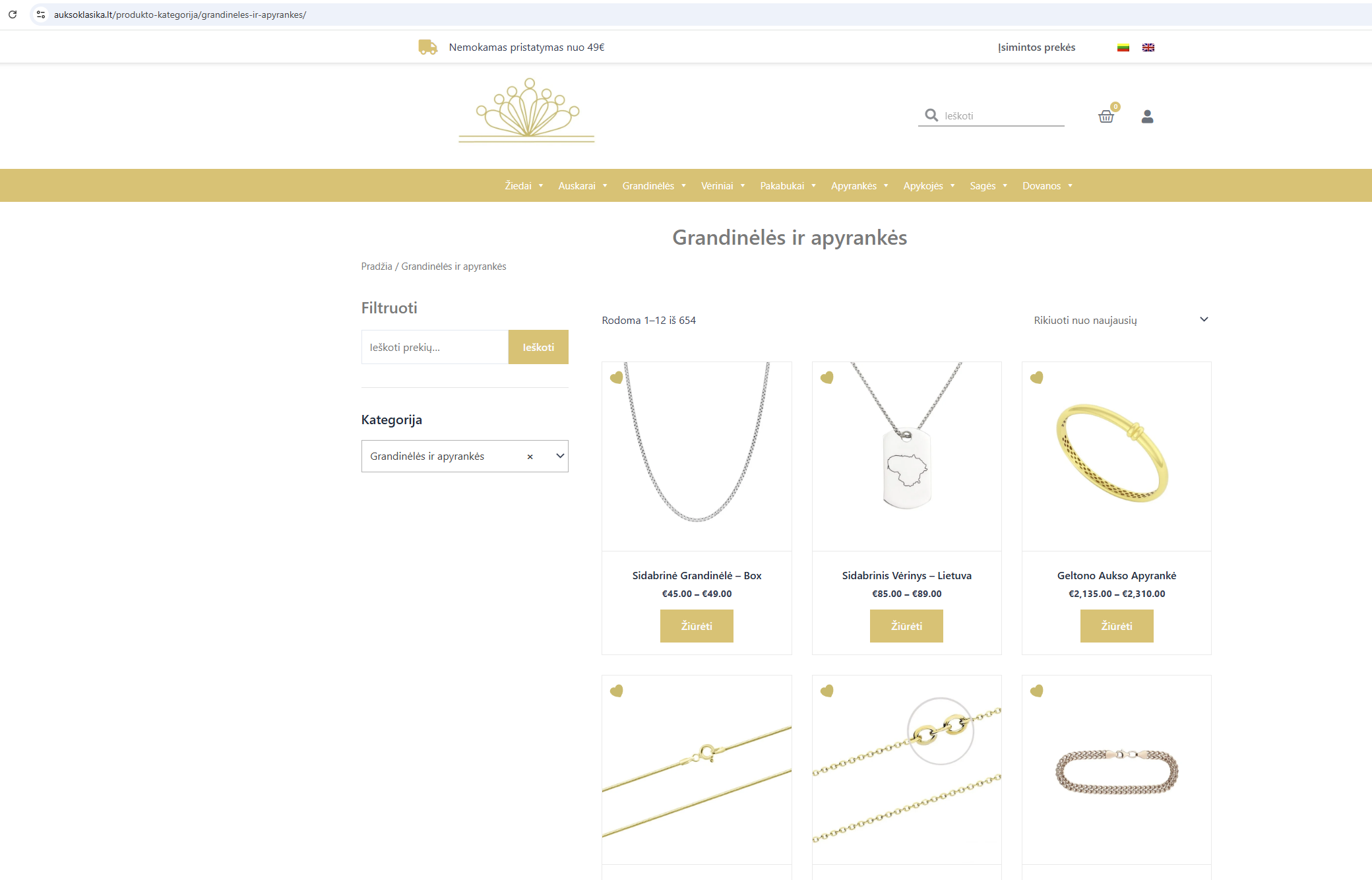
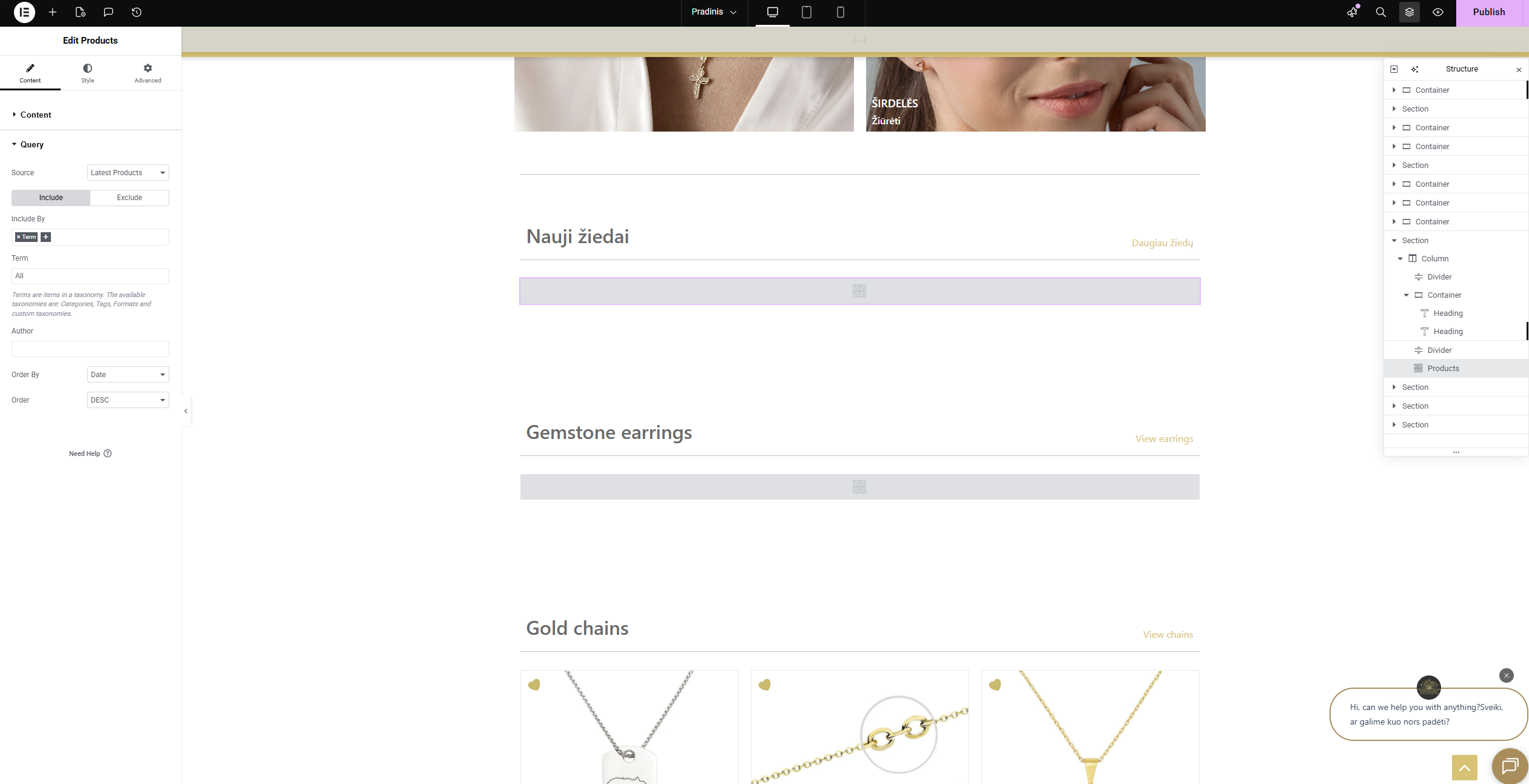
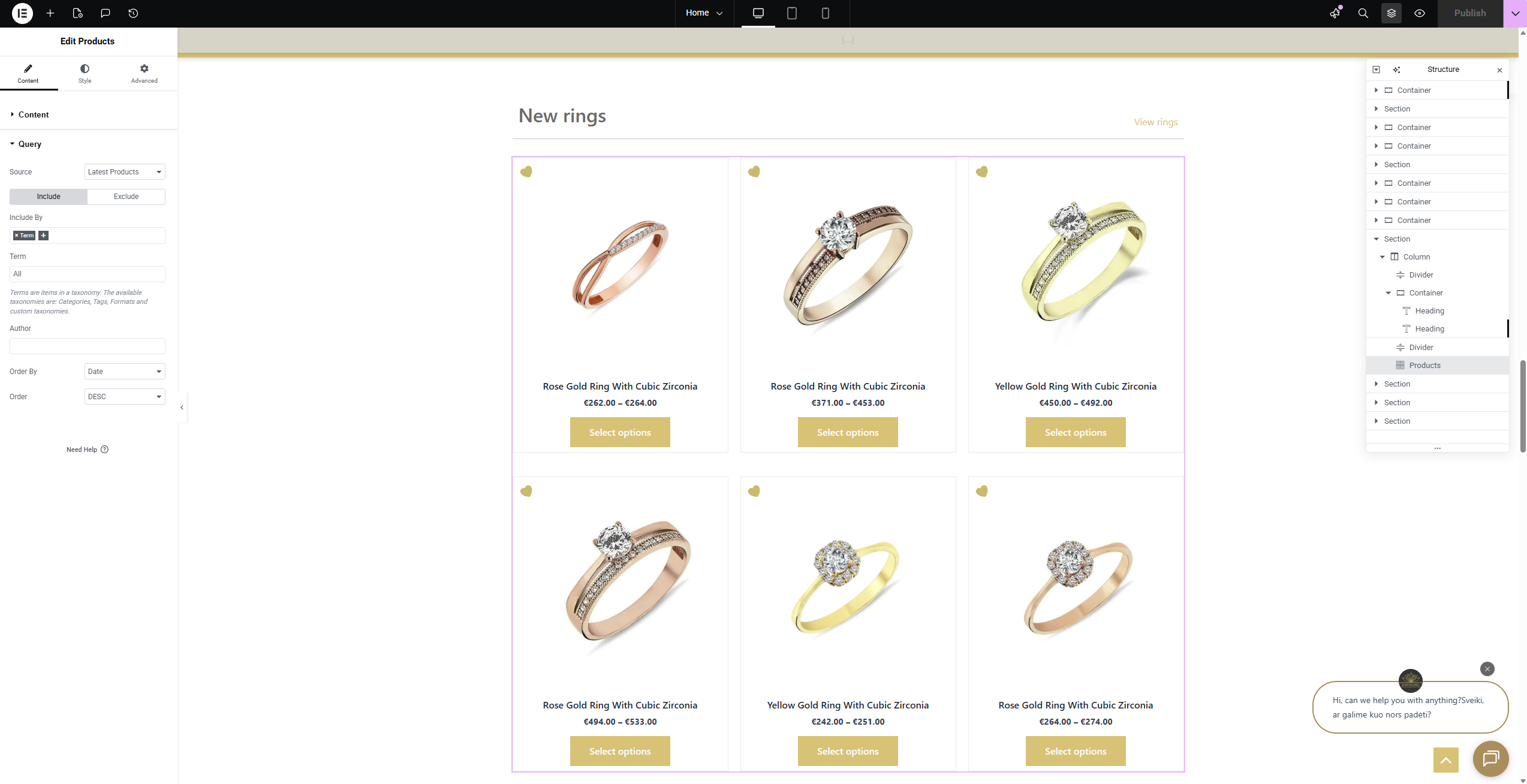
Thank you very much for your help. The screenshot part in my previous message looks good now. But another problematic part appeared now that does not translate correctly. Please see screenshots. English version is how it is supposed to look. Lithuanian version is now partly translated and does not show products.
It seems that, for some reason, our home page is problematic with translations. Is there anything inherently wrong in there that errors keep happening? Is there a way for us to know how to fix these issues ourselves? We try that before contacting you, but we lack knowledge how to do it.
I’ve checked the homepage issue and now understand what’s happening. It appears that even though the translations are added correctly, they aren’t displaying on the front end.
1) First, I recommend updating your theme and Elementor plugins to their latest versions to see if that resolves the problem.
Please make sure to create a backup, before doing any actions, just in case.
2) If that doesn’t help, please create a staging site so we can investigate further in a safe environment. If creating a staging site isn’t possible, I can make a copy of your site using the Duplicator plugin—but I would need your permission to proceed.
We are a little bit worried to do the updates now not to break the website even more without knowing how to go back then.
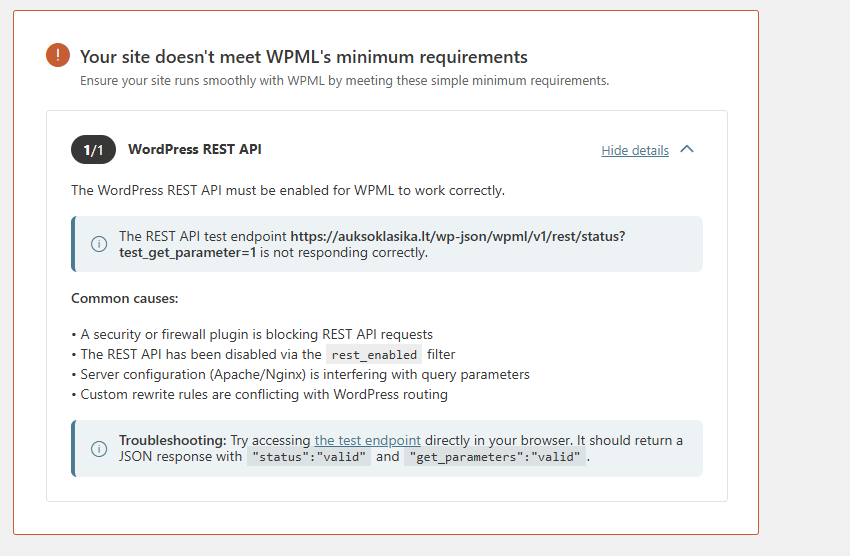
We saw an error saying that our site does not meet the minimum requirements for WPML. But now cannot see this error. We did not do anything to fix it.
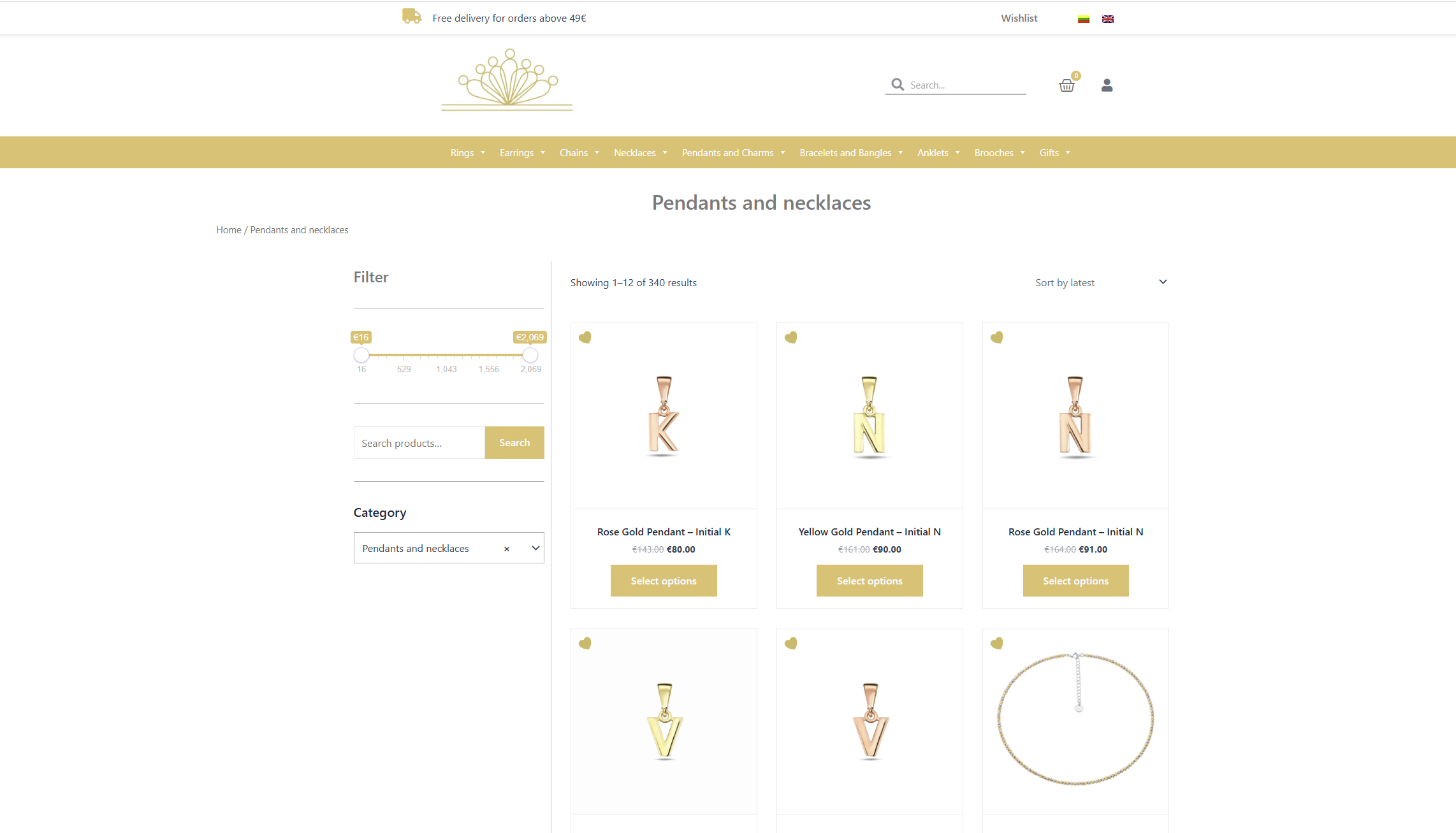
There are many mismatches between number of products included in categories. In some categories, it is just one or a few items not showing up. In others, the difference is a lot. Tried to screenshot a couple of them. Products themselves seem to be translated fine.
Price filter also is not visible on Lithuanian version, but works on English version - on desktop. But it is the opposite on mobile view: works on Lithuanian version, but not English.
Also, not sure why address info in the footer is not translated in Lithuanian version. Not sure where to check.
So quite a few random errors.
Thank you for your help
New threads created by Dražen and linked to this one are listed below:
I understand your concerns, and I also noticed your other issues reported. I haven’t reviewed those one yet, and I recommend that we focus on one issue at a time to avoid confusion and ensure a proper resolution. Then we will check them each one by one as we go forward.
To move forward, as mentioned in my previous reply, the best approach would be to create a staging site. This will allow us to quick and safely update plugins and investigate each issue step by step.
If creating a staging site is not possible, I can take a copy of your website and continue the investigation that way.
I checked further the issue with homepage on your staging site, but I have one doubt if you can help me.
How are you choosing which products to show in that section? For example, if I check via Elementor it just shows empty field, but I can think you are selecting some category there or?
Not entirely sure how this was set up, because it was not done by me. But I think it is supposed to pick up the newest items added to the relevant category, although it seems that with chains it is not doing that correctly anymore as there are newer items. But still does it correctly with other categories displayed on homepage (gemstone earrings, new arrivals, new rings). Clicking on the view button on the right leads to correct categories though in both languages, just not displaying items anymore on homepage.
Yes, I understand. I would like to continue investigating the issue on the staging site, but first I need everything updated to the latest versions.
Please update Elementor, WooCommerce, and your theme to their latest versions on the staging site.
As a temporary workaround while we look into this further, you can manually edit your translated homepage and set the correct categories for LT in the widget shown above. However, you will need to know which categories are the correct ones to use.
Tried to edit this manually, but I struggle to find why this is different in Lithuanian translation as it looked like it is set up the same. Is there somewhere else that I should look where to translate? Links are set up the same in both languages and look translated. But products are not loading up in Lithuanian translation only.
1) Regarding the Elementor widget: there is a category selection that determines which product category is displayed. For some reason, it sometimes appears in Elementor and sometimes doesn’t. Where it currently says Term: All, there should be a specific category selected. Try reloading the editor a few times—after that, you should see the correct category in EN, and then you’ll need to set the same translated category in LT.
2) For further investigation, please let me know once you’ve updated the staging site. I can then check why it doesn’t sync correctly when translated via the WPML editor.
3) Regarding the new issue, it might be one time error, if you still see it please open a new ticket/chat and we would be glad to help. We limit one issue per ticket to keep the topic clear and easy to follow.
I’ve checked the issue and have now escalated it to our 2nd-tier team for further investigation, as I’m not sure why the products are not loading. It may be related to having a mix of content created in different default languages—some built in EN and translated to LT, and some created the other way around.
I’ll update you as soon as I have more information.