This thread is resolved. Here is a description of the problem and solution.
Problem:
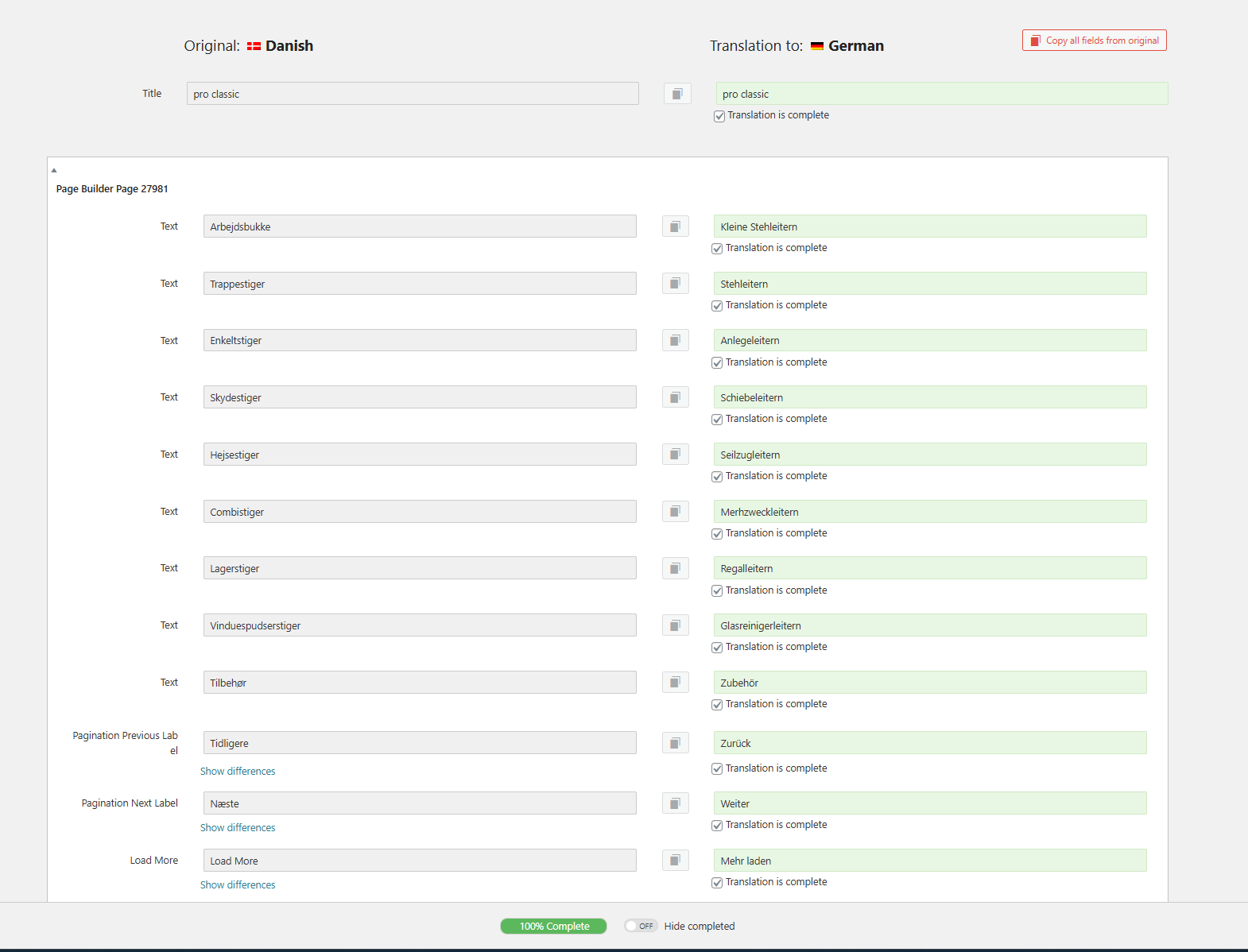
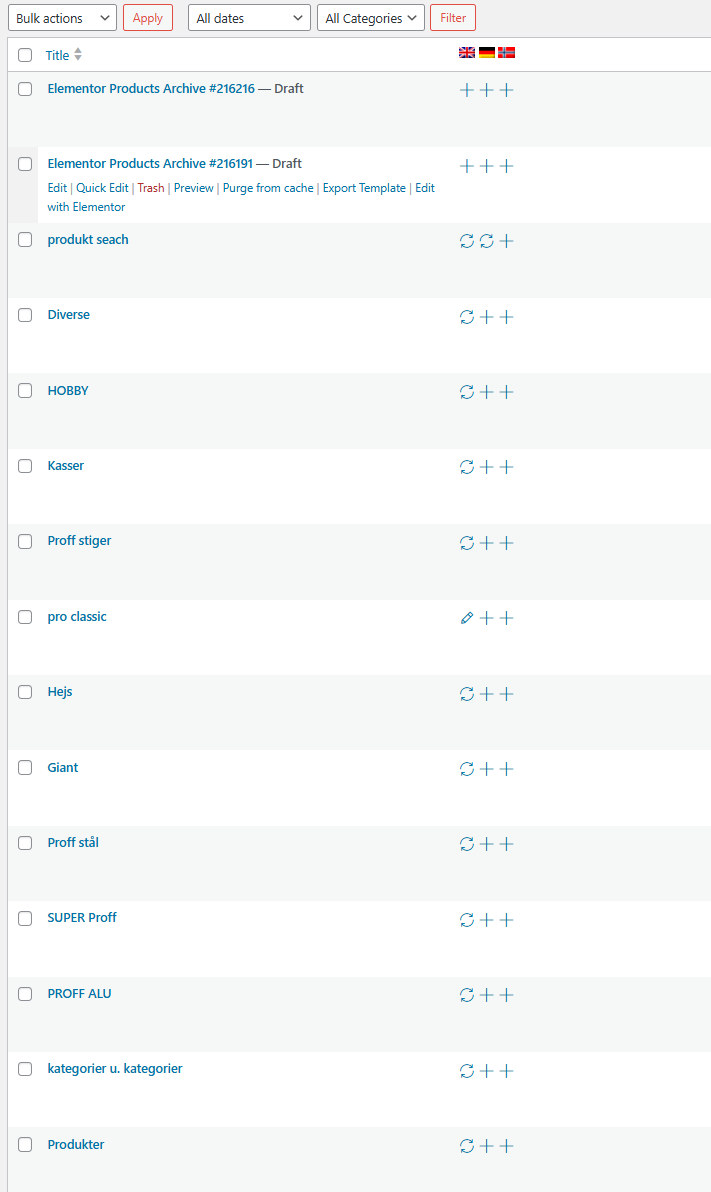
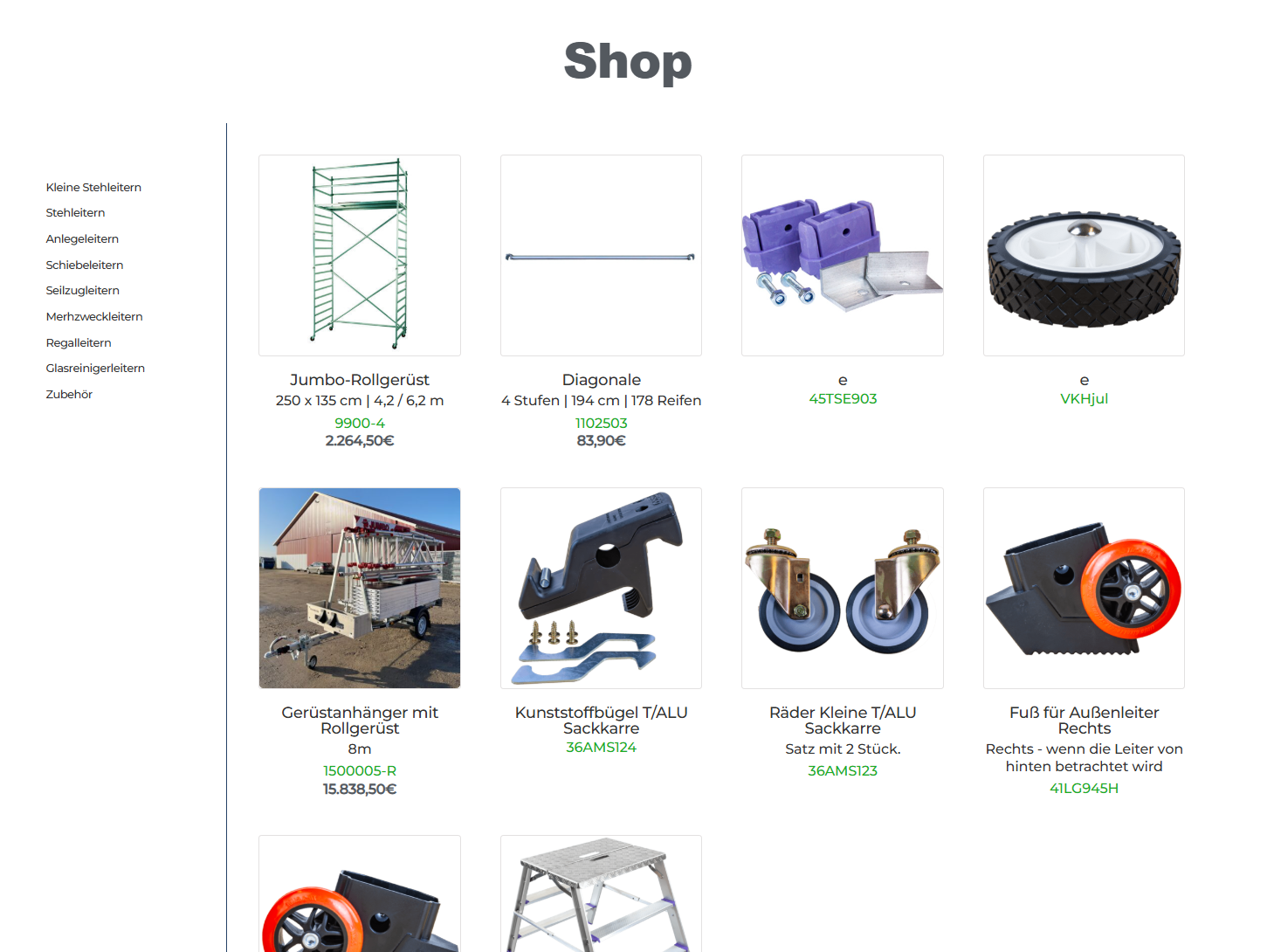
You are trying to translate a product archive template from Danish to German using WPML and Elementor, but face issues where the translations are saved in the editor, yet the interface still shows a plus sign, indicating the translation is not saved or accessible.
Solution:
1. Ensure you back up your site for safety.
2. Navigate to WPML >> Support >> Troubleshooting page and execute the following actions:
- Clear the cache in WPML
- Synchronize posts taxonomies
- Remove ghost entries from the translation tables
- Synchronize local job ids with ATE jobs
- Synchronize translators and translation managers with ATE
- Assign translation status to duplicated content
- Fix post type assignment for translations
- Set language information
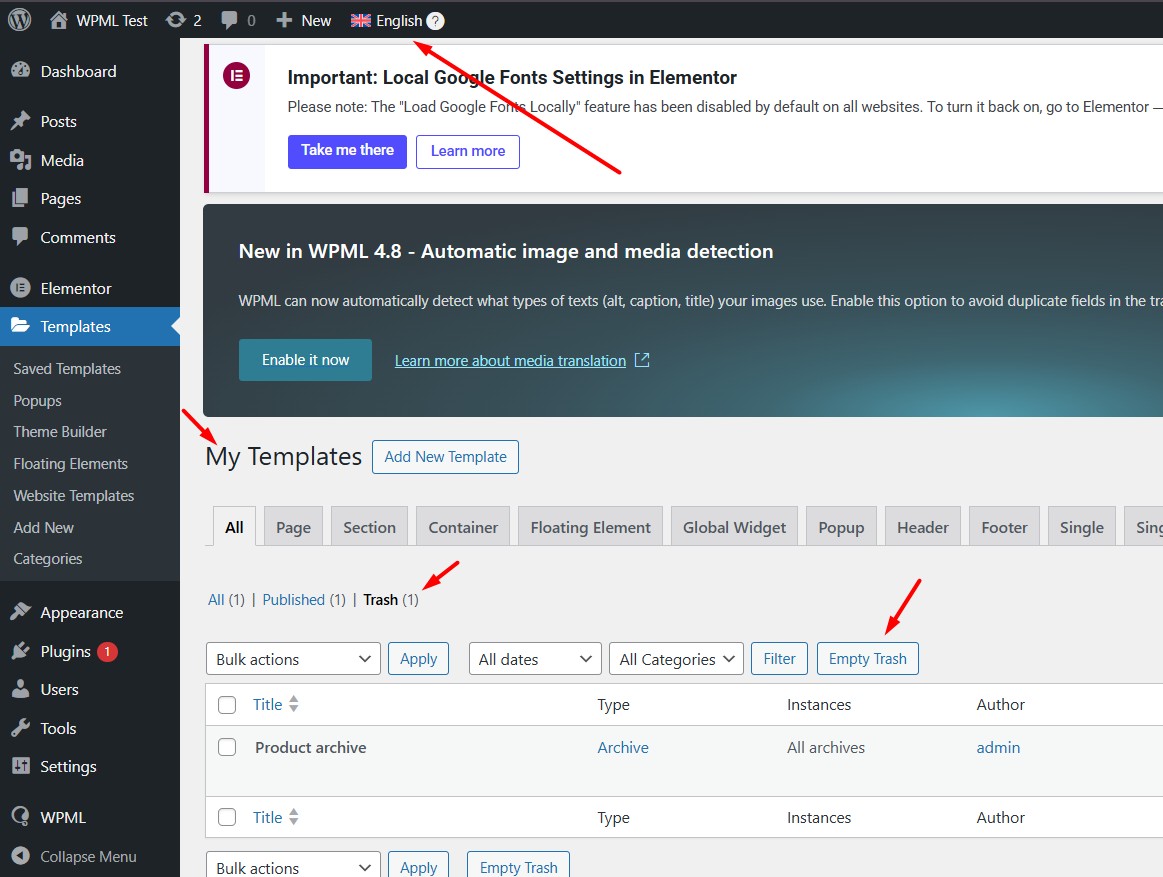
3. Check and empty the Elementor template's trash in the secondary language.
4. Make a temporary change in the title of the default language archive template, update it, revert the change, and update again. Then, open the translated template, ensure it’s 100% complete, and click Save & Close.
5. Clear all types of cache (site/server/CDN) to see if the issue resolves.
If this solution does not resolve your issue or seems outdated, we recommend checking related known issues at https://wpml.org/known-issues/, verifying the version of the permanent fix, and confirming that you have installed the latest versions of themes and plugins. If the problem persists, please open a new support ticket at WPML support forum for further assistance.
This is the technical support forum for WPML - the multilingual WordPress plugin.
Everyone can read, but only WPML clients can post here. WPML team is replying on the forum 6 days per week, 22 hours per day.
This topic contains 3 replies, has 0 voices.
Last updated by 5 months, 2 weeks ago.
Assisted by: Noman.