Background of the issue:
I have moved a site to production and updated to the newest Bricks 2.0. I am trying to translate pages using WPML. The issue can be seen at: hidden link
Symptoms:
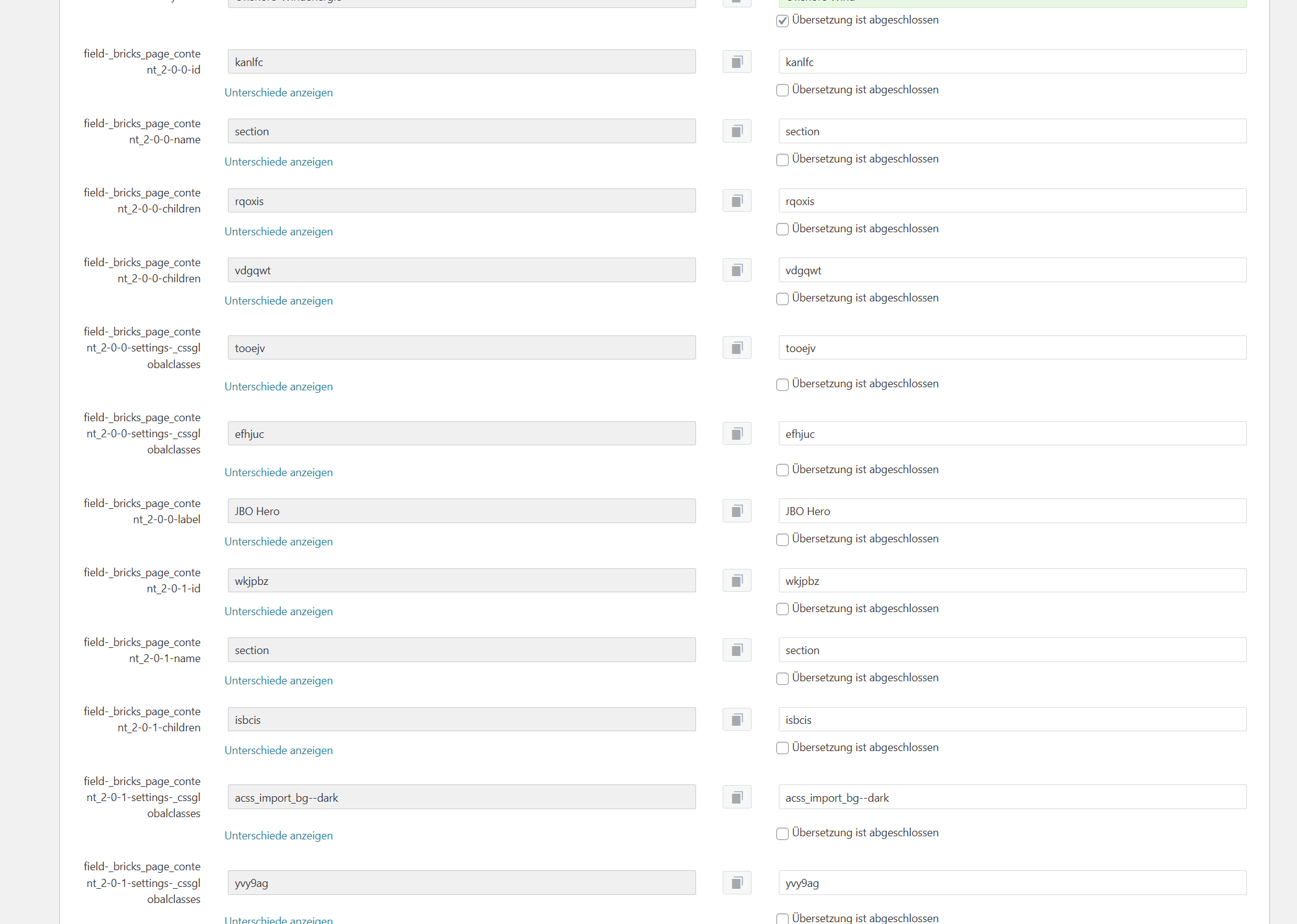
The English version of the page is 'gone' when switching languages. The Advanced Translation Editor (ATE) will not load due to the page size. Additionally, many fields from the Bricks editor are being loaded for translation, which should not be there.
Questions:
Why is the English version of the page disappearing when switching languages?
Why is the ATE not loading due to the page size?
Why are Bricks editor fields appearing for translation?
The English version of the page is 'gone' when switching languages.
Did you refer to when editing in the WP Admin? or on the frontend. Because I browsed the site and couldn't find such a situation. Can you record your screen to show what's happening?
The Advanced Translation Editor (ATE) will not load due to the page size.
Do you see any error in WPML -> Support -> ATE Logs?
...many fields from the Bricks editor are being loaded for translation...
As per your screenshot, looks like you're using CTE (Classic Translation Editor) while you mentioned about a page, having size issues vs ATE. Are you referring to the same page tried in both editors or you're switching between editors for different pages?
I ‘ll also recommend you to fix “WP Memory Limit” to at least 128MB while 256MB is recommended. See https://wpml.org/home/minimum-requirements/ for detailed information. You can set this in your wp-config.php file by adding following code: