Skip to content Skip to sidebar

This is the technical support forum for WPML - the multilingual WordPress plugin.

Everyone can read, but only WPML clients can post here. WPML team is replying on the forum 6 days per week, 22 hours per day.

Sun Mon Tue Wed Thu Fri Sat
- 8:00 – 13:00 9:00 – 13:00 9:00 – 13:00 8:00 – 12:00 8:00 – 12:00 -
- 14:00 – 17:00 14:00 – 18:00 14:00 – 18:00 13:00 – 17:00 13:00 – 17:00 -

Supporter timezone: Europe/Zagreb (GMT+01:00)

Tagged: 

This topic contains 1 replies, has 2 voices.

Last updated by Bruno Kos 1 year, 7 months ago.

Assisted by: Bruno Kos.

Author Posts
July 30, 2024 at 6:16 am #16018598

tomasM-28

Background of the issue:
I'm trying to upload the edited translations to svecgroup.sitecloud.sk. WPML>Translations. The edited translations are in .xliff format.

Symptoms:
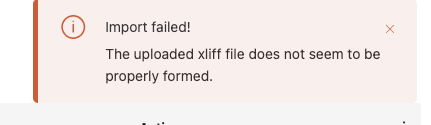
When I upload the files I get the error 'The uploaded xliff file does not seem to be properly formed'. I tried to upload it first as a zip, then also sequentially by individual files but it still gives me the same error.

Questions:
Can you please help me with this so that I can insert the given sources normally and it does not throw me this error ?

July 30, 2024 at 11:14 am #16020093

Bruno Kos
WPML Supporter since 12/2018

Languages: English (English ) German (Deutsch ) French (Français )

Timezone: Europe/Zagreb (GMT+01:00)

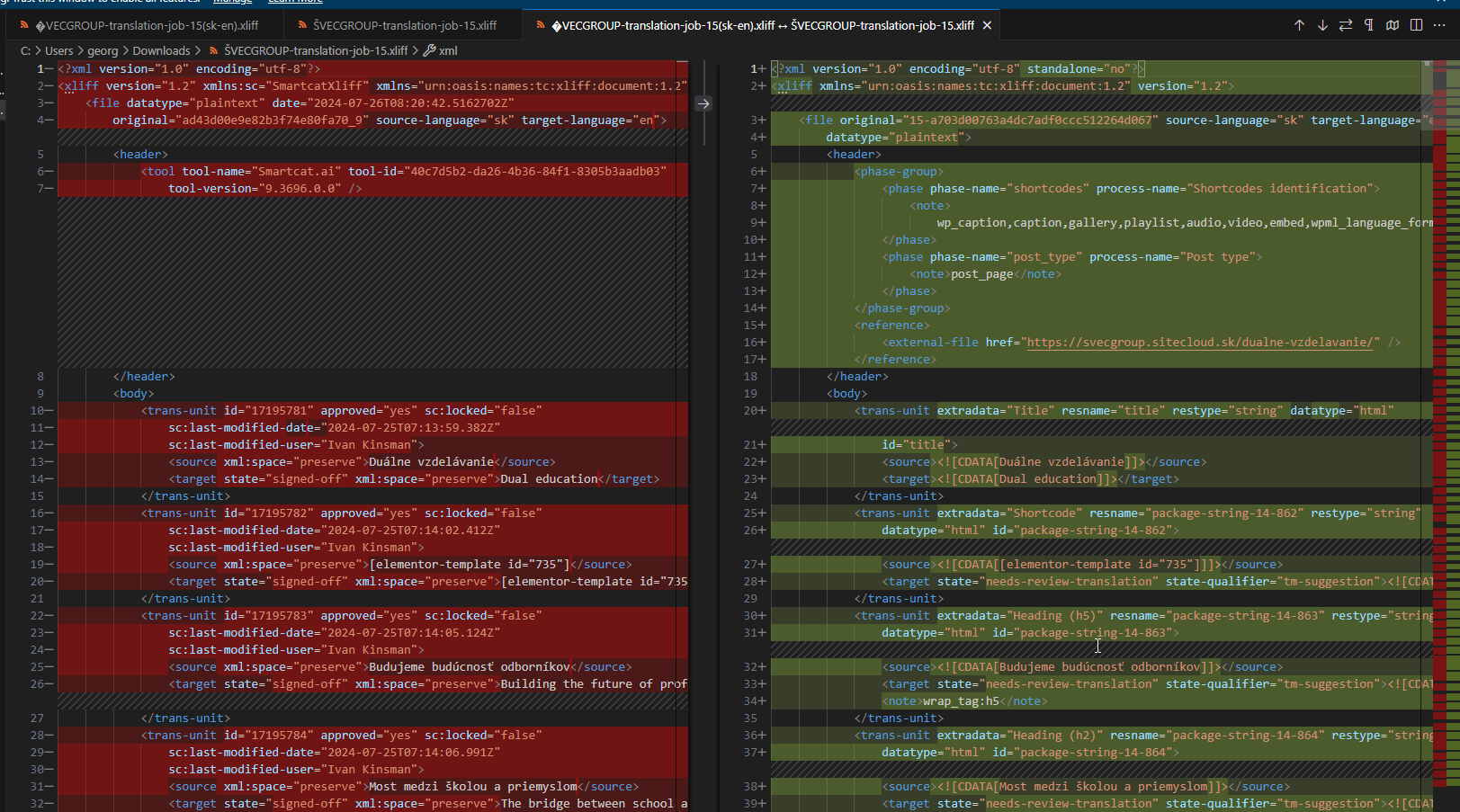
We compared files like this and this only confirmed my initial findings - some data missing. Without CDATA tags, the XLIFF could never import in WPML.

Can you check with translation agency on why this happens? There is also a plugin to work with WPML: https://wordpress.org/plugins/smartcat-wpml/, perhaps it needs to be used also.

image.png

The topic ‘[Closed] Error when importing translation in .xliff format’ is closed to new replies.