Background of the issue:
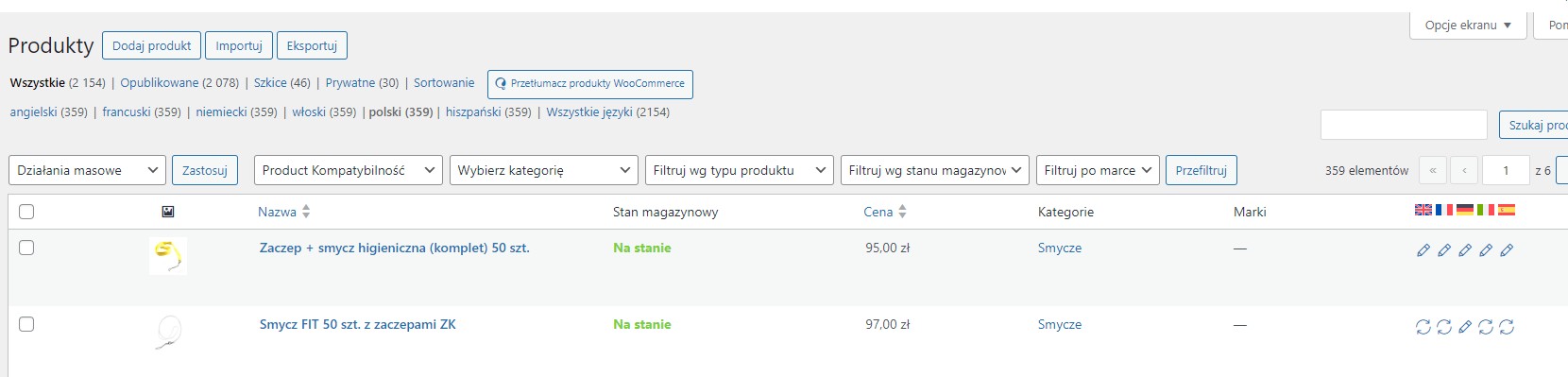
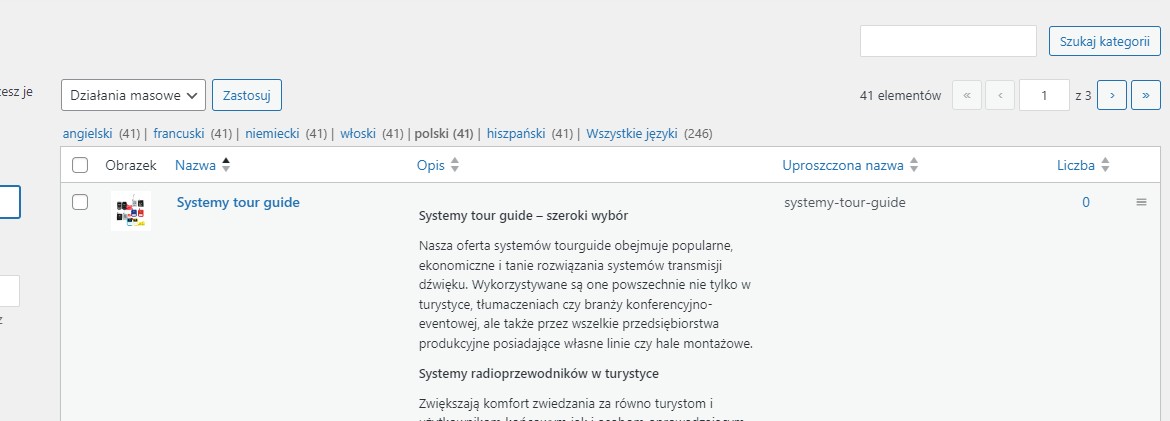
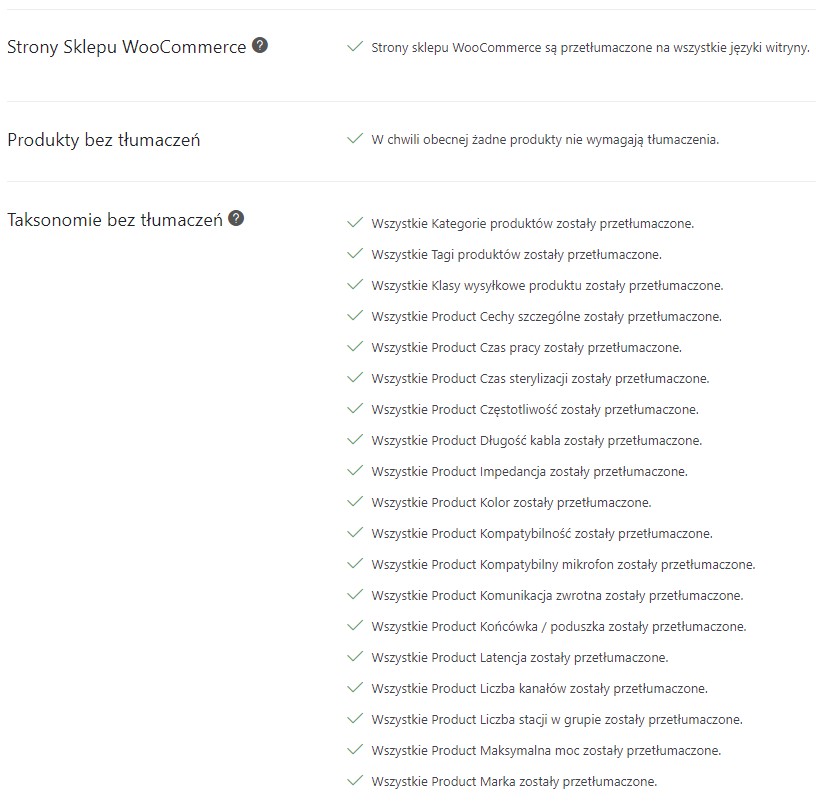
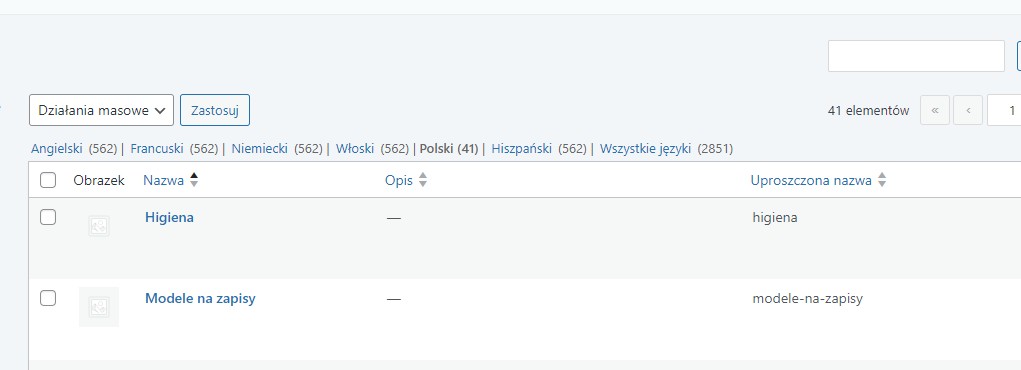
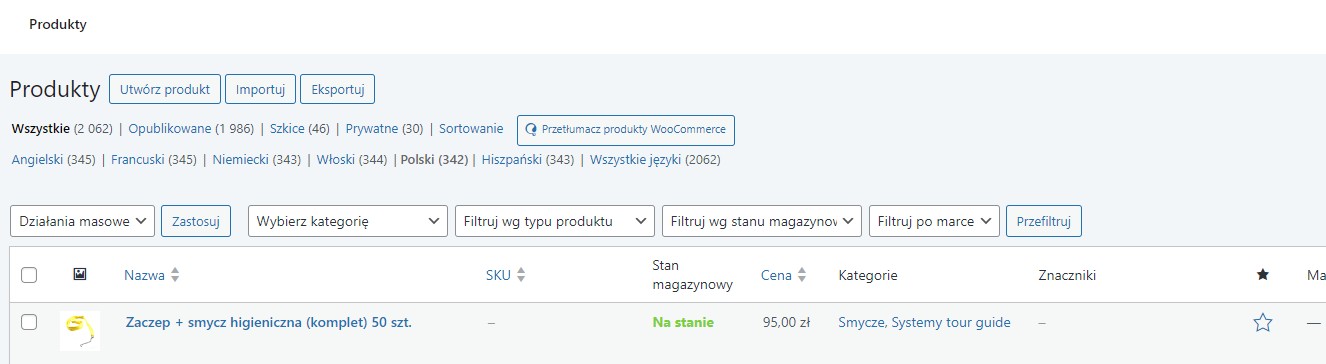
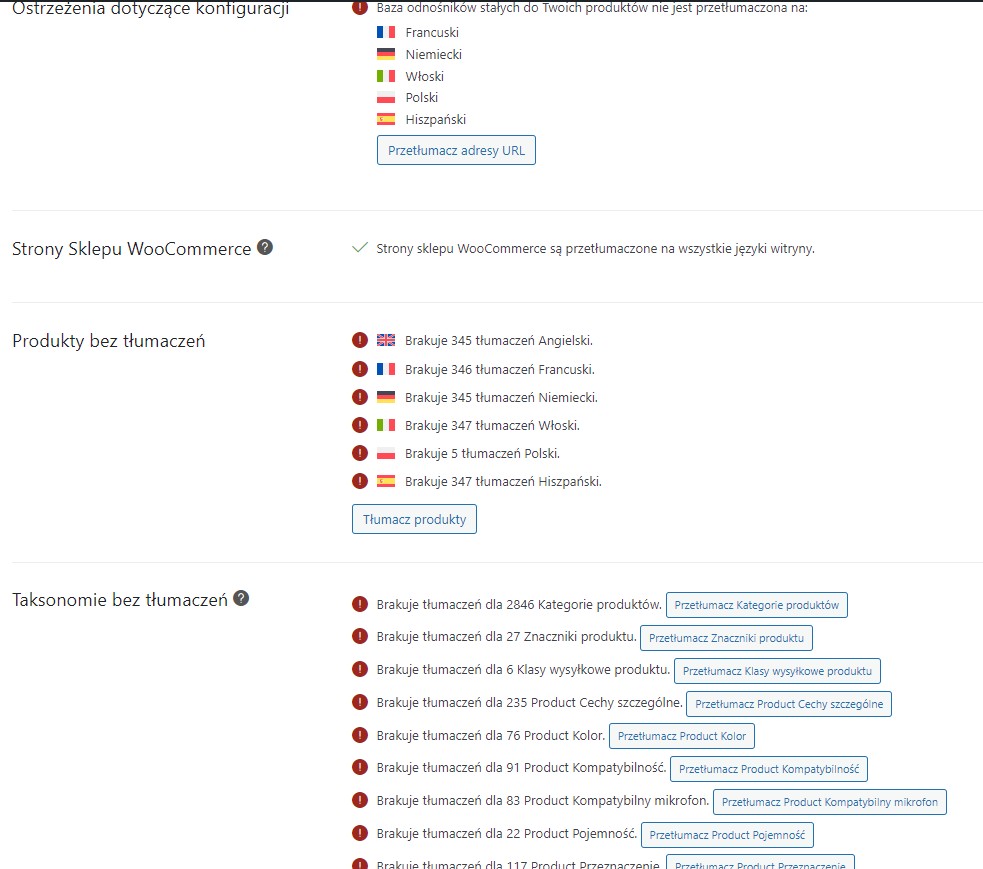
I'm trying to export all products from one store (the production site) to a new one (under construction). Unfortunately, despite numerous attempts, something still doesn't seem right. All attributes are mixed (all languages are mixed into one), and the categories are the same. The number of categories and products is completely different than in reality. It always shows more Polish (the default language) than other languages.
I tried Woocommerce Export and WP Import Export.
Since the import on two independent websites came out the same, I assume there is some problem with the export. Hint: I don't know if this matters, but after the import is complete, the WPML Import Export tool doesn't launch like in this video. Maybe that's the problem?
hidden link
Symptoms:
All attributes and categories are mixed across languages, and the number of categories and products is incorrect, showing more in Polish (the default language) than other languages. The WPML Import Export tool doesn't launch after import as shown in the video.
Questions:
Why are all attributes and categories mixed across languages after export/import?
Why is the number of categories and products incorrect after import?
Why doesn't the WPML Import Export tool launch after import as shown in the video?
Thanks for contacting us and my apologies for the delayed response. I reviewed the screenshot and I can see the issue clearly. Are you able to roll back the import? If yes, this will allow me to review the import configuration and verify whether everything was set up correctly. Please let me know once the rollback is done and a full backup is completed.
Then, I will require temporary access (WP-Admin and FTP) to a test site where the problem has been replicated, if possible. This will enable me to provide better assistance and determine if any configurations need to be modified.
Please note that it is important to have a backup for security purposes and to prevent any potential data loss. You can use the UpdraftPlus plugin (https://wordpress.org/plugins/updraftplus/) to fulfill your backup requirements.
Your upcoming reply will be treated with confidentiality and will only be visible to you and me.
✙ To resolve the issue, I may need your consent to deactivate and reactivate plugins and the theme, as well as make configuration changes on the site if necessary. This emphasizes the significance of having a backup.
The topic ‘[Closed] Export/import woocommerce products problem’ is closed to new replies.