Home›Support›English Support›[Resolved] Links in products and category texts are not working on the Danish page
[Resolved] Links in products and category texts are not working on the Danish page
This thread is resolved. Here is a description of the problem and solution.
Problem: The links in products and category texts on the Danish page are not working correctly. They redirect to the English color page instead of the Danish version, although the Danish translation is available and works when accessed from the "customize" page. Solution: The issue stems from the links in the default language editor using 'http' instead of 'https'. We recommend updating these links to include 'https', which should allow WPML to process them correctly. After making this change, please update your translations to ensure that all links work correctly across different languages.
If this solution does not resolve your issue or seems outdated, we highly recommend checking related known issues at https://wpml.org/known-issues/, verifying the version of the permanent fix, and confirming that you have installed the latest versions of themes and plugins. If problems persist, please open a new support ticket.
This is the technical support forum for WPML - the multilingual WordPress plugin.
Everyone can read, but only WPML clients can post here. WPML team is replying on the forum 6 days per week, 22 hours per day.
The links in products and category texts are not working on the Danish page. At least not for the colors page (the page is not visible in menue), which you can only access via links in products and in the category.
The links show the English color page - not the Danish Color page. The translation of the color page has been published. When I go from the link in "customize" page - it shows in Danish.
So it must be the links that are not working within categories and products.
Hi,
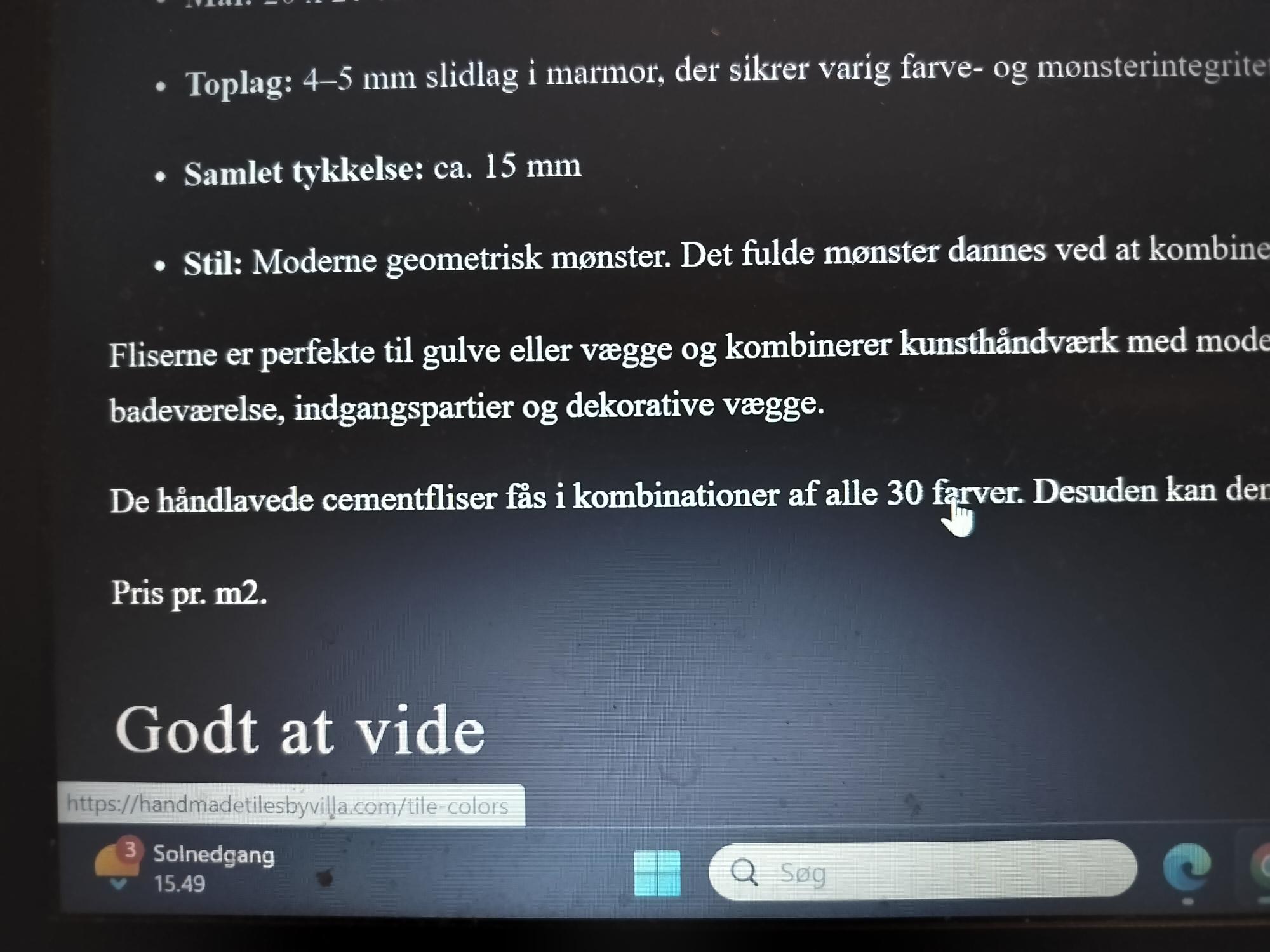
The problem is not that the Danish Color site does not exist - it exits - no problem. But the problem is, that the links in the translation within the categories and products does not work. WPML has not transferred the links to the Danish site. The links still direct to the English site in stead of the Danish site. I have attached a screenshot - where you can see the link in the left corner - which target the English site. The words "alle 30 farver" - is the one that I activate. This is within the Danish site: a product.
Wasn´t WPML supposed to change this it self? Well, it works in most of the links. But here it does not work.
I’ve got a quick fix for you. The issue is that the links in the default language editor are incorrect. They’re missing the ‘https’ part (they are using http as of now), which means WPML can’t process them. I fixed it by adding ‘https’ to the links, and it worked for me.
I hope this helps! If you make the same change and update the translations, it should work for you too for other products.
Hi,
Ok, but it seems odd, that the https is missing. I do not create the links myself, but I pick from the list provided by WP.
A question - because you wrote a quick fix: Does that mean I should correct it manually in every product?
The issue is everywhere. Doing this in 150 products is not really a quick fix. And then afterwards reviewing and publishing it for the Danish site. That is days of work.
Do you have a quick fix to solve the problem of manually changing this in every product?
Hi,
I downloaded the plugin search and replace.
But as a matter of fact, it turns out that the problem is not that the link is missing the https in the default language - English. It has indeed the https (not http -as you claim).
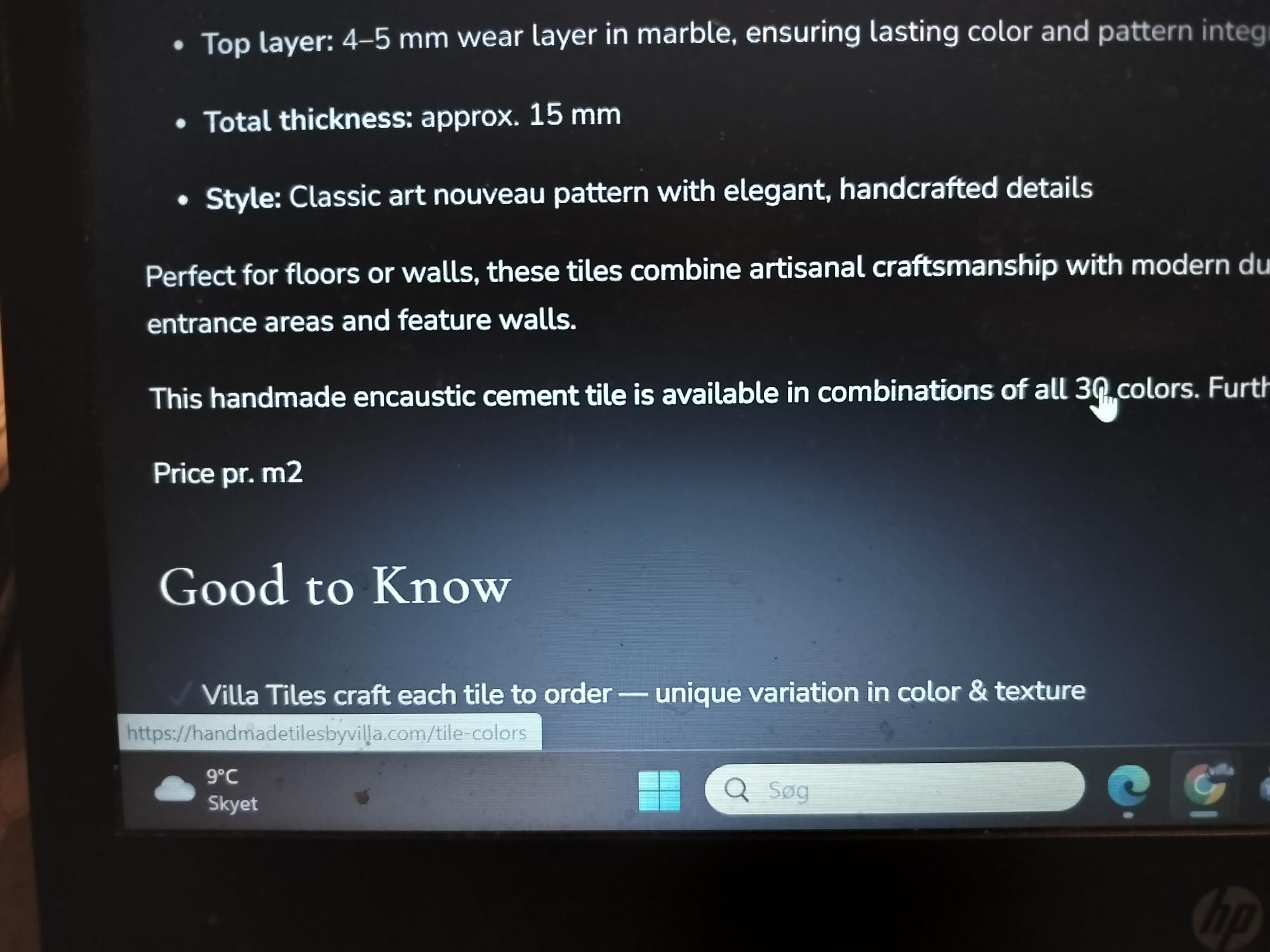
Have a look at the image. I compaired the exact same link - same product - same everything in English and Danish. And it is with https - the problem is still that the link in the Danish version is linking to the English page. Not the Danish page.
So that leaves the issue still to be solved. Only, the solution cannot be, to replace https with https (the same). So it must be something else. Please give me a solution to this problem.
Hi again,
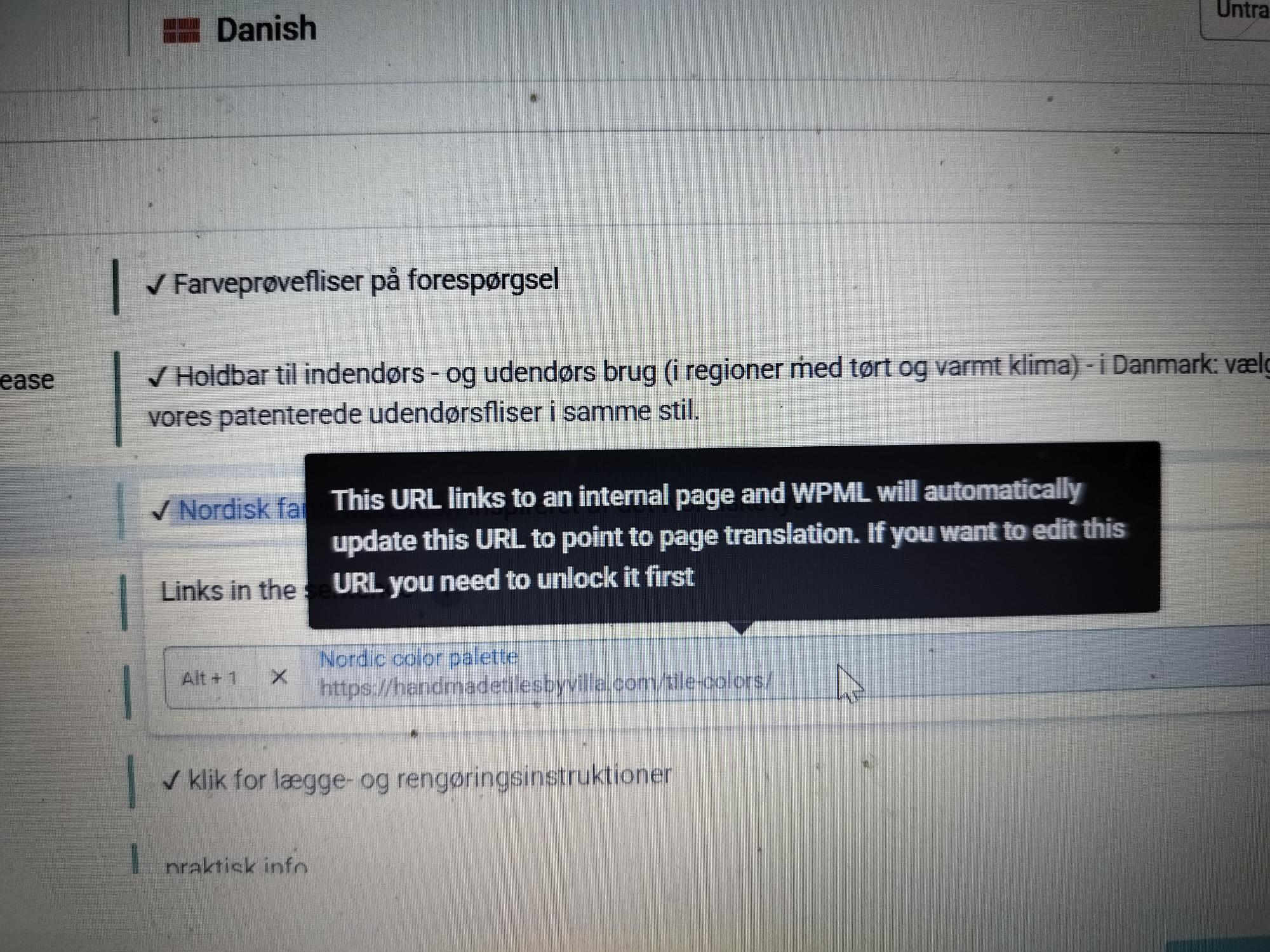
just to let you know. The link should automatically transform to the Danish link. See the image. But it does not. And as you can see, the https is there.
Hi again,
I have been working a bit more on this issue - and I used better search replace to change all http ´s to https. I could see that you were right that there were several http in stead of https. That should be cleared now - and the issue solved. So I thought.
But it turns out that the links on the Danish page is still linking to the English color page. Not the Danish color page. So how do I get wpml to change these links into the Danish links?
Hi,
Later I also used better search replace to replace the color link. Apparantly it should work now - but I still waiting for feed back from someone else - as I cannot be sure about what I see on my devices. It seems like my router or internet provider has a cache installed, because all devices does not show what others are seeing. I have only the "view" to work with.
But that is a whole other story.
To eliminate cache you can add ?cache=false to your url end, so hidden link should show without cache, if you already used this url, you can change false to 1, 2 and random numbers or texts.