
This is the technical support forum for WPML - the multilingual WordPress plugin.
Everyone can read, but only WPML clients can post here. WPML team is replying on the forum 6 days per week, 22 hours per day.
| Sun | Mon | Tue | Wed | Thu | Fri | Sat |
|---|---|---|---|---|---|---|
| 12:00 – 20:00 | 12:00 – 20:00 | 12:00 – 20:00 | 12:00 – 20:00 | 12:00 – 20:00 | - | - |
| - | - | - | - | - | - | - |
Supporter timezone: Asia/Karachi (GMT+05:00)
This topic contains 7 replies, has 1 voice.
Last updated by Noman 23 hours, 35 minutes ago.
Assisted by: Noman.
| Author | Posts |
|---|---|
| November 30, 2025 at 7:35 pm #17620915 | |
 thimO |
Background of the issue: Symptoms: Questions: 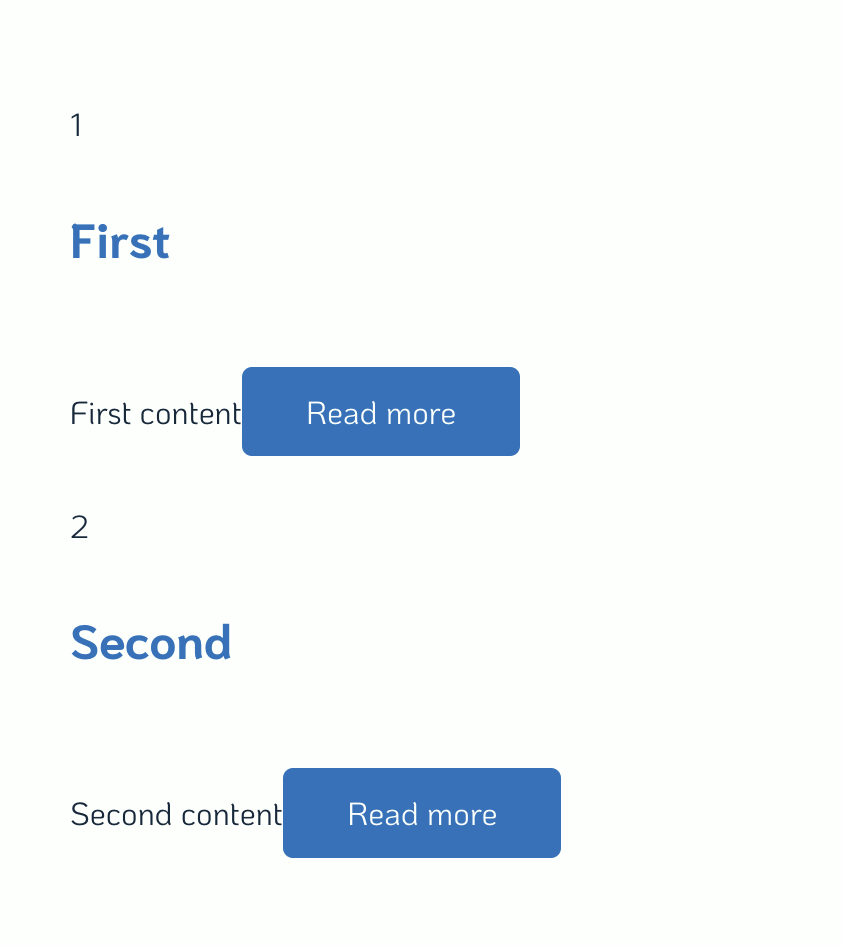 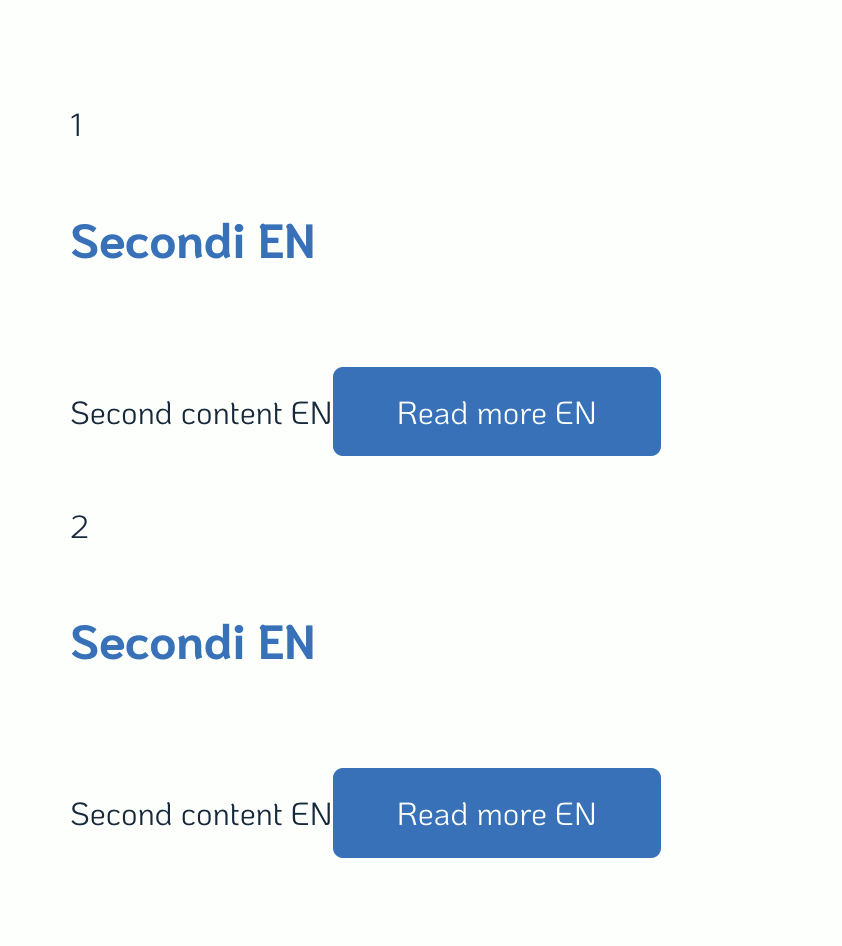 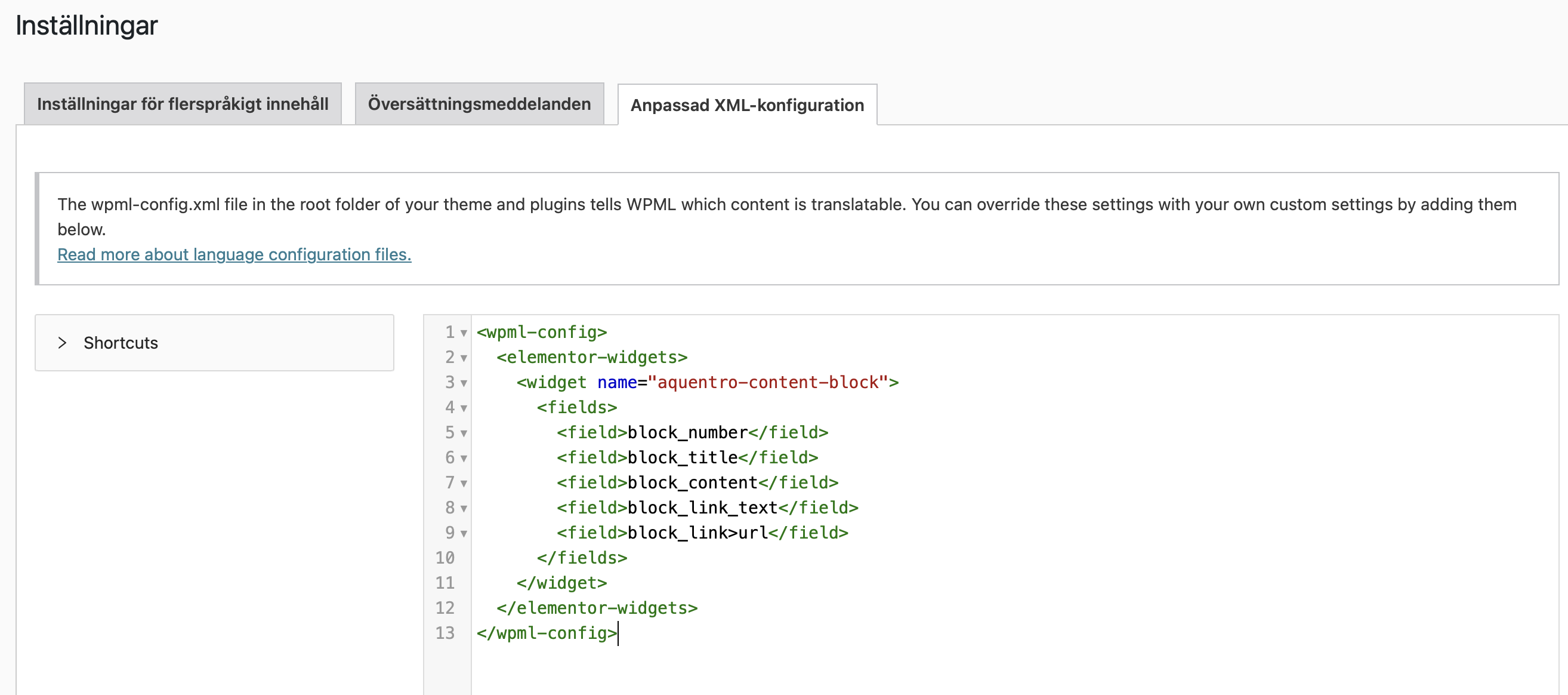 |
| November 30, 2025 at 7:46 pm #17621016 | |
|
thimO |
Here is as well as requested by your AI support agent the - Extracted Widgets from _elementor_data: Array [block_title] => Array [block_content] => Array [block_link_text] => Array [block_link] => Array [is_external] => Array [nofollow] => Array [custom_attributes] => Array ) ) ) ) ) |
| December 1, 2025 at 10:34 am #17622058 | |
 Noman WPML Supporter since 06/2016 Languages: English (English ) Timezone: Asia/Karachi (GMT+05:00) |
Hi, Thank you for contacting WPML Support. I created a fresh WP site and installed Elementor and WPML plugins. Could you please try to replicate the issue by following the below steps: 1. Login to the fresh WP site by clicking on the auto login URL: 2. Install the theme or plugin from where the “aquentro-content-block” element is coming. 3. Create a test page in the default language with that element and try to translate it. Please note that we only need above-mentioned theme/plugin functionality, you don't need to set up an entire website or clone your existing site. Kindly let me know the results, |
| December 6, 2025 at 9:07 am #17640116 | |
|
thimO |
Hi Noman, I have created a test page and reproduced the problem. Cheers, 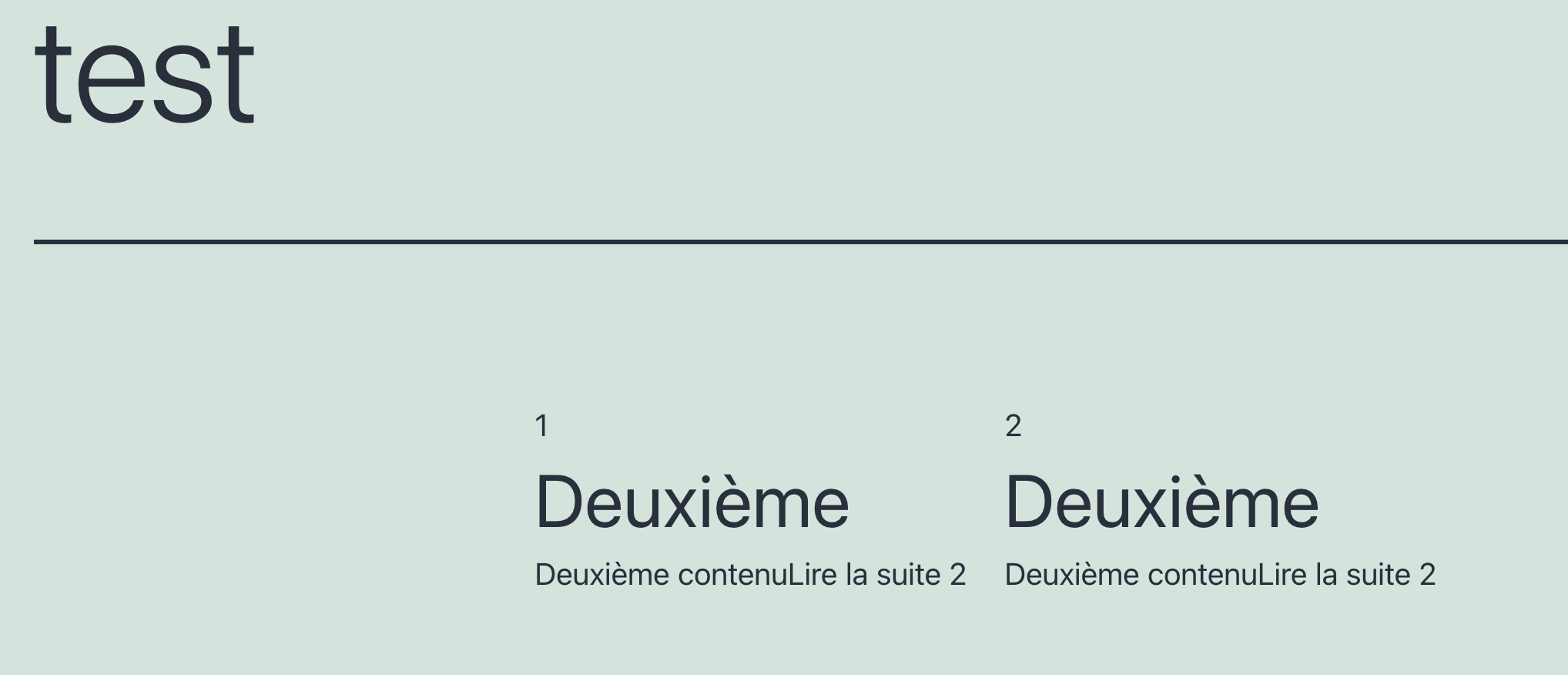 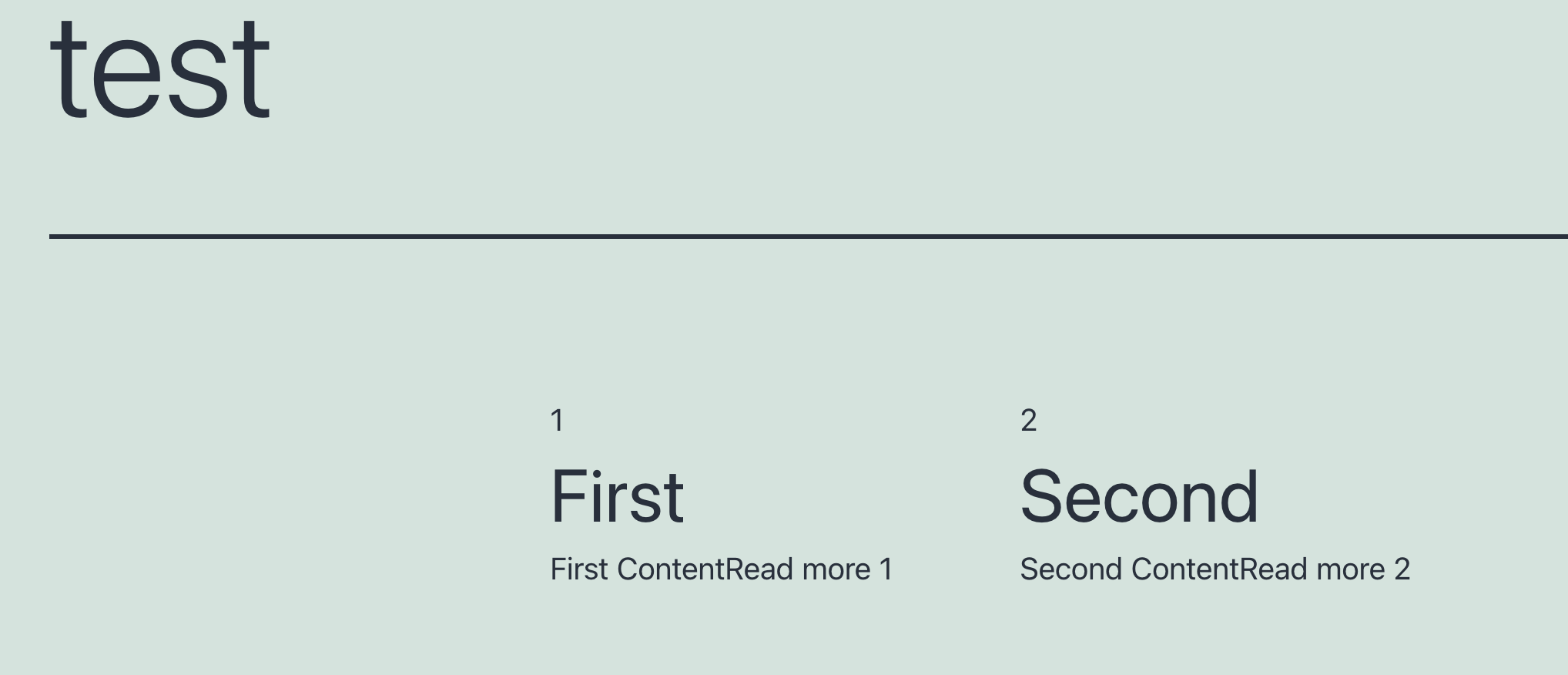 |
| December 7, 2025 at 9:34 am #17641370 | |
|
Noman WPML Supporter since 06/2016 Languages: English (English ) Timezone: Asia/Karachi (GMT+05:00) |
Sorry for the delay, I was off during the weekend (Friday-Saturday). Thanks for replicating the issue. I’m debugging the issue at a fresh WP site and will get back to you with an update soon. Thank you for your cooperation and patience |
| December 7, 2025 at 5:28 pm #17642227 | |
|
Noman WPML Supporter since 06/2016 Languages: English (English ) Timezone: Asia/Karachi (GMT+05:00) |
I checked the fresh install, and the “Aquentro content block” widget itself only shows one instance in Elementor, even though multiple blocks are added. It should list all instances separately, so this looks like an issue with the widget. If I’m missing any specific setting on your side, please let me know. Thank you 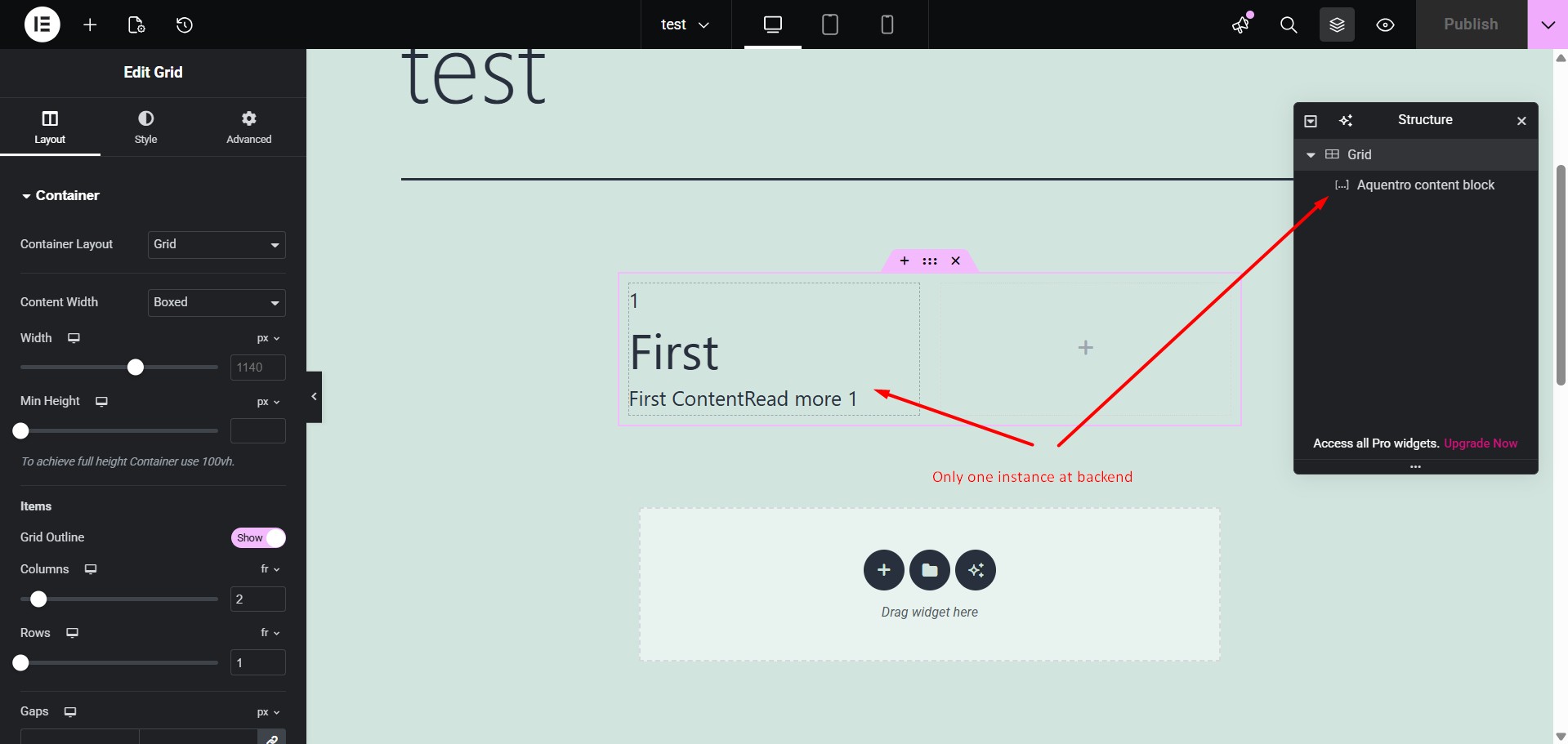 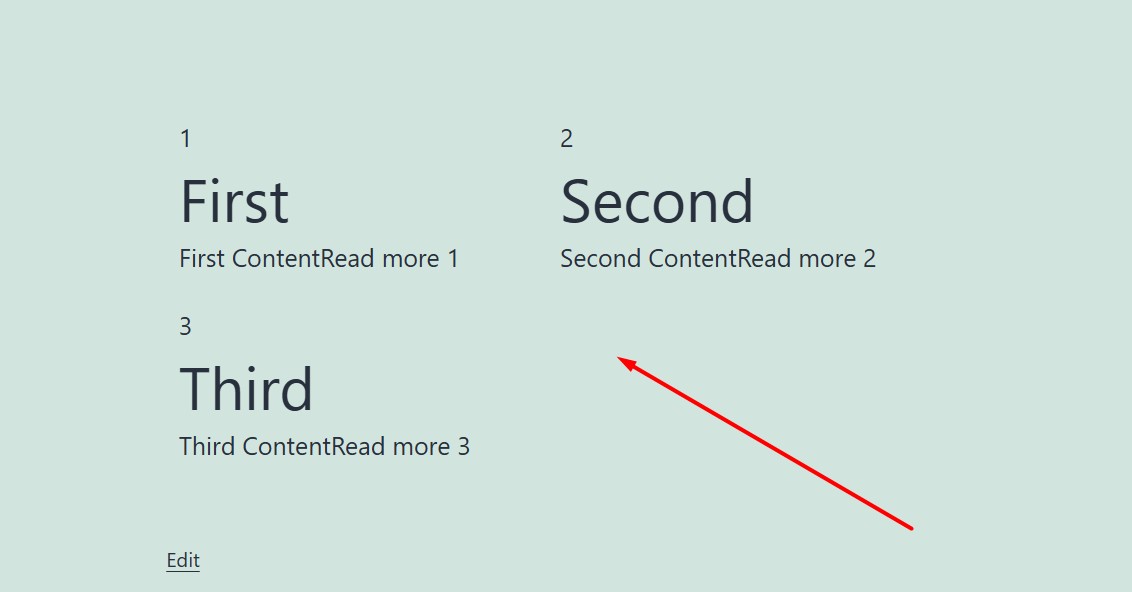 |
| December 14, 2025 at 11:13 am #17662006 | |
|
thimO |
Thanks a lot for looking into this - it indeed look more like a plugin or Elementor issue. I have tried adding the whole theme but the results were the same. I will raise a ticket with Motopress instead. Cheers, |
| December 14, 2025 at 1:49 pm #17662121 | |
|
Noman WPML Supporter since 06/2016 Languages: English (English ) Timezone: Asia/Karachi (GMT+05:00) |
Thanks for the update. Yes, it does seem related to that widget. Please feel free to reach out if you need any further assistance with WPML once they respond. Thank you |






