Background of the issue:
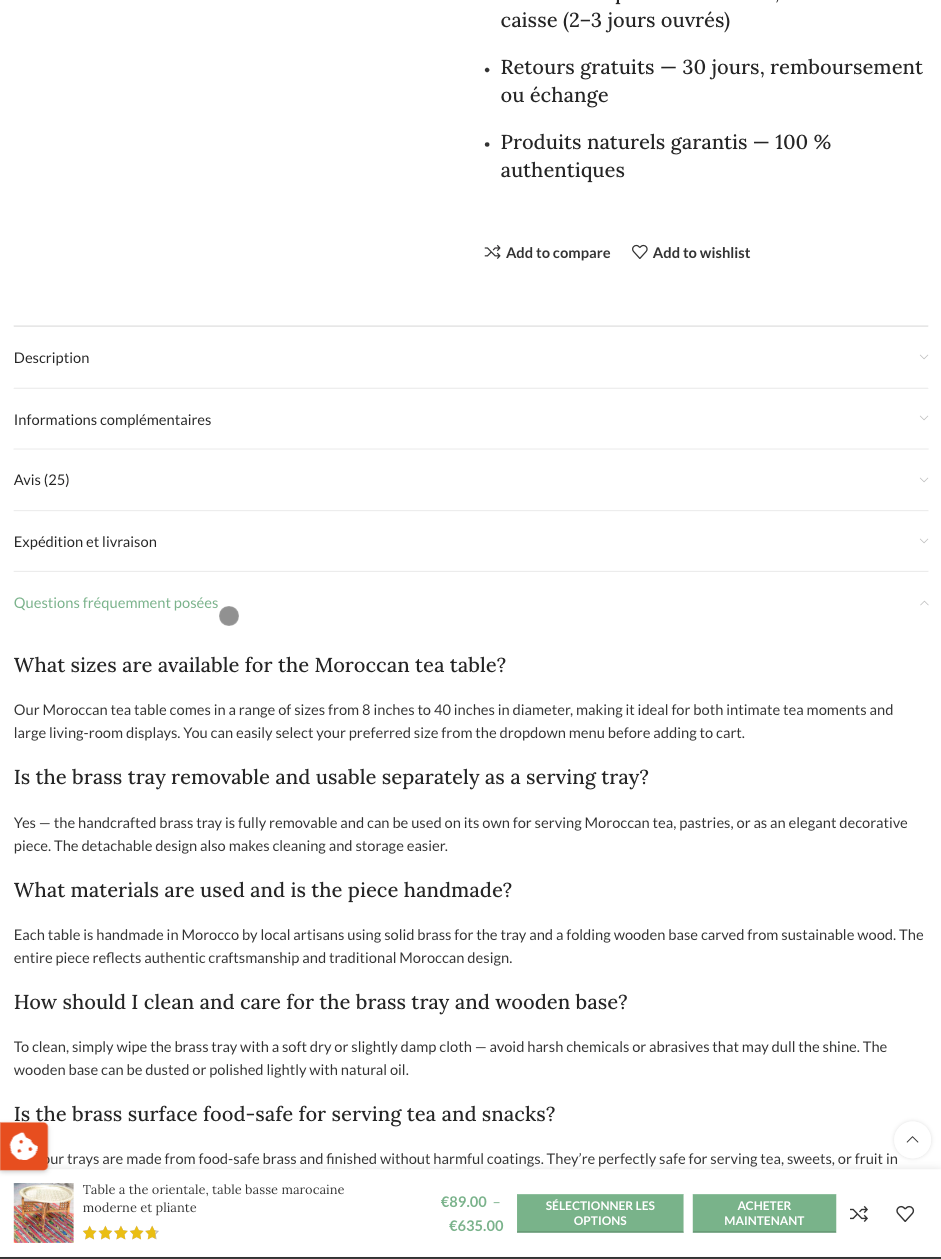
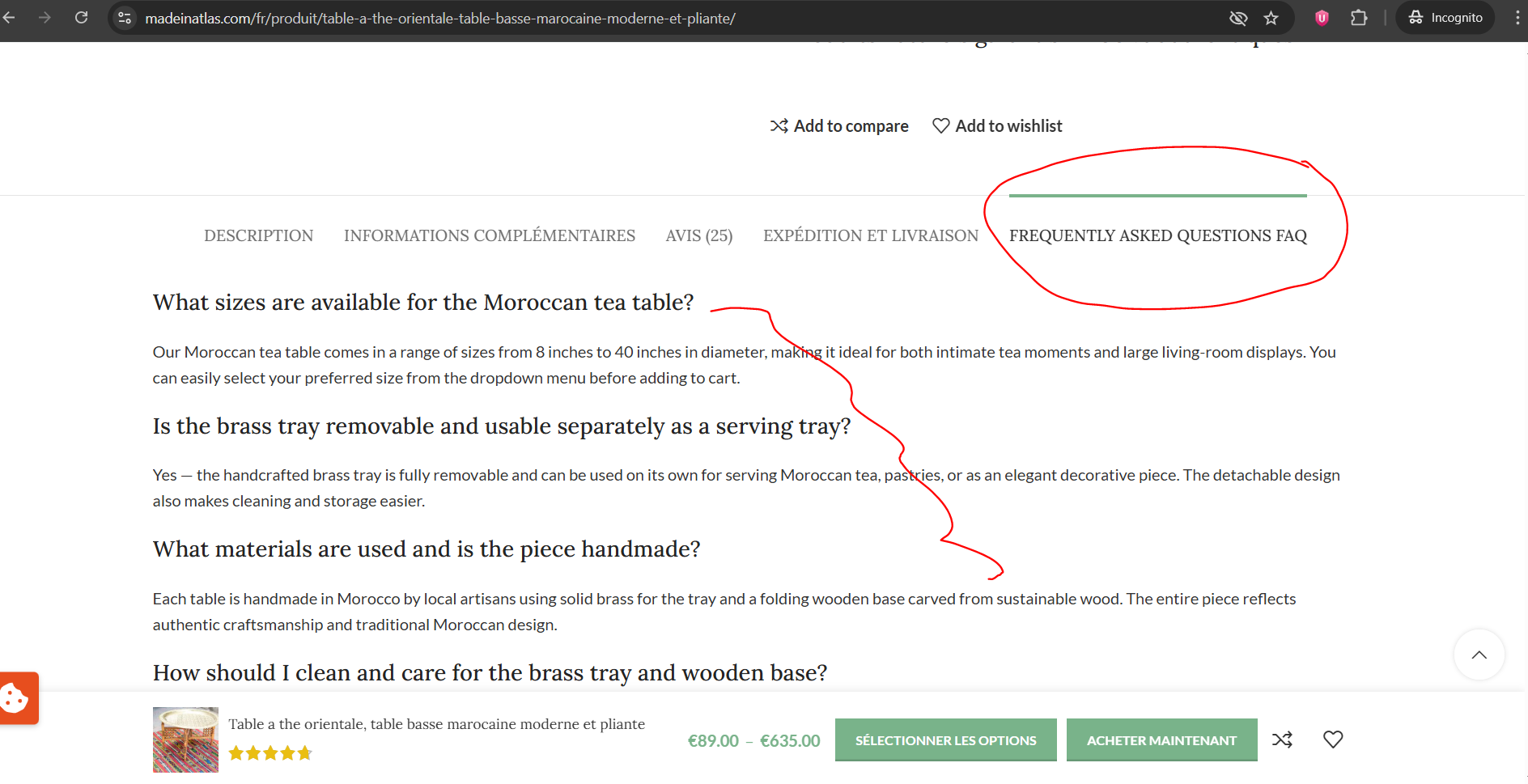
I am trying to translate a product page on my site using WPML. The page is mostly translated into French, but the custom tab titled 'Frequently Asked Questions' remains in English. I have tried several standard fixes, including editing the product translation, enabling the WP admin Custom Fields / Multilingual Content Setup box, setting relevant meta keys to Translate, scanning theme and plugins for strings, searching WPML String Translation, checking for reusable blocks or page-builder templates, resaving product translations, and clearing caches. The product URL showing the problem is: hidden link. I need urgent help to identify the exact string/meta key or domain to translate this content.
Symptoms:
The 'Frequently Asked Questions' tab on a product page remains in English despite the rest of the page being translated into French. No matching string was found in WPML String Translation, and setting likely custom fields to Translate did not resolve the issue.
Questions:
What is the exact postmeta key or string domain WPML should look for to find this tab content?
If the content is stored in a JSON blob or controlled by the Woodmart theme, what is the exact admin_texts_... domain or key name for translation?
Is there a known issue where product-level custom tabs are not exposed to WPML, and what workaround or patch can be used?
What information do you need from me to resolve this issue, such as product ID or admin URL?
Thanks for contacting WPML forums support. I'll be glad to help you today.
I would need to look closely at your site, so I would need to request temporary access (WP-Admin and FTP)
Preferably to a test site where the problem has been replicated.
Your answer will be private, meaning only you and I can access it.
❌ Please back up your database and website ❌
✙ I need your permission to deactivate and reactivate the plugins and themes and change site configurations. This is also why the backup is critical.
✙ I also need your permission to take a local copy of your site to debug the issue without affecting your live site.
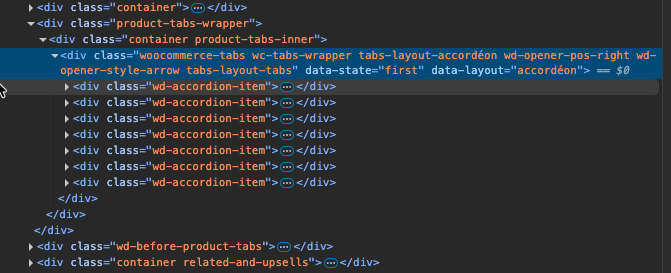
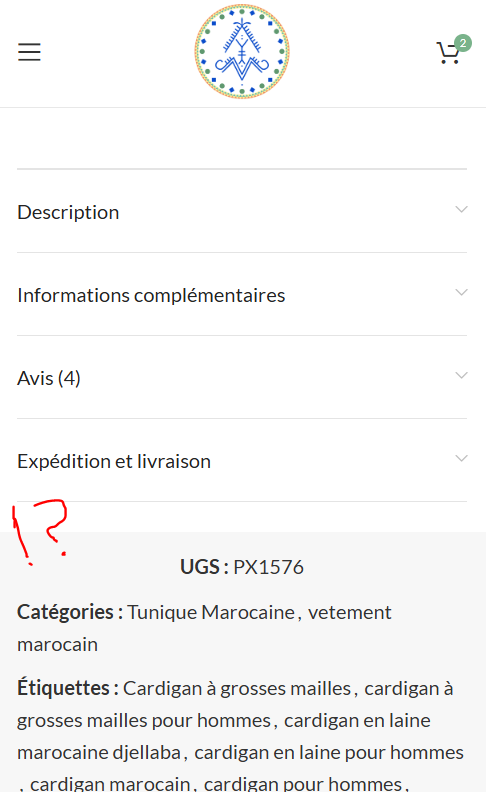
Thanks for the access details. I checked the tabs and found them on the FR product page, but they're hidden on Desktop and appear on Mobile and Tablet screens.
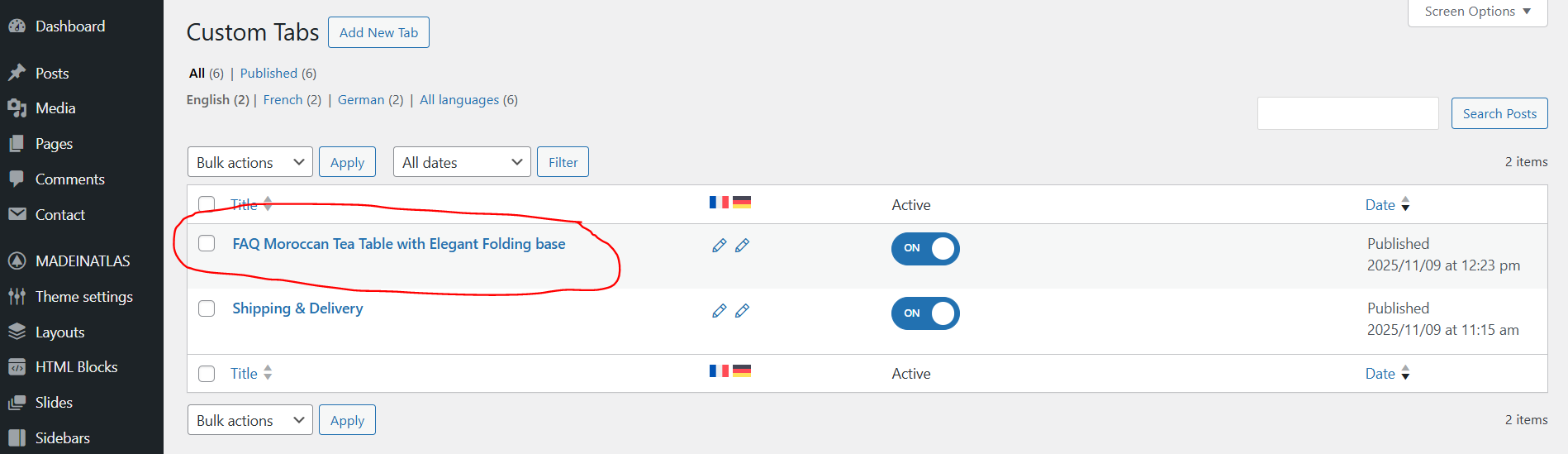
Please let me know if you use custom CSS on these tabs. Also, please let me know how you can edit these tabs in the default language.
1) Translating the snippet won't show the tabs on the desktop because it seems to be related to custom CSS or a template.
2) In order to translate the tab content in tablet and mobile views, please translate the snippet. I'm not sure where you added the snippet in the default language, but here is its shortcode:
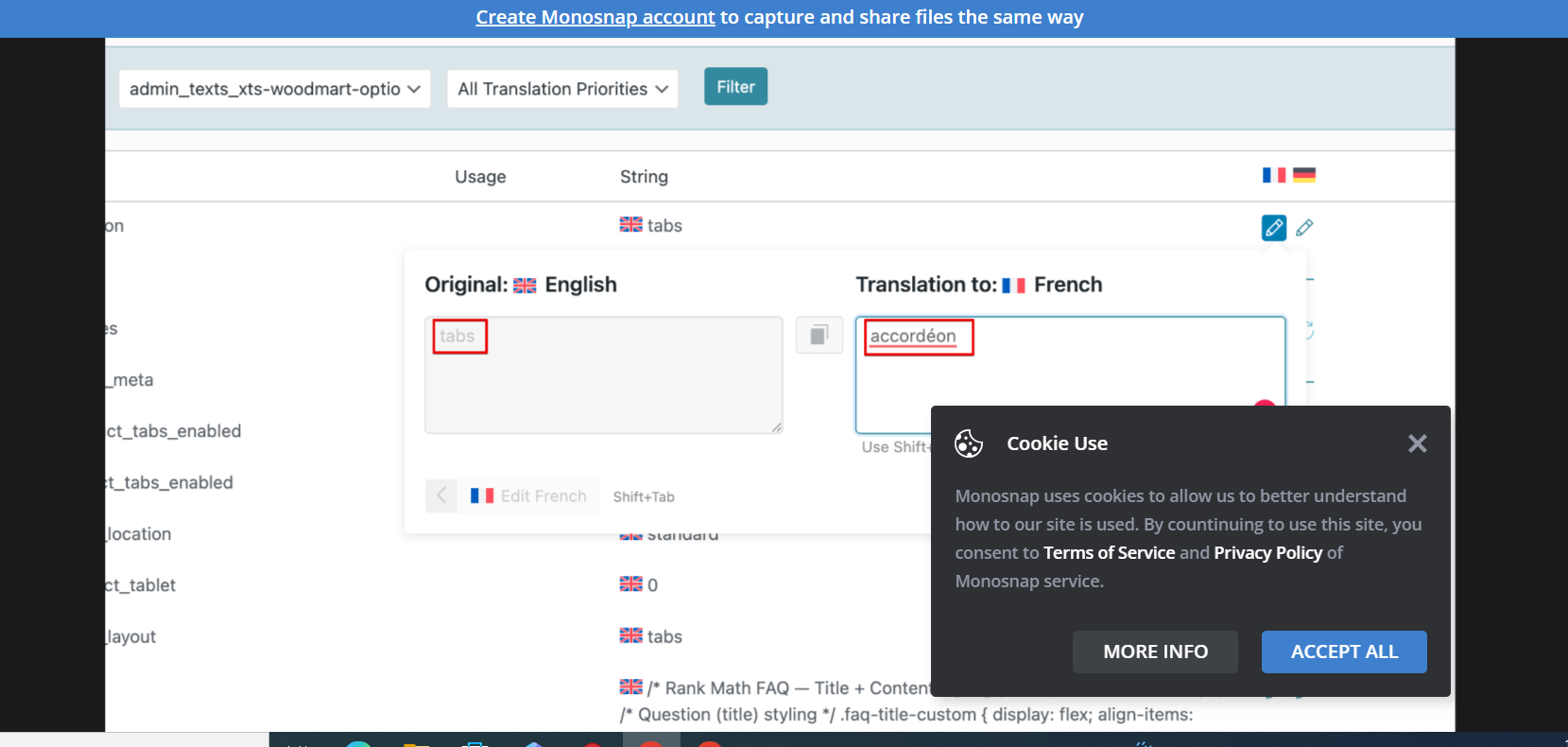
This issue was related to an incorrect translation of some options in the theme settings, check image please,
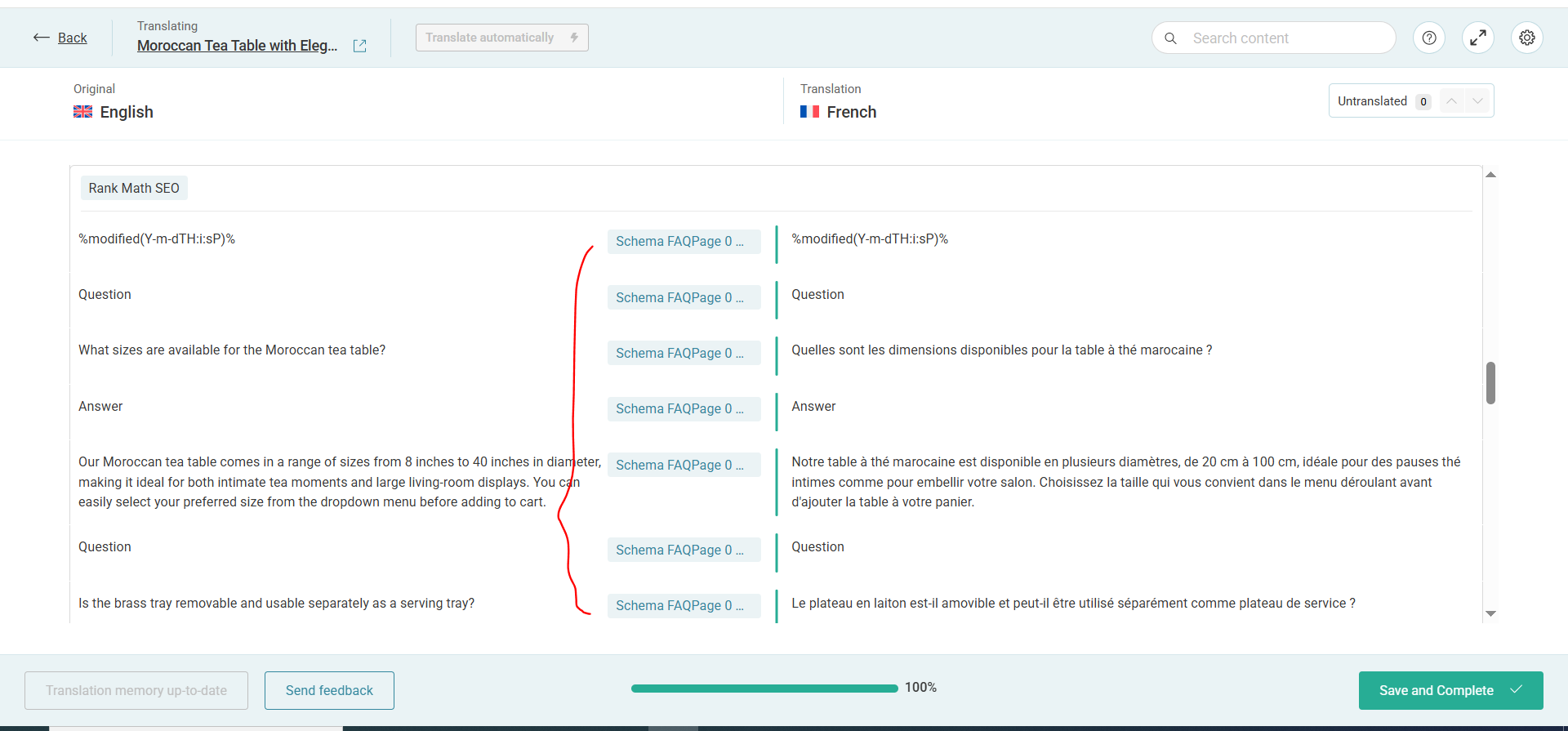
whoever the cotenant is still not translated despite i translated it !!
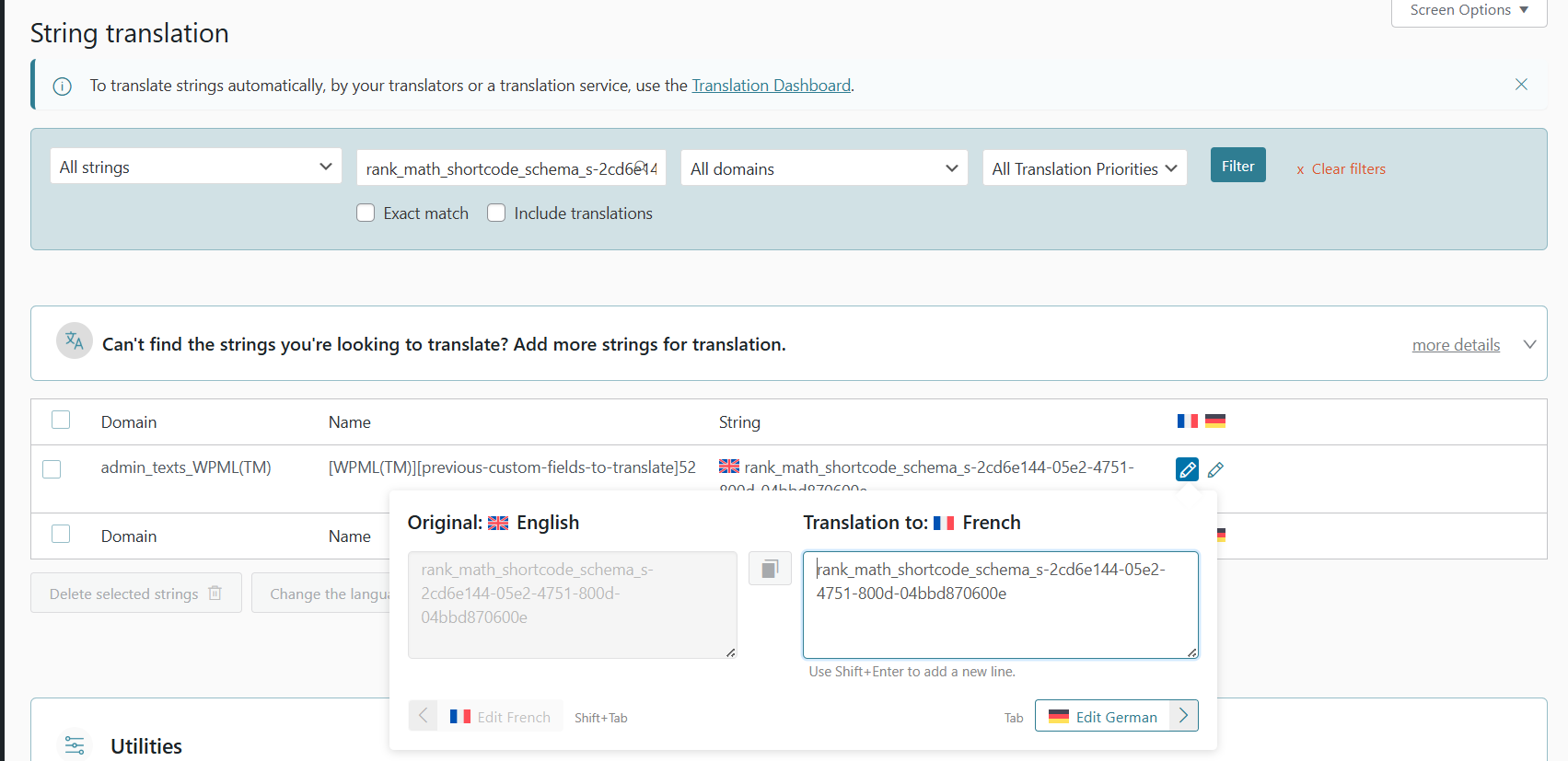
and i have did also for the string :
admin_texts_WPML(TM) [WPML(TM)][previous-custom-fields-to-translate]52 rank_math_shortcode_schema_s-2cd6e144-05e2-4751-800d-04bbd870600e