Background of the issue:
I am trying to translate media text and swap images in a carousel on my site hidden link using WPML. Previously, the translation process worked as expected, but an update seems to have changed this behavior.
Symptoms:
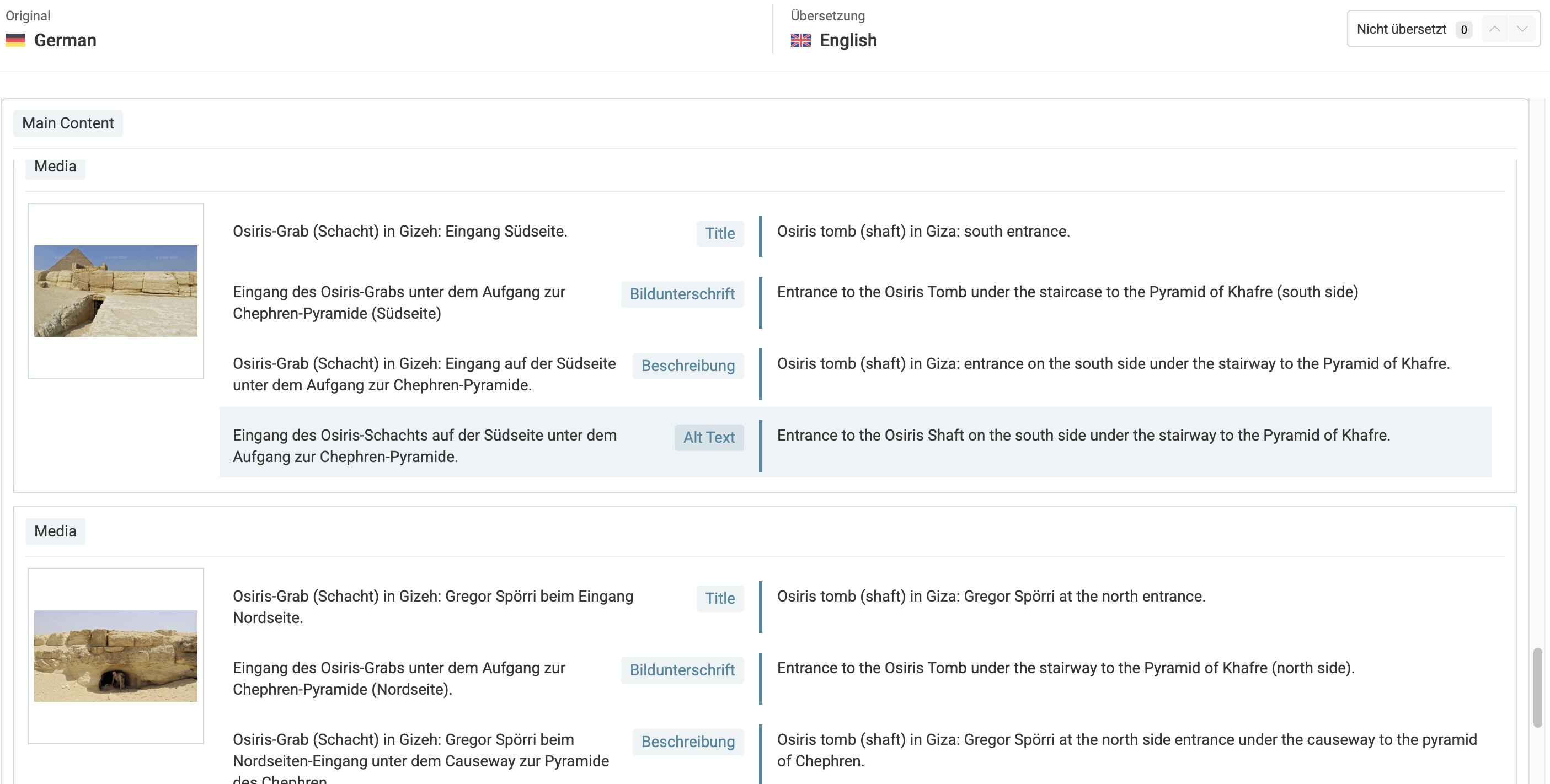
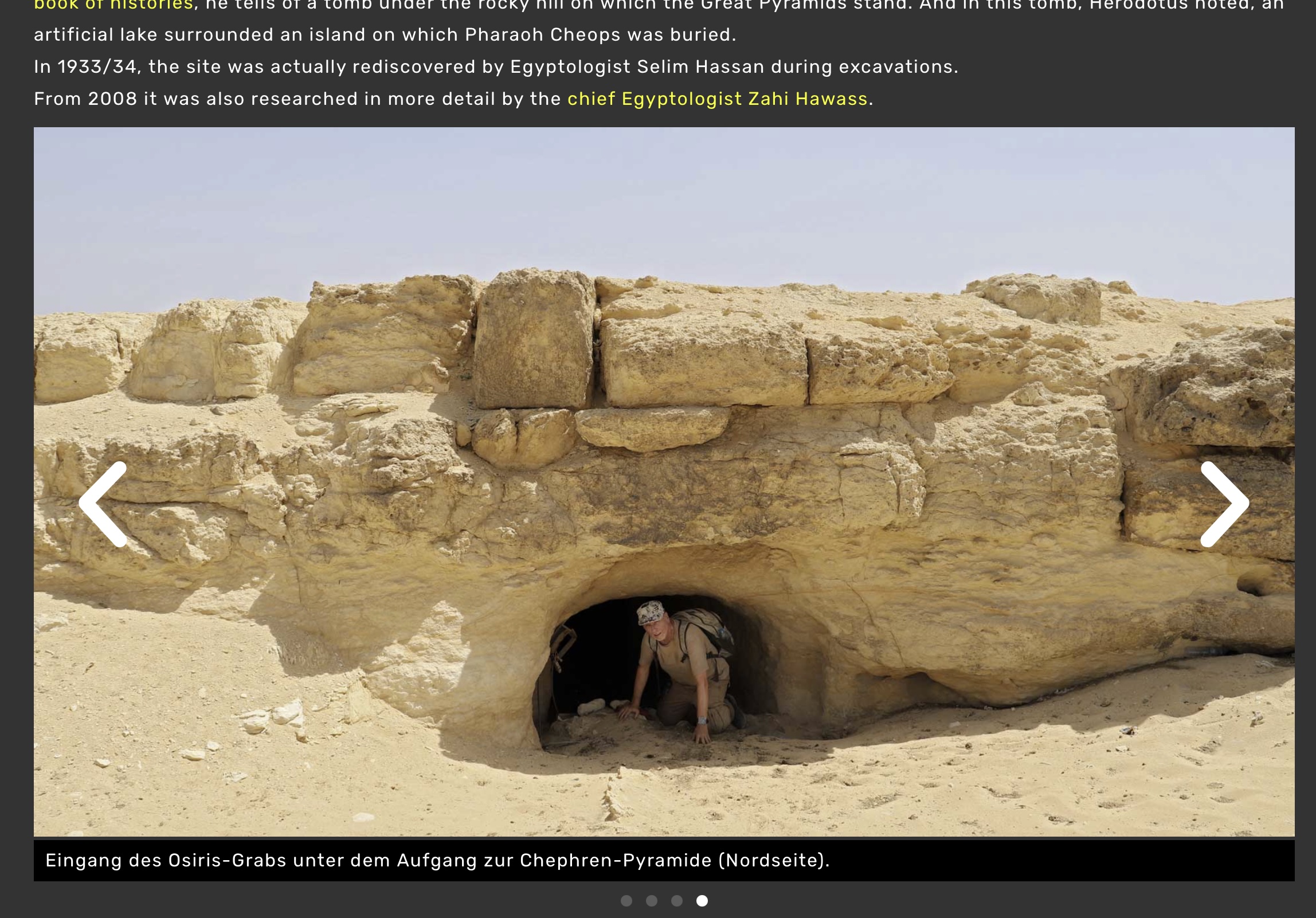
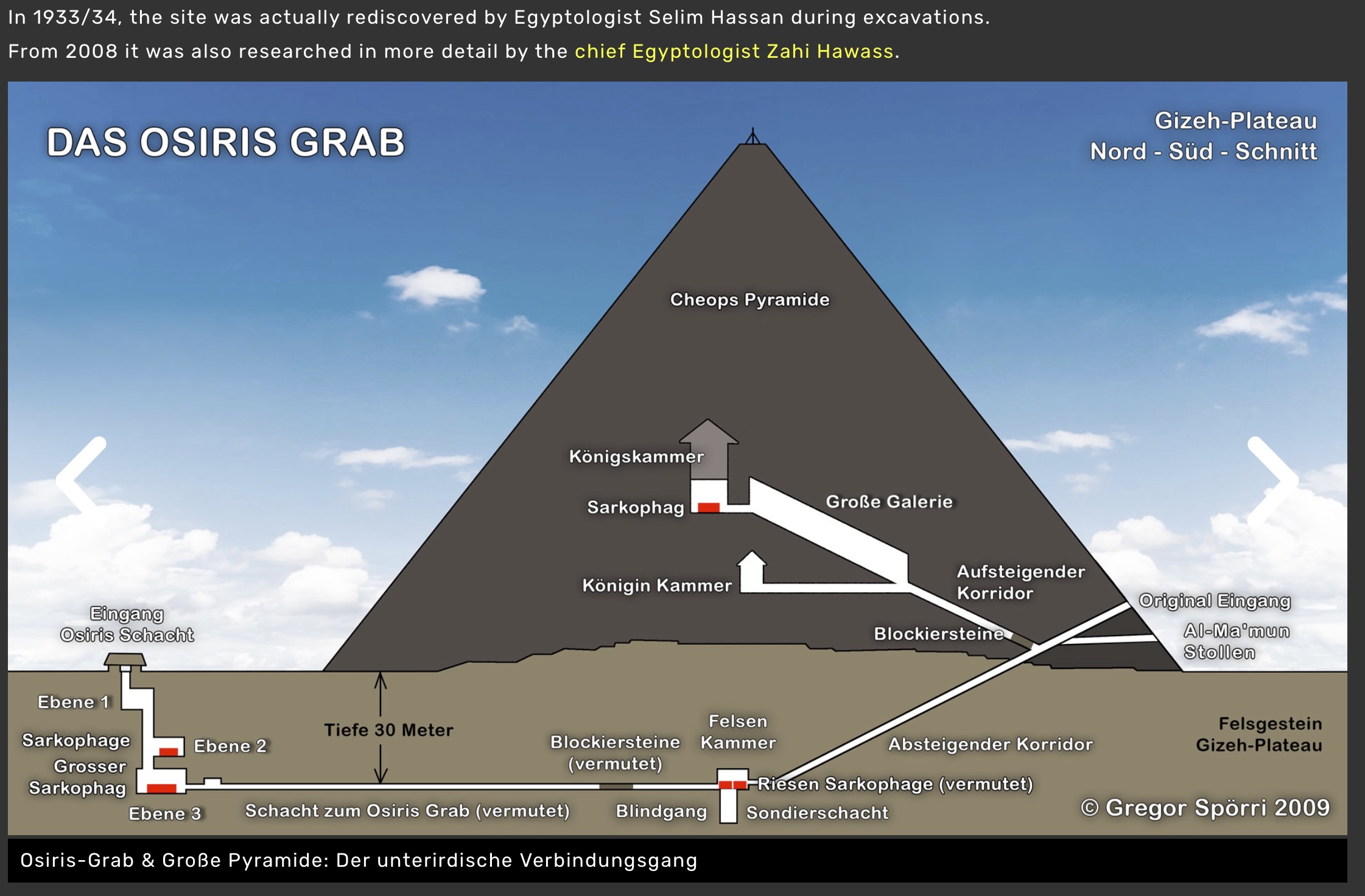
The translated text in the image carousel remains in the original language, and specific images swapped for the translation do not show. The carousel also started showing the last picture as the first picture, while the first picture is missing in the translation.
Questions:
Why does the translated text in the image carousel remain in the original language?
Why are the swapped images for the translated page not showing?
What caused the carousel to reorder images incorrectly after the update?
Thanks for your reply. I need to check your Website to understand a little bit more about the problem.
Therefore, I will require temporary access (WP-Admin and FTP) to a test site where the problem has been replicated, if possible. This will enable me to provide better assistance and determine if any configurations need to be modified.
Please note that it is important to have a backup for security purposes and to prevent any potential data loss. You can use the UpdraftPlus plugin (https://wordpress.org/plugins/updraftplus/) to fulfill your backup requirements.
Your upcoming reply will be treated with confidentiality and will only be visible to you and me.
✙ To resolve the issue, I may need your consent to deactivate and reactivate plugins and the theme, as well as make configuration changes on the site if necessary. This emphasizes the significance of having a backup.
Thanks for your reply. I’ve checked your website but I’m not entirely sure which page you’re referring to. Could you please share the URL of the page in question and also provide a short screen recording using this free tool hidden link demonstrating the issue you’re experiencing after the update?
Here's a quci video showing the issue: hidden link
The other issues disappeared like magic? There are no dobule photo in the slides anymore and some actaully have the correct translation other don't show the translation
Here's an example where all the photos still have the original text instead of the translation: hidden link
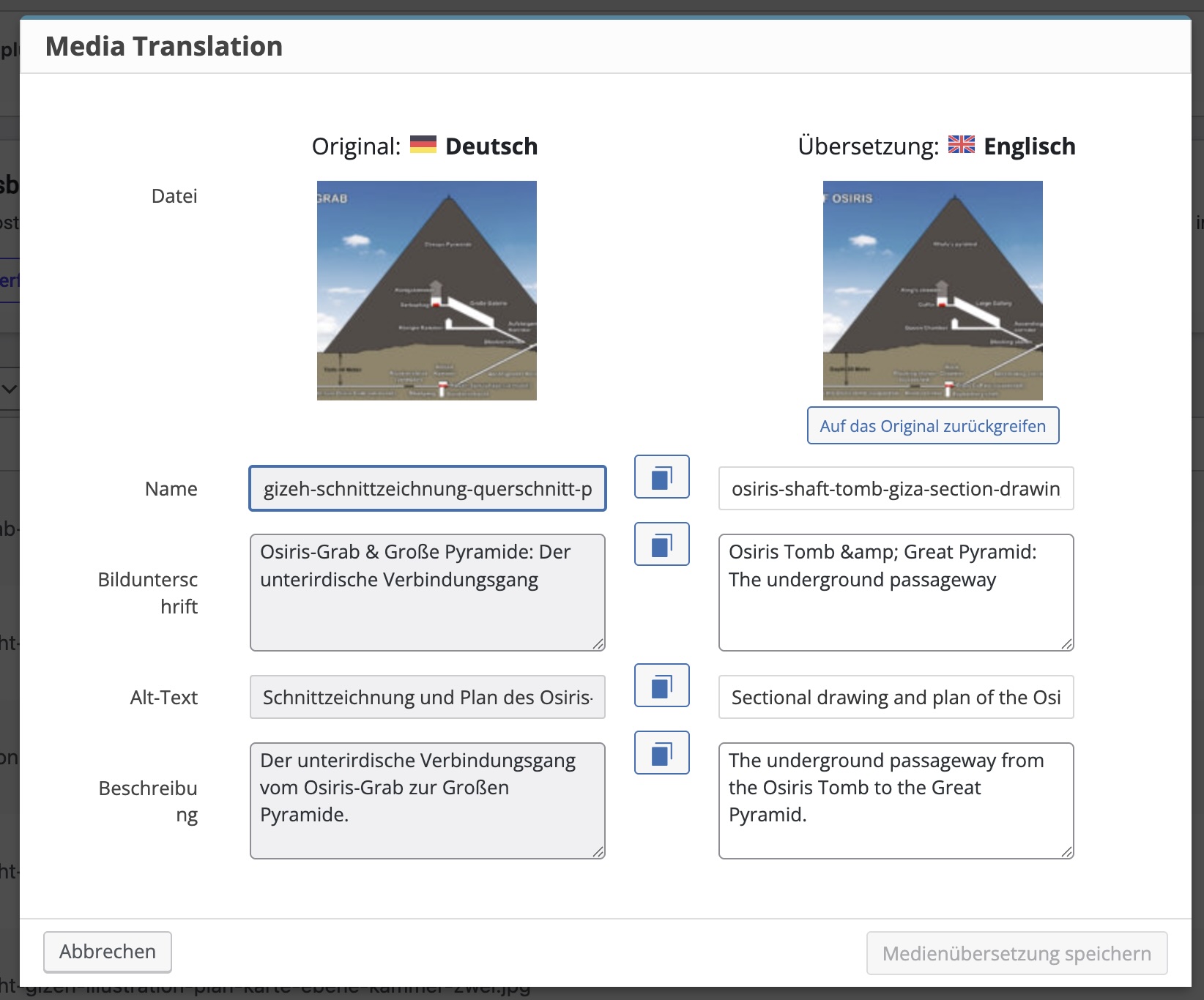
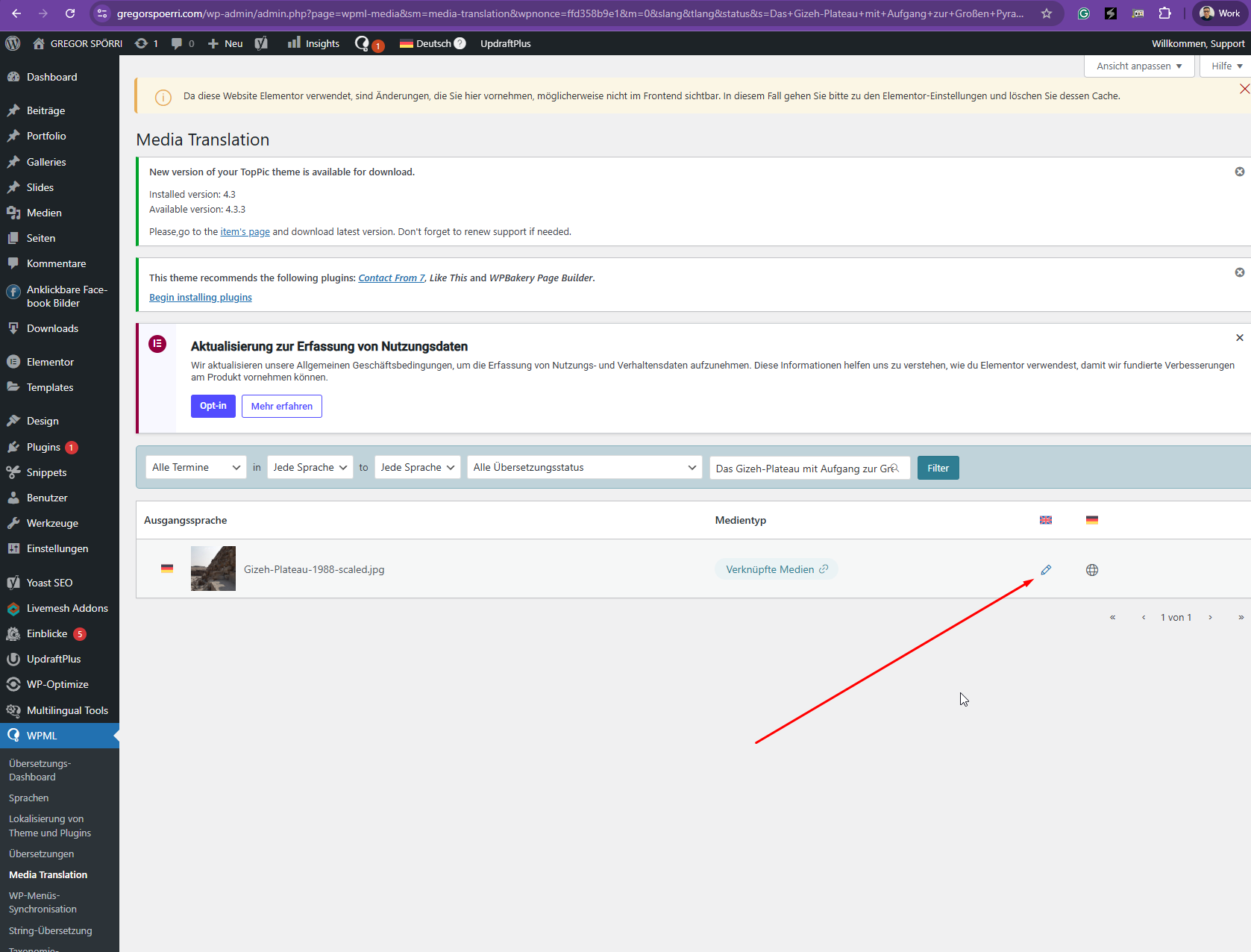
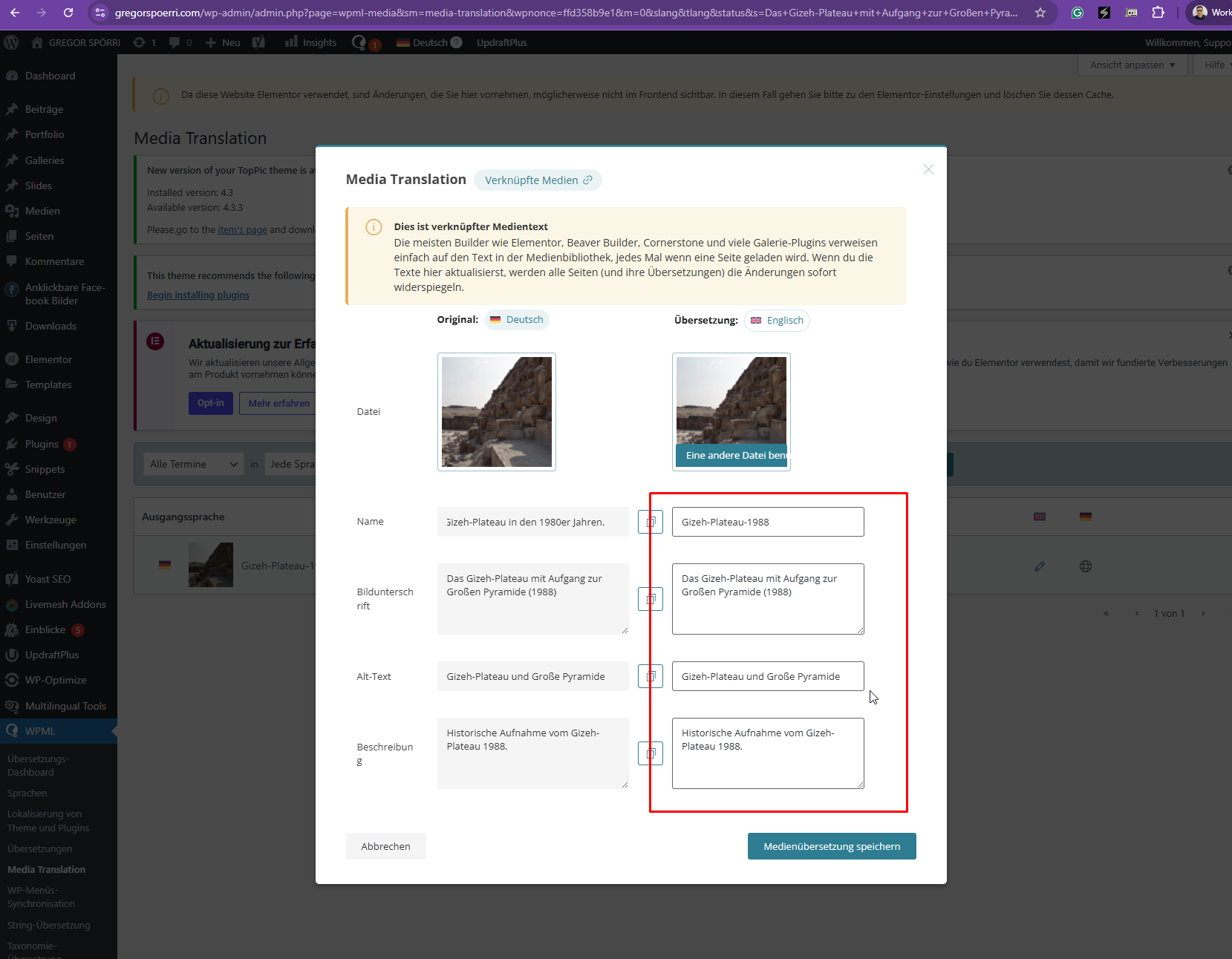
Thanks for your reply. Could you please try translating the media information using the Media Translation as shown in the attached screenshot here? hidden link
Thanks for the update. I did that and after cleaning the elementor cache it did show the translation.
BUT what's the point of having an advanced translation editor containing the images where everything is automatic when I have to go through the media translation and then clean the elementor cache?
So this is not a satisfying solution...
Also why is half the website working and some not.. it seems that for other images that issue did not occur?
Thanks for your reply. I regret any inconvenience caused, but to proceed with troubleshooting, I kindly ask for a snapshot of the site. Alternatively, with your permission, I can create one myself. For this purpose, I typically recommend using the free plugin "Duplicator." If you're already familiar with Duplicator (https://wordpress.org/plugins/duplicator/), please skip the following steps and simply send me the archive file you downloaded.
To guide you further, please adhere to these instructions:
1. View the Duplicator instructions video: hidden link
3. If the archive file exceeds 400MB, please use Duplicator's file filters to exclude cache, wp-uploads directory, media, and archive files.
Once you have the archive file ready, kindly share the link with us. You can utilize platforms like Google Drive, Dropbox, or similar for file sharing, as the snapshot file might be large.
Please note that your next reply will be private, visible only to you and me. You can paste the file link there. Rest assured that once the issue is resolved, I will delete the local site.
Thanks for your reply and sorry for my late reply as I did some test to find out what's happening.
It's hazardous.. some media translation seems to work without any problems, other need the elementor cahce to be cleared and other remain an issue... I can't find the logic behind the mistakes...
Meanwhile I solved all issue with your workaround solution as the site is live, so for further testing you may have to change texts in the translation to find out where and why issues happen
As for the duplicatior- I do give you permission to go ahead with it on your own - the whole site is backed up, so no worries.
Thanks for your reply. You mentioned that this issue only happens with a specific media. Could you list some of the media file names here so that I could check and escalate this?
Sorry for the late reply, as I don't get emails I tend to forget as the problem is solved (but the issue remains). Since I corrected all the mistakes manually I cannot show you any issue anymore!
But you could try to just add random jpgs of your own in the duplicate site and see if you can translate it just using the advanced editor to find out where the problem lies?
Thank you
Pascal
Thanks for your reply. I've tested this on my local site using the duplicator copy of your Website and it works fine when I try to translate the media information.
However, I deactivated the "Real Media Library" while doing that. Could you try this on your end again?
Thanks for digging deeper. So if I got you right you only used the advanced translator to translate the media texts without clearing the elementor cache and it worked fine? Did it not work while Real Media Library was active?
I sure will try on my end.. but this info will be handy to make sure in which direction I have to think.
Thanks again
Pascal
The topic ‘[Closed] Media text translation does not show translation & swapped media in transation doesn’t show’ is closed to new replies.