Background of the issue:
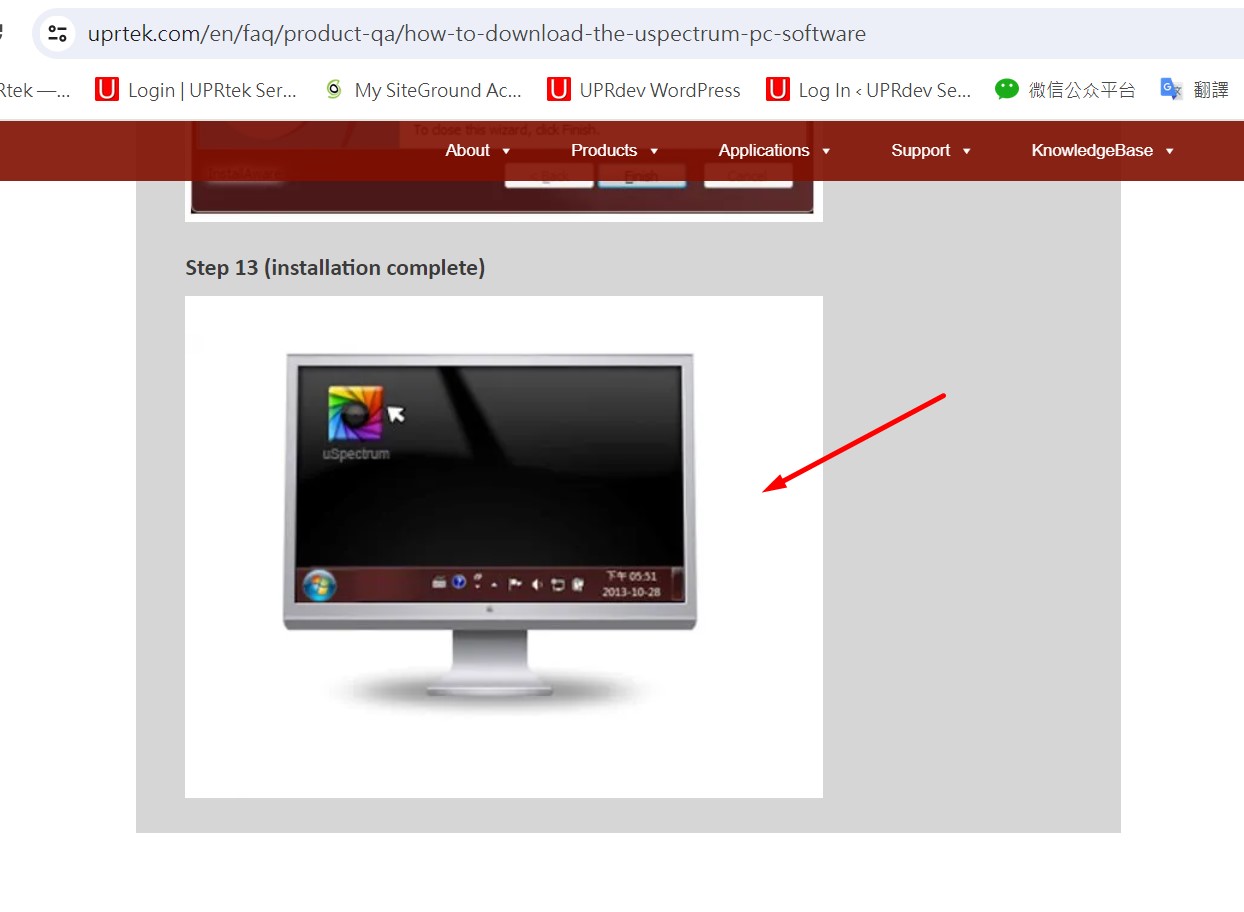
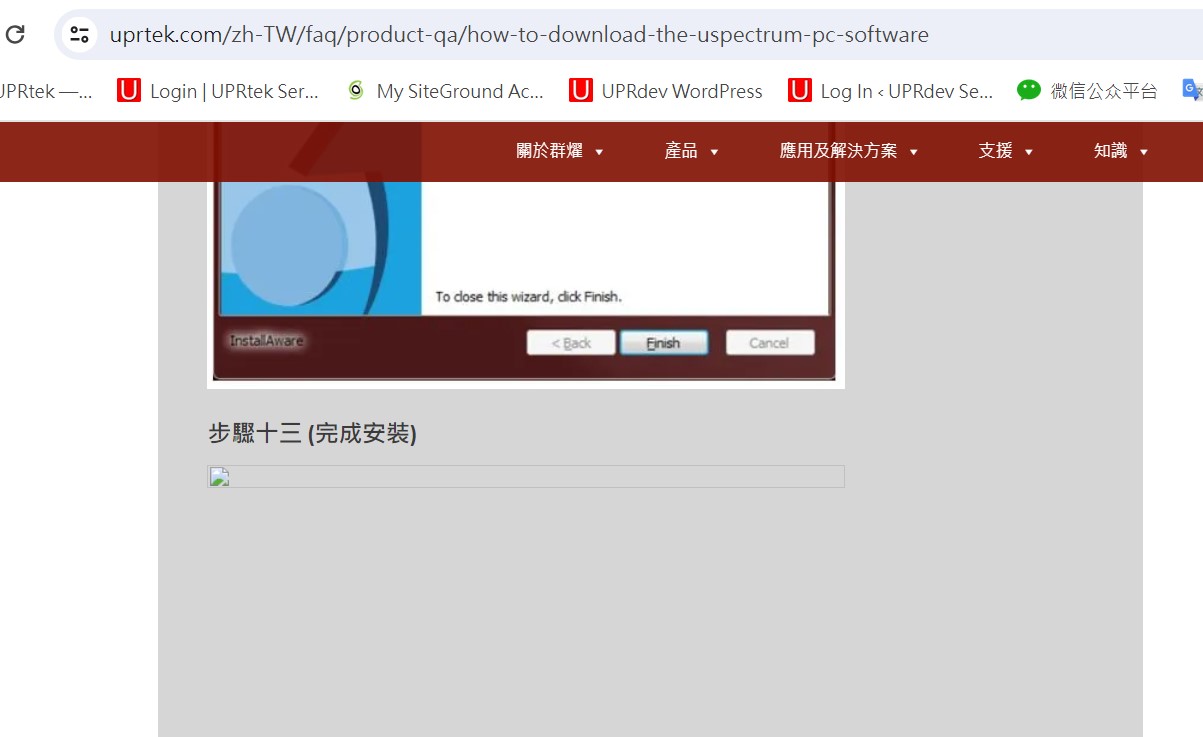
I am using WPML to translate my website content into 7 languages. I have encountered an issue with a specific post where an image is not displaying in the translated versions.
Symptoms:
After translating a post into 7 languages, the last image is not showing in the translated versions, but it appears correctly in the original English version.
Questions:
Why is the image not appearing in the translated versions of the post?
How can I ensure that all images appear correctly in all language versions when using WPML?
I understand the issue you're having. The image URL in the translation appears to be broken, which is why the image is not displaying correctly in the translation. Most of the time, updating the translation solves this kind of issue.
Please try the following steps and see if they help solve the issue:
1. Open the default page in the editor and remove the problematic image. Save the changes.
2. Refresh the editor and add the image again. Save the changes.
3. Now open the page in the WordPress editor.
4. Ensure that the options marked in [this screenshot](hidden link) are selected, then proceed to update the page translation.
After updating the translation, hopefully, the issue will be fixed. If you need further assistance, feel free to let me know. I will be happy to help.
Best regards,
Prosenjit
The topic ‘[Closed] One picture is lost after translate’ is closed to new replies.