Home›Support›English Support›[Resolved] The system shows up as "auto translate", but no new translations appear
[Resolved] The system shows up as "auto translate", but no new translations appear
This thread is resolved. Here is a description of the problem and solution.
Problem: If you've noticed that auto translations have stopped appearing in your Translation Management dashboard after updating pages, and new translations are not showing up as expected. Solution: We recommend checking the translation status of the page in question. If it shows as 'Needs Update' (indicated by a circle arrow icon), you should click on this icon to complete the translation. Once done, the new changes should be translated automatically. For a visual guide on how to do this, you can watch this screen record: screen record.
Please note that this solution might be irrelevant if it's outdated or not applicable to your case. We highly recommend checking related known issues at https://wpml.org/known-issues/, verifying the version of the permanent fix, and confirming that you have installed the latest versions of themes and plugins. If the issue persists, please open a new support ticket at WPML support forum for further assistance.
This is the technical support forum for WPML - the multilingual WordPress plugin.
Everyone can read, but only WPML clients can post here. WPML team is replying on the forum 6 days per week, 22 hours per day.
I've noticed for a while that the auto translations have stopped. Whenever I update a page in German, in the past it showed up in the Dashboard of Translation Management as New. Now whatever text I write, no new translations are showing up. Something seems to be wrong, so can you please log in and fix this for us?
Thanks.
Best Regards
Joy
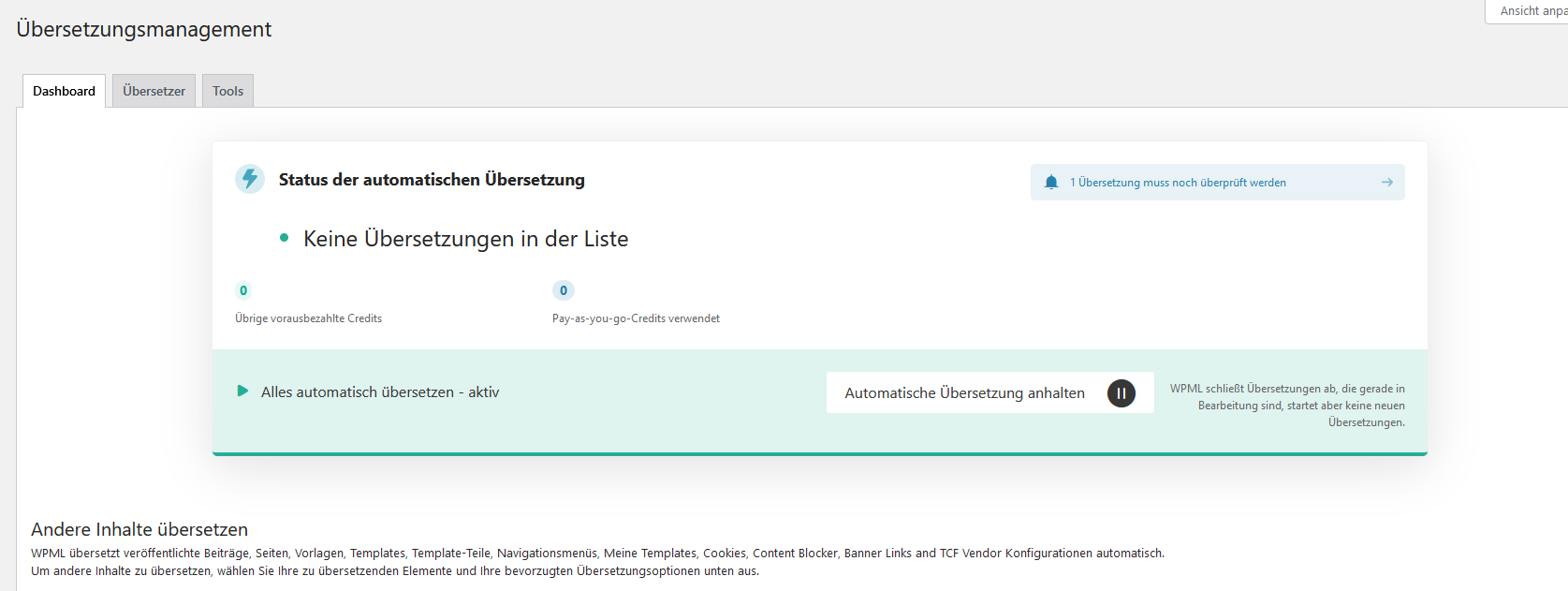
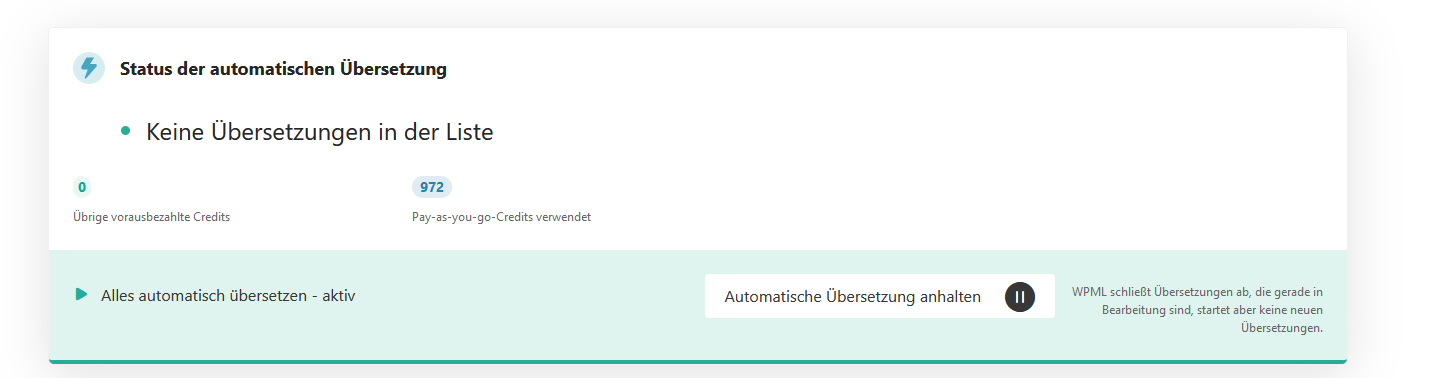
PS: I am attaching a picture in which you can see that translations are active. There's only 1 permanently showing up as an error (which I reported a while ago, but it keeps showing up again), but no new ones coming.
Languages: English (English )Vietnamese (Vietnamese )
Timezone: Asia/Ho_Chi_Minh (GMT+07:00)
Hi Thomas,
Thank you for contacting WPML support, I’m happy to help you with this issue.
I understand the issue here is the mode Translate Everything Automatically is enabled but after updating a page, it is not translated automatically.
Please go to WPML > Settings > Post Types Translation > Check if the option "Translate automatically" is enabled for the post type Page, Post ... see this screenshot hidden link
If it does not help, I would like to request temporary access (wp-admin and FTP) to your site to take a better look at the issue. Your next reply is set to private to share the info.
❌ IMPORTANT: Please backup your database and website before proceeding ❌
You can use this plugin to create the backup: https://wordpress.org/plugins/duplicator/
✙ I would need your permission to de-activate and re-activate Plugins and the Theme to change configurations on the site if needed. This is also a reason the backup is critical.
Languages: English (English )Vietnamese (Vietnamese )
Timezone: Asia/Ho_Chi_Minh (GMT+07:00)
Hi,
I make a small change to a page (AGB in the German language) > Update and it is translated automatically. In the Translation Management, it shows 2 translations are waiting for review.
Everything looks to work properly. Can you share a screen record of the issue on your end?
Thanks for that. And no need for a screenshot. I see the same thing. The YouTube thing is, as I said, an error, and shouldn't be in there for review at all.
And the pages I have been working on are missing.
Take this site for example: hidden link
I have made changes that I can't make in the English version, because it just doesn't show up automatically.
And this has been the case for all the pages recently changed.
I don't remember them all, but one of them was the start page, for sure.
Another one being the this one here: hidden link
So I'm not sure why your change is showing up as "to be translated", but mine are not. Can you please take a closer look and make all the recently changed pages show up that still need a translation?
Languages: English (English )Vietnamese (Vietnamese )
Timezone: Asia/Ho_Chi_Minh (GMT+07:00)
Hi,
I see the issue. The translation status of translation page is Needs Update (circle arrow icon). You will need to click on it to complete the translation. Then the new changes will be translated automatically.
Please check this screen record hidden link
Yes, I know it needs updates. As I said, I edited some texts - and for WPML, they need an update, so they show up on the "to be translated" page. Can you please arrange it that all the pages that need updates will appear on the corresponding page (the one for which you sent a screenshot showing just 2 earlier on today?
Well, still doesn't work. I just made some edits on the start page, but as you can see from the screenshot, nothing shows up in the translation review list. And the old German texts that I'm still waiting to show up are not visible either.
Languages: English (English )Vietnamese (Vietnamese )
Timezone: Asia/Ho_Chi_Minh (GMT+07:00)
Hi,
When I edit the homepage in the German language, I also see the circle arrows icon (Needs Update status). After clicking on the icon to translate the page automatically, the translation review is displayed in the Translation Management board.
Here is the screen record hidden link
Please ensure all changes are saved when you edit the page with Elementor builder and check this again.
Well, the articles I've been looking for are still not showing up (I only found other ones, to which I had or had not made any changes), but I guess it's okay now. When I edit a new article now, it seems to show up again in the translation list, so I'll just disregard the other articles that still need translation and trust I'll remember them when it's important.