Skip to content Skip to sidebar

This is the technical support forum for WPML - the multilingual WordPress plugin.

Everyone can read, but only WPML clients can post here. WPML team is replying on the forum 6 days per week, 22 hours per day.

Sun Mon Tue Wed Thu Fri Sat
- 9:00 – 18:00 9:00 – 18:00 9:00 – 18:00 9:00 – 18:00 9:00 – 18:00 -
- - - - - - -

Supporter timezone: Asia/Karachi (GMT+05:00)

This topic contains 3 replies, has 0 voices.

Last updated by Waqas Bin Hasan 9 months, 1 week ago.

Assisted by: Waqas Bin Hasan.

Author Posts
June 18, 2025 at 1:01 pm

bobv-12

Background of the issue:
I want to translate some products on my site hidden link using WPML.

Symptoms:
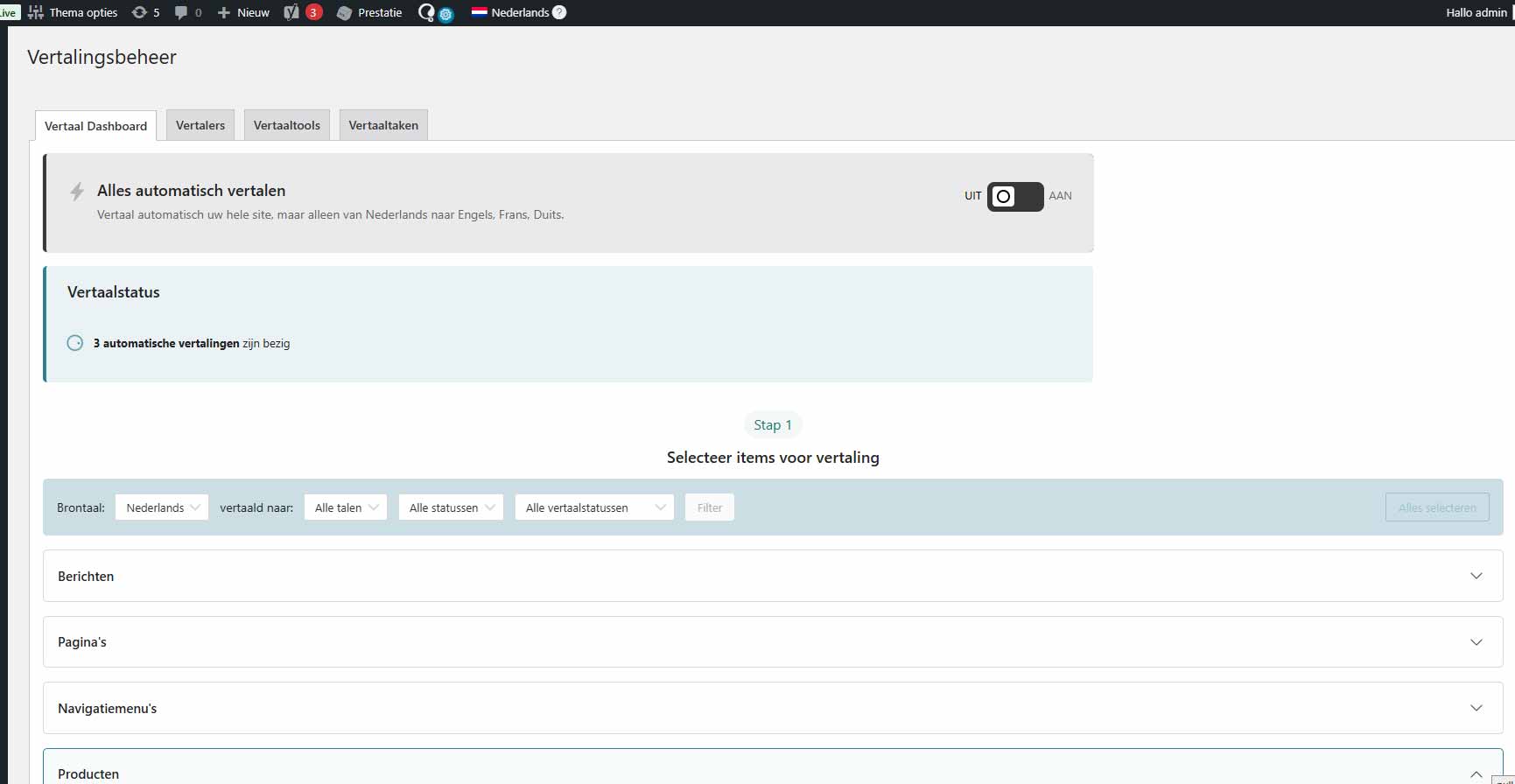
The translation process keeps hanging and displays 0/3 0%.

Questions:
Why is the translation process hanging?
How can I resolve the issue of translations not progressing?

June 18, 2025 at 2:43 pm #17147235

Waqas Bin Hasan
WPML Supporter since 05/2014

Languages: English (English )

Timezone: Asia/Karachi (GMT+05:00)

Hi,

Reference to our recent chat, I've moved to this ticket. Please let me know when the test site is ready.

I've enabled your next reply as private to provide the access information safely.

Regards.

June 25, 2025 at 3:12 pm #17170115

bobv-12

Hello, is have made a staging environment and there, translating is working well. Have you been able to make a solution for the fatal error? Best regards, Bob van Dijk

June 26, 2025 at 7:48 am #17171770

Waqas Bin Hasan
WPML Supporter since 05/2014

Languages: English (English )

Timezone: Asia/Karachi (GMT+05:00)

Thank you for the updates.

Did you clone the live site to the staging? I mean if it has the same data and plugin but issue isn't happening there, then probably something else is wrong.

I'll recommend trying these in the site where the issue is happening:

IMPORTANT: Please take full backup of your website and database beforehand. 

- Update all WPML plugins, specially WCML, if haven't already. Also update all other plugins and theme if needed.
- Try these troubleshooting options (for both WPML and WCML).
- Then cancel the existing jobs. You can go to Translations and click the trash icon for the jobs (where available) to cancel these. Or, in troubleshooting options, there's a button to cancel all in-progress automatic jobs.
- After that, open one of those products for editing in default language.
- Make a small change like a word or dot.
- Save.
- Send again for translation and see if it works?

Please let me know your findings.

The topic ‘[Closed] Translating products isn't working anymore’ is closed to new replies.