Background of the issue:
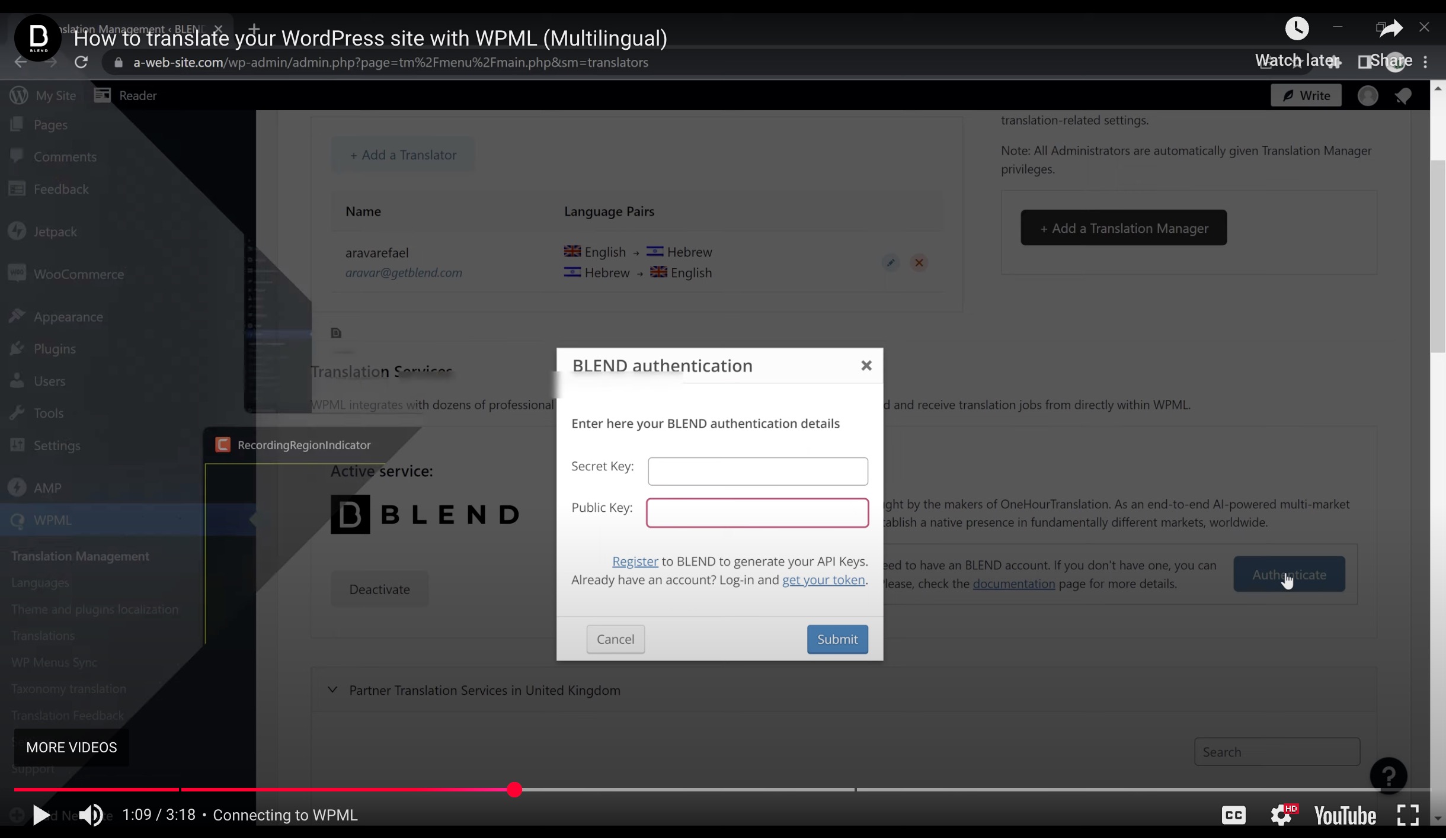
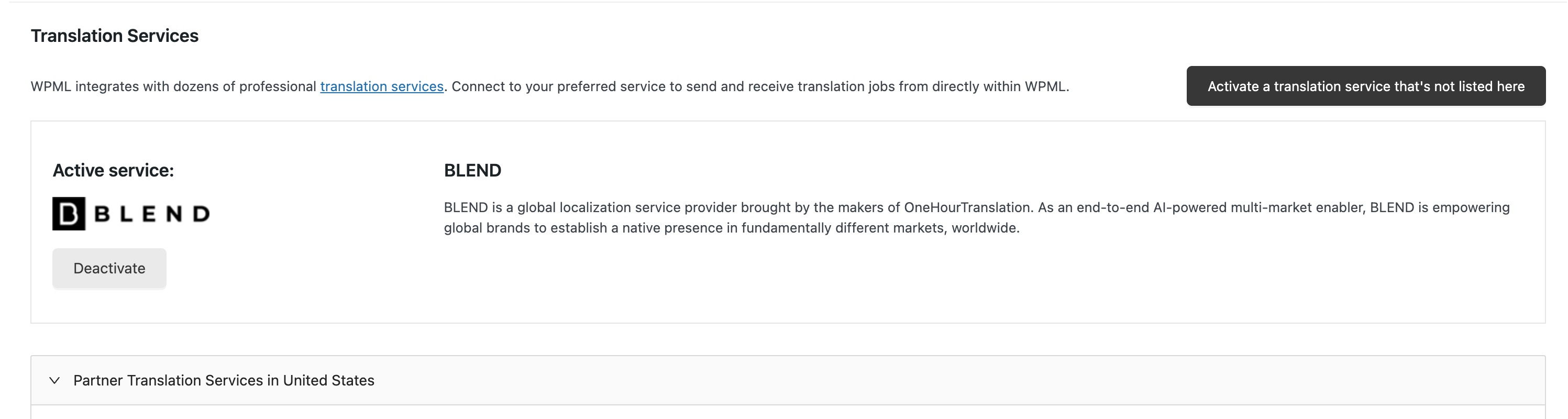
I am trying to add and activate a translation service using WPML. You can see the issue on this page: hidden link. I expected to see an *Authentication* button and a modal for inputting public and secret keys. Refer to the video at 1:09 for more details: hidden link.
Symptoms:
The *Authentication* button appears for a split second and then disappears. I can't find it even when inspecting the page.
Questions:
Why does the *Authentication* button disappear immediately?
How can I access the modal for inputting public and secret keys?
Languages: English (English )German (Deutsch )French (Français )
Timezone: Europe/Zagreb (GMT+01:00)
Hi,
Can you please check if this issue appears when:
- only WPML plugins are activated, as it will tell us if there is an interaction issue with other plugin
- theme is set to a WordPress default like Twenty Twenty as it will tell us if there is an interaction issue with your theme
We identified the source of the problem: a plugin conflict caused it. The PublishPress Capabilities Pro plugin has a setting to disable admin notices, which was turned on by default. This setting ended up hiding the Blend's authentication notice, which is why the option wasn’t visible. Turning off the 'Disable Admin notices' option in the Publishpress Capabilities Pro settings resolved the issue.