This thread is resolved. Here is a description of the problem and solution.
Problem: If you're unable to activate the WPML plugin and encounter a fatal error indicating an issue with a non-countable type in the 'functions.php' file, this might be due to a specific database entry causing the problem. Solution: We recommend checking your database for the option named
auto-translation-job-creation-error
in the 'wp_options' table and deleting it. After removing this entry, try reactivating the WPML plugin. This solution is a temporary fix until the issue is permanently resolved in WPML version 4.9.
Please note that this solution might be outdated or not applicable to your specific case. If the problem persists, we highly recommend checking related known issues, verifying the version of the permanent fix, and confirming that you have installed the latest versions of themes and plugins. If needed, do not hesitate to open a new support ticket for further assistance.
This is the technical support forum for WPML - the multilingual WordPress plugin.
Everyone can read, but only WPML clients can post here. WPML team is replying on the forum 6 days per week, 22 hours per day.
I am unable to activate the WPML plugin on my website: hidden link
I have already tried all possible standard solutions, including:
Updating WordPress to the latest version
Updating all themes and plugins
Testing with the default WordPress theme
Disabling all other plugins
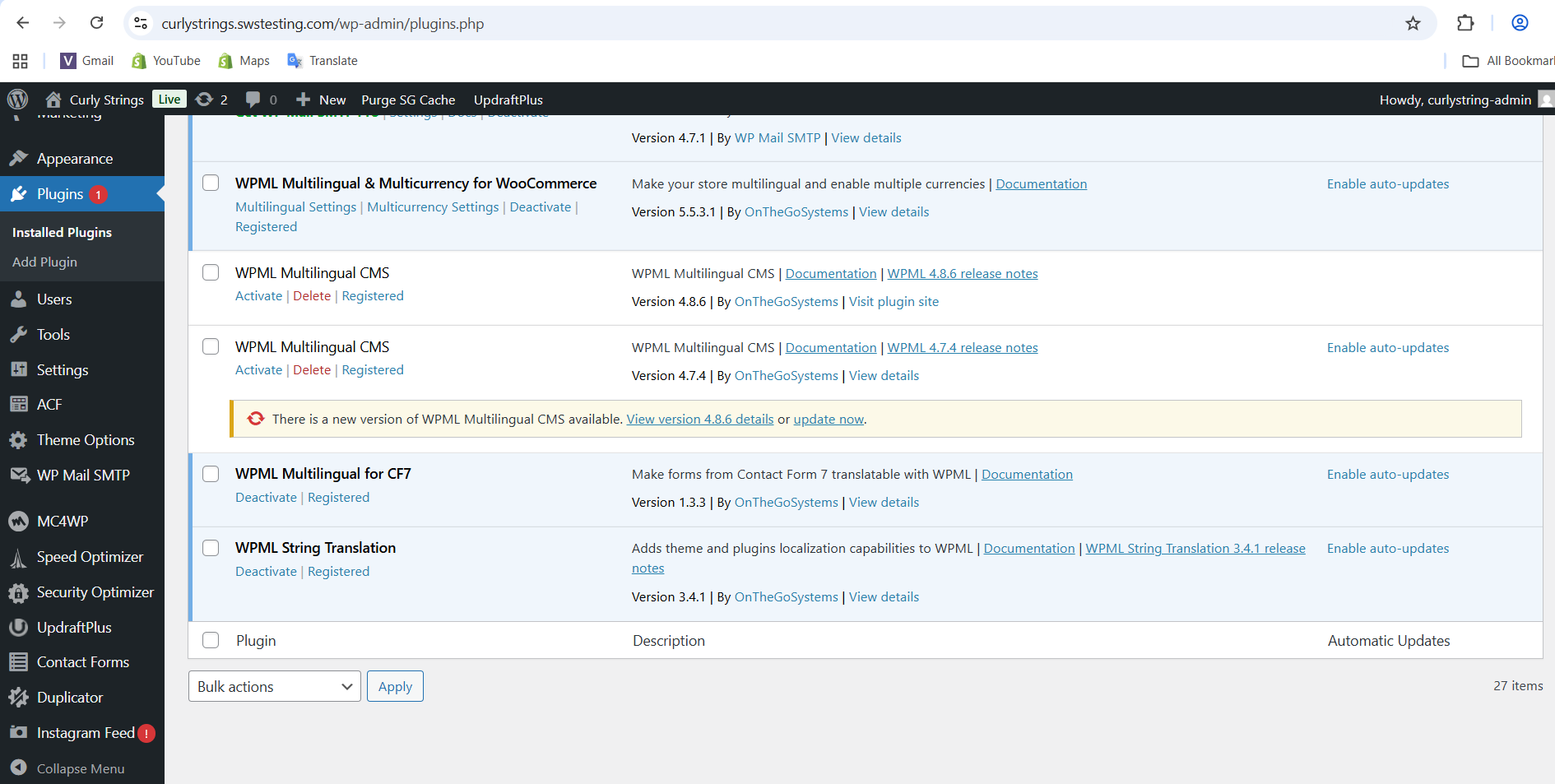
Downloading and installing the latest WPML version (Version 4.8.6) from my WPML account
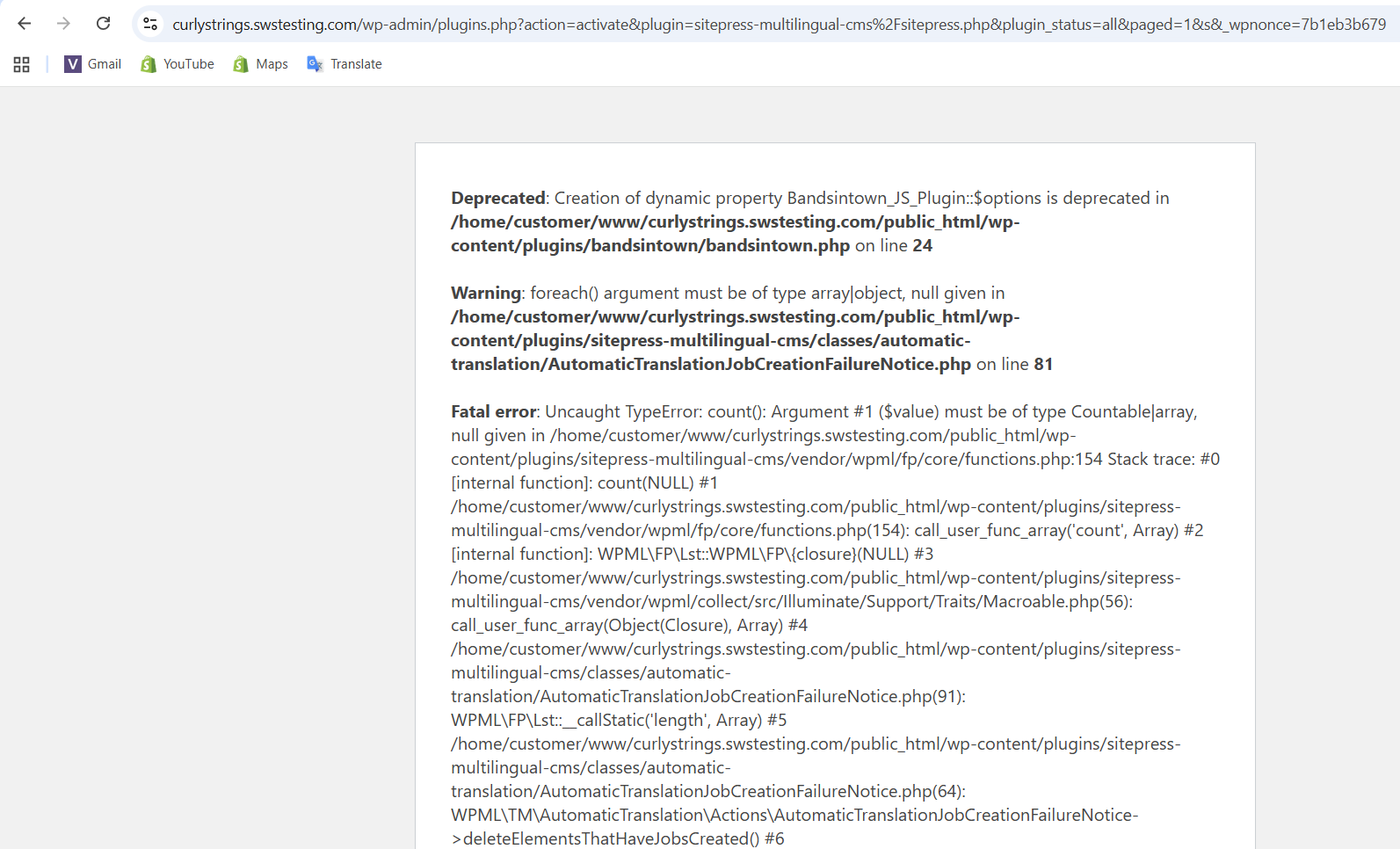
But the problem still exists. Whenever I try to activate WPML, the website crashes and shows this error:
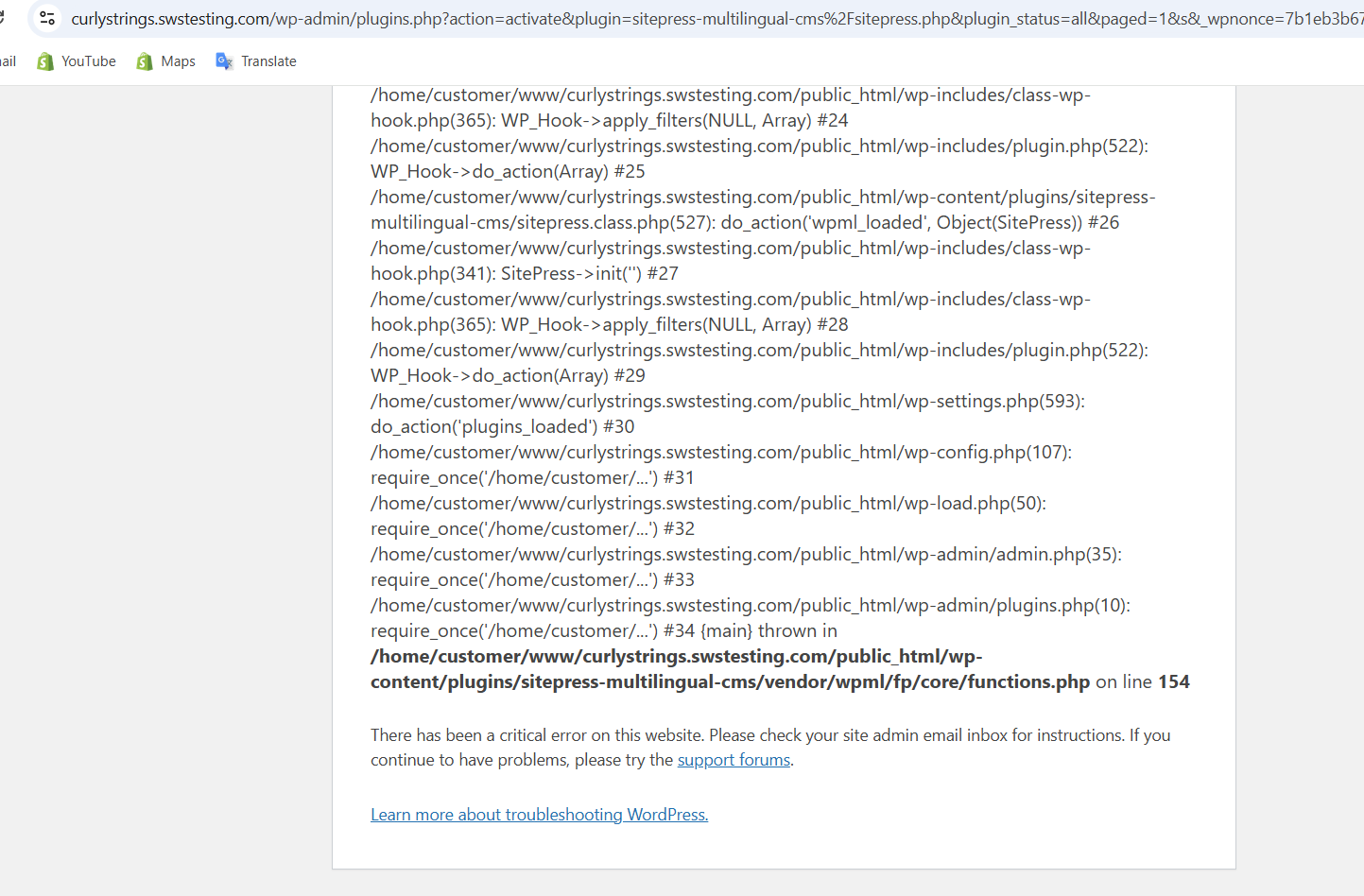
Fatal error: Uncaught TypeError: count(): Argument #1 ($value) must be of type Countable|array, null given in
/home/customer/www/curlystrings.swstesting.com/public_html/wp-content/plugins/sitepress-multilingual-cms/vendor/wpml/fp/core/functions.php:154
Stack trace: #0 [internal function]: count(NULL) #1
Because of this error, I cannot activate WPML at all. I have attached screenshots for your reference.
This issue is seriously affecting my business because I cannot manage multilingual content or product listings without WPML. I did not expect such a critical issue after purchasing WPML.
Kindly check this matter on an urgent basis and provide a solution as soon as possible.
Please keep me updated on the status.
you have left the chat so I have created this ticket and lets continue here.
1) In order to expedite handling your support requests, can you please share WPML support debug information from your site.
- To give debug information, login to your site and go to WPML → Support. From there click on the “debug information” link at the bottom of the page. - Once on the “debug information” page, select the entire content of the text box and copy it. - Now go back to our support forum, find debug information box and paste it.
More information on the link: https://wpml.org/faq/provide-debug-information-faster-support/
2) Please share the access details of your website, so I can log in and take a look.
I’m enabling a private message for the following reply.
- Please backup the site files and database before providing us access.
- If you have a staging site where the problem can be reproduced, it is better to share access to the staging site.
I’ve checked the issue and believe I’ve identified the cause. There appears to be a key in your database causing this. Issue is known and will be fixed in WPML 4.9.
In the meantime, the fix is to delete a specific option from the wp_options table. The option I found is named:
auto-translation-job-creation-error
Please try deleting this option, then re-activate WPML and let me know if the issue still occurs.
I attempted to do this myself, but my access to your phpMyAdmin page is blocked, so I wasn’t able to proceed.