This thread is resolved. Here is a description of the problem and solution.
Problem: The client needed to ensure that the homepage section button links redirect to the respective language page link. Solution: We recommended the following steps: 1. Ensure both WordPress Address (URL) and Site Address (URL) use https by going to Settings >> General. 2. Use WPML >> Settings > Update internal links, click 'Scan now' and adjust links, allowing the scan to finish. 3. If the issue persists, open the translated page in the WPML Translation Editor, search the button URL by typing “http” in the search input box, translate it if found, and complete the translation. 4. Clear all sorts of site/server/CDN cache. For more details, visit https://wpml.org/faq/how-to-translate-links/ Additionally, we added custom XML configuration in WPML >> Settings for better handling of translations:
<widget name="aux_text"><fields><field type="Info Box Title" editor_type="LINE">title</field><field type="Info Box Content" editor_type="VISUAL">content</field><field type="Info Box Button" editor_type="LINE">btn_label</field><field type="Info Box Button URL" editor_type="LINK">btn_link>url</field></fields></widget><widget name="aux_icon_list"><fields-in-item items_of="list"><field type="Icon List Text Primary" editor_type="LINE">text_primary</field><field type="Icon List Text Secondary" editor_type="LINE">text_secondary</field><field type="Icon List URL" editor_type="LINK">link>url</field></fields-in-item></widget>
If the solution provided does not resolve your issue or seems outdated, we highly recommend checking related known issues at https://wpml.org/known-issues/, verifying the version of the permanent fix, and confirming that you have installed the latest versions of themes and plugins. If further assistance is needed, please open a new support ticket at WPML support forum.
This is the technical support forum for WPML - the multilingual WordPress plugin.
Everyone can read, but only WPML clients can post here. WPML team is replying on the forum 6 days per week, 22 hours per day.
We also need to know how to redirect the homepage section button link to the respective language page link.
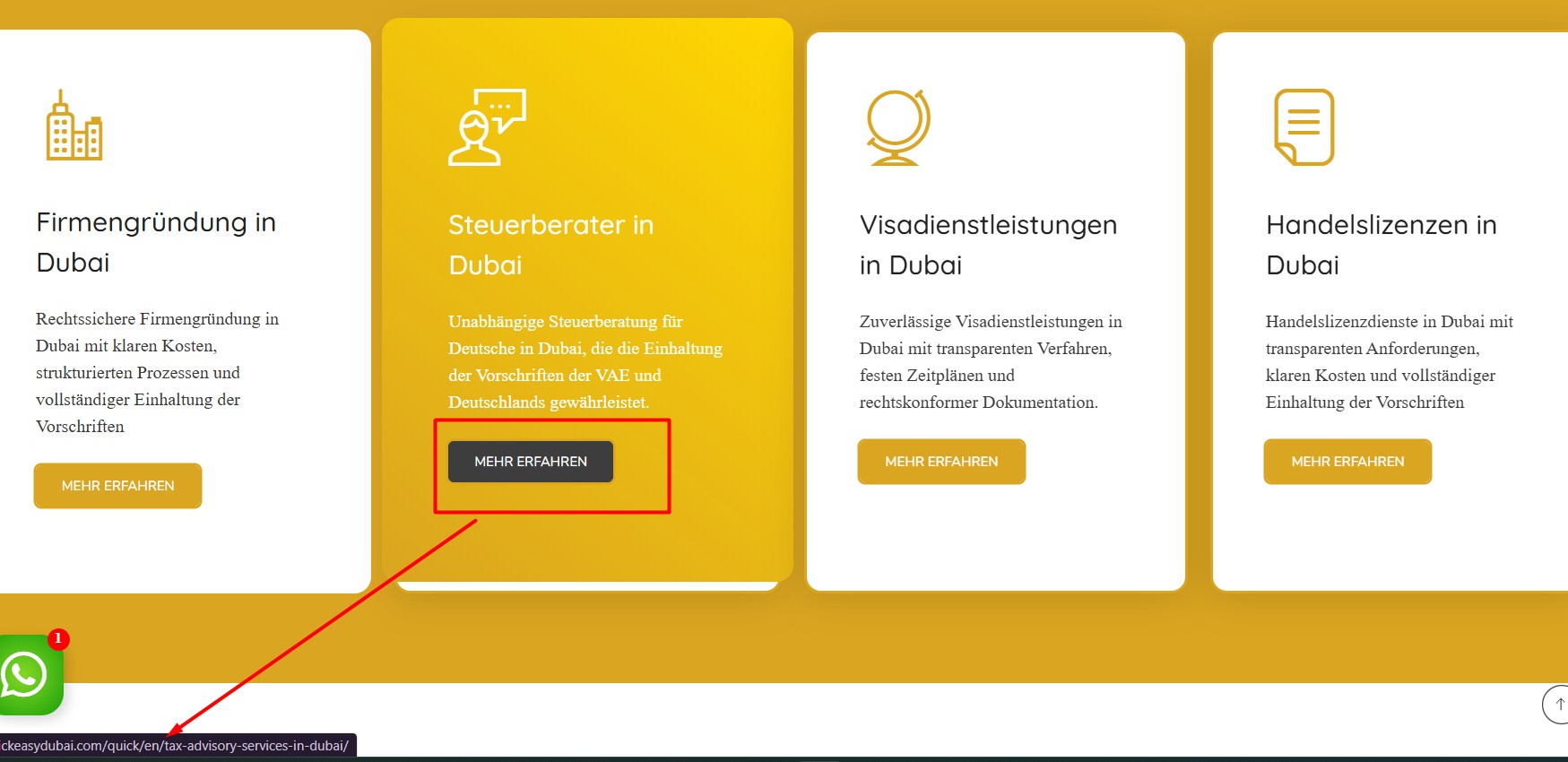
Currently, when the URL is hidden link, the button link redirects to the respective English page. Similarly, when the URL is hidden link, the button link redirects to the corresponding German page.
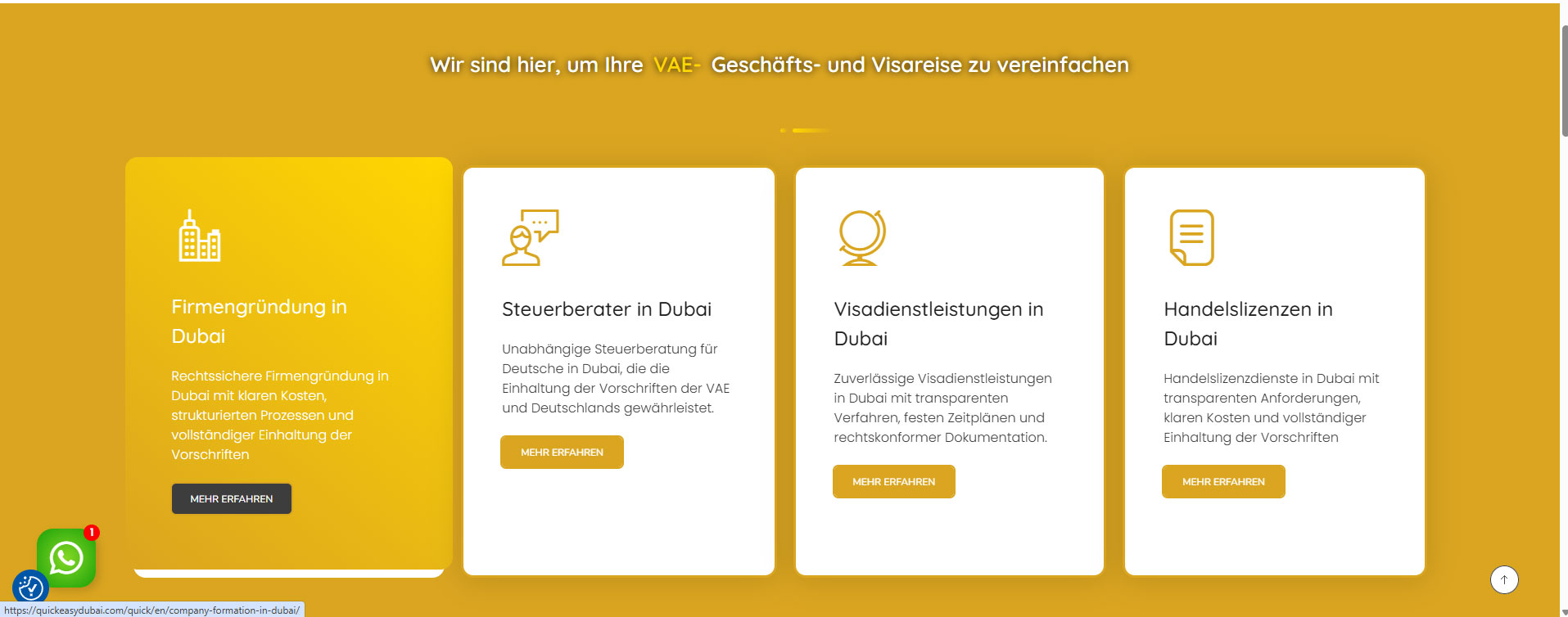
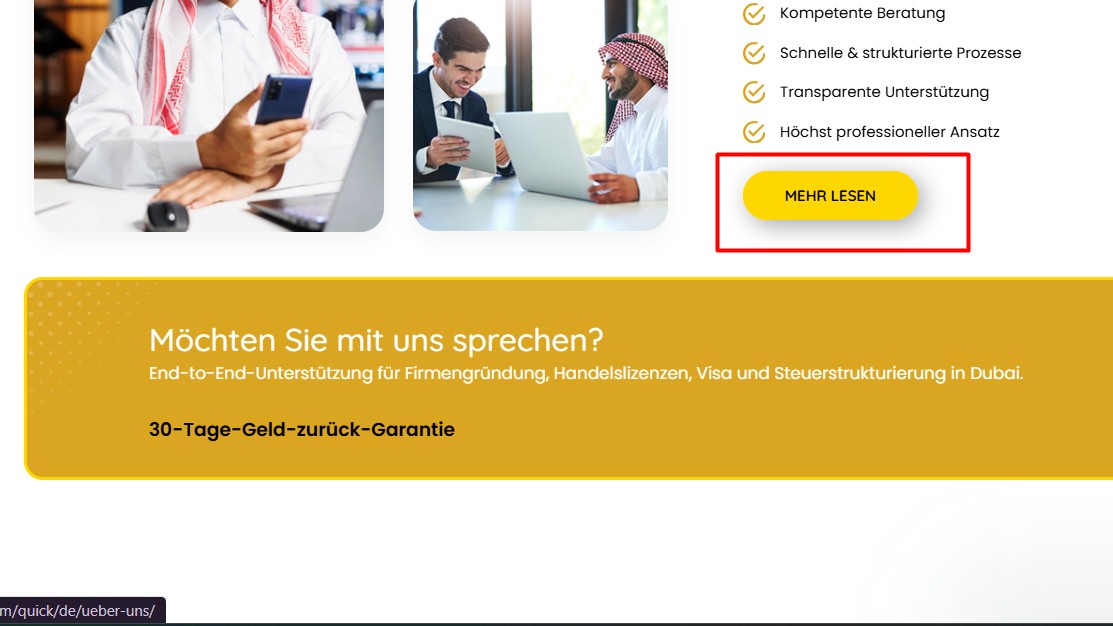
Thank you for contacting WPML Support. I can see the German home page buttons are redirected to the English home page as you can see in the attached screenshot. Could you please try to follow the below steps:
1. Go to Settings >> General and make sure both WordPress Address (URL) and Site Address (URL) use https, not http.
2. Go to WPML >> Settings > Update internal links, click Scan now and adjust links, and let the scan finish.
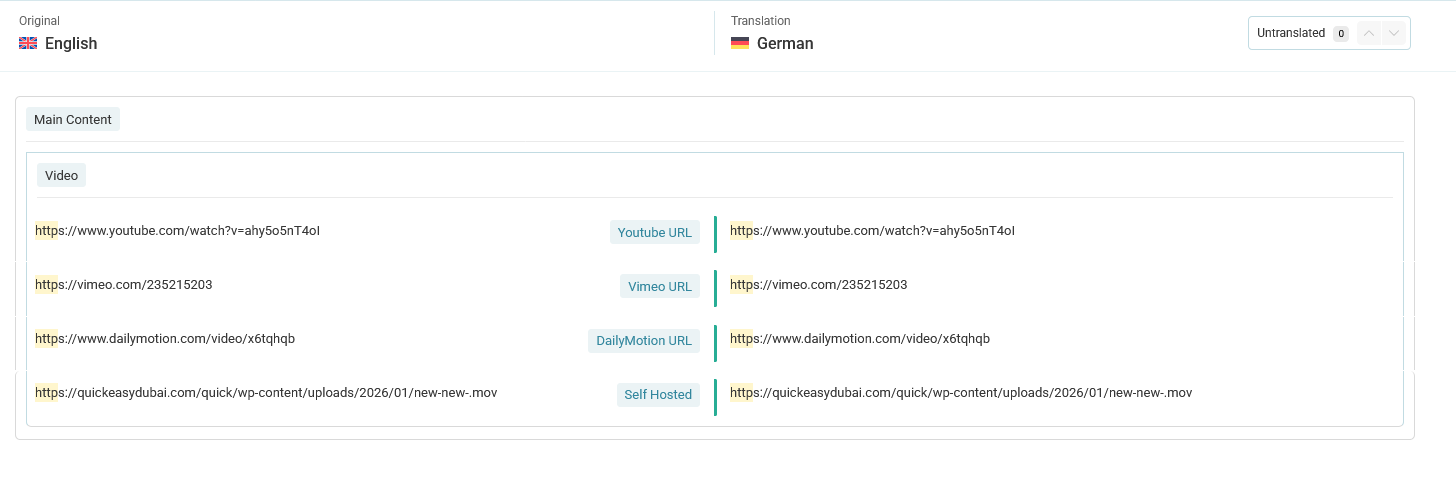
3. If the issue continues, open the translated page in the WPML Translation Editor, search the button URL by typing “http” in the search input box. If the link appears, translate it and complete the translation.
4. Clear all sorts of site/server/CDN cache and see if this resolves the issue.
Thanks for trying the above steps and providing the screenshots. To take a closer look at this issue, please provide temporary access (WP-Admin and FTP Login info) to your site (preferably staging site), so that I can look into your setup and debug the issue.
Your next answer will be private, meaning only you and I can access it.
=== Please backup your database and website ===
✙ I would need your permission to deactivate and reactivate Plugins and the Theme and to change configurations on the site. This is also a reason the backup is essential.
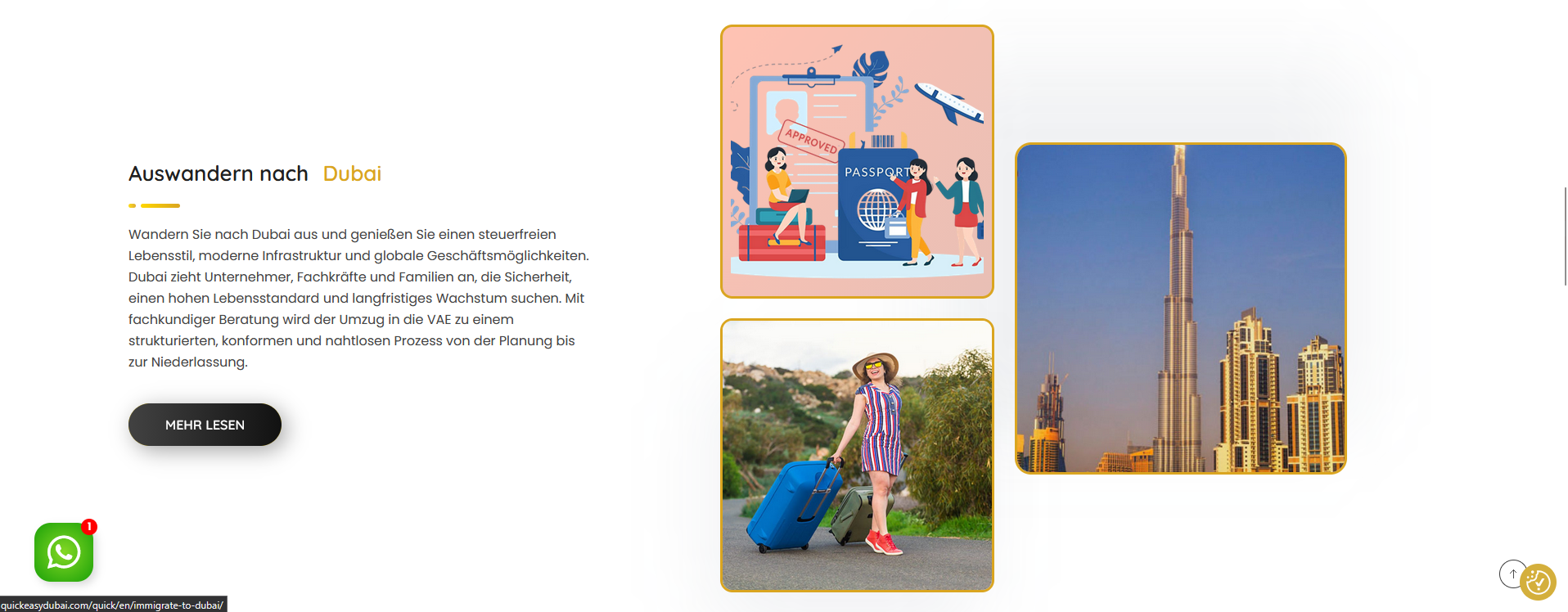
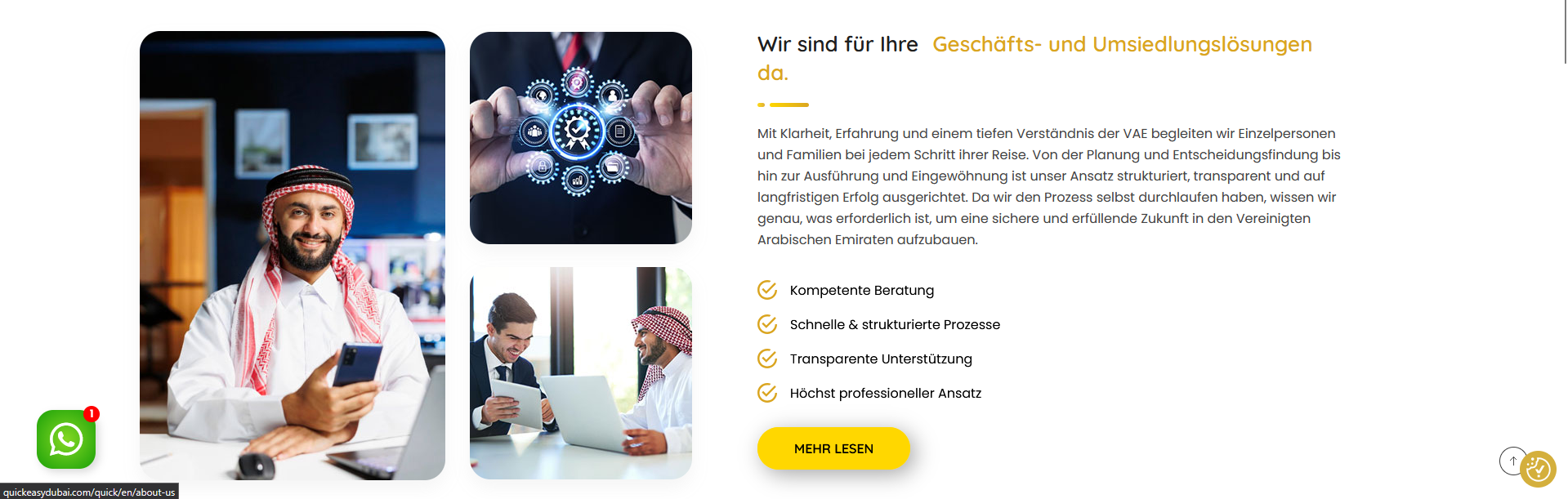
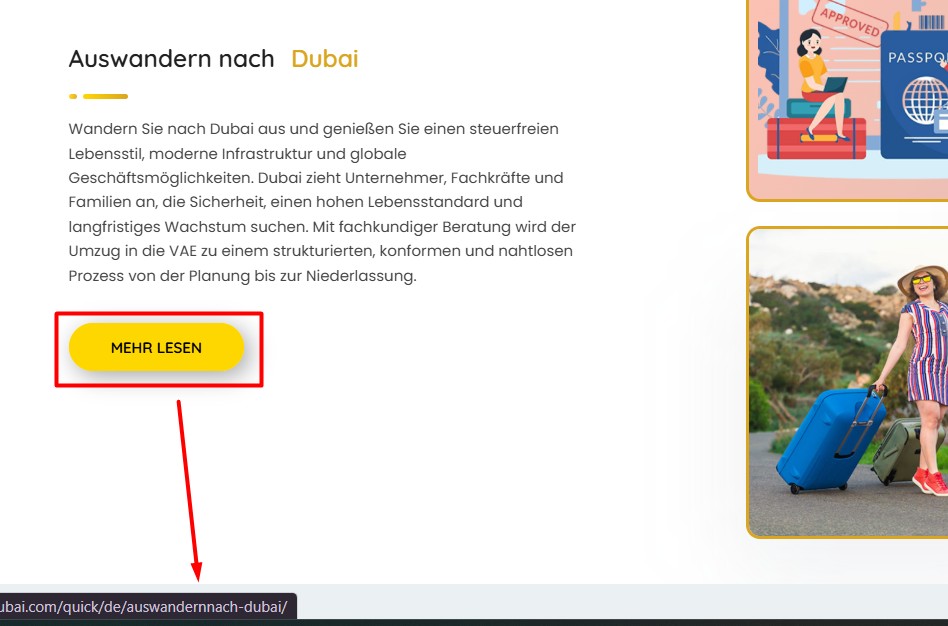
In the German version, two links are redirecting to the English version (the About Us section and the Immigrate to Dubai section). Please find the attached screenshot for your reference.
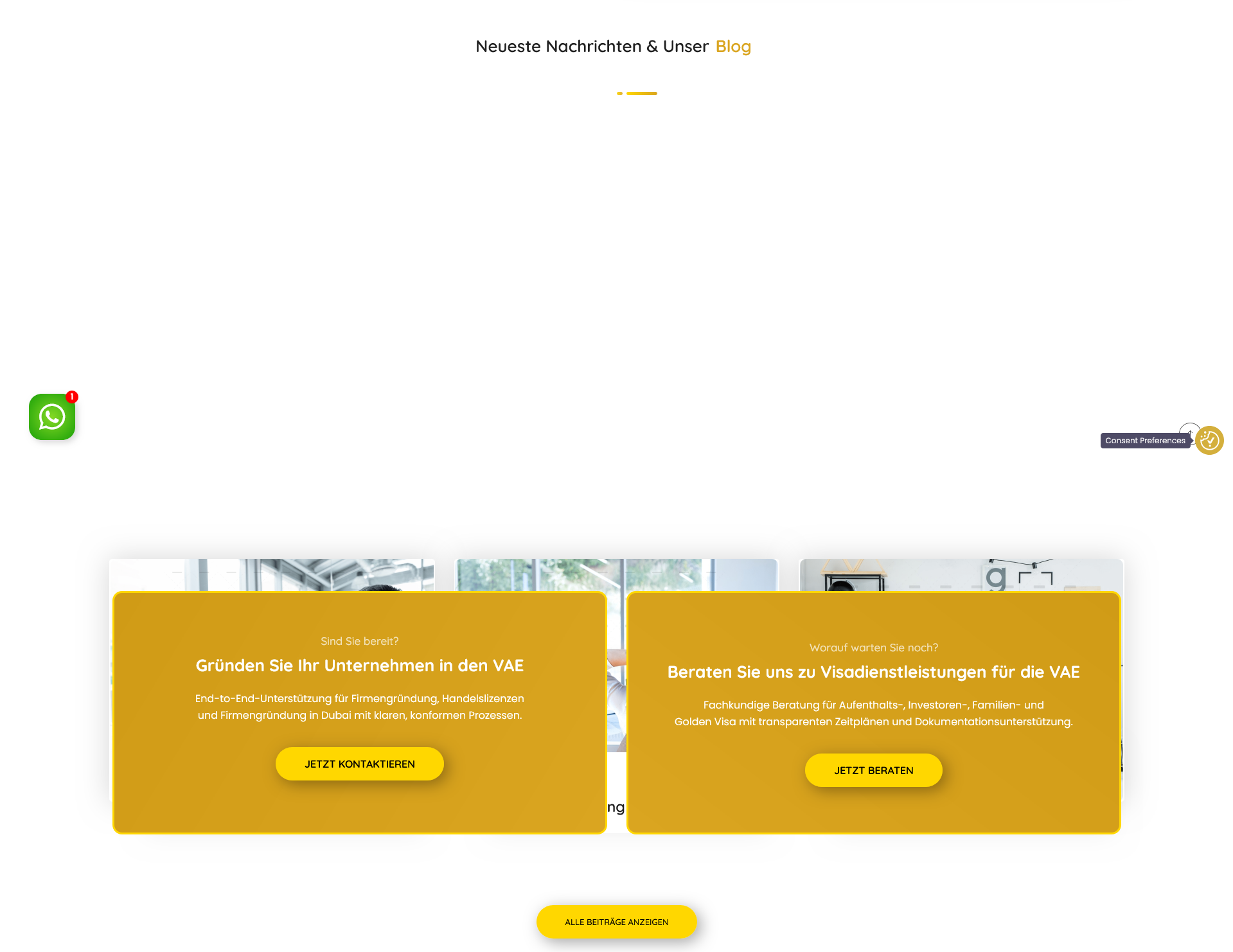
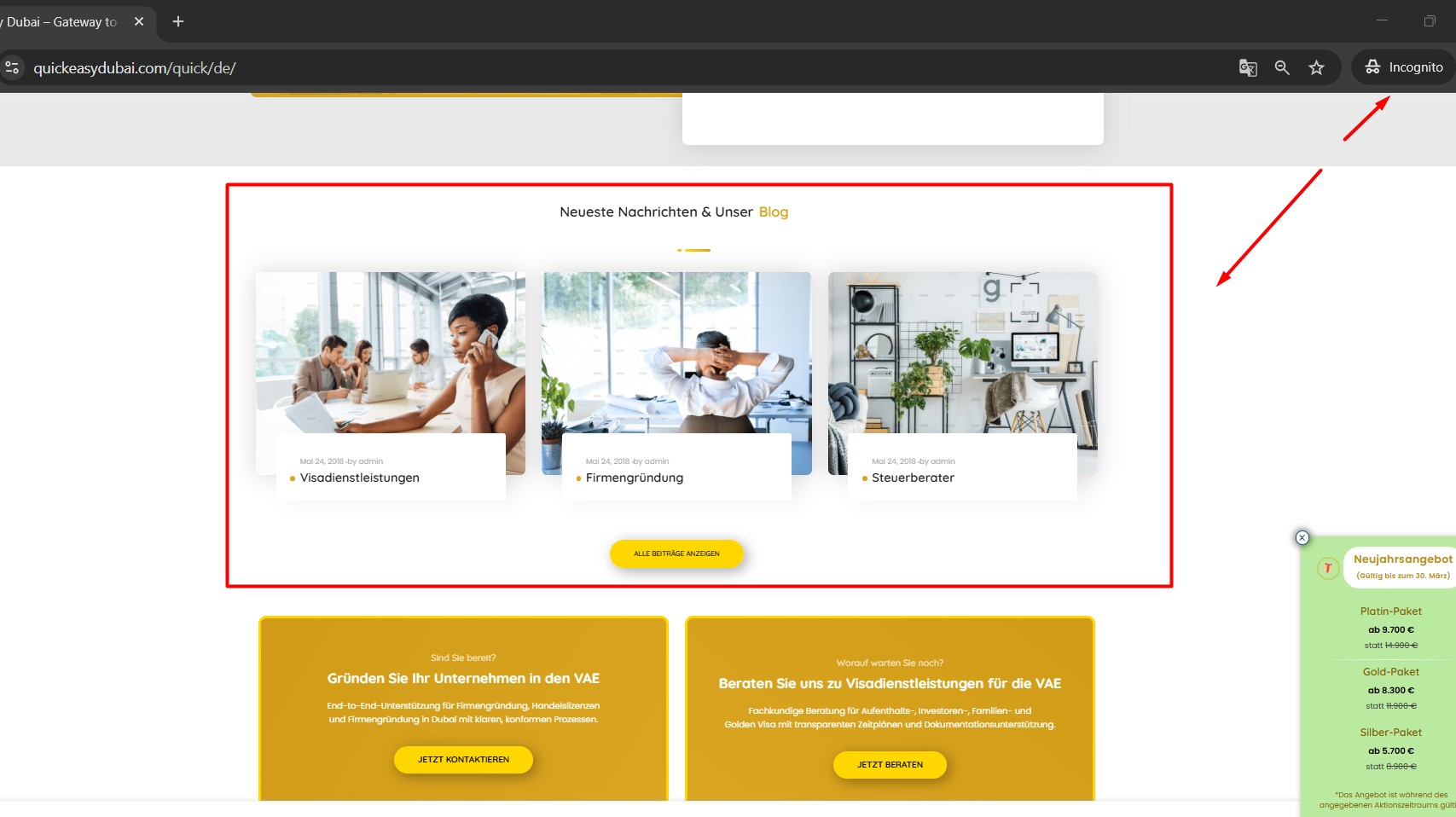
Also, in the German version, the homepage blog section is overlapping, while it is displayed properly in the English version. (Screenshot attached)
Please let me know if I can fix the link issue by myself. If the same issue arises in the future, I would like to be able to fix it on my own. If yes please share tutorials.
Sorry for the delay, I was off during the weekend (Friday-Saturday). I’m debugging the issue at your site and will get back to you with an update soon.
2. Re-saved the default language home page to reload the translation.
3. Completed the home page translation by opening it in Advanced Translation Editor and now it shows the correct link in secondary language.
- I checked the Home page blog section but it loads correctly for me as you can see in the attached screenshot. If I missed anything kindly let me know and I’d be more than happy to help.