This thread is resolved. Here is a description of the problem and solution.
Problem: You are using the WPML glossary feature and have added 'MILK.' as a glossary word. After adding Italian as a language, 'MILK.' was incorrectly translated to 'LATTE.' despite being in the glossary. The glossary listing appeared empty, and attempts to re-add the word indicated it already existed. Solution: We identified a bug related to language mapping in our system. As a temporary workaround, we recommend removing the custom language mapping for the affected language. This action should resolve the issue with the glossary entries not displaying correctly and being incorrectly translated. If you're experiencing this issue, we suggest trying this workaround.
Please note that this solution might be outdated or not applicable to your specific case. We highly recommend checking related known issues at https://wpml.org/known-issues/, verifying the version of the permanent fix, and confirming that you have installed the latest versions of themes and plugins. If the problem persists, please open a new support ticket.
This is the technical support forum for WPML - the multilingual WordPress plugin.
Everyone can read, but only WPML clients can post here. WPML team is replying on the forum 6 days per week, 22 hours per day.
<b>Background of the issue: </b>
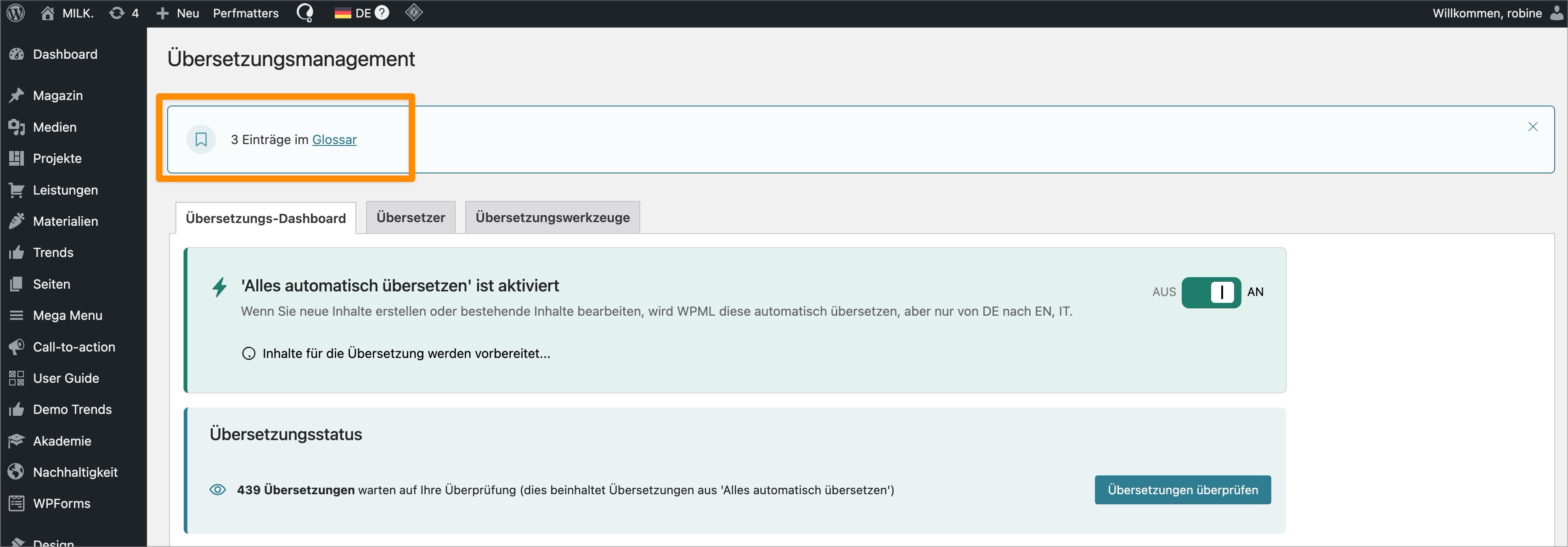
I am trying to use/apply the glossary in WPML. I've added 'MILK.' as a glossary word a week or so ago. Today, we've added Italian as a language, so I expected 'MILK.' not to be translated and the glossary in the backend showing the entry 'MILK.' Link to a page where the issue can be seen: hidden link
<b>Symptoms: </b>
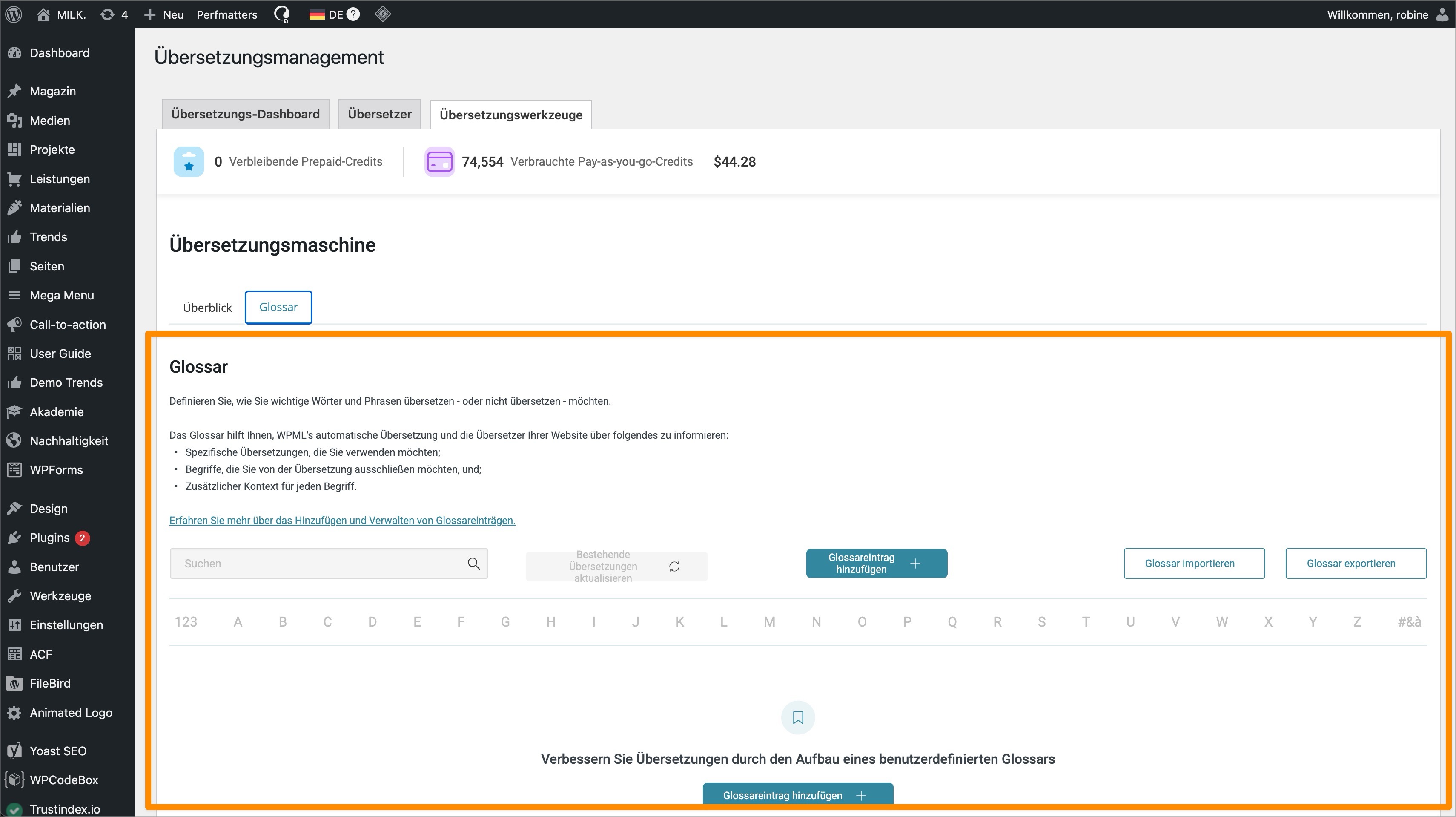
The word 'MILK.' is falsely translated to 'LATTE.' The glossary listing is empty (see hidden link). Even though I'm advised that there are entries (see hidden link). When I try to add the item again, it tells me it already exists. In my local environment, where automatic translations are disabled, I get all entries of the glossary shown, but the tab is in a different location (see hidden link).
<b>Questions: </b>
Why is the glossary listing empty even though there are entries?
Why is 'MILK.' being translated to 'LATTE.' despite being in the glossary?
1) The WP memory limit needs to be increased. PHP memory is fine but WordPress uses 40Mb as default. Minimum requirements for WPML are 128Mb: https://wpml.org/home/minimum-requirements/
Add this to the top of wp-config.php to increase WP memory:
/** Memory Limit */ define('WP_MEMORY_LIMIT', '256M');
define( 'WP_MAX_MEMORY_LIMIT', '256M' );
2)
- Make sure you have a backup.
- Disable all other plugins and leave active only WPML plugins
- Switch to WP default theme
- Check if the issue still happens.
we have checked and seems there is a bug on our side that we are investigating and will be fixing it soon.
In the meantime if you have a dev version or backup copy, can you please export the glossary terms and import them back in your production website and it should work fine.
Just to update we are doing further testing and investigaion, please do NOT delete the glossary entry that says "test 12345 do not delete". at least for now.