
This is the technical support forum for WPML - the multilingual WordPress plugin.
Everyone can read, but only WPML clients can post here. WPML team is replying on the forum 6 days per week, 22 hours per day.
Tagged: Compatibility
This topic contains 8 replies, has 0 voices.
Last updated by Marcel 1 month, 2 weeks ago.
Assisted by: Noman.
| Author | Posts |
|---|---|
| August 5, 2025 at 1:39 pm #17296795 | |
 anne-sophieW-2 |
Background of the issue: Symptoms: Questions: |
| August 6, 2025 at 12:54 pm #17299544 | |
 Noman |
Hi, Thank you for contacting WPML Support. I can see untranslated buttons on your site as shown in the attached screenshots. To take a closer look at this issue, please provide temporary access (WP-Admin and FTP Login info) to your site (preferably staging site), so that I can look into your setup and debug the issue. Your next answer will be private, meaning only you and I can access it. === Please backup your database and website === ✙ I would need your permission to deactivate and reactivate Plugins and the Theme and to change configurations on the site. This is also a reason the backup is essential. Thank you 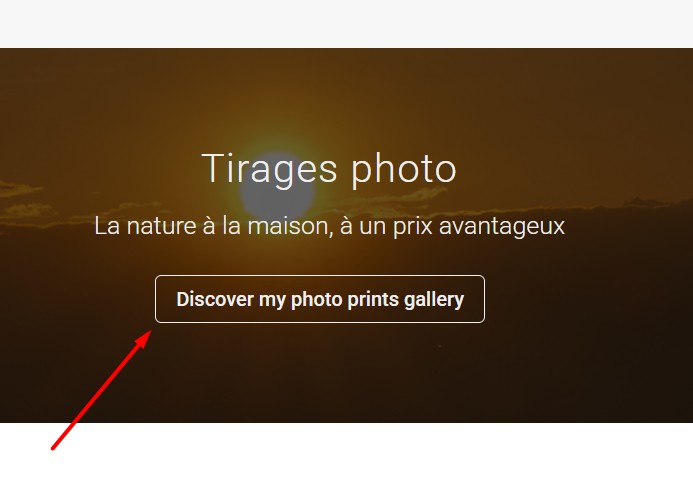 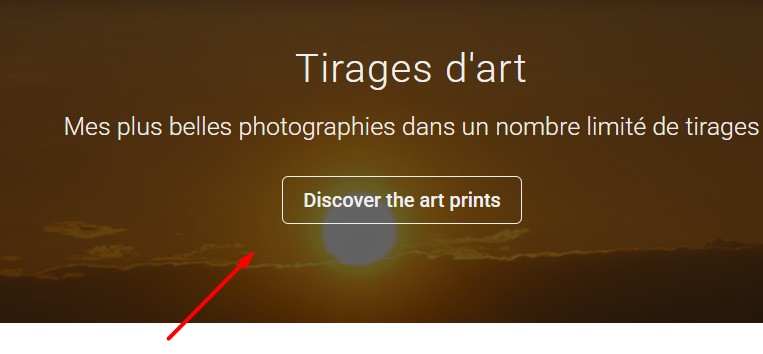  |
| August 7, 2025 at 12:28 pm #17302558 | |
|
Noman |
Thanks for providing the login details. I’m debugging this issue on your site and get back to you with an update soon. Thank you for your cooperation |
| August 7, 2025 at 6:30 pm #17303723 | |
|
Noman |
It looks like the Divi Fullwidth Header shortcode’s button_one_text attribute is encoded, for example: [et_pb_fullwidth_header title="Photo Prints" subhead="Nature at home, at a great price" button_one_text="@ET-DC@eyJkeW5hbWljIjp0cnVlLC..." ...] - I tried the below XML in WPML >> Settings > Custom XML Configuration section:
<wpml-config>
  <shortcodes>
    <shortcode>
      <tag>et_pb_fullwidth_header</tag>
      <attributes>
        <attribute>title</attribute>
        <attribute>subhead</attribute>
        <attribute encoding="base64">button_one_text</attribute>
        <attribute encoding="base64">button_two_text</attribute>
      </attributes>
    </shortcode>
  </shortcodes>
</wpml-config>
However, the button text still isn’t available for translation when we try to load the button URL and text dynamically. If we add static button text then it works correctly with above XML as you can see in the attached screenshot. This appears to be a compatibility issue. When such issues arise, we need to replicate them on a clean WordPress installation to escalate it to our Compatibility Team. To help with this, I’ve created a fresh test site with WPML already installed. Please follow these steps: 1. Login to the fresh WP site by clicking on the auto login URL: 2. Install the Divi theme and configure it as you did on your site. 3. Create a test page using the Fullwidth Header module and try to translate it. Please note that we only need above mentioned theme functionality, you don't need to set up an entire website or clone your existing site. - As a workaround, you can also disable the WPML Translation Editor for that specific page and translate it manually using the Divi Builder. Here’s how: https://wpml.org/documentation/translating-your-contents/using-different-translation-editors-for-different-pages/ Please let us know the results, 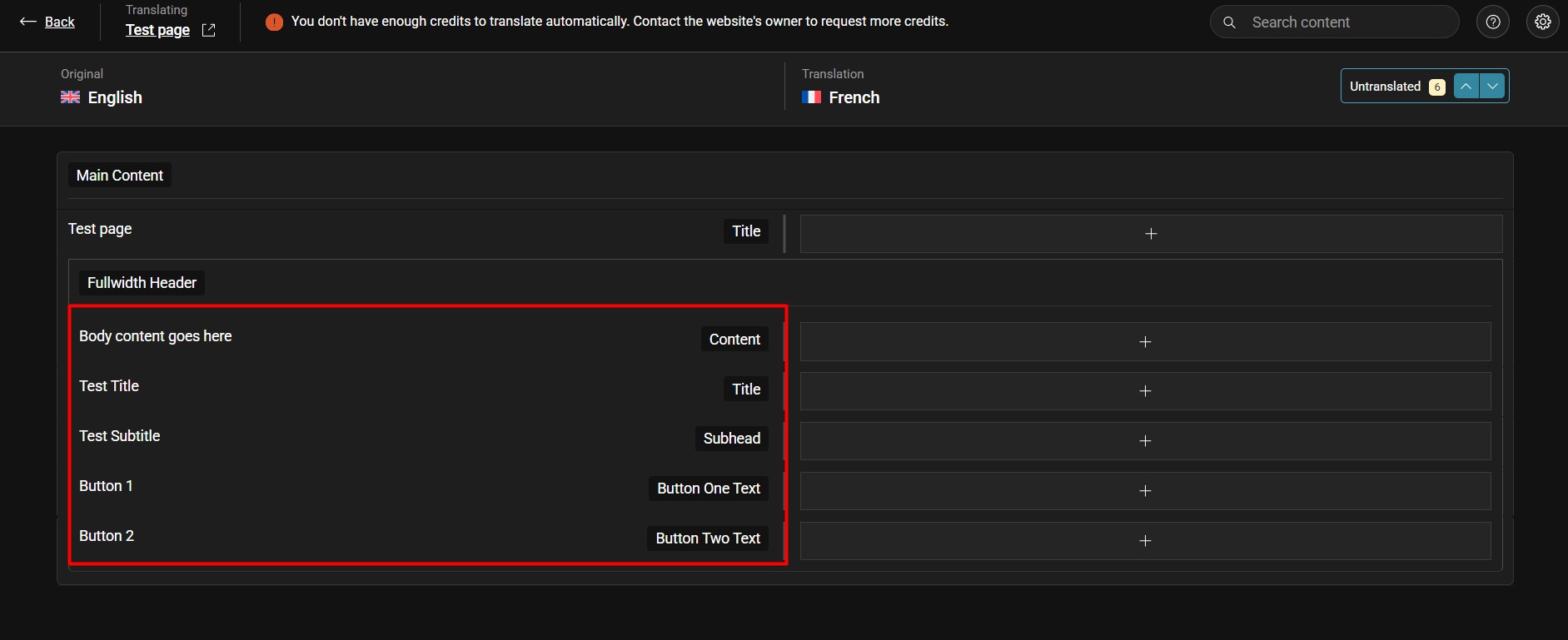 |
| August 7, 2025 at 8:21 pm #17304046 | |
|
anne-sophieW-2 |
Hi Noman, Thank you for your detailed answer, it is interesting. As requested, I installed Divi theme and configured it as I did on my own website, and then created a very simple page name Test Page with a fullwidth header including a button. You will see the same translation issue as the one I reported, I hope it will help your Compatibility team. I will apply the recommended workaround until a fix is found and published. As the issue is impacting a very small part of my website, it is not a big deal. Thank you ! 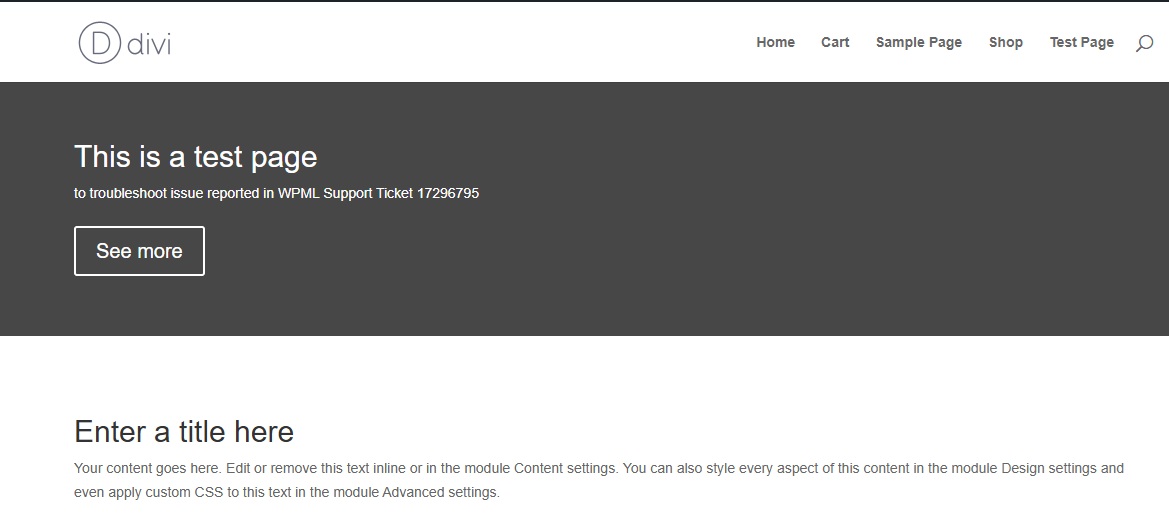 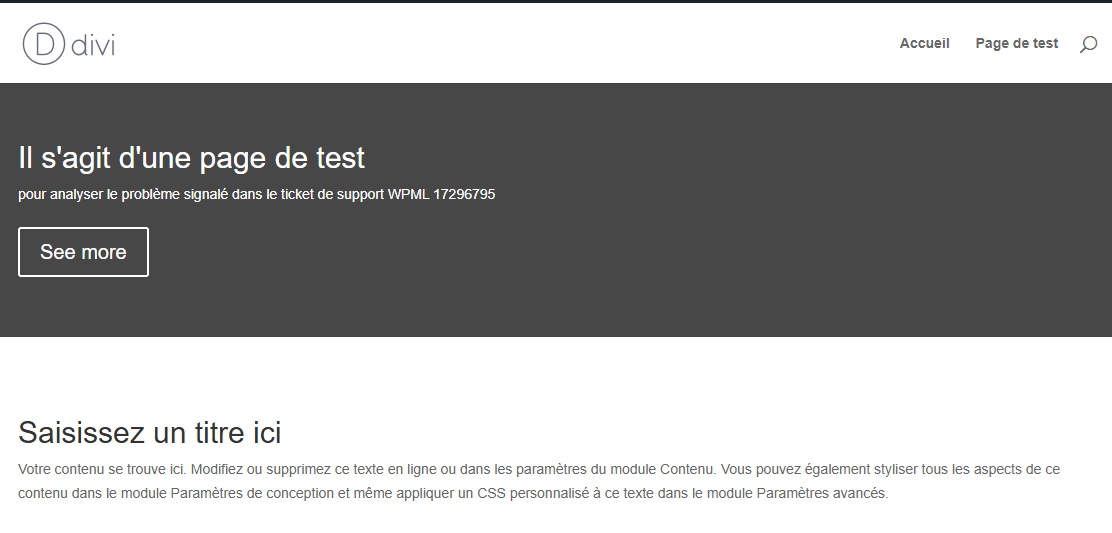 |
| August 10, 2025 at 11:52 am #17307566 | |
|
Noman |
Sorry for the delay, I was off during the weekend (Friday-Saturday). Thanks for replicating the issue. I’ll escalate this to our Compatibility team for further investigation. We’ll update you once we have any news. As a workaround, instead of using the dynamic text/URL, please try to use static text/URL and then add the below XML in WPML >> Settings > Custom XML Configuration section:
<wpml-config>
  <shortcodes>
    <shortcode>
      <tag>et_pb_fullwidth_header</tag>
      <attributes>
        <attribute>title</attribute>
        <attribute>subhead</attribute>
        <attribute>button_one_text</attribute>
        <attribute>button_two_text</attribute>
        <attribute>button_one_url</attribute>
        <attribute>button_two_url</attribute>
      </attributes>
    </shortcode>
  </shortcodes>
</wpml-config>
Then you should be able to translate the text/URL using Advanced Translation Editor as you can see in the attached screenshot. Thank you for your cooperation and patience 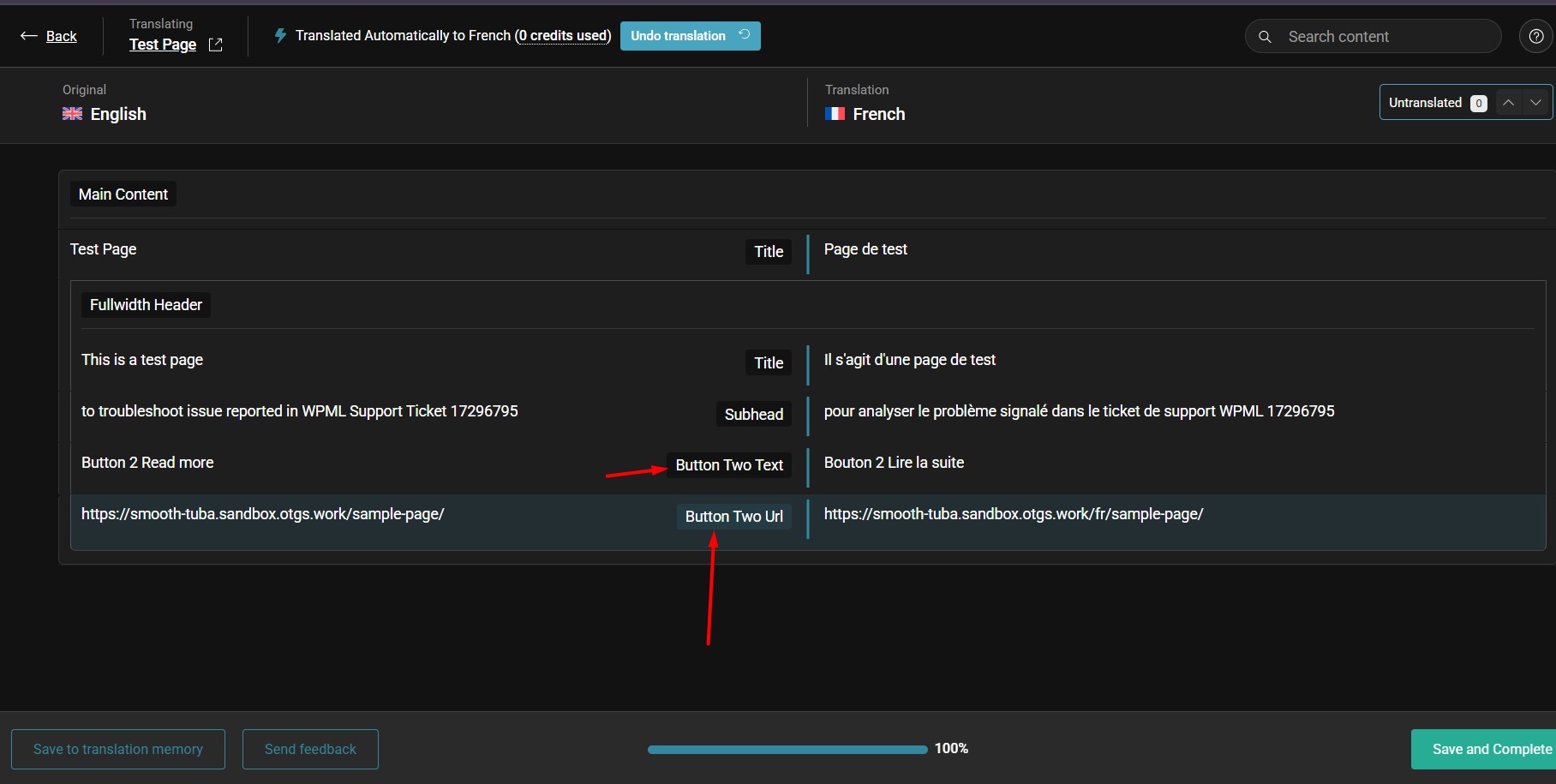 |
| August 11, 2025 at 12:46 pm #17309853 | |
|
Noman |
I’ve escalated this issue to our 2nd tier support team and will get back to you once I hear back about it. Thank you for your cooperation |
| August 17, 2025 at 12:38 pm #17325434 | |
|
Noman |
[Escalated to Developers] |
| March 4, 2026 at 7:26 am #17870620 | |
 Marcel Supporter Languages: English (English ) Spanish (Español ) German (Deutsch ) Timezone: Europe/Vienna (GMT+02:00) |
Hi, This issue was resolved in a previous version of WPML, so updating to the latest version should fix it. Best regards, |









