Background of the issue:
I am trying to allow a student who purchases a course in English to see the same course in their dashboard when they switch the site language to Arabic (and vice versa), without requiring a second purchase. Courses are properly translated and linked via WPML, user accounts are unified, and orders complete successfully. Link to a page where the issue can be seen: hidden link
Symptoms:
After completing an order, the learner’s enrollment is only recognized for the course in the purchase language. Switching to the other language shows no enrollment and looks like a new purchase is required. This happens consistently with MyFatoorah payments and test users. user_id is the same across languages; courses are linked as translations.
Questions:
How can I ensure that course enrollment is recognized across translated courses after a purchase?
Why does the enrollment not appear in the translated version of the course despite successful order completion?
If you require additional assistance with this, please share the access details to your site with me. I'm enabling a private message for the following reply.
Privacy and Security Policy
We have strict policies regarding privacy and access to your information. Please see: https://wpml.org/purchase/support-policy/privacy-and-security-when-providing-debug-information-for-support/ **IMPORTANT**
- - Please back up the site files and database before providing us access. --
-- If you have a staging site where the problem can be reproduced, it is better to share access to the staging site.--
I need more information about this problem, please.
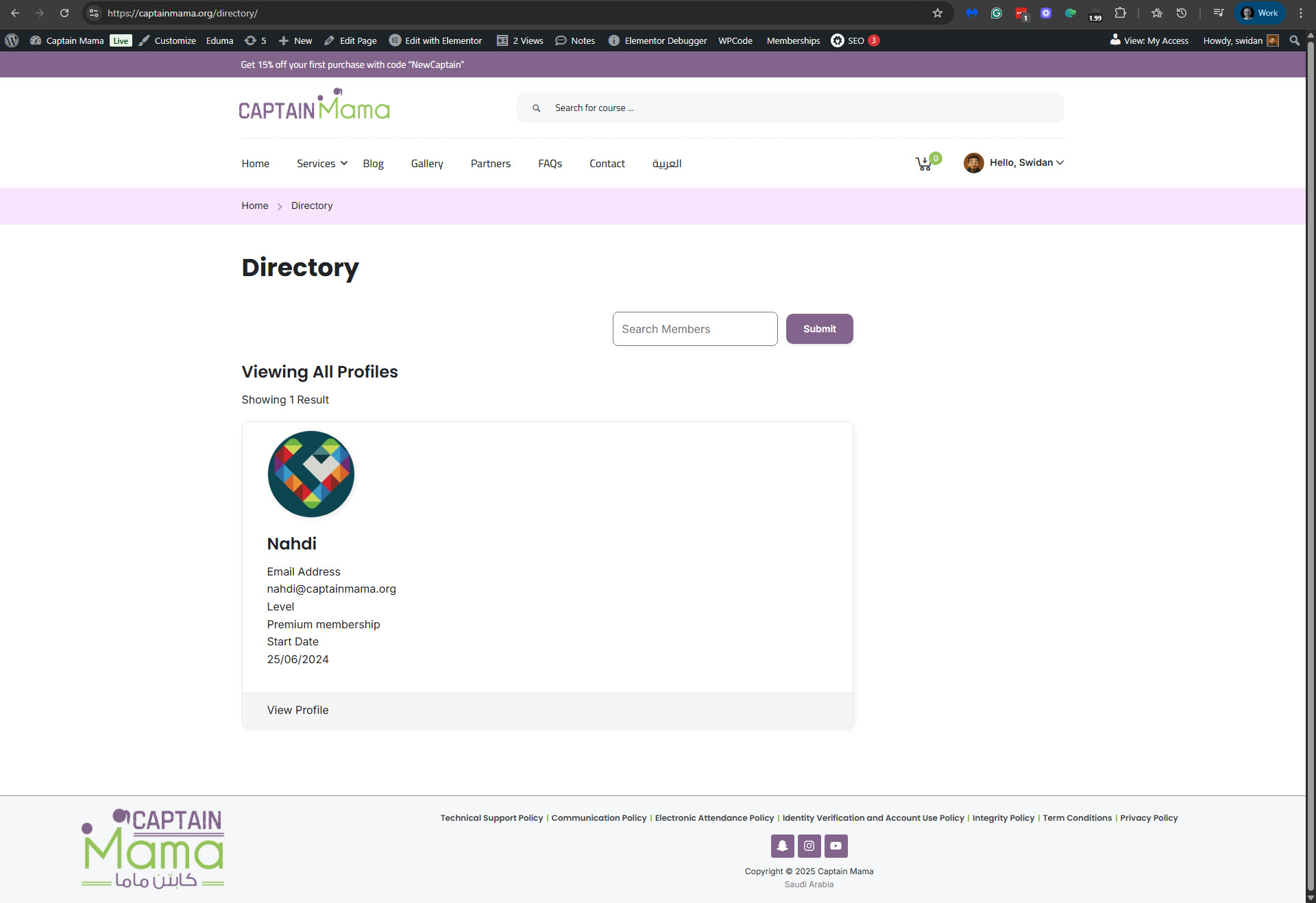
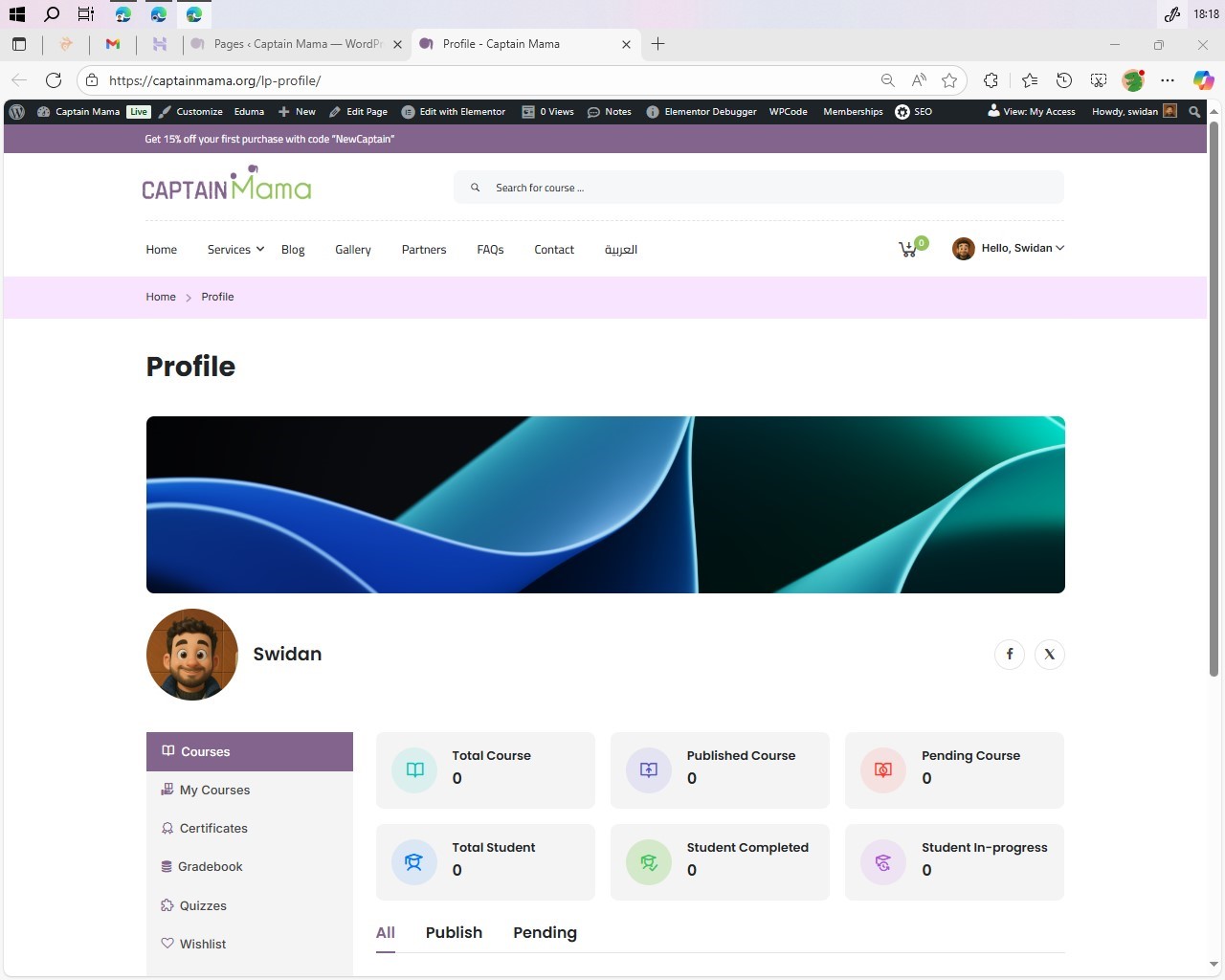
You told me that to see the problem, I should go to hidden link. But when I go there, I get redirected to hidden link. Please see the screenshot of what I see on this page. I don't see any courses for this user at all, even in English, the default language.
1. Why am I being redirected to hidden link?
2. Why are there no courses for this user, even in English, the default language?
3. Are you following the guide on working with LearnPress and WPML? hidden link
2. Why are there no courses for this user, even in English, the default language?
oh, sorry for that also, I forget to tell you that you can purchase the course with coupon code: "100%" for free, I don't know why I thought you will do it with yourself.
But whatever I see it's butter to create new student user "Customer" to test the full experience with user interface.
Important!
Our forum is public. It is not a private discussion or thread between you and us. So please refrain from posting sensitive information in public replies. I have hidden the login details from the previous reply. For your site's safety, please change those details.
I can see the problem on your site. If I switch the TEST USER profile page to Arabic, I see no Enrolled Courses. Please see the attached screenshot. While in English, I can see that the TEST USER is enrolled in the Little First Aider course. I can also see that the Little First Aider course is translated into Arabic.
In WPML -> Languages -> Make themes work multilingual, I enabled the 'Adjust IDs for multilingual functionality' option, since it was not selected and should be selected by default. Unfortunately, it didn't solve the problem.
Next, please, try the troubleshooting section.
1. Take a backup of the DB of your site.
2. Go to WPML -> Support -> Troubleshooting (link)
3. Once on the troubleshooting screen, press the following buttons and check if it helps. Press each button at a time and wait for the process to complete.
- 'Clear language information and repopulate languages' button (if it is showing)
- 'Synchronize posts taxonomies' for 'Courses'
- 'Clear the cache in WPML'
- 'Remove ghost entries from the translation tables'
- 'Fix element_type collation'
- 'Fix WPML tables collation'
- 'Assign translation status to duplicated content'
- 'Set language information'
- 'Reset languages' Press this button only if you didn't add a custom language!
- 'Fix terms count'
- 'Fix post type assignment for translations'
- 'Cleanup and optimize string tables'
- 'Clear invalid strings'
*** Please make a backup of your database before using this.***
Please let me know how it goes.
Regards,
Itamar.
The topic ‘[Closed] LearnPress + WPML: Enrollment not recognized across translated courses after purchase.’ is closed to new replies.