I’ve completed all the tests recommended by your AI chat assistant. The issue still persists: when the WPML Multilingual CMS plugin is disabled, the Divi Theme Builder works perfectly. When it’s enabled, the builder becomes extremely slow to load and save changes.
At this point, we’d really appreciate it if your team could step in directly. We don’t have the capacity to continue troubleshooting on our own, especially as all other plugins are functioning normally. We’ve already spent considerable time following all the suggested steps.
We’re happy to provide login credentials so you can access the site and investigate the issue directly. Please let us know the best way to share that securely, and we’d appreciate it if this could be resolved as soon as possible.
I created a past ticket as well but because of my no response it got closed.
I now have a staging website cloned for this site so please give me option to add credentials so I can give you access right away and you can look into this and get it resolved.
Thanks for contacting us. I will require temporary access (WP-Admin and FTP) to a test site where the problem has been replicated, if possible. This will enable me to provide better assistance and determine if any configurations need to be modified.
Please note that it is important to have a backup for security purposes and to prevent any potential data loss. You can use the UpdraftPlus plugin (https://wordpress.org/plugins/updraftplus/) to fulfill your backup requirements.
Your upcoming reply will be treated with confidentiality and will only be visible to you and me.
✙ To resolve the issue, I may need your consent to deactivate and reactivate plugins and the theme, as well as make configuration changes on the site if necessary. This emphasizes the significance of having a backup.
Thanks for your reply. I’ve tested this and can reproduce the issue when editing and updating a page using the Divi Builder. However, the problem no longer occurs after deactivating most of your plugins and keeping only the Divi theme and WPML active.
You can see this in the following screen recording: hidden link
Could you please try reactivating your third-party plugins one by one to identify which plugin is causing the issue?
I watched the video and tested and yes on the test server it seems to work fine.
I created this video following the same thing on the live site... You can see that I am still having problem. I deactivated all the plugins and left the three wpml plugins enabled and the problem exists. So what do you think could cause this on the live site? ALthough the staging site is the exact copy of the live site.
Thanks for your reply. Could you please share access to your live site? I’ll also need your permission to temporarily deactivate plugins for troubleshooting. Before that, please make sure you have a full backup of the site.
Thanks for your reply. I’ve checked your website, and the Divi page builder loads normally on my end. I haven’t made any changes yet since this is a live site. Refer screen recording here hidden link
Could you please share a screen recording showing how it behaves on your side? I’d like to see where and how the slowdown occurs for you.
Loading the builder was never the issue. The problem happens when the Update button is clicked. The page continues loading for more than two to three minutes before completing the update. When the CMS plugin is disabled, everything works fine.
We have done everything you asked for. A staging site was created, videos were provided, and FTP access was shared. Despite this, the issue is still not resolved.
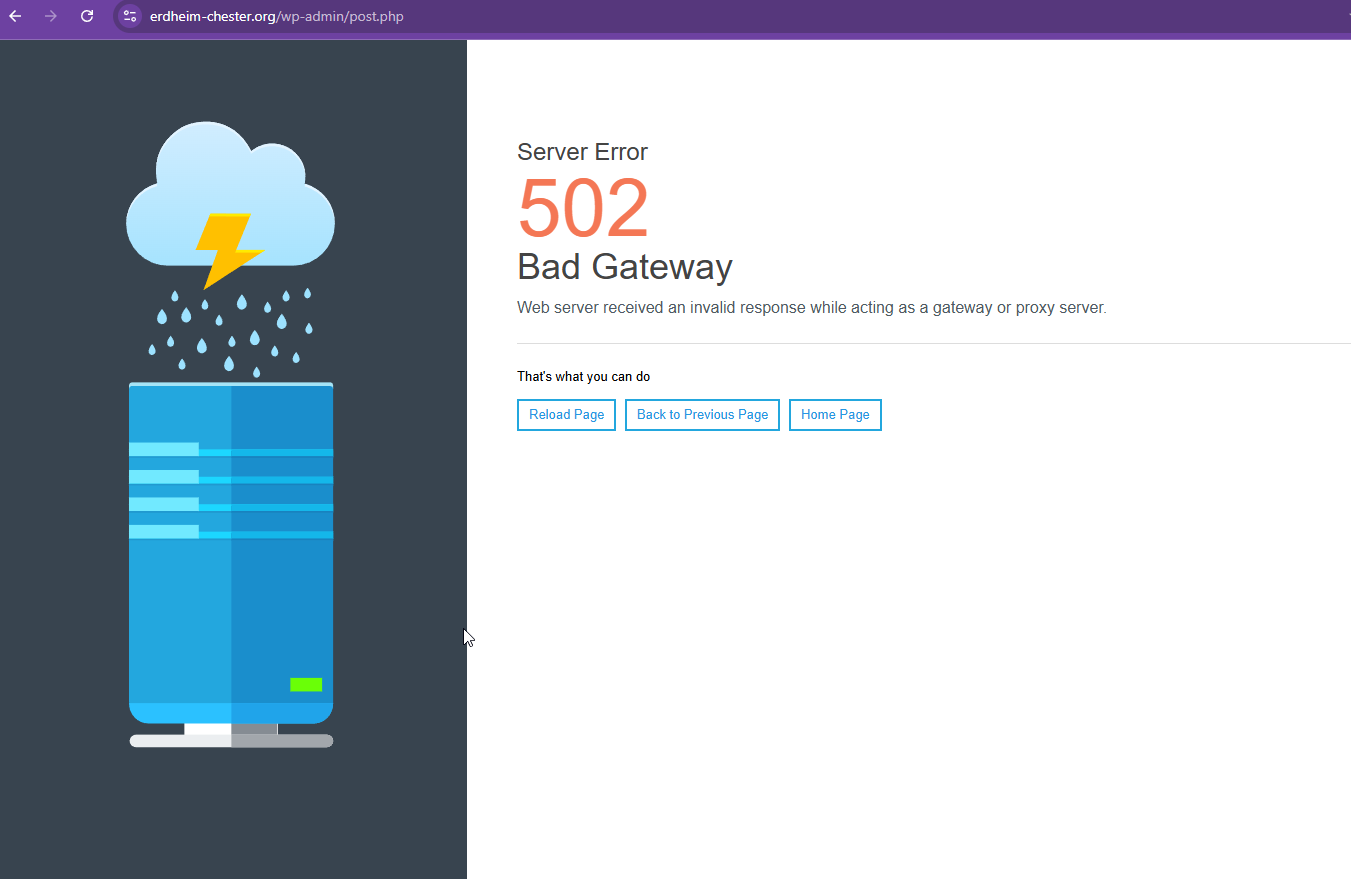
Thanks for your reply. I'm getting "502 Gateway" when I try to update this page hidden link as shown in the attached screenshot.
I will need a snapshot of the site for further escalation to our 2nd Tier Support. Alternatively, with your permission, I can create one myself. For this purpose, I typically recommend using the free plugin "Duplicator." If you're already familiar with Duplicator (https://wordpress.org/plugins/duplicator/), please skip the following steps and simply send me the archive file you downloaded. https://wpml.org/de/faq/provide-supporters-copy-site/
To guide you further, please adhere to these instructions:
1. View the Duplicator instructions video: hidden link
2. If the archive file exceeds 400MB, please use Duplicator's file filters to exclude cache, wp-uploads directory, media, and archive files.
Once you have the archive file ready, kindly share the link with us. You can utilize platforms like Google Drive, Dropbox, or similar for file sharing, as the snapshot file might be large.
Please note that your next reply will be private, visible only to you and me. You can paste the file link there. Rest assured that once the issue is resolved, I will delete the local site.
We've already spent quite a bit of time trying to get this resolved. Since you've been provided with the necessary credentials and FTP access, please go ahead and create it when you're able.
Let us know if you need anything else from our side.
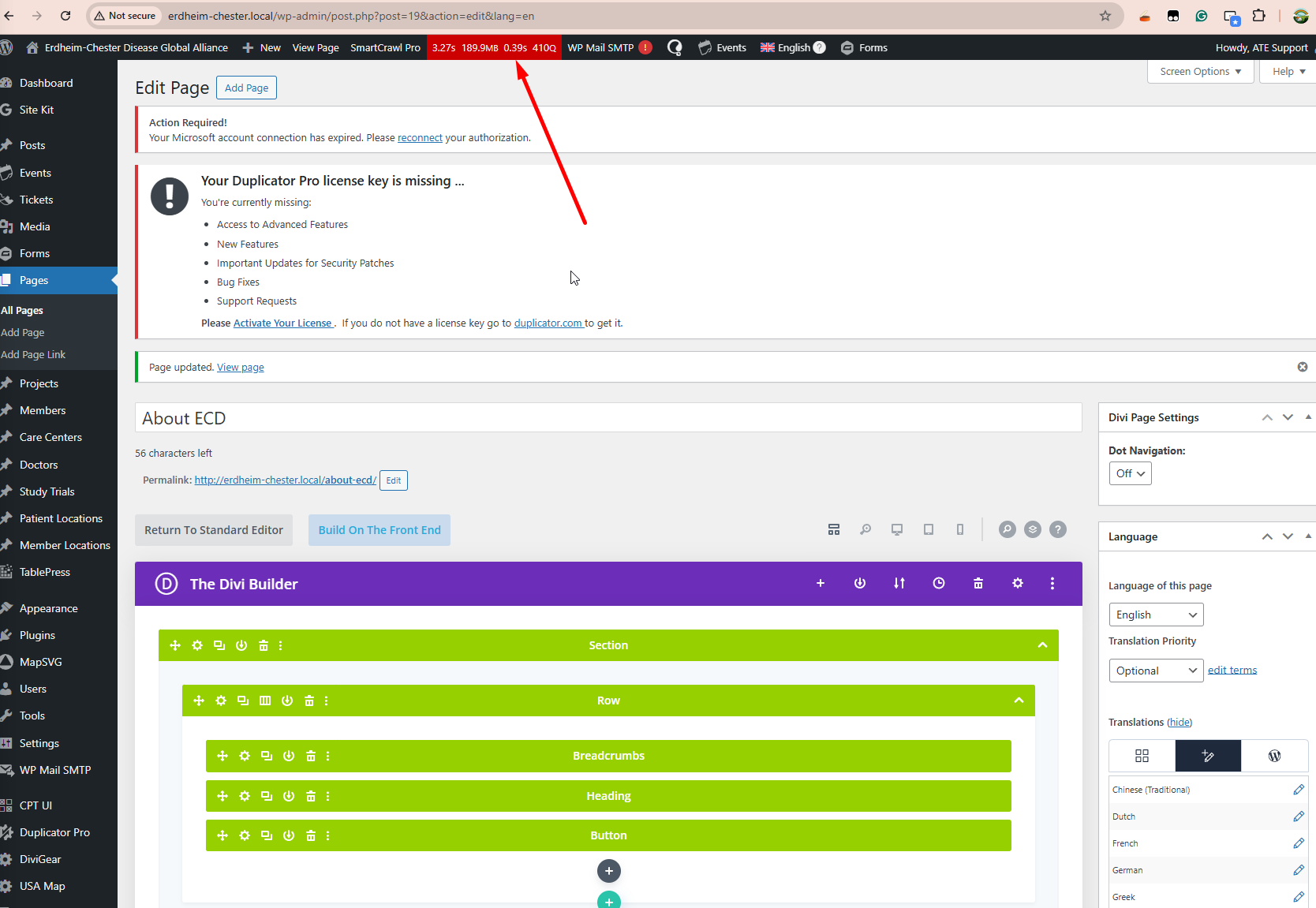
Thanks for your patience. I’ve tested your website on my local server and I’m getting some delays. Each time I click the Update button, it takes around 40 seconds (or more) to refresh. I'm testing it with the full plugins similar with your production site.
This kind of delay is often related to the number of languages on the site, because WPML re-syncs your languages when an update is triggered.
I’ll escalate this to our 2nd Tier Support so they can confirm whether this speed is expected for your setup and advise if there’s anything we can do to improve it.
The topic ‘[Closed] Performance Issues with Divi Theme Builder When WPML Multilingual CMS is Enabled’ is closed to new replies.