
This is the technical support forum for WPML - the multilingual WordPress plugin.
Everyone can read, but only WPML clients can post here. WPML team is replying on the forum 6 days per week, 22 hours per day.
Tagged: WCML
Related documentation:
This topic contains 7 replies, has 0 voices.
Last updated by Paweł Halicki 1 week, 6 days ago.
Assisted by: Ashraf Hesham.
| Author | Posts |
|---|---|
| March 5, 2026 at 10:18 am #17874333 | |
 marinB-4 |
I am doing WPML setup on hranazapse.si production site. |
| March 5, 2026 at 1:20 pm #17875037 | |
 Ashraf Hesham WPML Supporter since 12/2025 |
Hi! I'm Ashraf from the WPML Dev team and I'm here to try to help you fix the problem you see on your site. I need to ask you please for WPML admin access to your site so that I can look into the notice you're seeing, I've marked your next reply as "private" to secure the login credentials you're going to share. Regrads. |
| March 9, 2026 at 11:37 am #17881684 | |
|
Ashraf Hesham WPML Supporter since 12/2025 |
Hi, I tried to login with the username and password you provided but I keep getting error : "Error: The password you entered for the email address info@wpml.org is incorrect. Forgot your password?" Can you please make sure that the credentials are working? I visited the URL: hidden link I'm trying to login from Egypt. I have marked your next reply as "private" for security in case you'r going to share new credentials. Looking forward to your feedback, thanks! |
| March 10, 2026 at 9:11 am #17884435 | |
|
Ashraf Hesham WPML Supporter since 12/2025 |
Thanks alot, I confirm I can login now. I'll start looking into it soon, and I'll get back to you once I have some feedback to share. Have a good day! |
| March 10, 2026 at 11:59 am #17885149 | |
|
Ashraf Hesham WPML Supporter since 12/2025 |
Hi again! I think I'm unable to see the error on your site. I have activated the following plugins: And I walked through many admin pages to see if the error is going to appear to any of them (including the WCML setup wizard "without completing it"), but I couldn't see the error in any page --> See attached screenshots. Additionally I checked the error logs in the WPML > Support page and it seems to be empty, I also visited frontend page but no error there too. I have deactivated the 3 plugins again to get your site back to the same state as before I login, but I think you need to activate them again and make sure you don't see the error anymore. Maybe WPML was still creating some required database tables or maybe it was a caching issue (in this case maybe trying to clear cache would help). I'll be waiting to hear back from you. 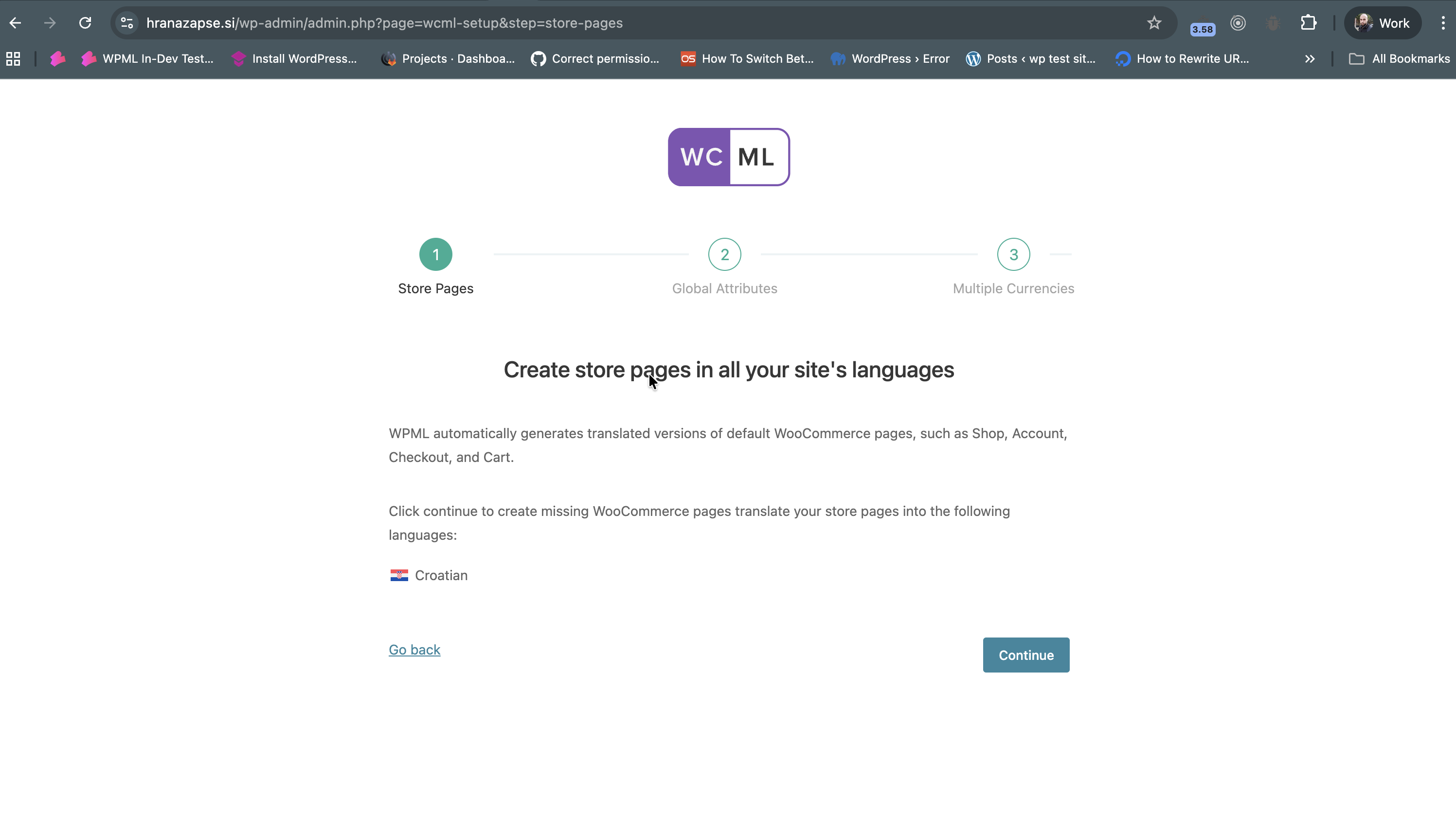 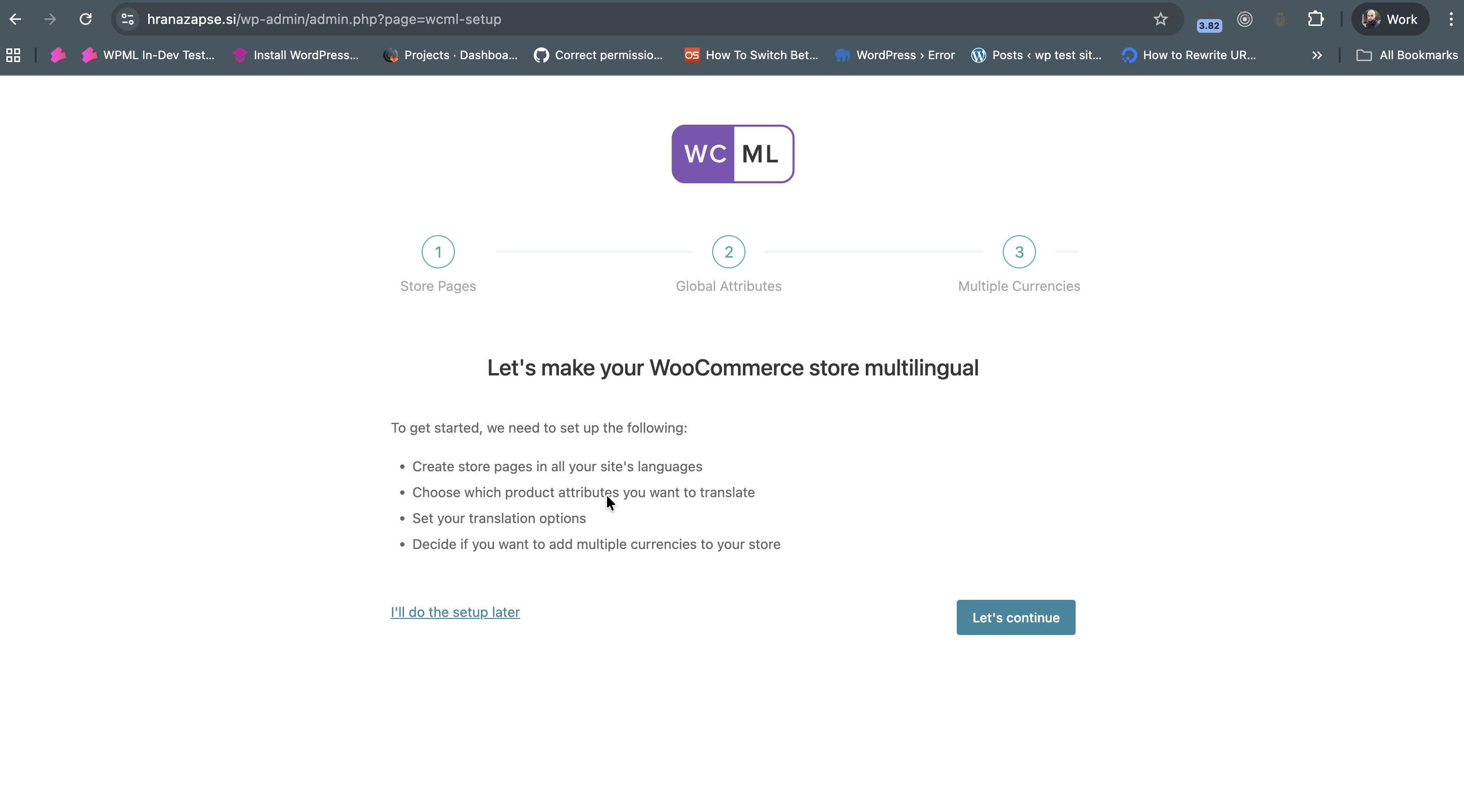 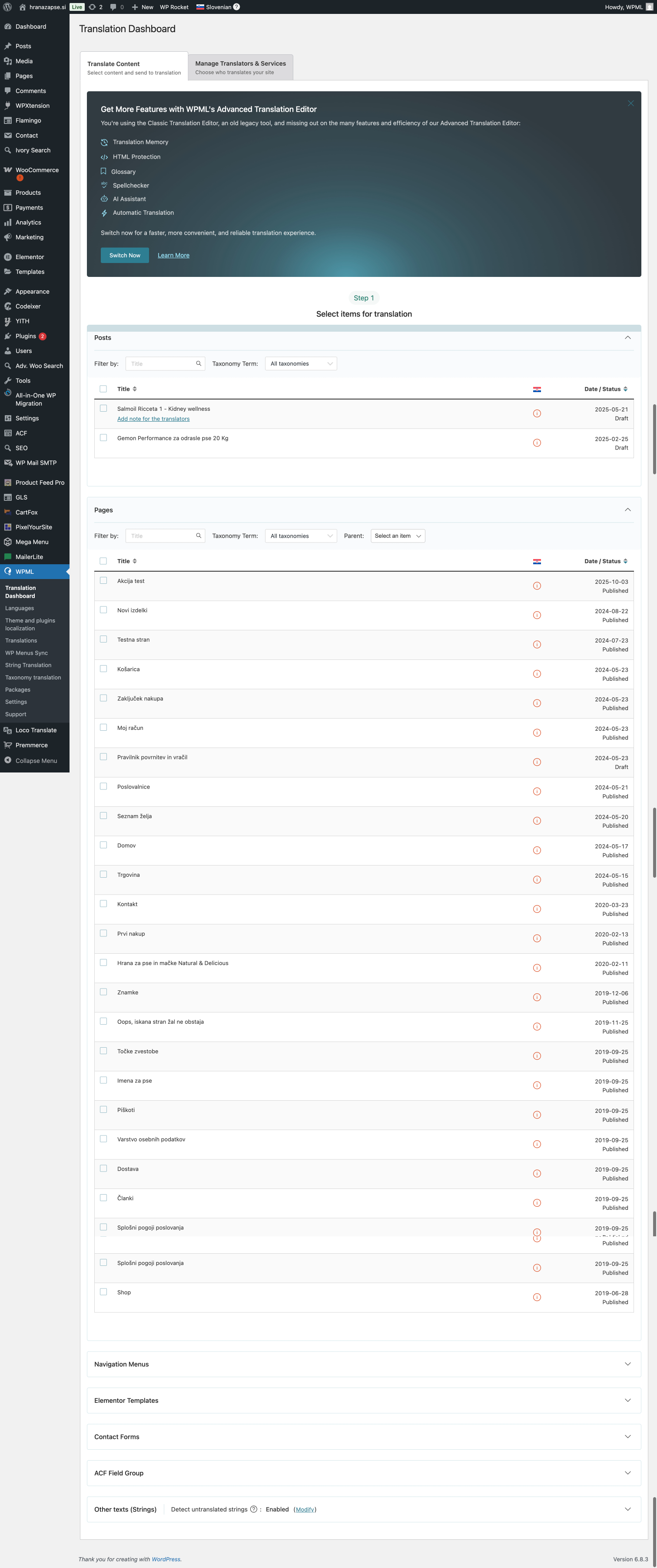 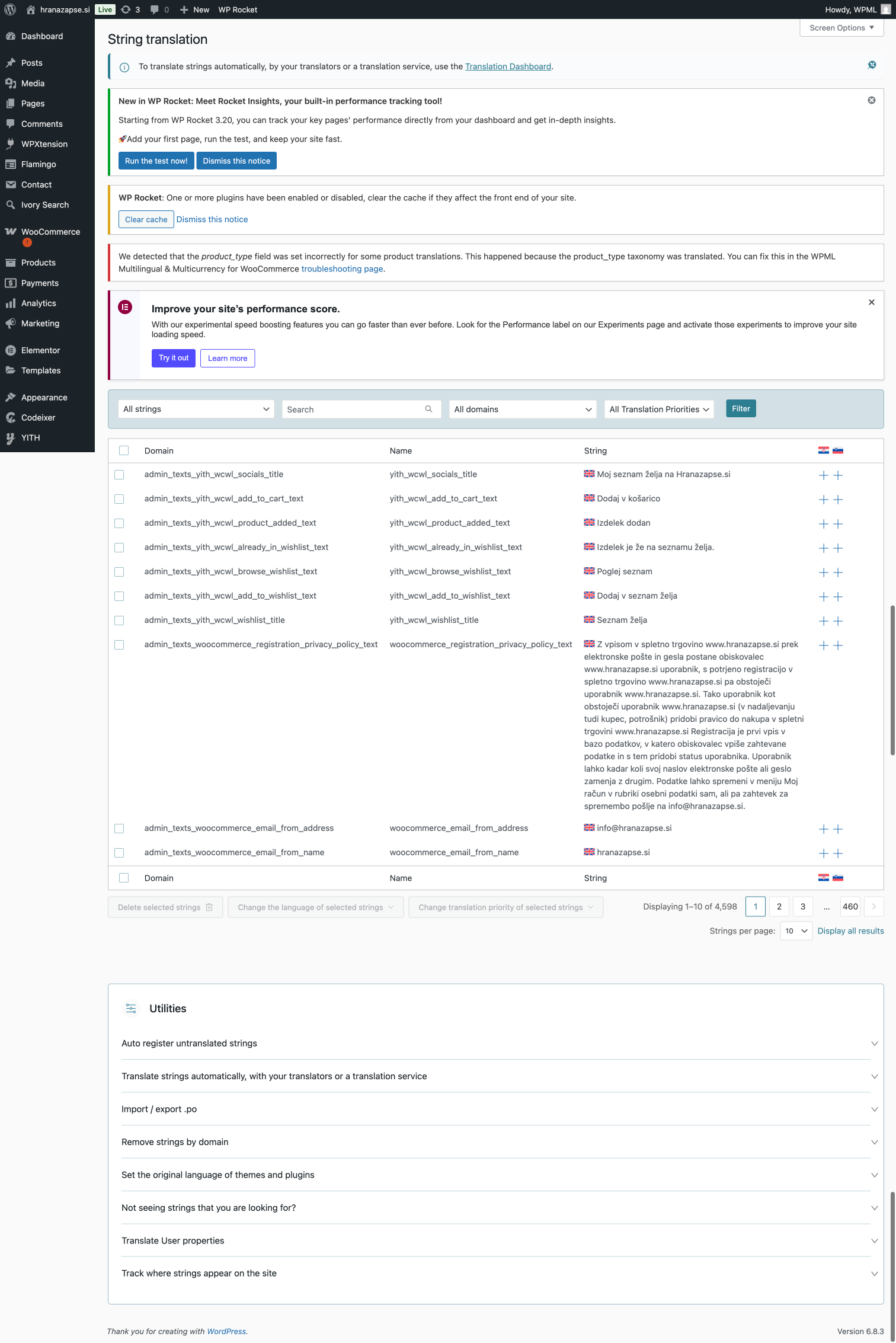 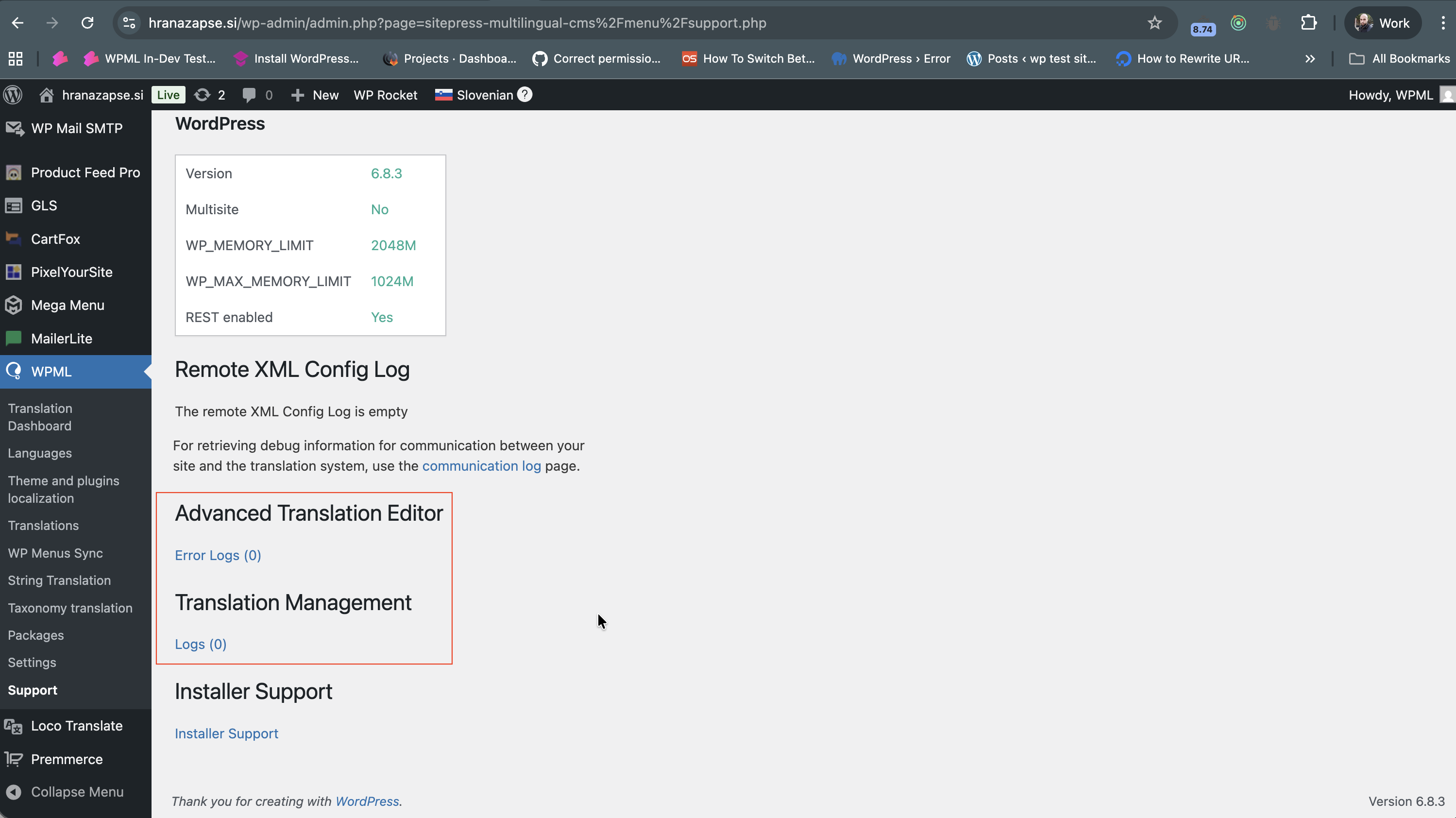 |
| March 10, 2026 at 12:46 pm #17885479 | |
|
marinB-4 |
Thank you, I don't see error any more. Yes amybe it was in back doing something. I have this error now, I saw you have it too: We detected that the product_type field was set incorrectly for some product translations. This happened because the product_type taxonomy was translated. You can fix this in the WPML Multilingual & Multicurrency for WooCommerce troubleshooting page. I looked in trouble shooting page and I see there are lot of sync options there. I'm not sure what to do to fix this error? regrads, |
| March 12, 2026 at 8:35 am #17891218 | |
|
Ashraf Hesham WPML Supporter since 12/2025 |
Hi Simon, One of our WCML plugin developers is looking into that and he'll reply here soon to give you the correct answer. Regards. |
| March 12, 2026 at 5:31 pm #17893502 | |
 Paweł Halicki Supporter |
Hello, I have completed the backup analysis and I’ll be happy to help you further. I can see that quite a lot is happening in this environment, so before I suggest any specific steps, I would like to make sure I fully understand the problem. From what I can see: Could you please provide a sample scenario or step-by-step example where I can reproduce the issue we are trying to fix? Best regards, |
The topic ‘[Closed] Error in WPML setup’ is closed to new replies.