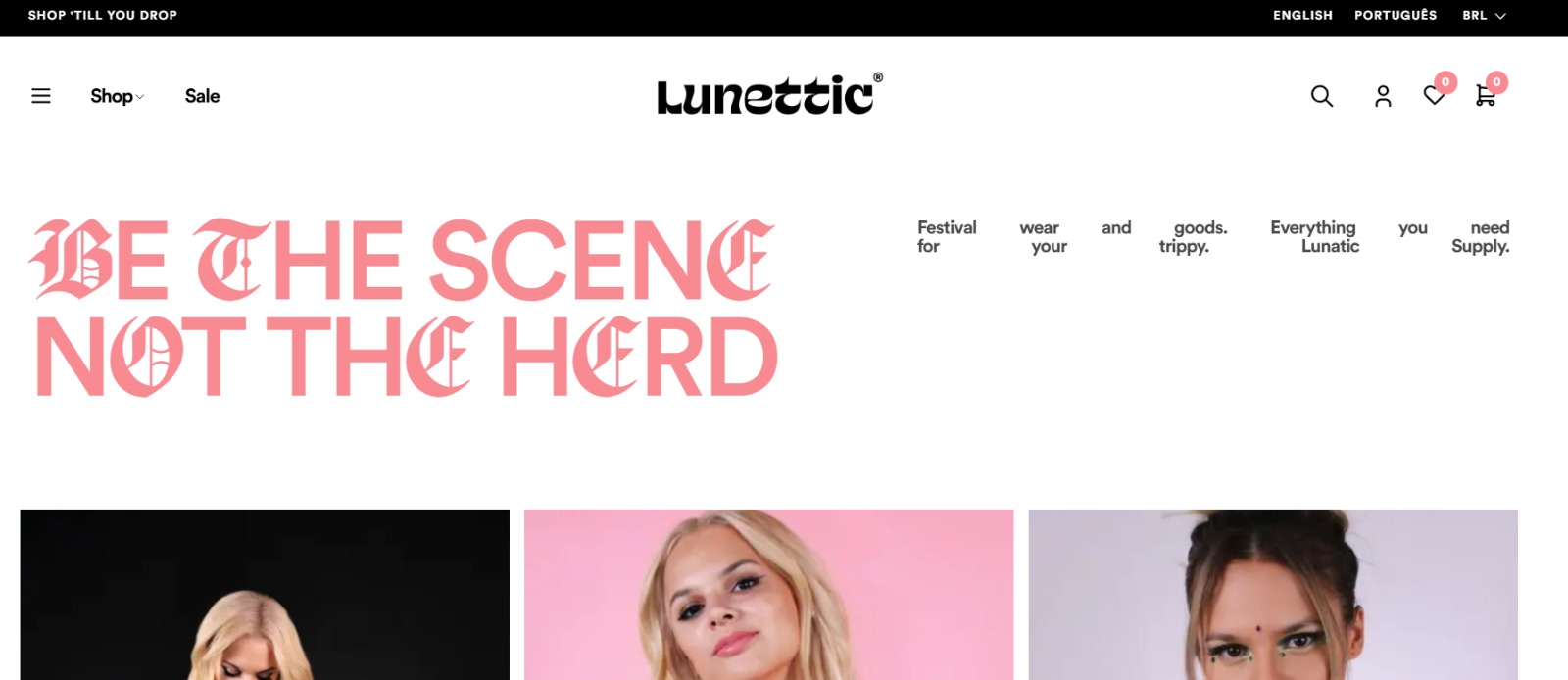
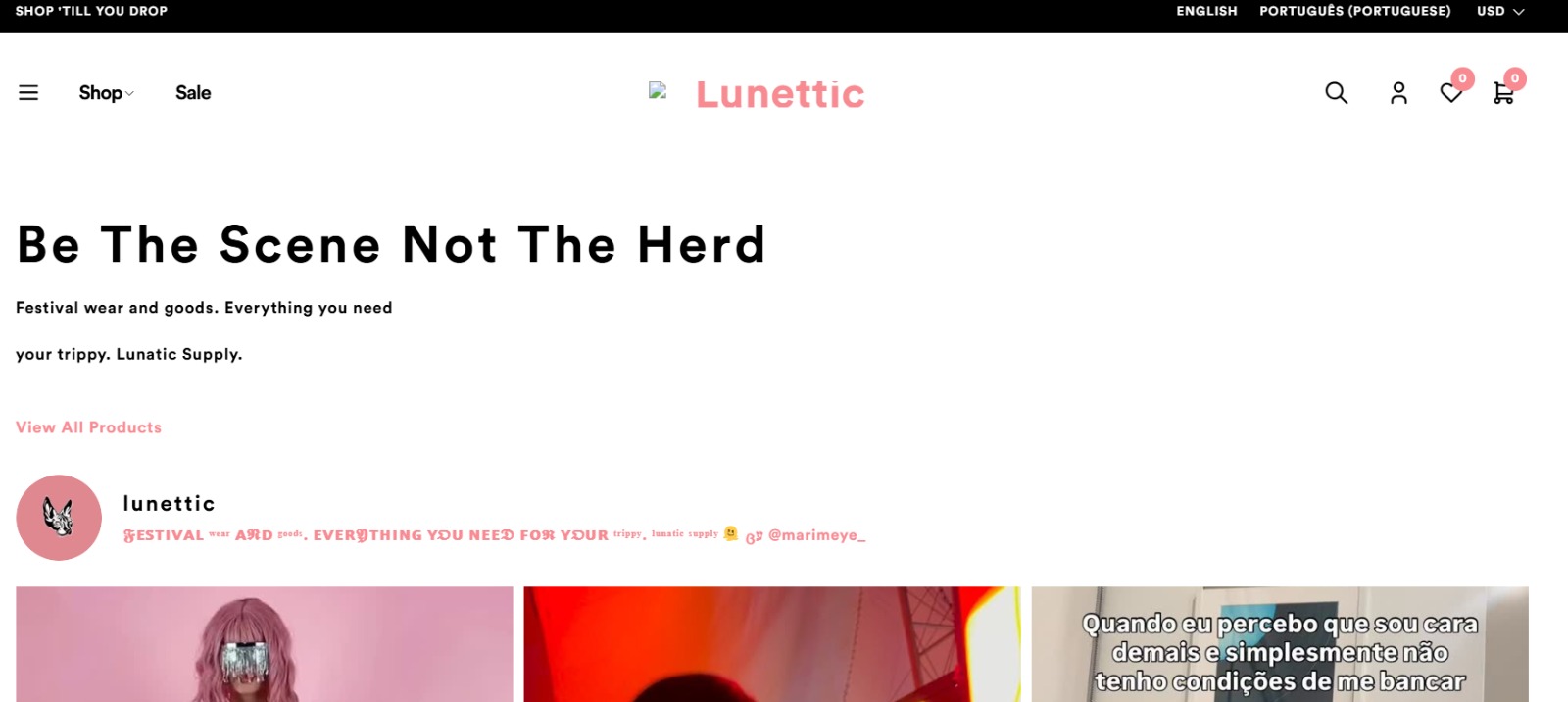
This thread is resolved. Here is a description of the problem and solution.
Problem:
The client was experiencing issues with the layout being disrupted when switching to English on their Elementor-built pages, specifically the homepage and header. After attempting to resolve these issues, the client encountered a critical error that made the site inaccessible, along with 404 errors on WooCommerce pages.
Solution:
1. Update the Original Homepage and Its Translation:
- Navigate to WordPress admin, go to Pages, and edit the original homepage. Make a minor change or simply update to force WPML to re-synchronize the Elementor data.
2. Check WPML's Elementor Translation Settings:
- Go to WPML → Settings and ensure Elementor is set to handle translations.
3. Clear Caches:
- Clear all site and server caches to ensure updates are visible.
4. Translate the Header Template and Check String Translation for the Logo:
- Use WPML's Translation Dashboard to translate the header template and use String Translation for elements like the logo.
5. Manually Edit the Translated Header:
- If necessary, manually adjust the translated header in Elementor.
6. Address the Critical Error and 404 Issues:
- Check WPML WooCommerce Multilingual setup and verify page status and endpoints. Review error logs and restore from a backup if necessary.
If these steps do not resolve the issues or if the solution seems outdated or irrelevant to your case, we highly recommend checking related known issues at https://wpml.org/known-issues/, verifying the version of the permanent fix, and confirming that you have installed the latest versions of themes and plugins. If problems persist, please open a new support ticket at WPML support forum.
This is the technical support forum for WPML - the multilingual WordPress plugin.
Everyone can read, but only WPML clients can post here. WPML team is replying on the forum 6 days per week, 22 hours per day.
This topic contains 2 replies, has 1 voice.
Last updated by 4 months, 3 weeks ago.
Assisted by: Carlos Rojas.