Skip to content Skip to sidebar

This thread is resolved. Here is a description of the problem and solution.

Problem:
The client is unable to replace a logo image with its English version when the site is translated using Elementor and Woodmart child template.
Solution:
We recommended checking the translated image ID in the WPML String Translation page. Here are the steps we followed:
1. Navigate to the WPML String Translation page.
2. Search for the original image ID.
3. Replace it with the English version image ID.
If this solution does not resolve your issue, or if it seems outdated or irrelevant to your case, we highly recommend checking related known issues at https://wpml.org/known-issues/, verifying the version of the permanent fix, and confirming that you have installed the latest versions of themes and plugins. If further assistance is needed, please open a new support ticket at WPML support forum.

This is the technical support forum for WPML - the multilingual WordPress plugin.

Everyone can read, but only WPML clients can post here. WPML team is replying on the forum 6 days per week, 22 hours per day.

This topic contains 2 replies, has 0 voices.

Last updated by motiP 2 months, 1 week ago.

Assisted by: Bruno Kos.

Author Posts
December 26, 2025 at 11:35 pm #17689117

motiP

Hello,
I have a logo image with Hebrew in the image, displayed in the header.
I wish to replace it with the image with the English version when translated.
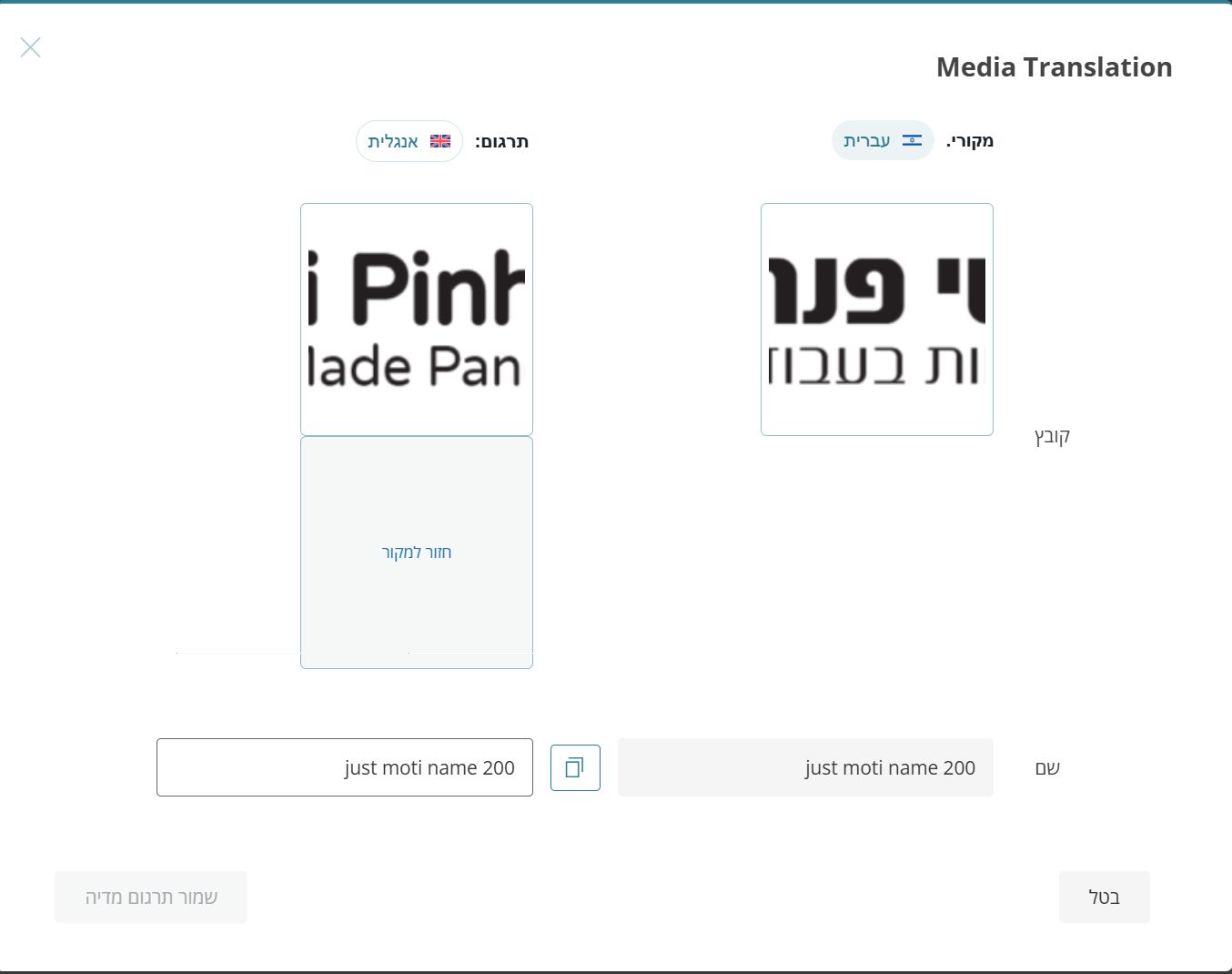
Tried to change the image in the media translation but it doesn't work (see attached).
I use Elementor with Woodmart child template.

Thanks
- Moti

December 27, 2025 at 8:58 am #17689281

Bruno Kos
WPML Supporter since 12/2018

Languages: English (English ) German (Deutsch ) French (Français )

Timezone: Europe/Zagreb (GMT+01:00)

Hi,

Typically theme settings (such as logo images) are translated like this:
https://wpml.org/documentation/getting-started-guide/string-translation/finding-strings-that-dont-appear-on-the-string-translation-page/#register-admin-and-setting-strings-for-translation, where you translate image url or even ID, based on how the image is saved in database by the theme.

Did you try this already but it has not worked? If so, would you be willing to provide me with WordPress credentials so I could investigate the issue directly?

https://wpml.org/purchase/support-policy/privacy-and-security-when-providing-debug-information-for-support/

I marked your next reply as private so that you can safely add credentials.

Also, please send me the logo that should appear in the English pages.

Regards,
Bruno Kos

December 29, 2025 at 7:29 am #17694196

Bruno Kos
WPML Supporter since 12/2018

Languages: English (English ) German (Deutsch ) French (Français )

Timezone: Europe/Zagreb (GMT+01:00)

Can you check now?
hidden link

I've translated the image ID:
hidden link

This is the image ID for the English one:
hidden link

December 29, 2025 at 4:46 pm #17695391

motiP

Yes, this works. And I've translated the phone version too.
I wasn't aware you need to translate the image ID and not the name... Better emphesize that in the tutorial 🙂