This thread is resolved. Here is a description of the problem and solution.
Problem:
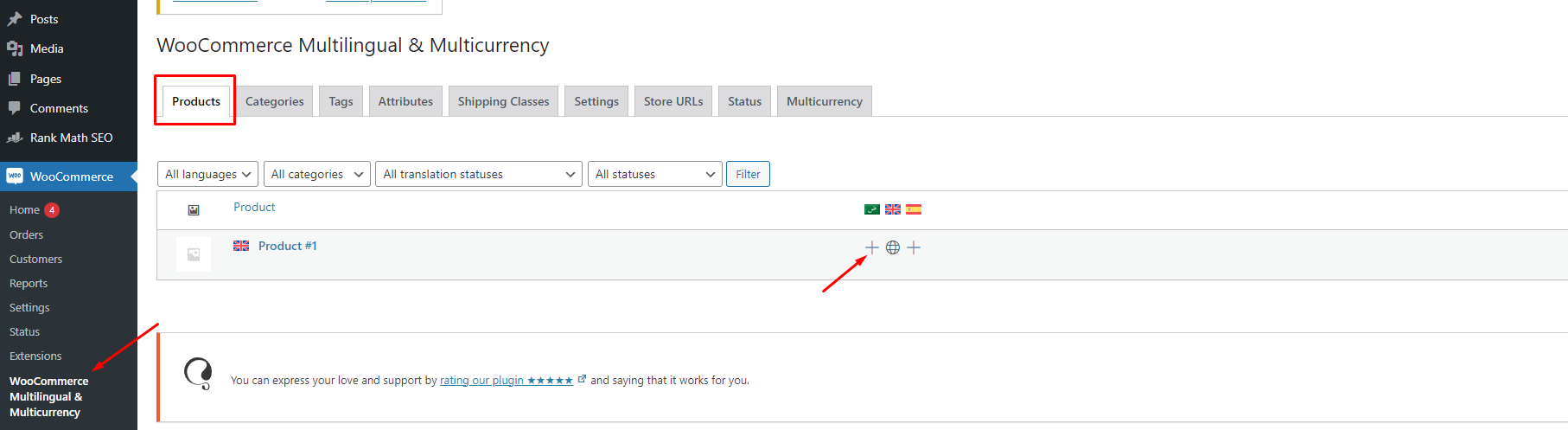
The client needed to know how to set up WooCommerce products for manual translation instead of using WPML's automatic translation.
Solution:
1. Go to WPML > Translation Dashboard.
2. Scroll down to the Products section and select the products you want to translate.
3. Select the option to translate the products by yourself and send them for translation.
4. Go to WPML > Translations and take the translation job. You'll be taken to the Advanced Translation Editor, where you can manually add your translations.
For more on translating WooCommerce, see our guide on how to translate WooCommerce stores.
This is the technical support forum for WPML - the multilingual WordPress plugin.
Everyone can read, but only WPML clients can post here. WPML team is replying on the forum 6 days per week, 22 hours per day.
This topic contains 1 reply, has 2 voices.
Last updated by 1 year, 11 months ago.
Assisted by: Mohamed Sayed.