Background of the issue:
I am trying to set up the Motors Theme on my site hidden link to have listings in 4 languages using WPML. The theme is supposed to be fully compatible with WPML, but I am experiencing issues. I have configured custom fields specific to the theme to translate under WPML > Settings in the Taxonomies Translation section. I have tried importing listings via CSV for each language using WP All Import and translating listings via WPML, but neither method resolves the issue.
Symptoms:
On the inventory page hidden link I am facing three issues:
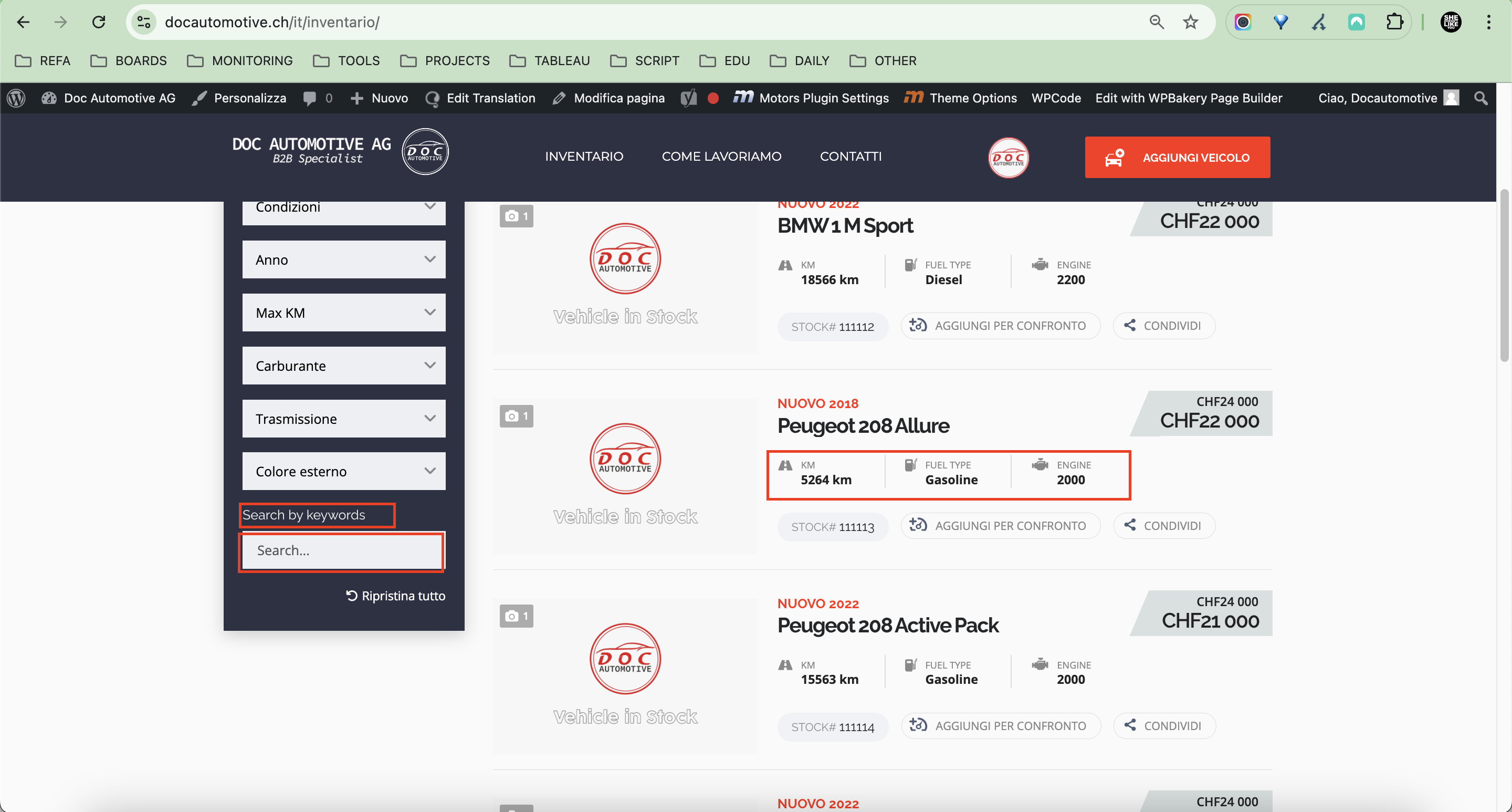
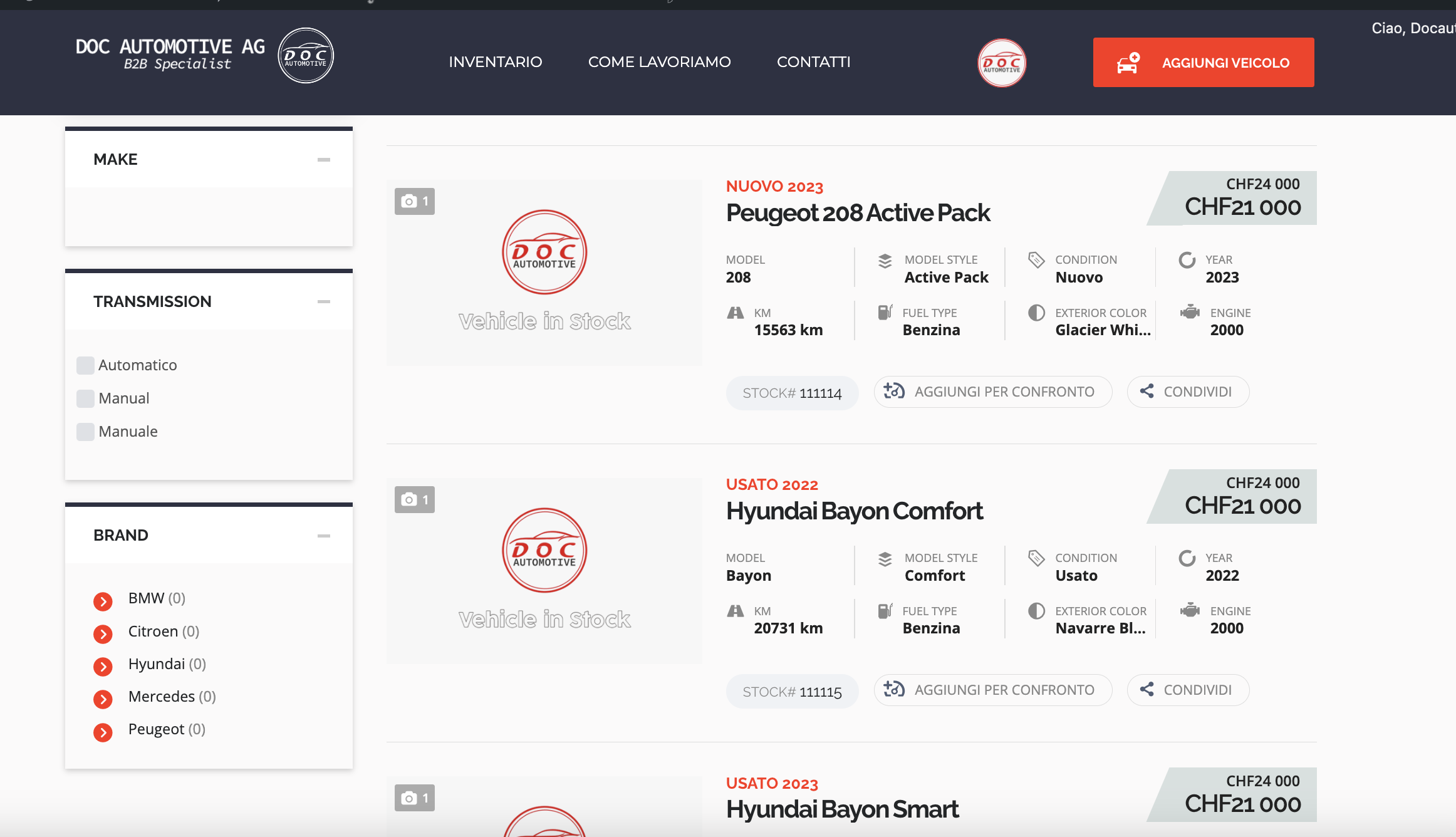
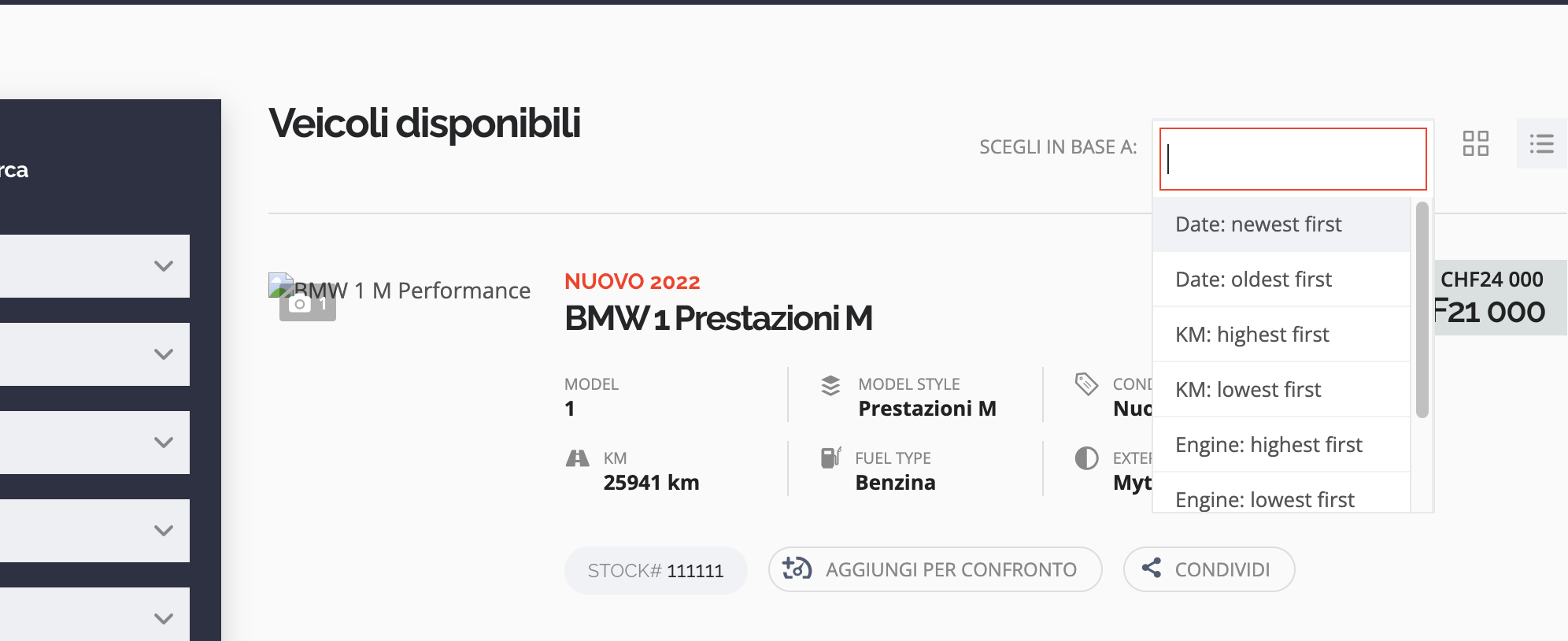
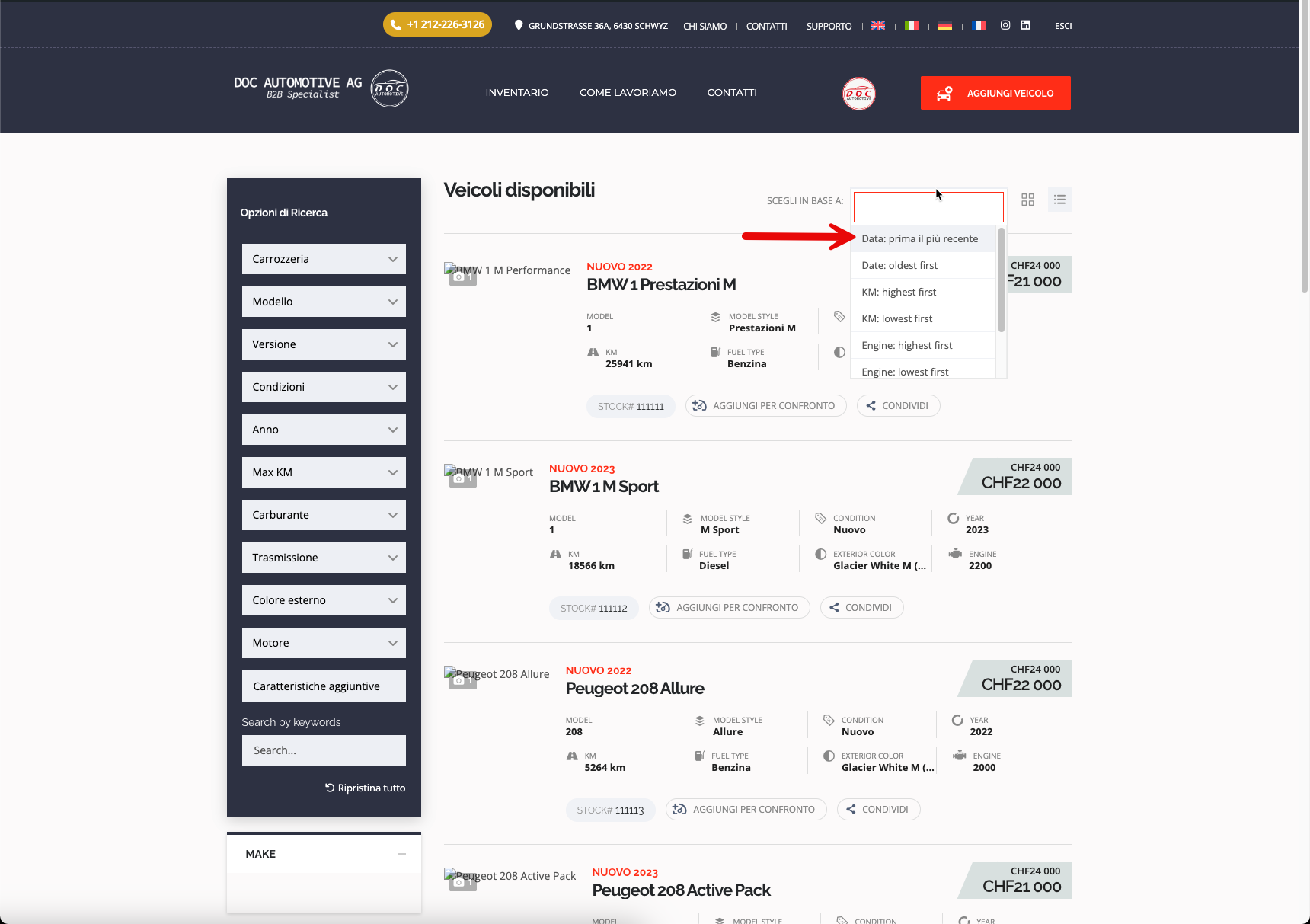
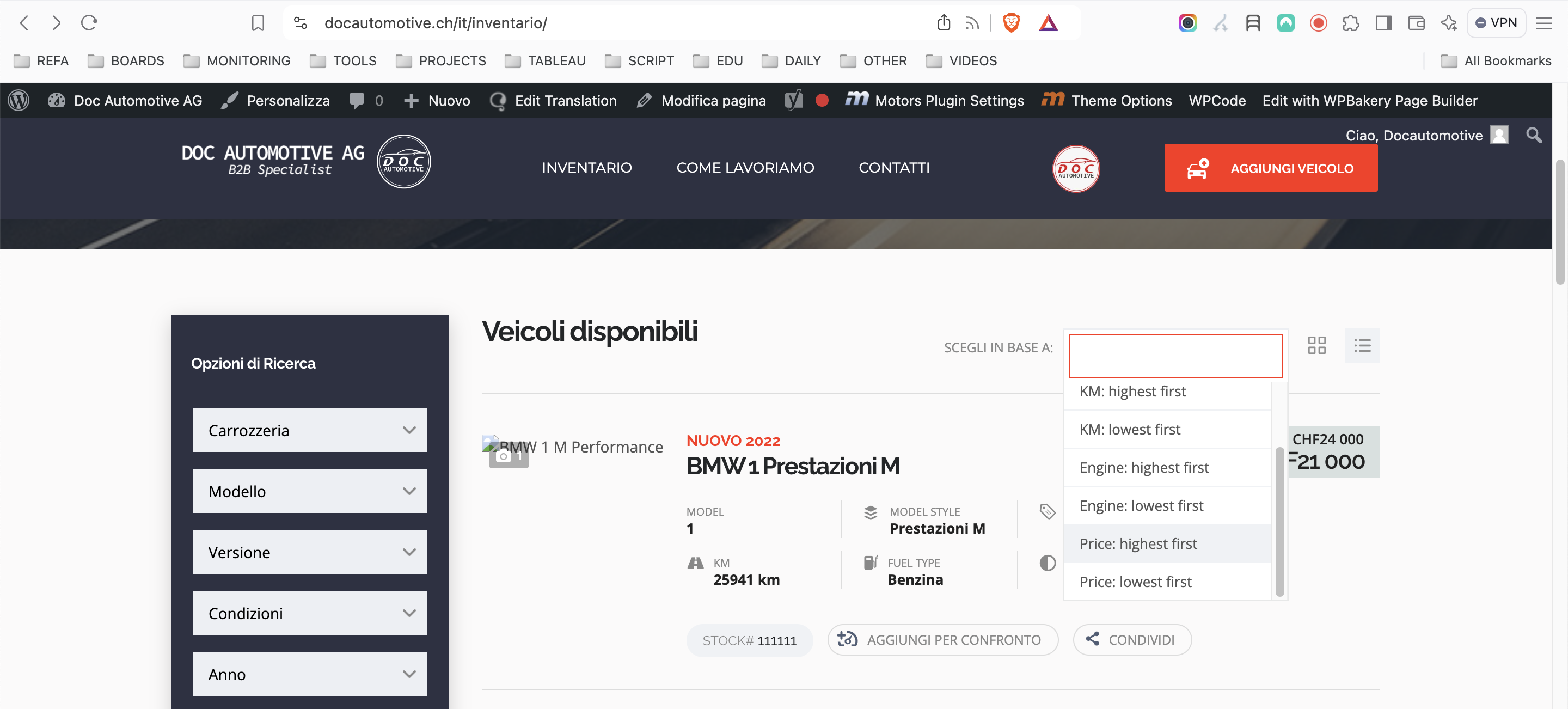
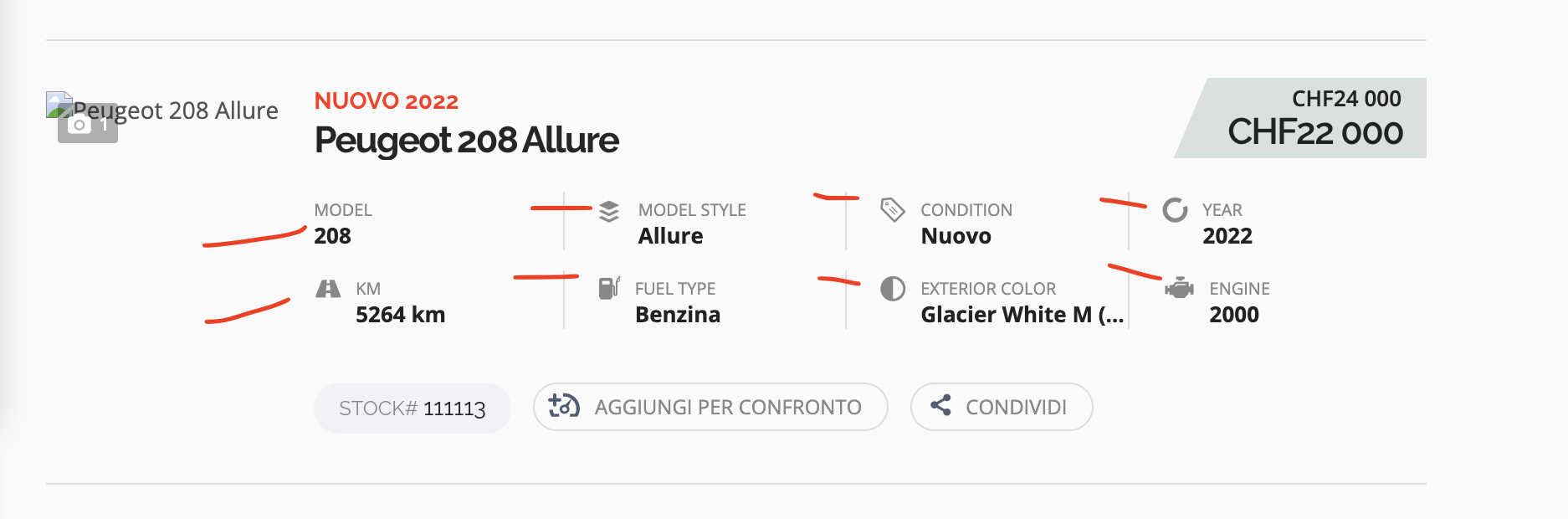
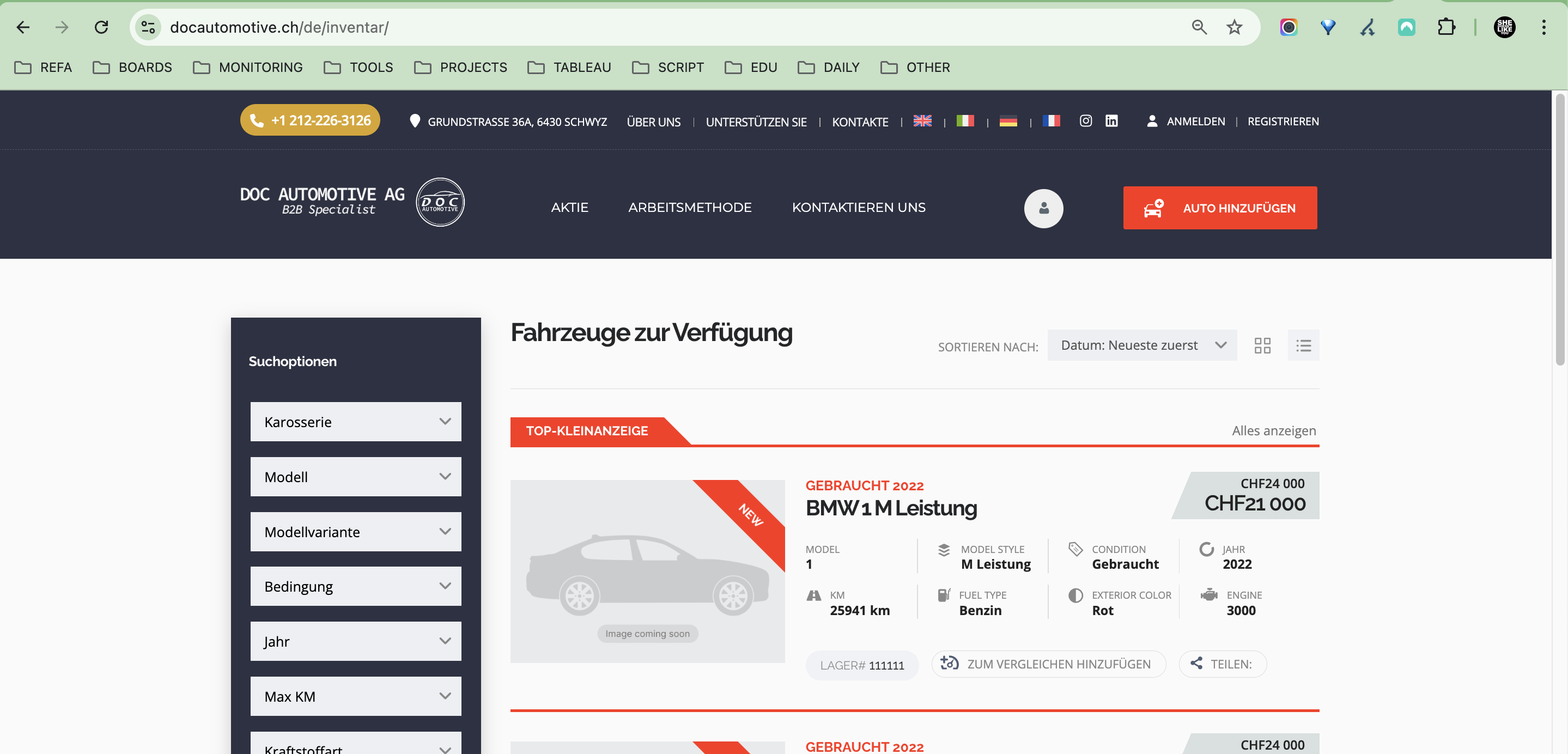
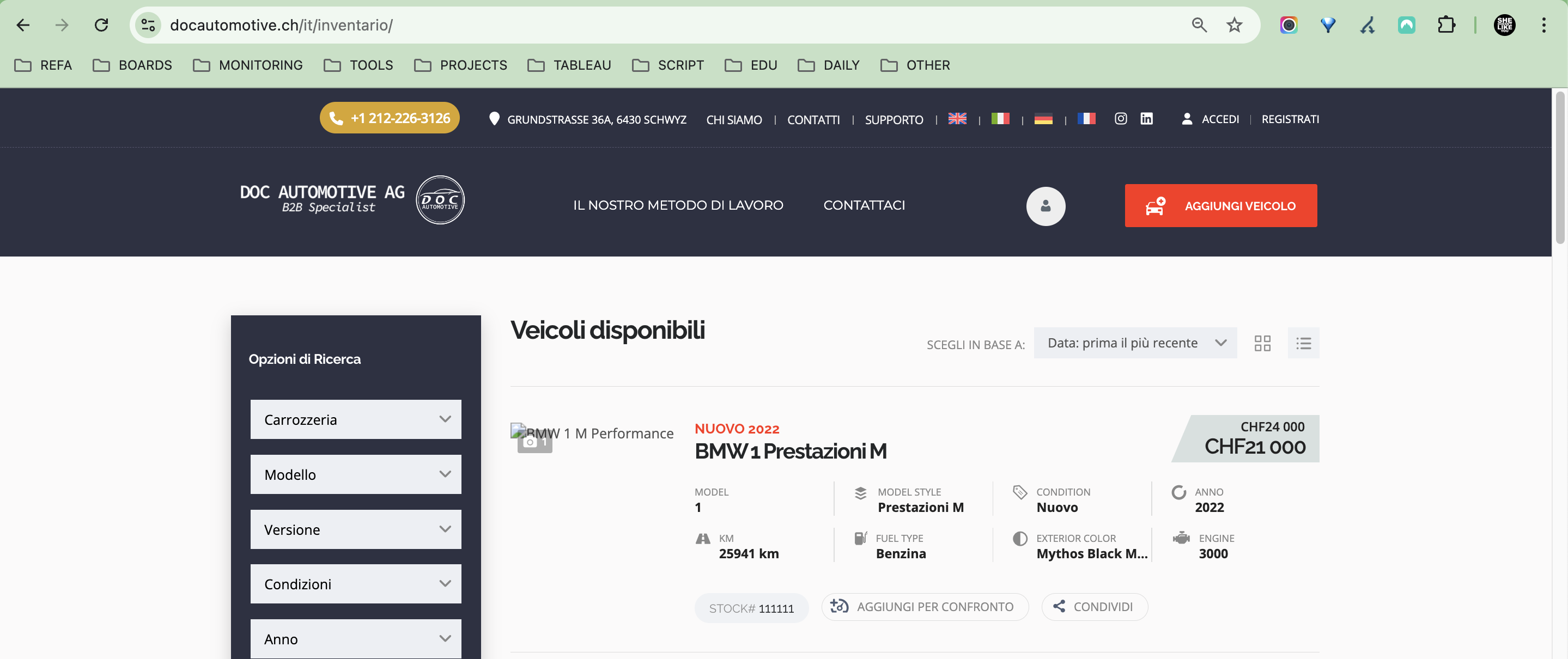
- terms used in the filters and in the vehicles grid/list appear in English, despite being translated in the single listing view.
- the modern filter titles and search fields also remain in English.
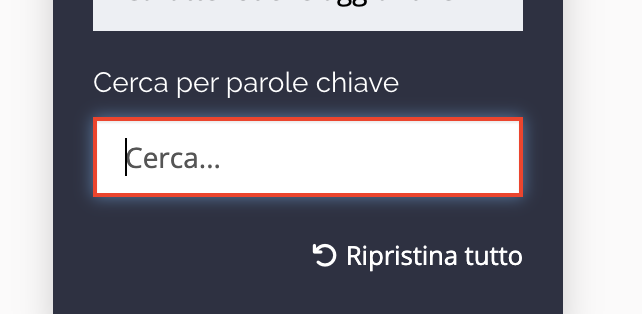
- the Search by keywords title and tag search inside the field also appear in English in all languages
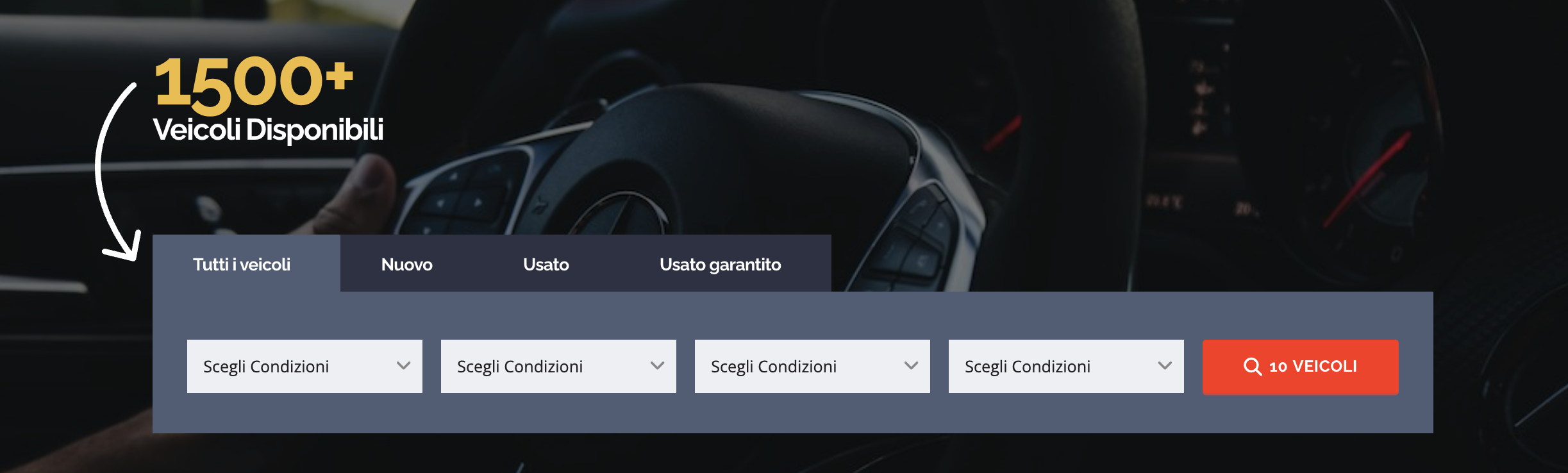
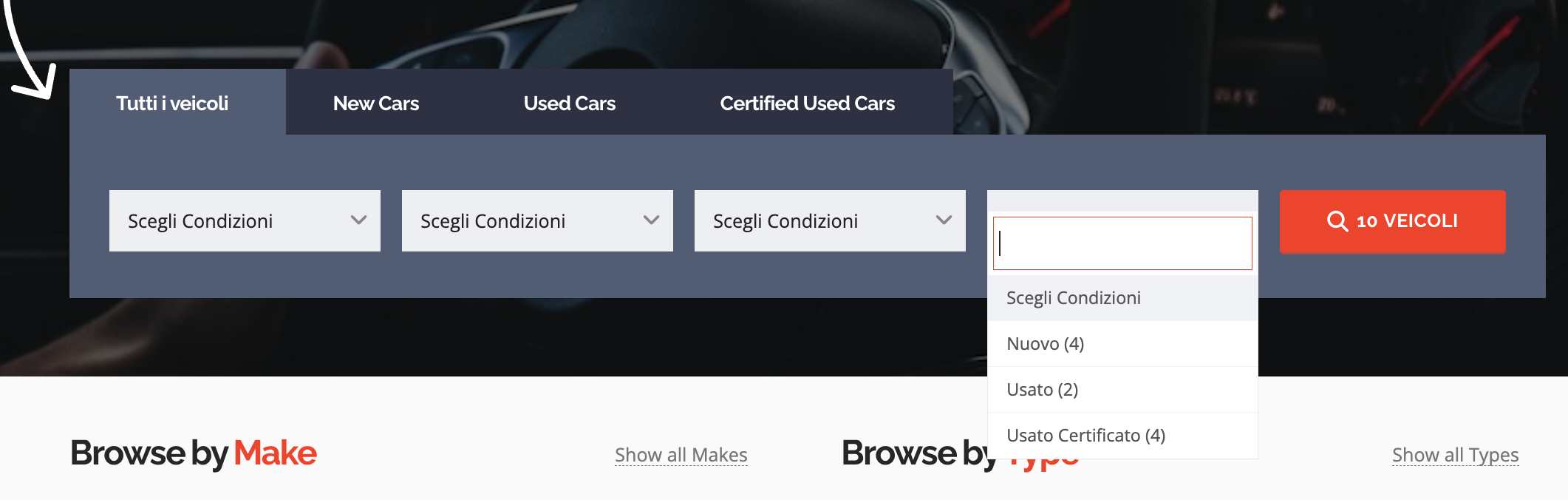
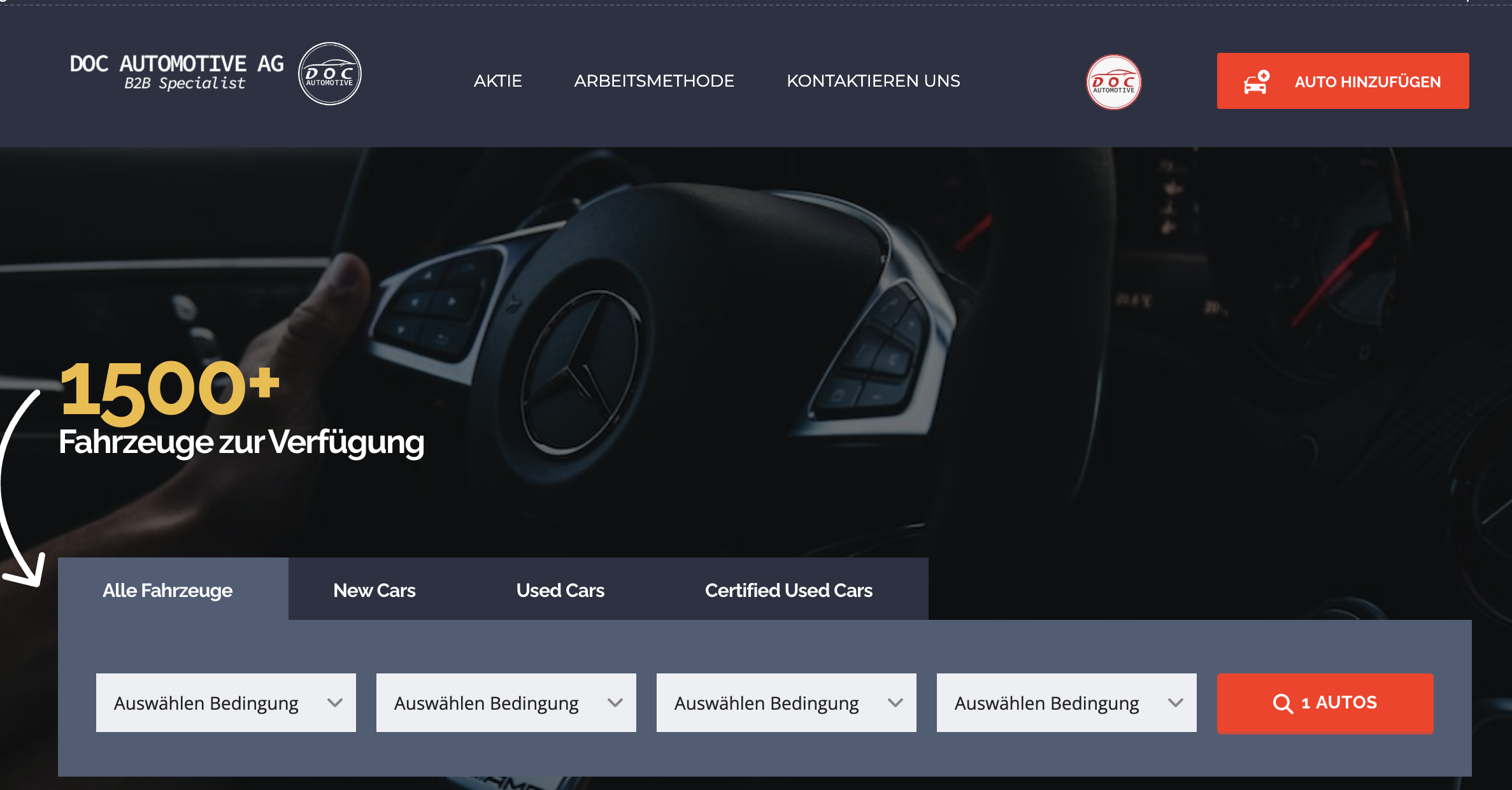
On the homepage hidden link as well the car filter that does not work in any of the languages:
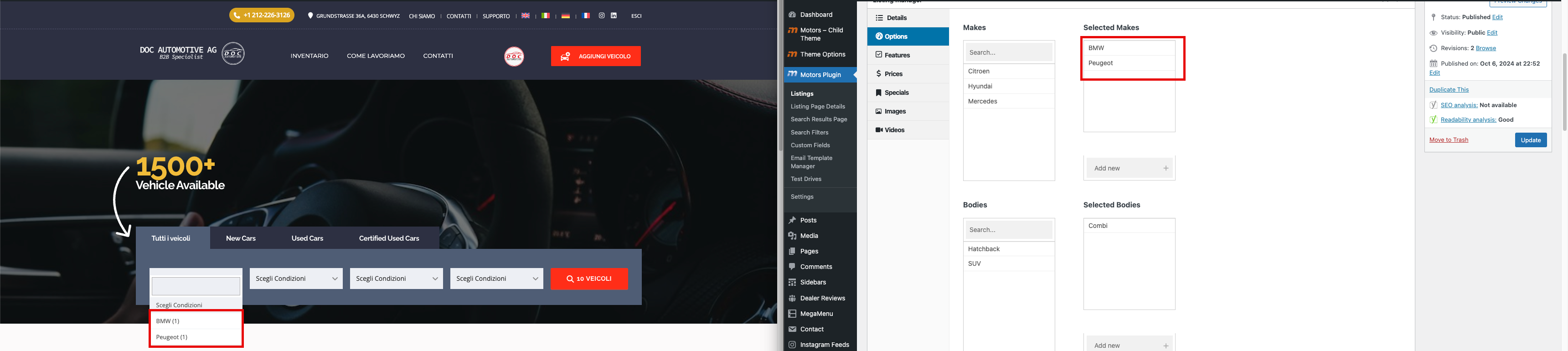
- the drop-downs shows "Scegli condizione" repeated in all fields (image named filter).
Questions:
Is there a way I can get support to make this theme work with WPML?
What is the correct setup for the Motors Theme and WPML to ensure translations work as expected?
Thanks for contacting WPML forums support. I'll be glad to help you today.
1) Please try the following steps for the untranslated strings:
1- Go to WPML-> Theme and plugins localization, select your theme/plugin, and scan
2- Go to WPML-> String Translation
3- Scroll down and click on the "Translate texts in admin screens »" link
4- Search for the needed strings
5- Select the strings
6- Click on the "Add to String Translation" button
7- Then click on the "« Return to String Translation" link
8- Translate the strings, clear the cache, and check the front end
Hi, thanks for the reply. but this does not solve my problem. I can't understand what you mean at this step:
3- Scroll down and click on the "Translate texts in admin screens »" link
4- Search for the needed strings
5- Select the strings
6- Click on the "Add to String Translation" button
I can't find the Translate texts in admin screens section.
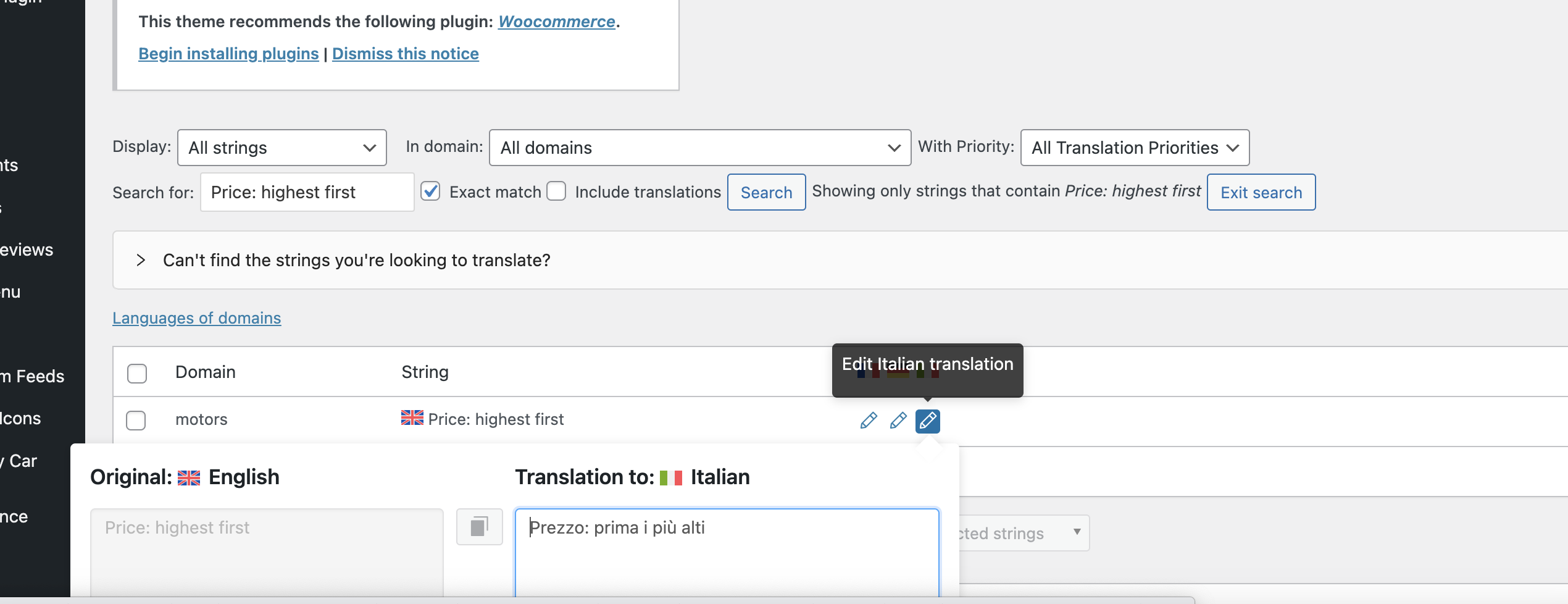
I give you an example of the strings I can't translate. This is translated in the string translation in all languages, but still show up in English only.
I would need to look closely at your site, so I would need to request temporary access (WP-Admin and FTP) Preferably to a test site where the problem has been replicated.
Your answer will be private, meaning only you and I can access it.
❌ Please backup your database and website ❌
✙ I need your permission to deactivate and reactivate the plugins and themes and change site configurations. This is also why the backup is critical.
✙ I also need your permission to take a local copy of your site to debug the issue without affecting your live site.
Thanks for the access details. Please check the following steps:
1- Go to WPML-> String Translation
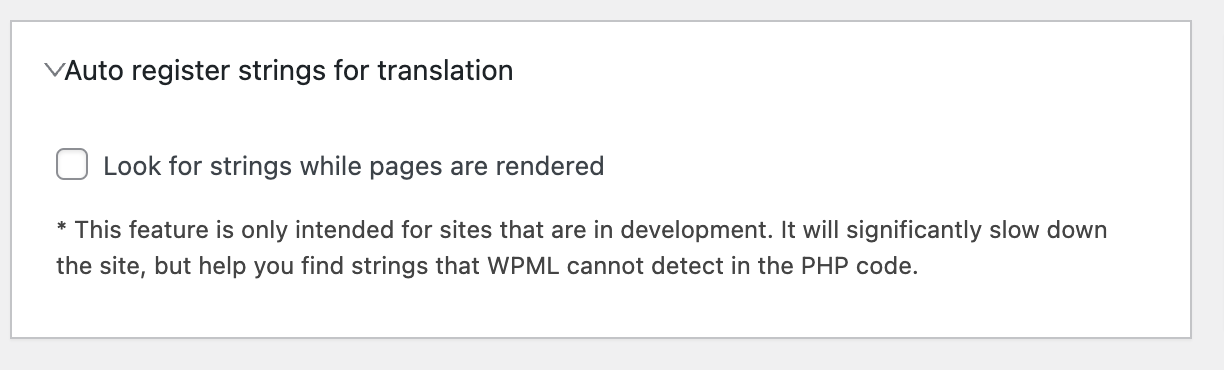
2- Scroll down and enable the "Look for strings while pages are rendered" option
3- Visit the page on the front end
4- Disable the option
5- Search for the string
6- Translate the string
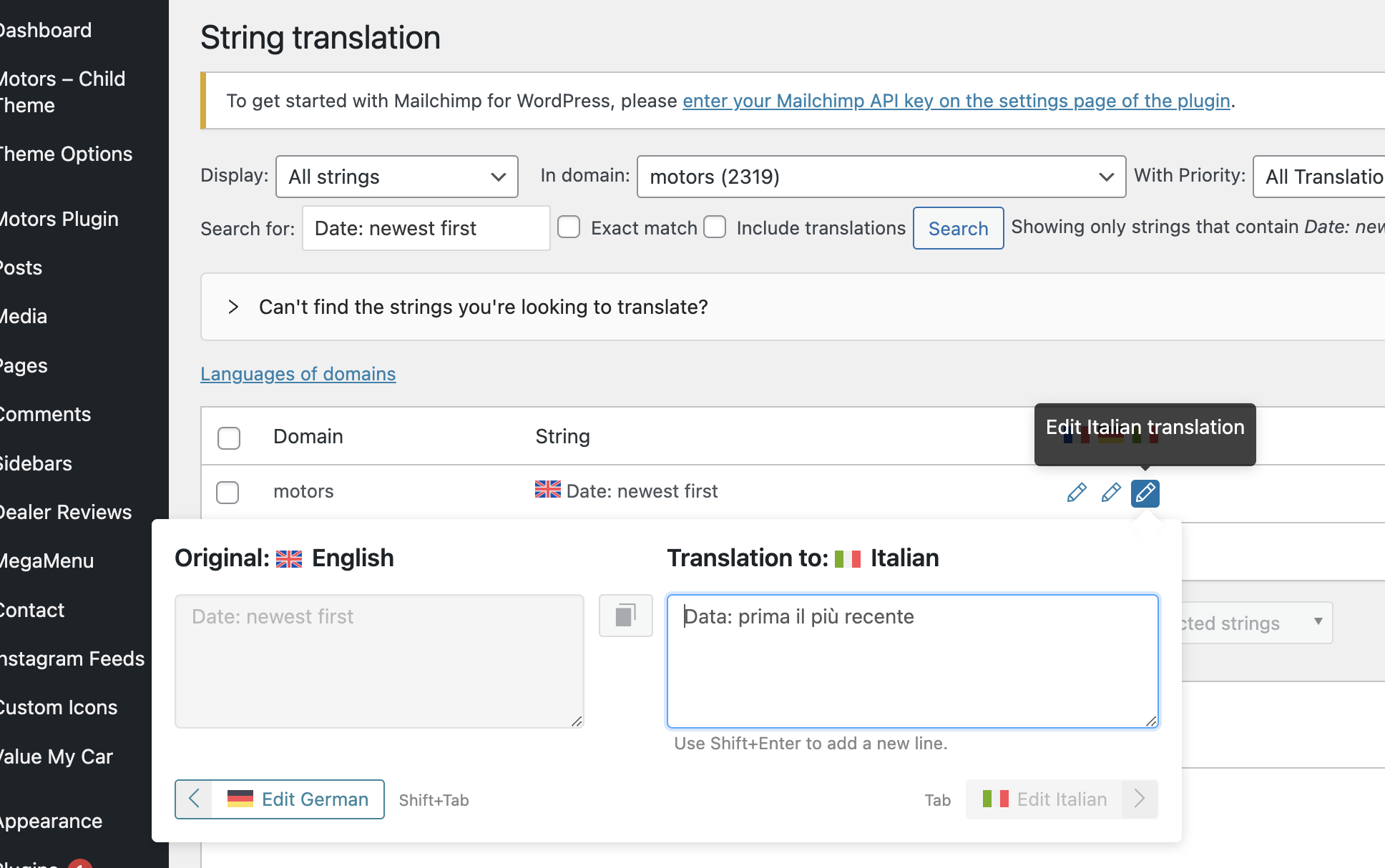
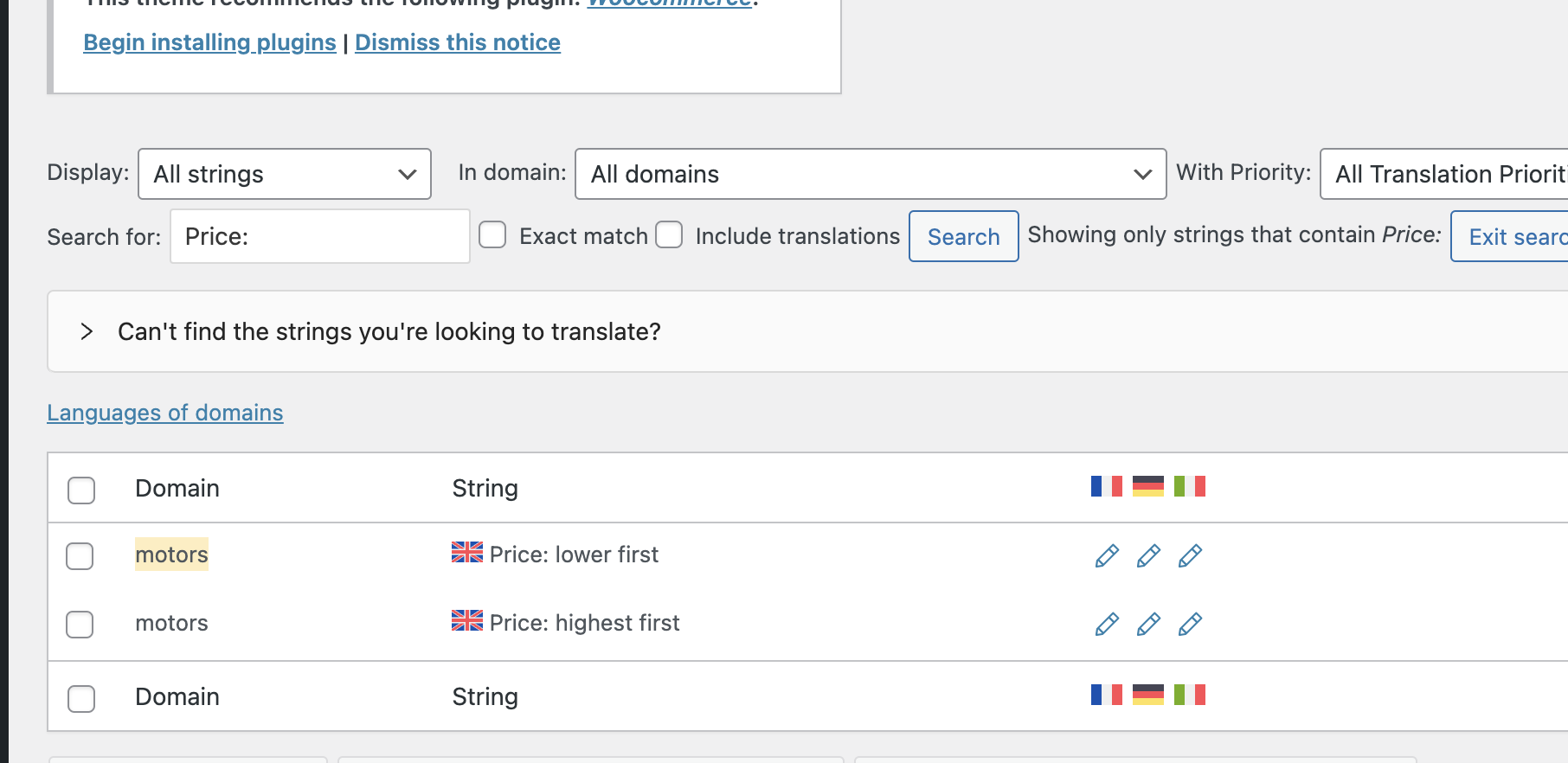
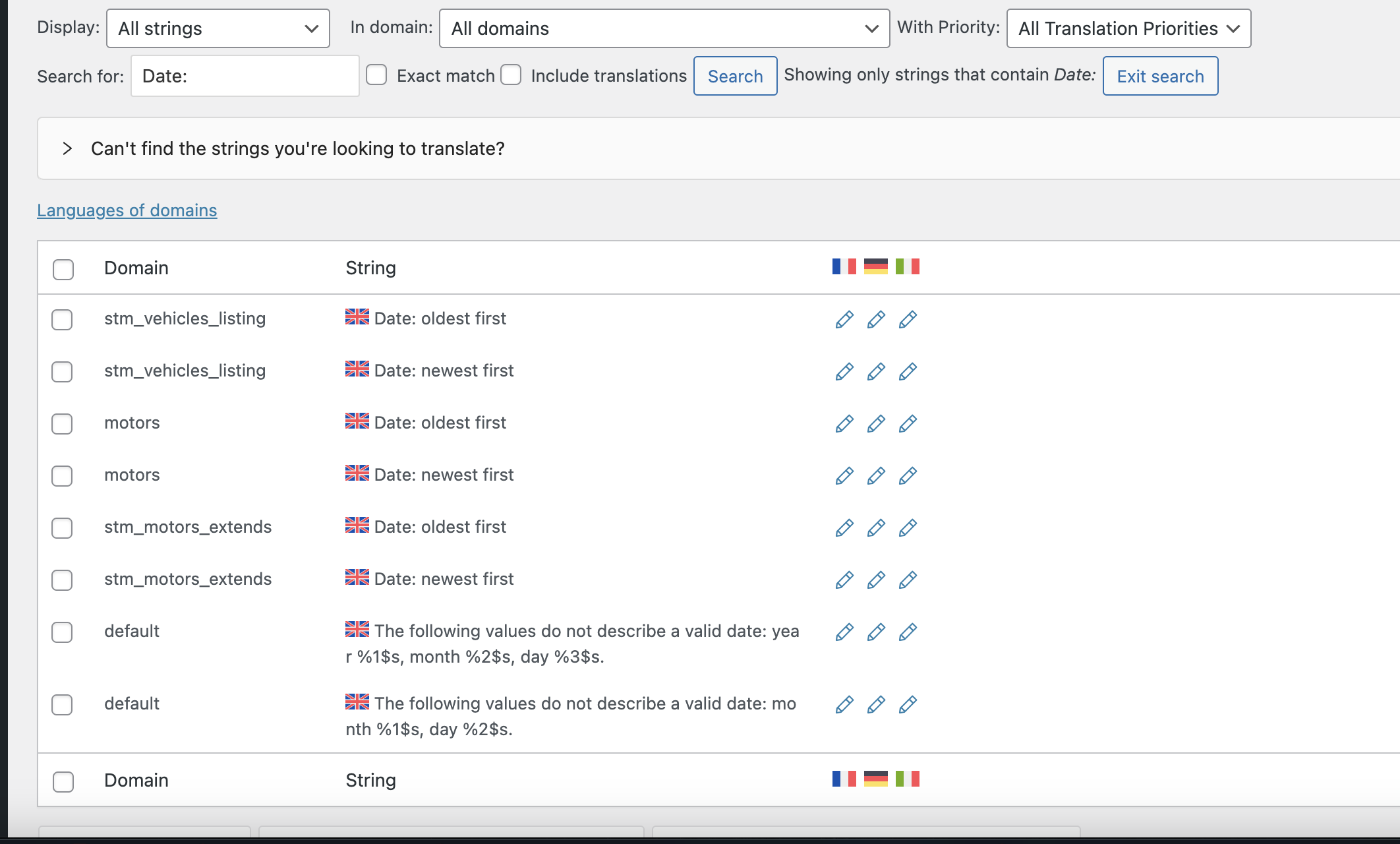
I applied the above steps to translate the "Date: newest first" string, which can be found in three text domains. However, the one that appears in the hidden link">filter is the "stm_vehicles_listing" domain.
After translating the string, it appears correctly on the front end. (Kindly check the attached screenshot)
Amazing, this worked for the dropdown and I managed to translate also the Search by Keywords and Search text in the filter.
I have several sections I can't translate, I try to show you one by one to avoid confusion.
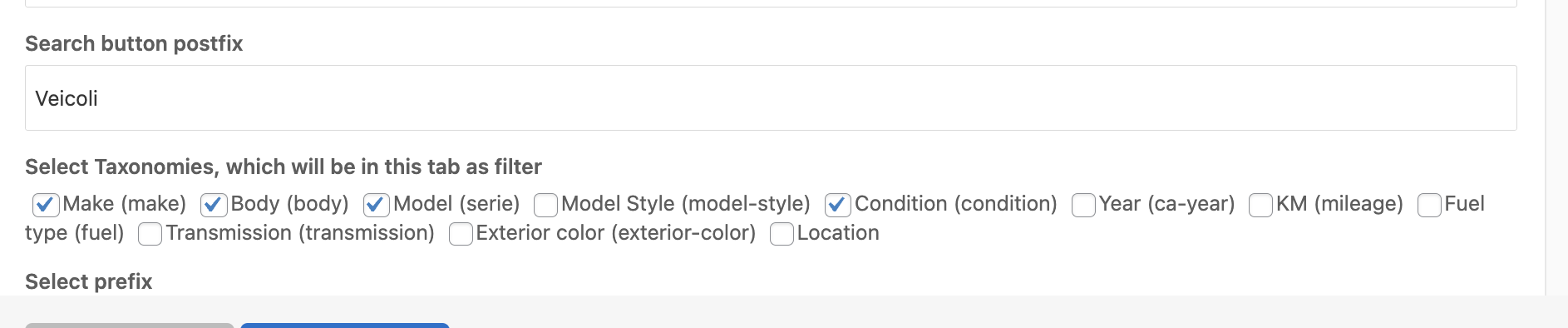
Now I am trying to figure out how to translate the categories (attributes) that make possible the search with the filter in each single listing appearing in the inventory.
IU could not manage to do that.
Also one question: after I translated all the strings after clicking on the "Look for strings while pages are rendered" will remain on the site or could it be that after some time WPML loses the record of them?
I translated the Year string using the following steps:
1- Go to WPML-> Theme and plugins localization, select your theme/plugin, and scan
2- Go to WPML-> String Translation
3- Scroll down and click on the "Translate texts in admin screens »" link
4- Search for the needed strings
5- Select the strings
6- Click on the "Add to String Translation" button
7- Then click on the "« Return to String Translation" link
8- Translate the strings, clear the cache, and check the front end
After your update I translated year in the other two remaining languages and it worked.
I tried all the steps and finally translated Model Style but it still shows up in English: hidden link
On top of that I can't understand why the dropdown in the Homepage search bar always show the same attributes in the wrong language. Woudl you be able to give a look at that and provide me with a feedback.
1) I'm not sure why the rest of the strings are not translated on the front end.
Please log in to this hidden link">sandbox site and install your theme. Then, please create a test car and translate it to replicate the issue.
If the issue is replicable, please let me know to check it and consult our compatibility team.
2) For the home page filter, I noticed that when adding these fields to a translated car, the filter appears correctly. (Kindly check the attached screenshot)
Dear Osama, tomorrow I try to install the theme in the sandbox and replicate the issue and come back to you.
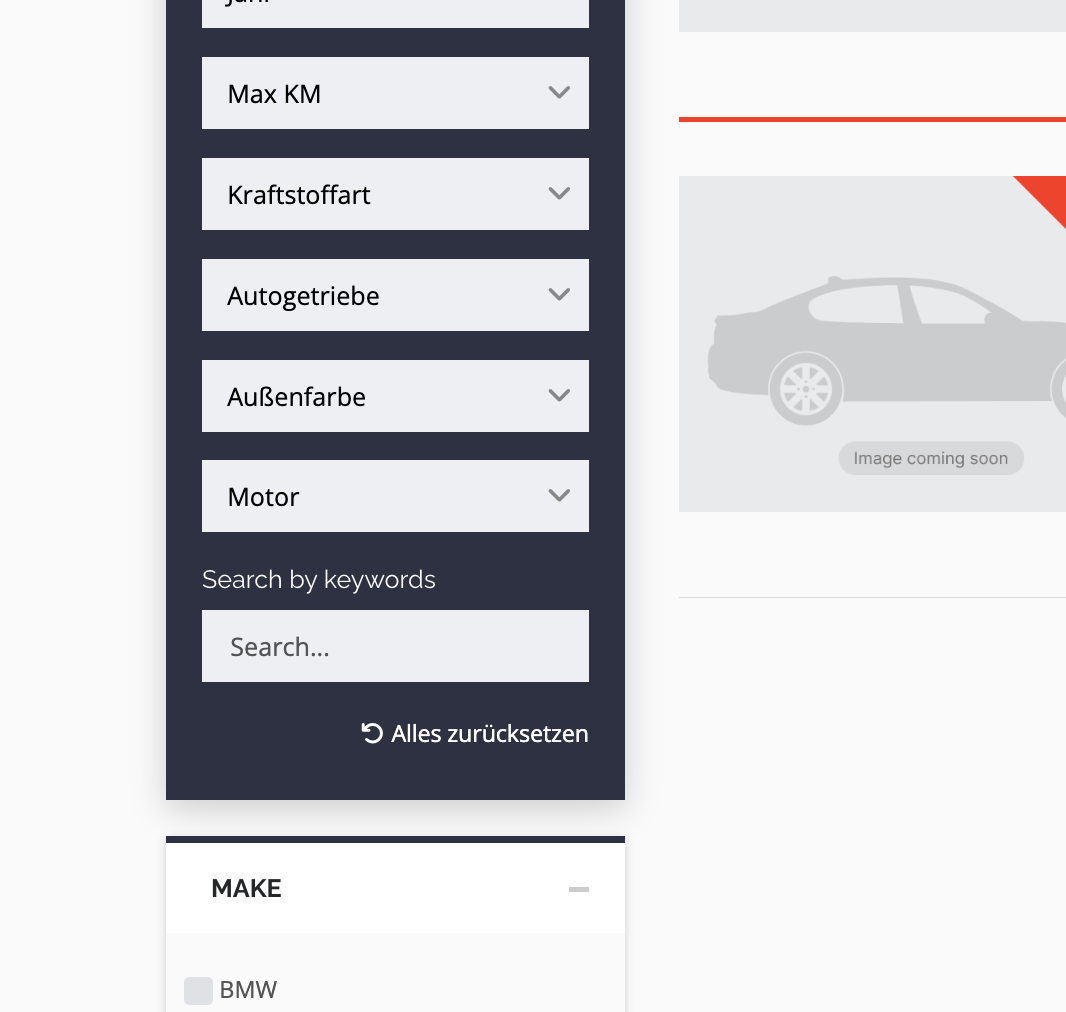
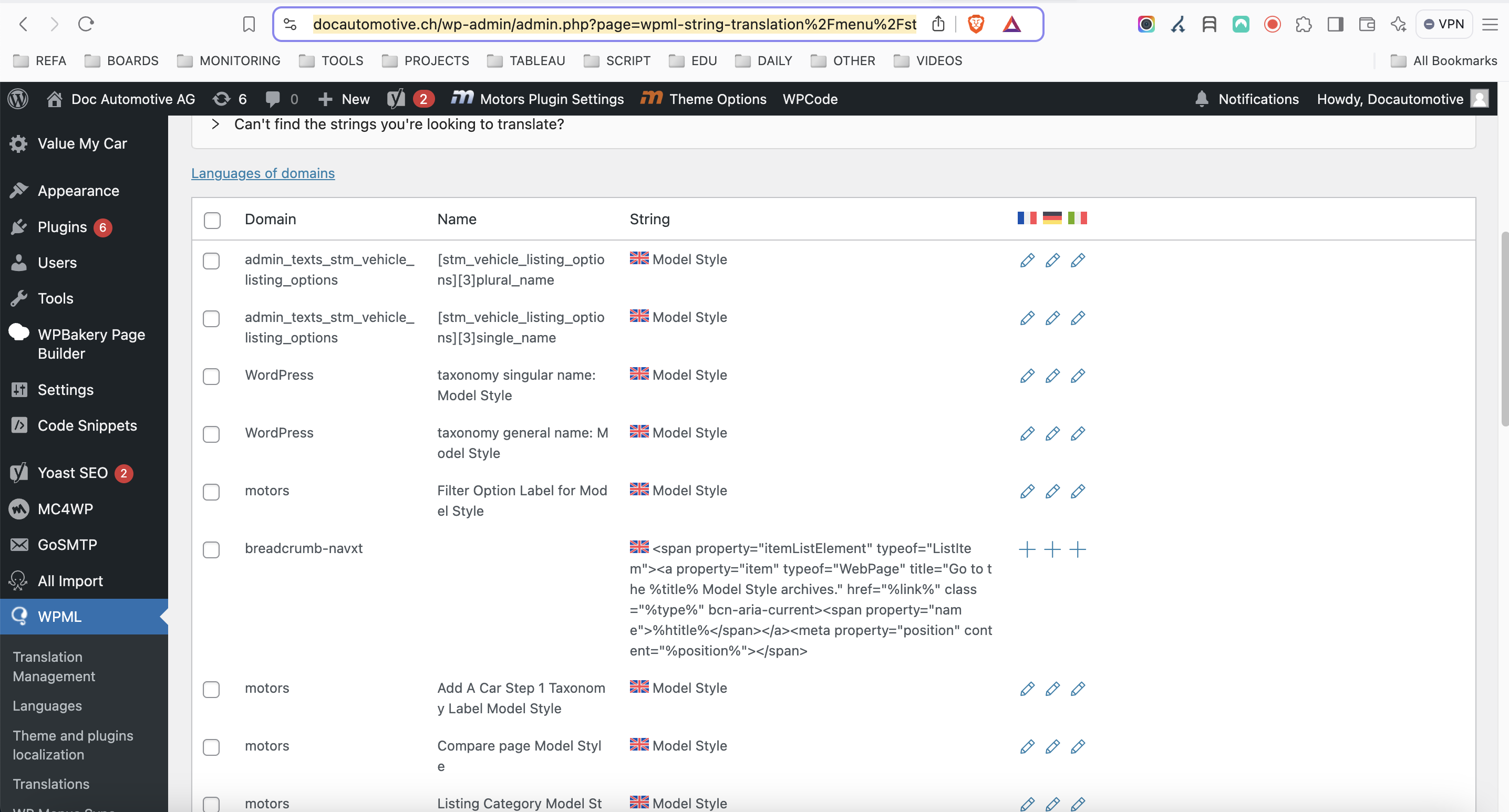
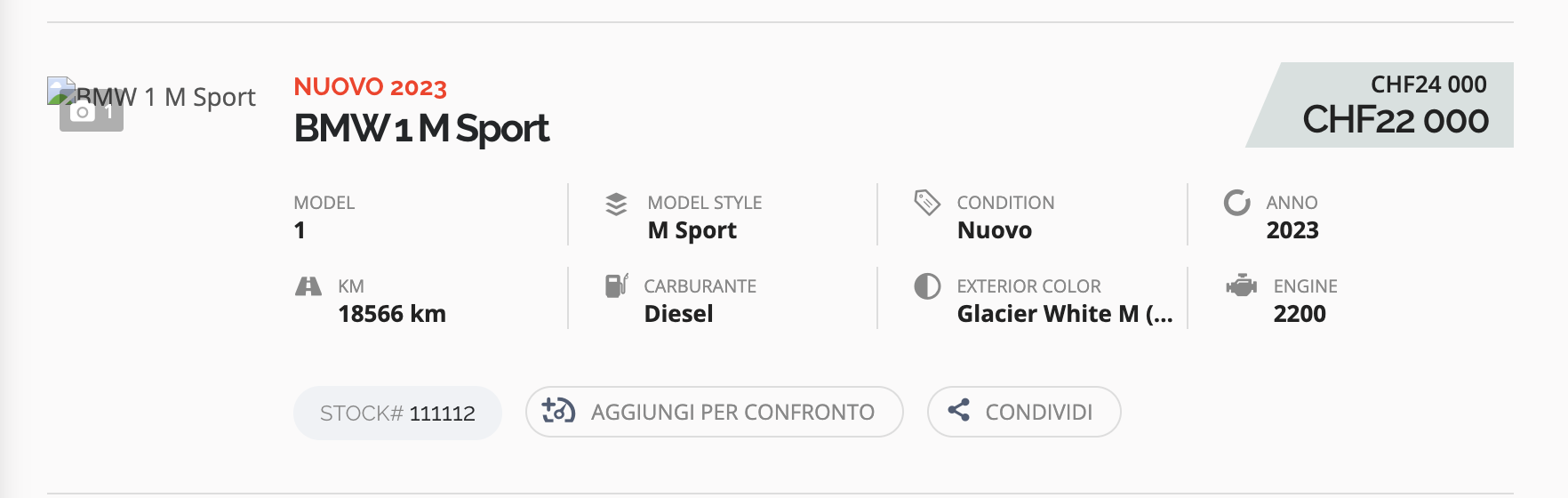
In the while I kept using the method you did show me and managed to translated a few terms, but it didn't work for the majority of the string that are missing, for instance engine, conditions, model style etc. (1st image).
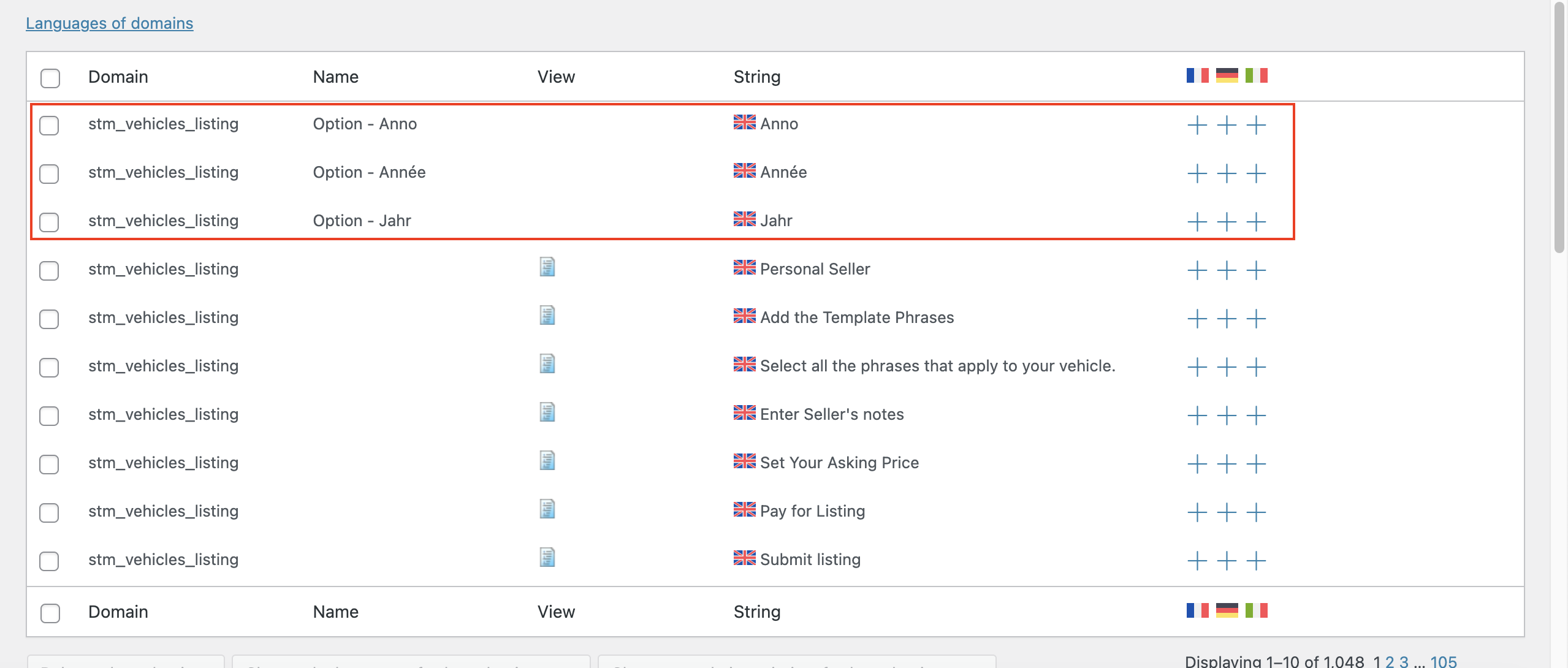
On top of that I saw some strange things I can't understand. Why Anno Anné and Jahr show up as English terms in the string translation list if those are the terms used for translating the original term year (image 2)?
Ok, Sorry for my delay, I am still working on it and testing. Please don't close the ticket. More updates are coming in the next two days. Thanks o smuch