I repeated all the steps you told me in the previous message without solving the problems I showed in my last comment. I installed the theme, but I realised I cannot authorise it as it is an addition al staging enviroment (installed in a different domain as well) and it is managed by Envato, so I created a staging myself with an identical copy of the site. I know that a clear staging with minimal fuss and plugins would be ideal for testing, but to solve the issues I would need to recreate a big part of the site anyway and it would be a lot of work for me in this moment.
The url is this hidden link
Would a staging where you're free to test, deactivate and activate plugins would represent a good option for investigating the problem?
QUESTION 1
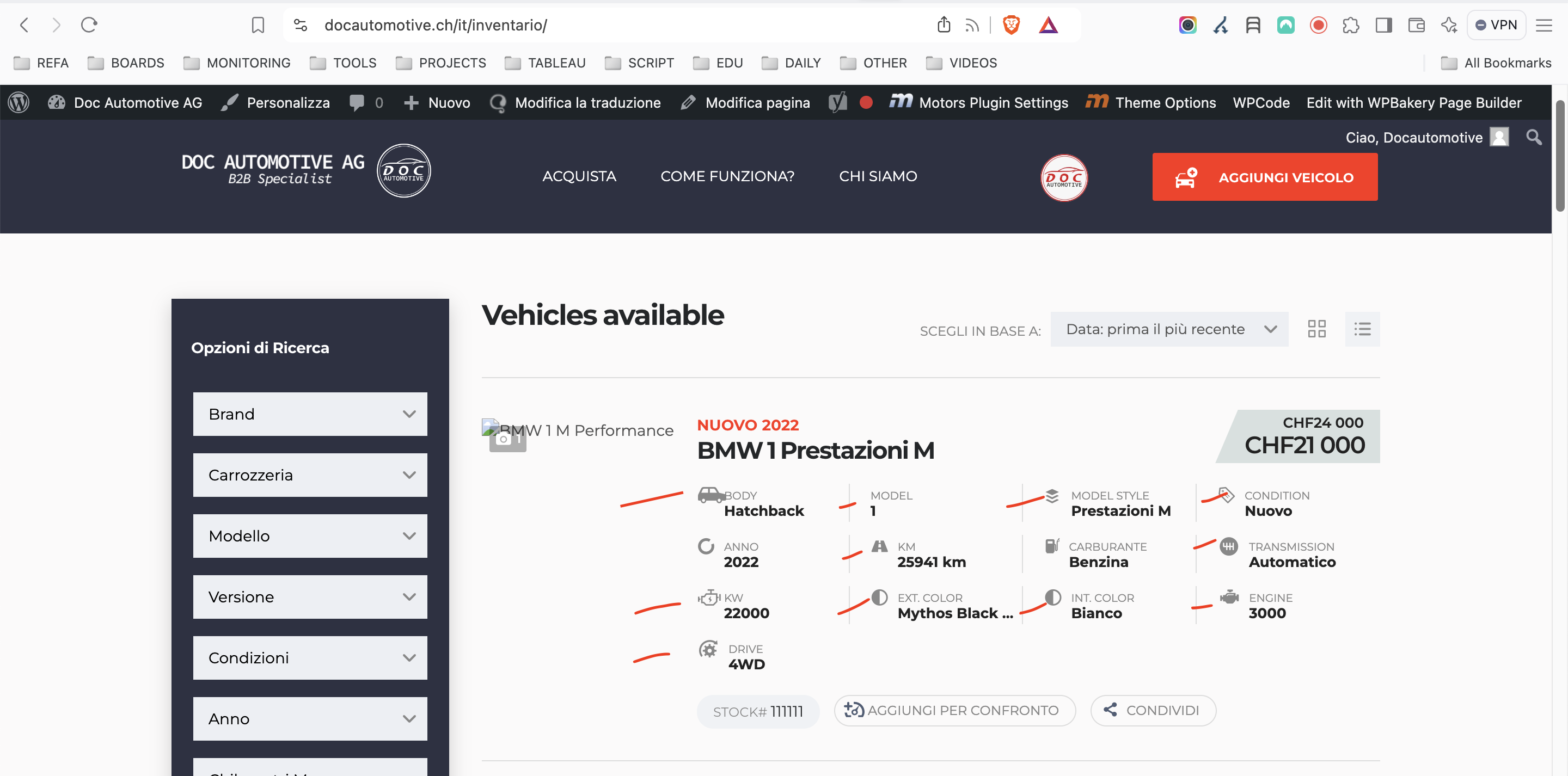
Here in the inventory hidden link for instance Carburante and Anno are the only two that I managed to translate thanks for your help, there is no way for me to find the other ones missing. I tried every possible way especially following the process you explained me, but with no success.
QUESTION 2
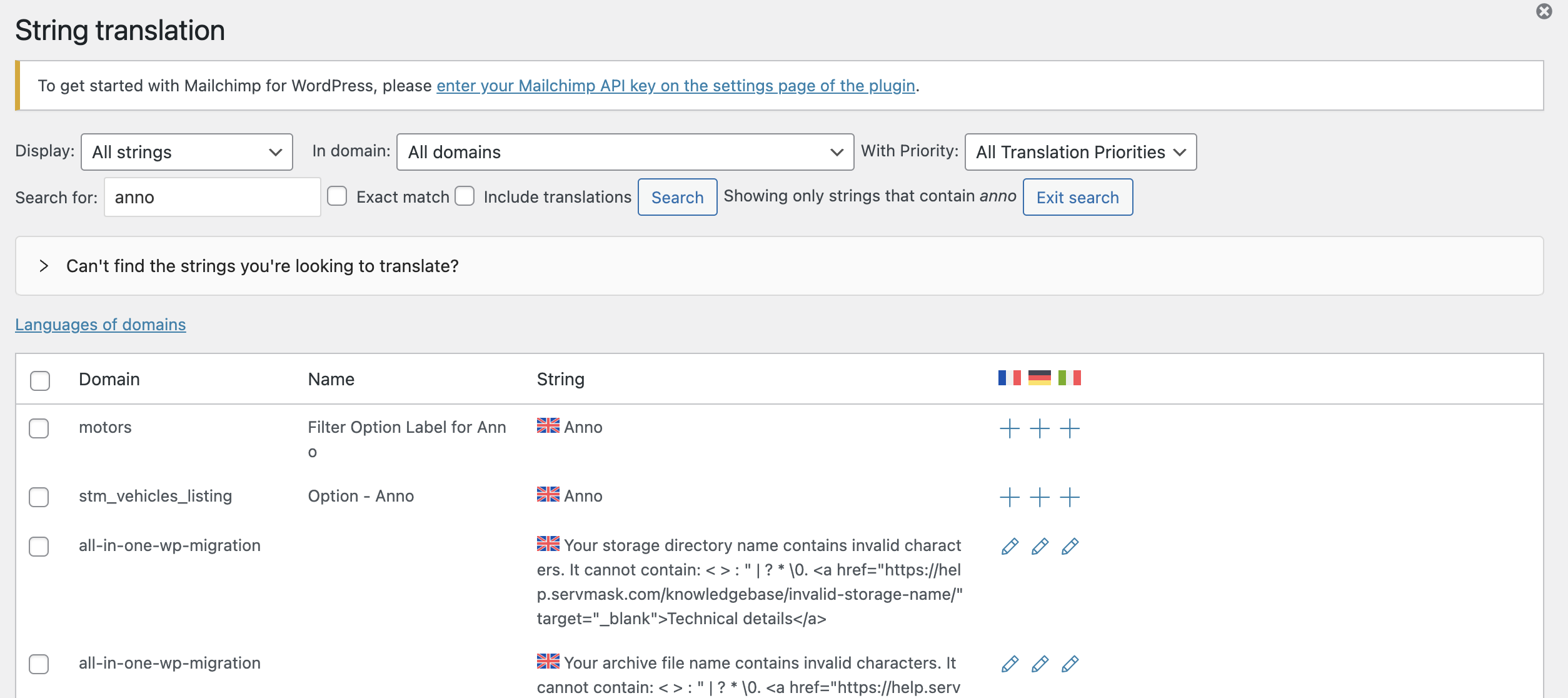
Why in your opinion here hidden link Anno is showing up in the list associated to the English language?
QUESTION 3
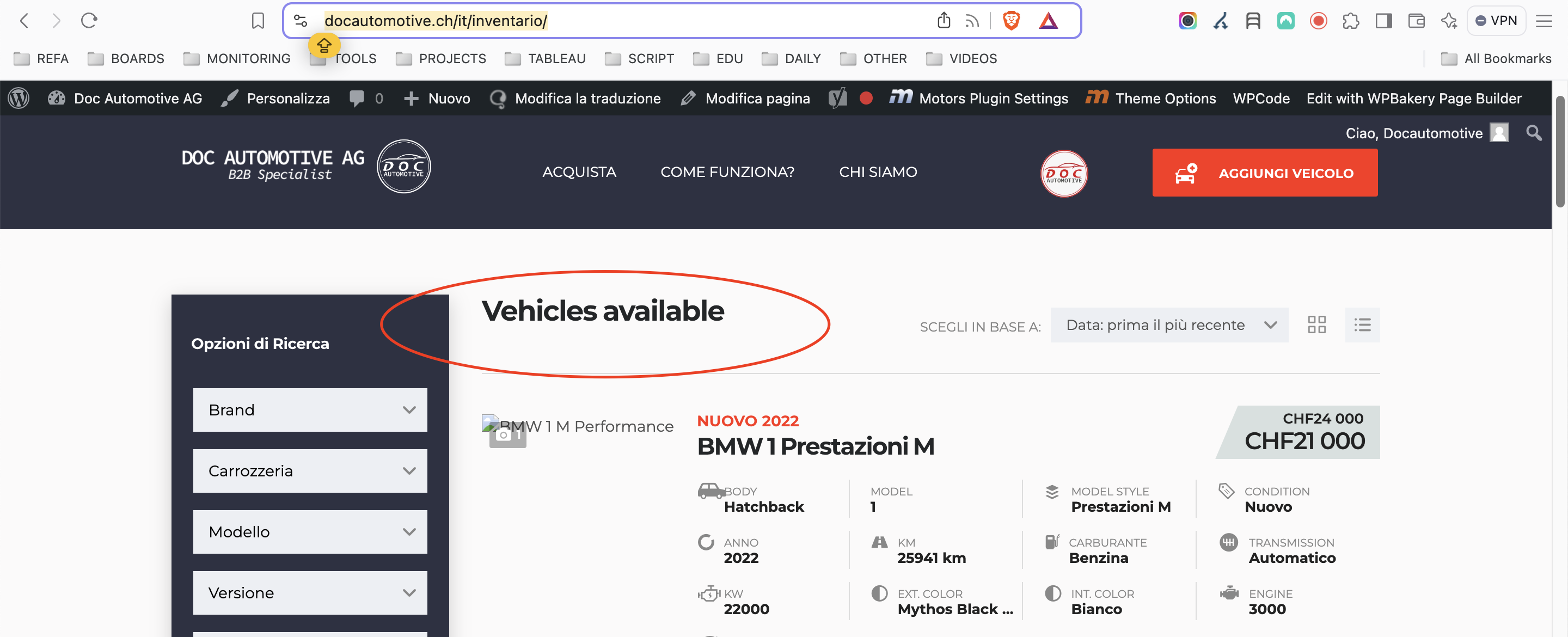
Still in the inventory I can't translate the hardcoded title "Vehicles available". I could not find a single way to do it. hidden link
1) Thanks for the staging site. Please check the following steps to fix the listing grid issue:
1. Edit the file wp-content/themes/motors/listings/loop/classified/list/options.php
2. Around line 36, replace the code
foreach ( $middle_infos as $middle_info_key => $middle_info ) :
with this one
foreach ( $middle_infos as $middle_info_key => $middle_info ) :
// WPML Workaround for compsupp-7432
if ( class_exists('Sitepress') ) {
    $textdomain = 'motors';
    $data_single_name = 'Motors - WPML String: ' . $middle_info['single_name'];

    if ( apply_filters('wpml_default_language', NULL ) == apply_filters( 'wpml_current_language', NULL )) {
        do_action( 'wpml_register_single_string', $textdomain, $data_single_name, $middle_info['single_name'] );
    }
    // Apply the translation to the string
    $middle_info['single_name'] = apply_filters('wpml_translate_single_string', $middle_info['single_name'] , $textdomain, $data_single_name);
}
3. Visit the page with the issue in the original language, this will register the string.
4. Go to WPML > String Translation page and translate the new string (under motors textdomain and name Motors - WPML String: field name).
I applied the above steps to the staging site and translated the body string. Please check if it's hidden link.
2) I'm not sure why the string is shown in the wrong language, but you can change the source language of the string.
3) I tried to register the "Vehicles available" string but couldn't translate it.
Your technique works on the staging, but when I tried to do the same on the main site that broke all the filters. I want to try again to edit to the file wp-content/themes/motors/listings/loop/classified/list/options.php after at line 36 and upload it to the child theme and I come back to you asap.
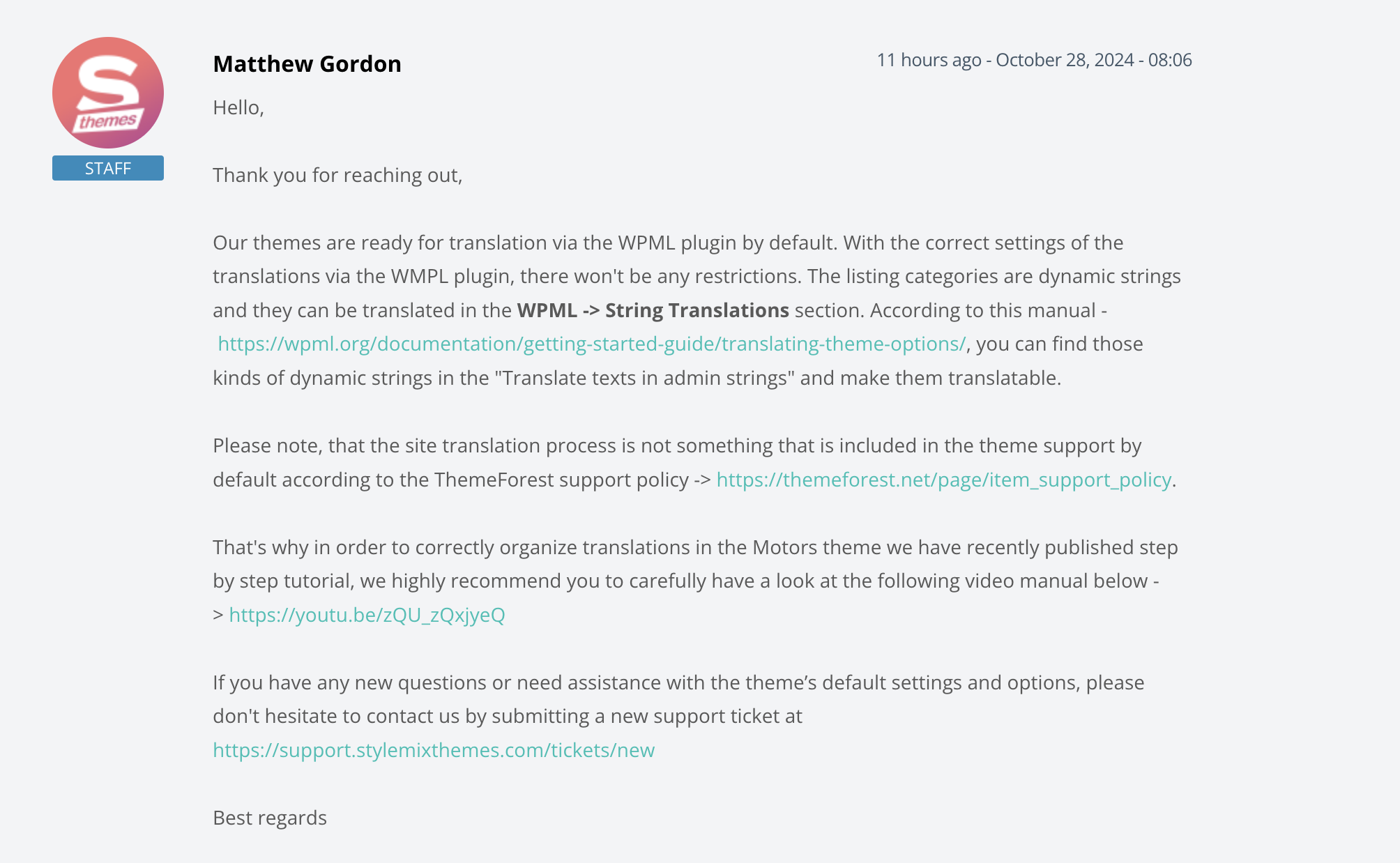
One info: given this is a trick as it didn't work with any of the traditional ways can I claim with the team that the site is not WPML-Ready and they should fix it because the strings in the grid are hardcoded?