[Resolved] not finding template part or footer template
This thread is resolved. Here is a description of the problem and solution.
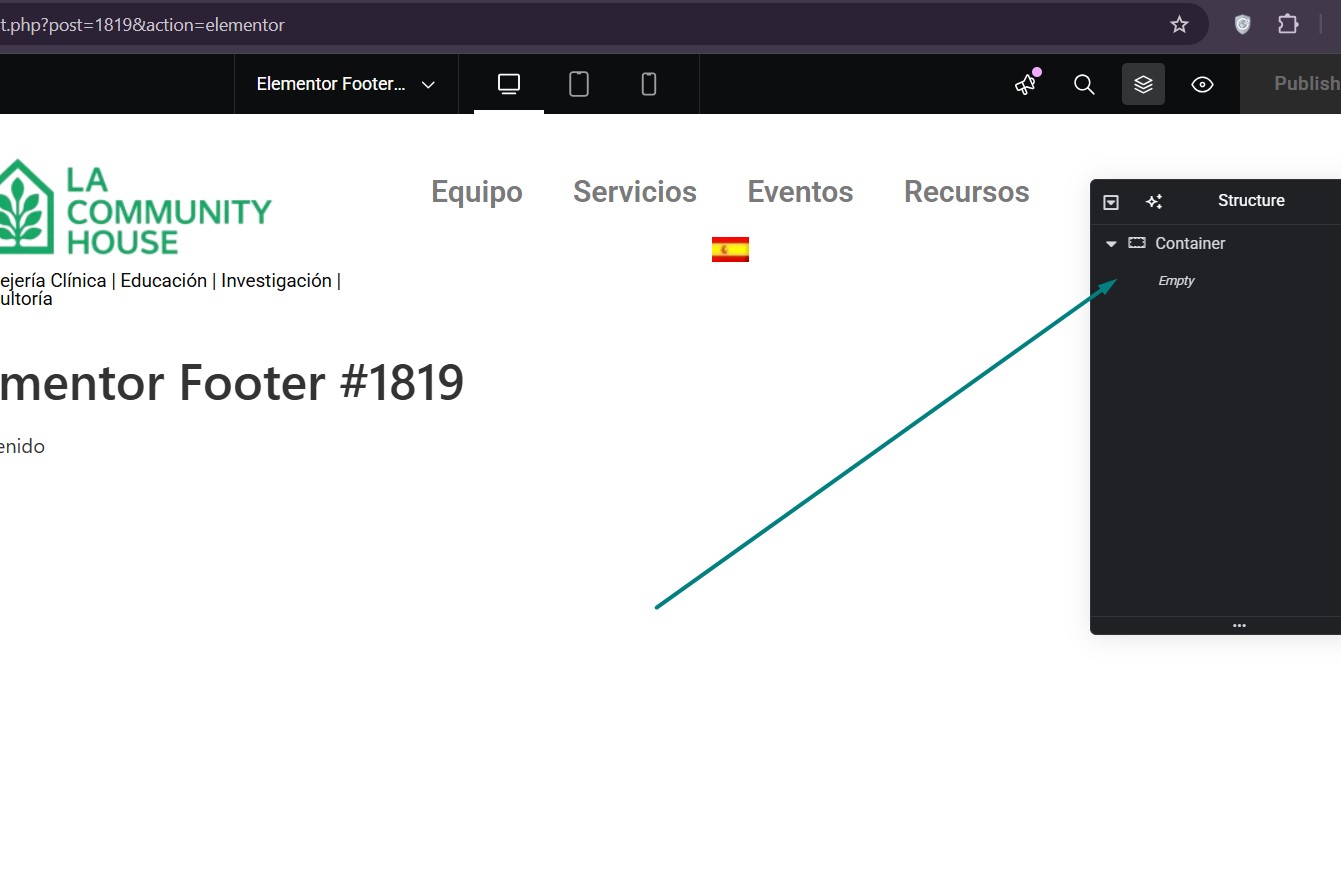
Problem: If you're experiencing issues with not finding the template part or footer template on your multilingual site, Solution: We recommend checking if an empty footer has been set for the entire site. In a recent case, we found that removing the empty footer setting resolved the issue, and the correct footer appeared in all languages. Please verify on your site if this solution applies.
Keep in mind that this solution might be outdated or not applicable to your specific case. We highly recommend checking related known issues at https://wpml.org/known-issues/, verifying the version of the permanent fix, and confirming that you have installed the latest versions of themes and plugins. If the problem persists, please open a new support ticket.
This is the technical support forum for WPML - the multilingual WordPress plugin.
Everyone can read, but only WPML clients can post here. WPML team is replying on the forum 6 days per week, 22 hours per day.
2. Make sure you are using the latest version of theme and plugins on your site.
3. Please delete all sorts of caches on your site/server cache if any / plugin cache / CDN cache (if any), clear browser cache, and then see if it resolves the issue afterward.
4. If the issue persists:
4.1. Please let me know how you have created the footer in the site's default language.
Thanks for the update. To check what’s causing the issue, could you please confirm a few things:
1. Is the footer showing correctly in the default language?
- If not, please take a backup and temporarily deactivate WPML to see if the footer appears.
- If it still doesn’t show, the issue is likely from the theme, so it’s best to check with the theme author.
2. If the footer appears after deactivating WPML, please share the URL where I can see the issue active.
3. Also let me know whether the footer is built with a page builder (like Elementor) or coming from the theme options.
Thanks for checking that. Since the footer still doesn’t appear after deactivating WPML, this confirms it’s not related to WPML. As you’re using Elementor Pro’s Theme Builder with the Hello theme, please make sure the footer display condition is set to ‘Entire Site’. You can follow this guide for reference: hidden link
If the issue persists, to take a closer look at this issue, please provide temporary access (WP-Admin and WPML Account Login info) to your site, so that I can look into your setup and debug the issue.
Your next answer will be private, meaning only you and I can access it.
=== Please backup your database and website ===
✙ I would need your permission to deactivate and reactivate Plugins and the Theme and to change configurations on the site. This is also a reason the backup is essential.
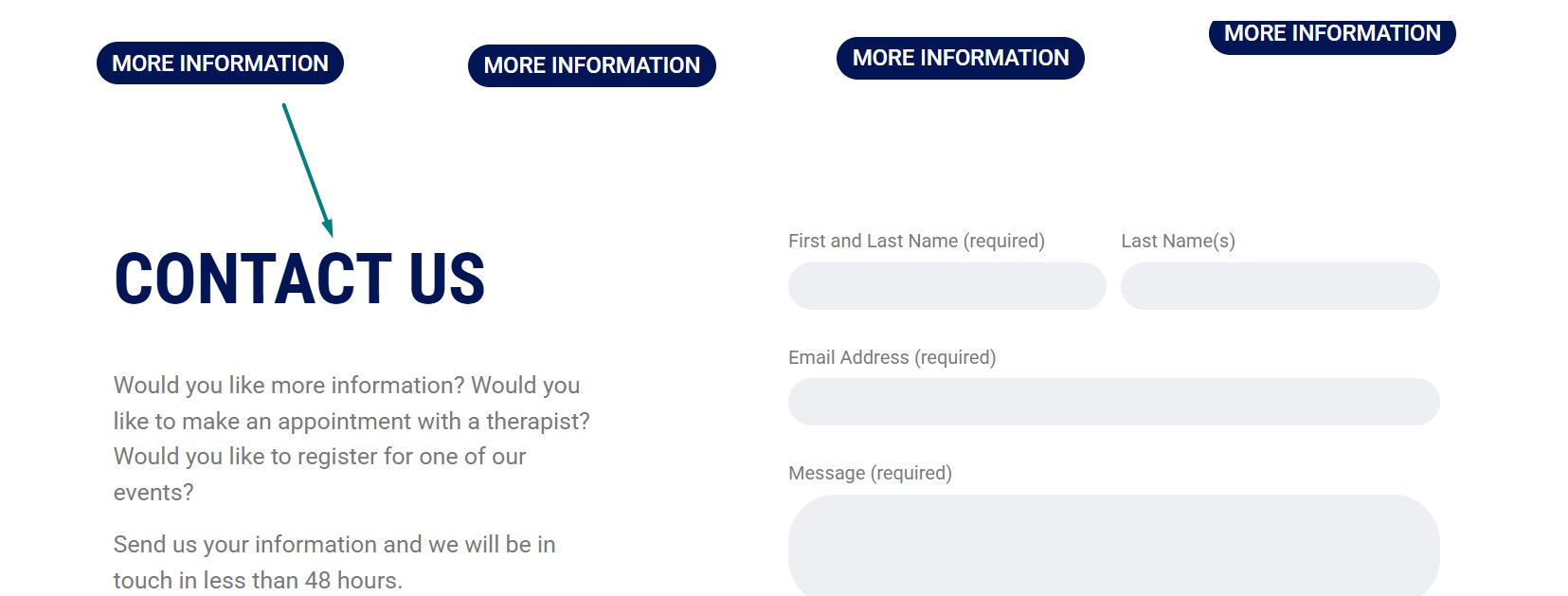
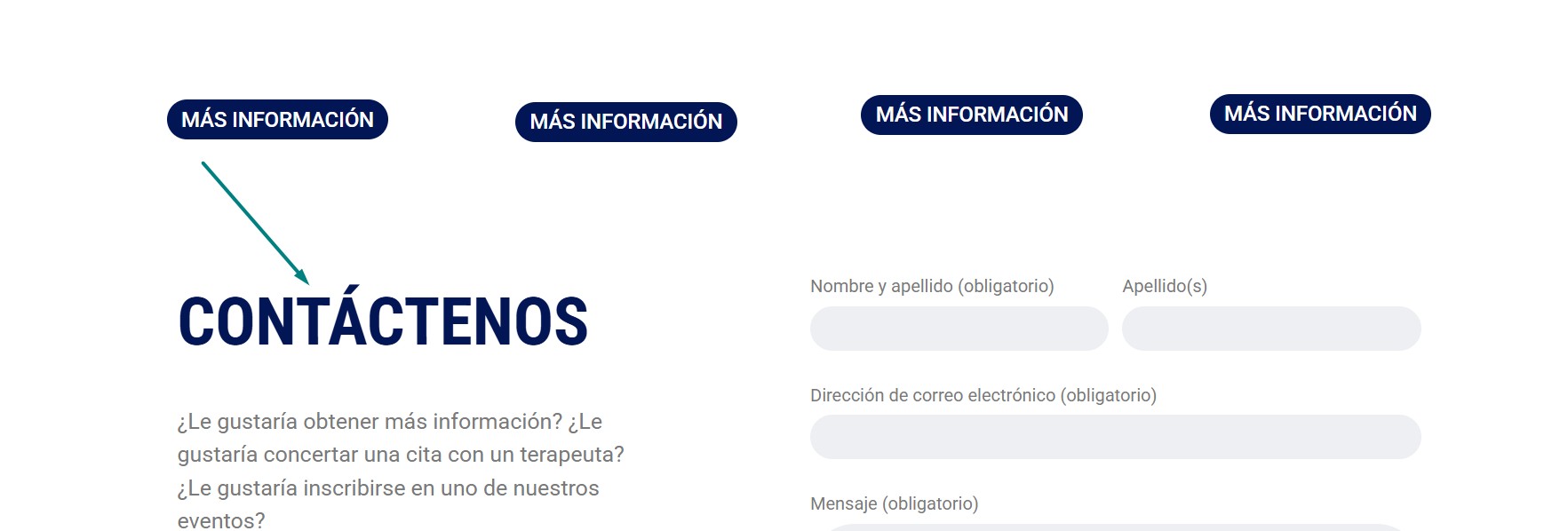
Thanks for sharing the login details. It seems the empty footer was set for the entire site. I removed it, and the correct footer now appears in all languages.