Background of the issue:
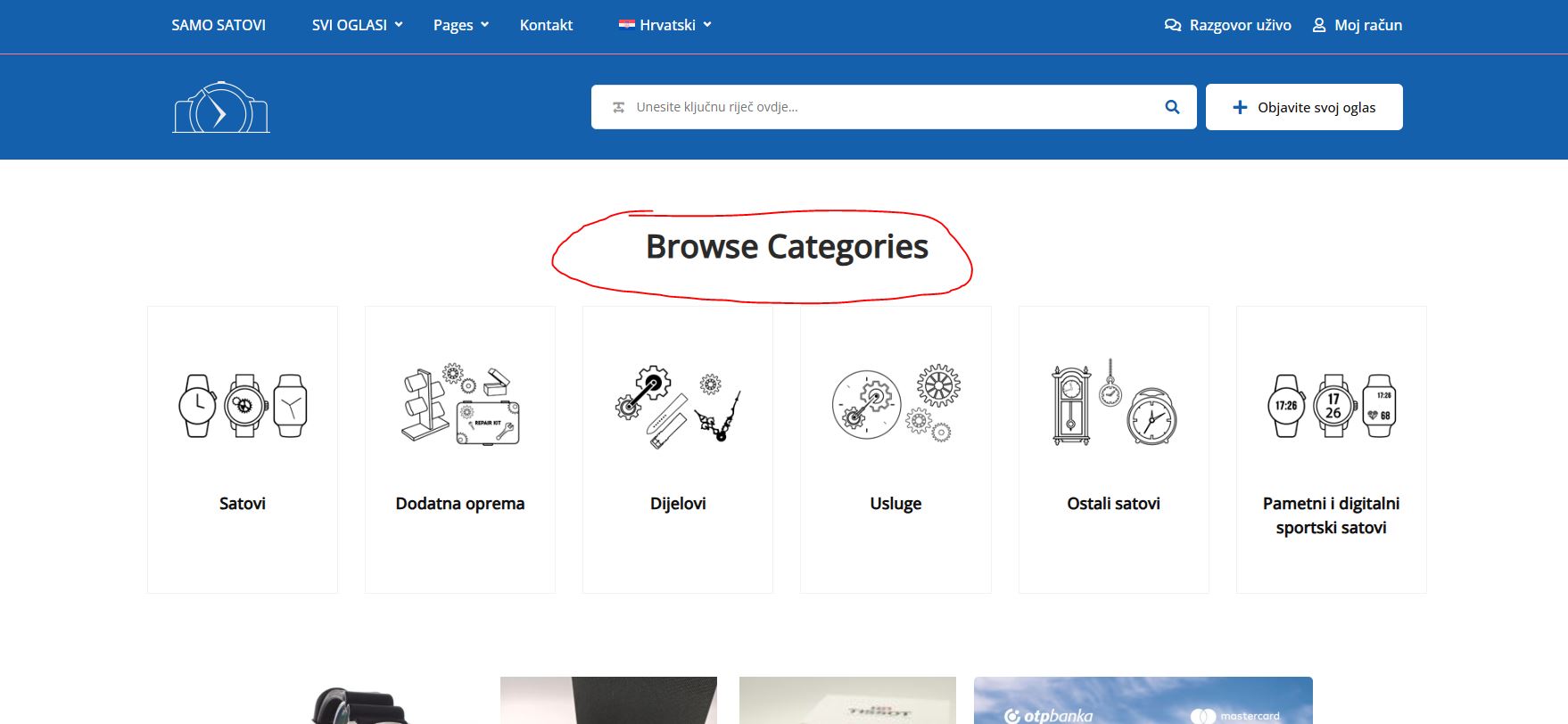
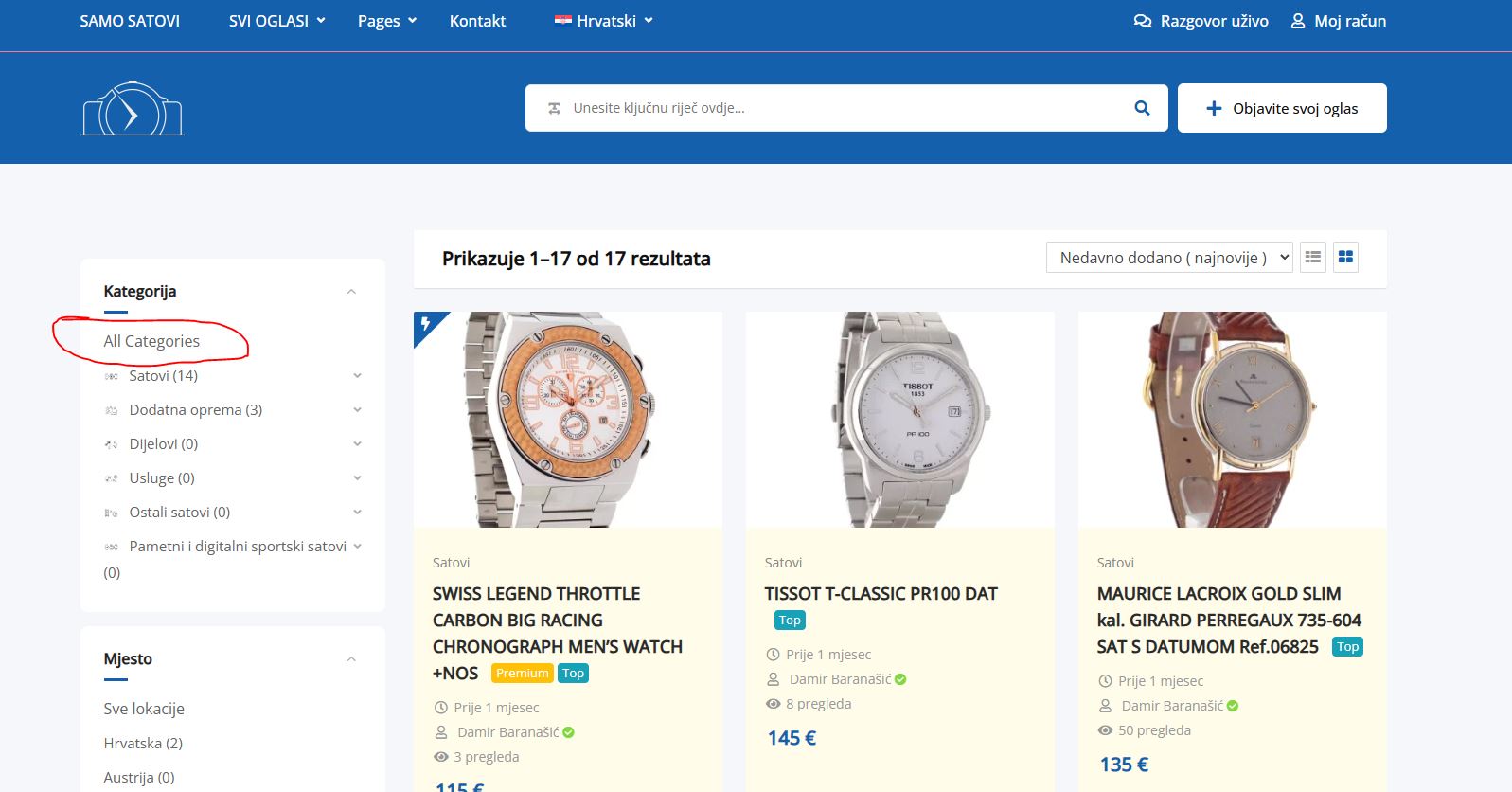
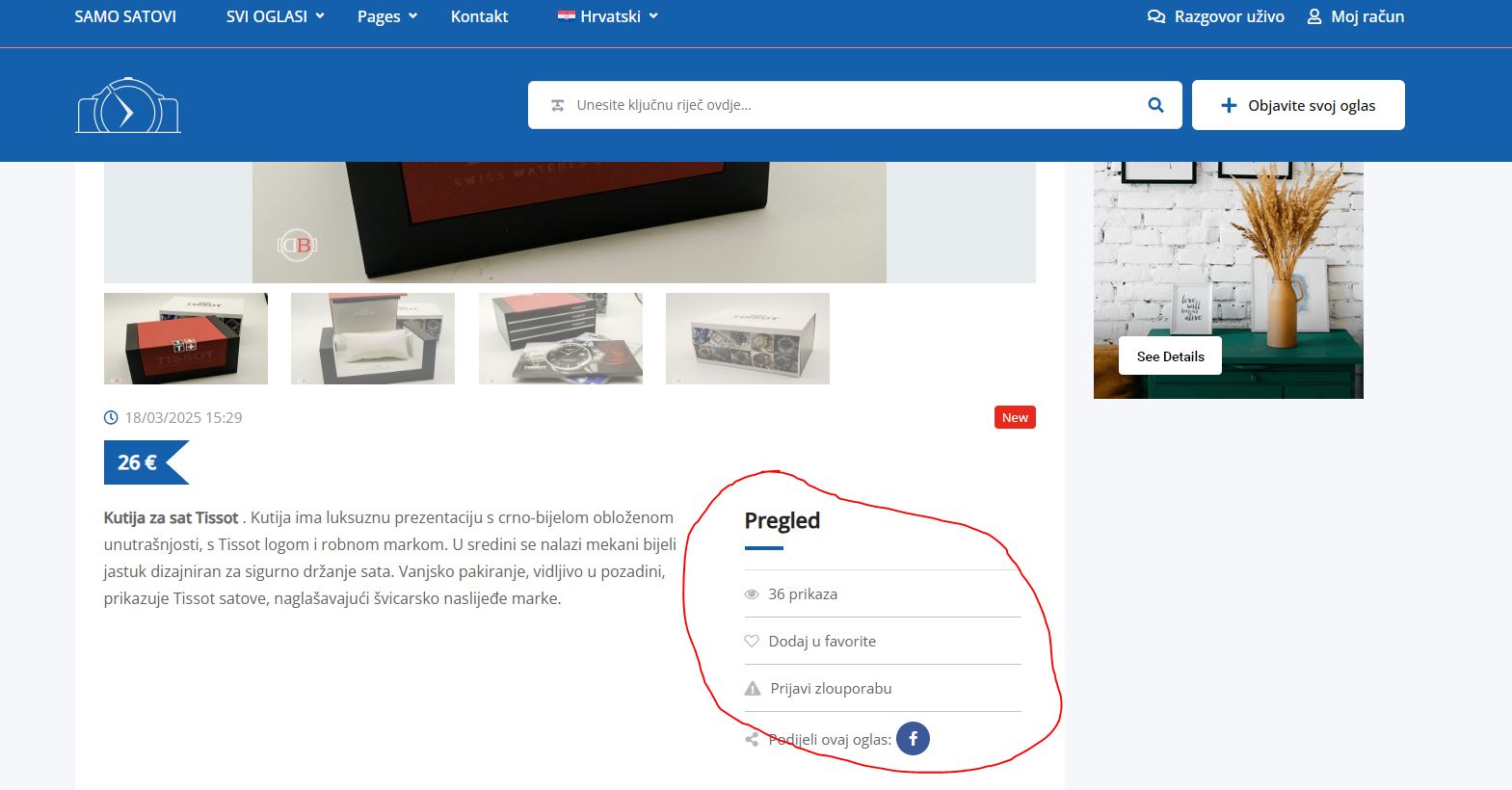
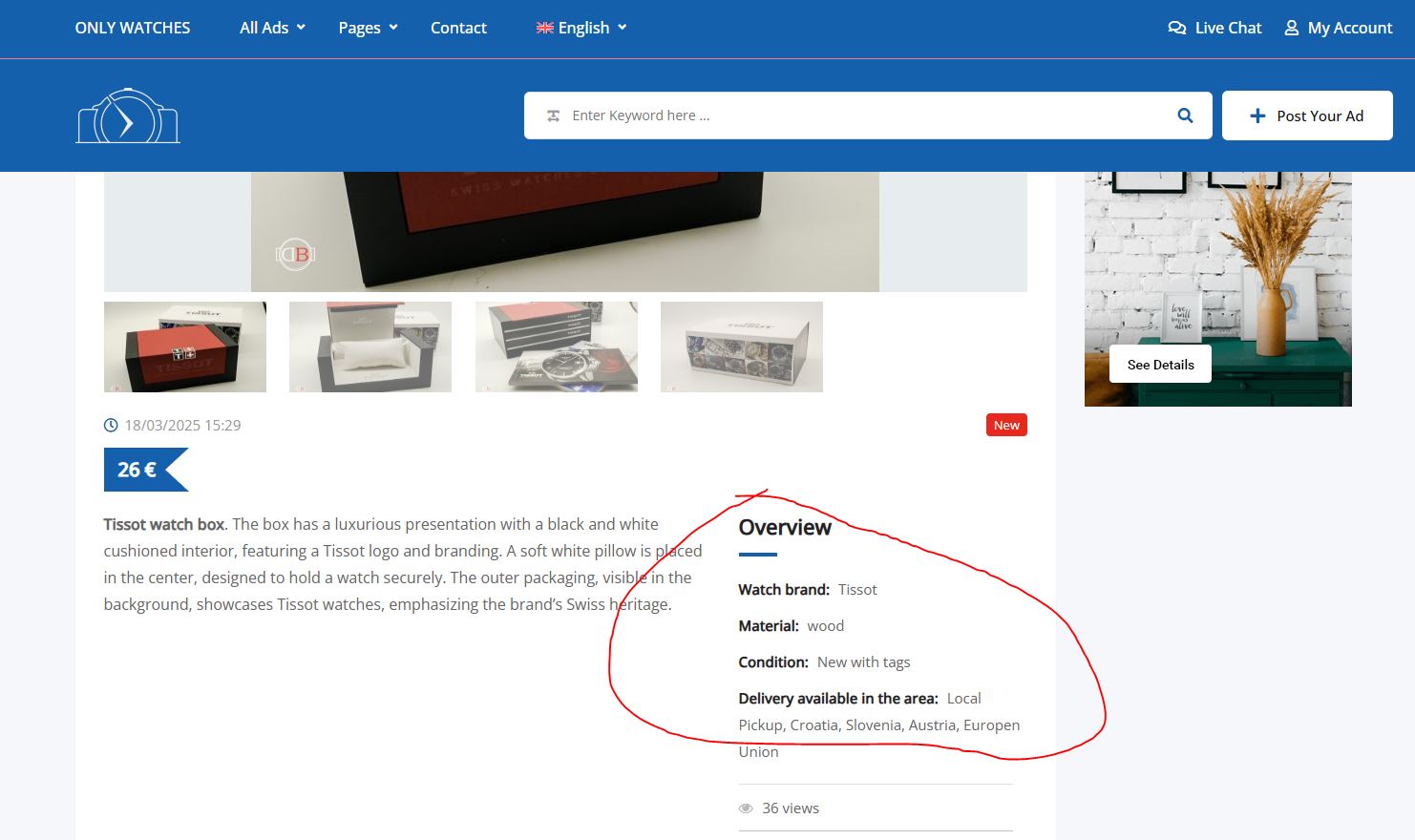
I am developing a website, samosatovi.com, and have enabled automatic translation using WPML. I am using the Classified Listing Multilingual plugin but it does not work automatically. I have manually translated everything, but the translations do not appear on the Croatian version of the site. I need automatic translation for the front end. Currently, only the Croatian language is enabled, but I plan to add more languages once everything works correctly.
Symptoms:
The Classified Listing Multilingual plugin does not automatically translate content, and manual translations do not appear on the Croatian version of the site.
Questions:
Why does the Classified Listing Multilingual plugin not work automatically?
Why do manual translations not appear on the Croatian version of the site?
Languages: English (English )Spanish (Español )German (Deutsch )
Timezone: America/Lima (GMT-05:00)
Hello,
You might need to go to WPML > Settings > Custom Field Translation and make sure that all custom fields that are used for your Listings are accordingly set to "Copy" or "Translate".
This looks like a compatibility issue. I will need to closely examine your website. Therefore, I will require temporary access (WP-Admin and FTP) to a test site where the problem has been replicated, if possible. This will enable me to provide better assistance and determine if any configurations need to be modified.
Please note that it is important to have a backup for security purposes and to prevent any potential data loss. You can use the UpdraftPlus plugin (https://wordpress.org/plugins/updraftplus/) to fulfill your backup requirements.
Your upcoming reply will be treated with confidentiality and will only be visible to you and me.
✙ To resolve the issue, I may need your consent to deactivate and reactivate plugins and the theme, as well as make configuration changes on the site if necessary. This emphasizes the significance of having a backup.
While checking the debug info, I see that the WordPress Memory Limit is below the requirements. The minimum requirements are 128M, but we do recommend 256M and the debug information of your site shows it set to 40M. Please check this link for more details https://wpml.org/home/minimum-requirements/.
You can increase it by adding the following code in your wp-config.php file, right before the /* That’s all, stop editing! Happy publishing. */ line:
Thanks for your reply. I've checked and it looks like you'll just have to resave it as shown in this screen recording. Could you try and let me know how it goes? hidden link
You can try submitting the listings for translation again using the WPML > Translation Management. Then, completing the translations should fix the missing images and contents. Could you tell me which other listing cannot be fixed using the method I shared? Please share the URL of the page in question here.
I expect a large number of ads on a daily basis, so I would like it to be automated. If this possibility does not exist, at least the original should be visible in other languages. I wouldn't want to have to manually translate and add each ad. I tried as you mention, but it didnt work. Some ads will be written in Croatian language, some in English, some in German, so I need translation in all languages. Is it possible or not?
Thanks for your reply. It looks like you'll have to manually fix the existing listings. I don't think the issue will appear on new listings. Could you create a new listing and check to see if the problem exists?
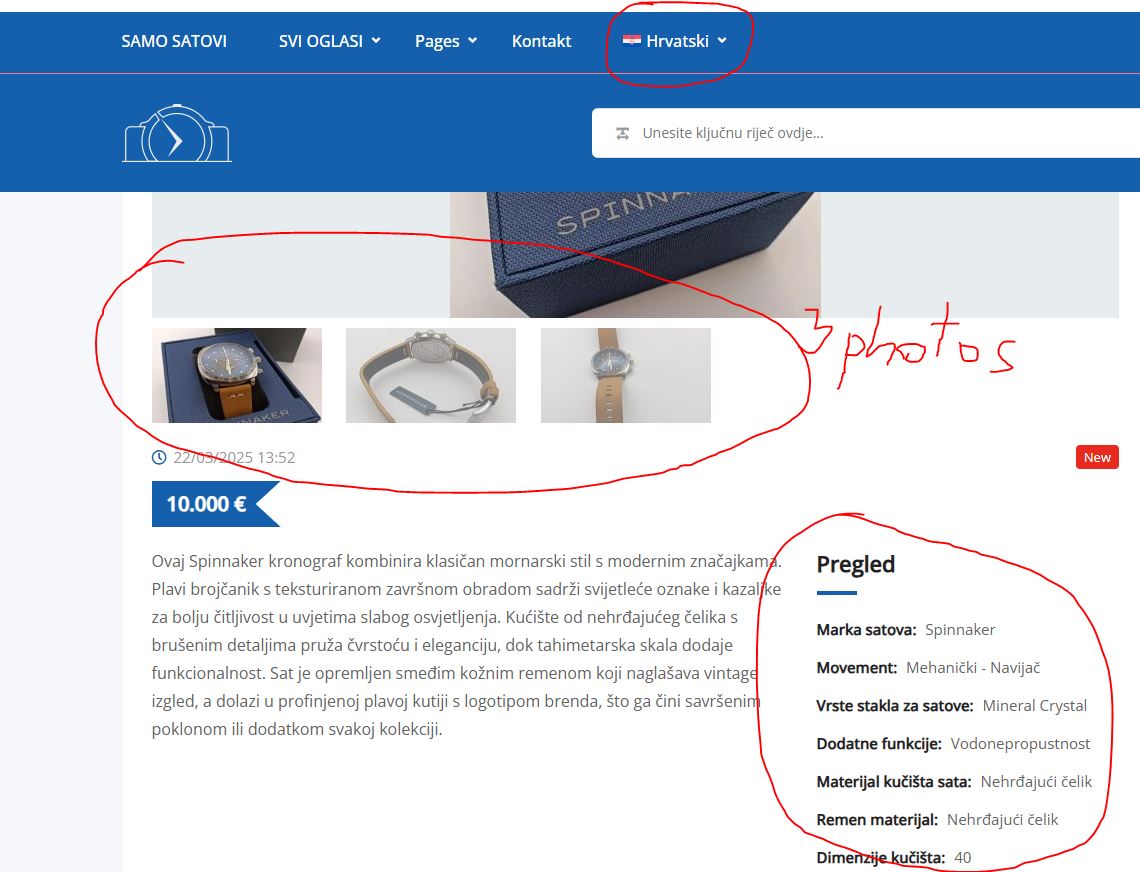
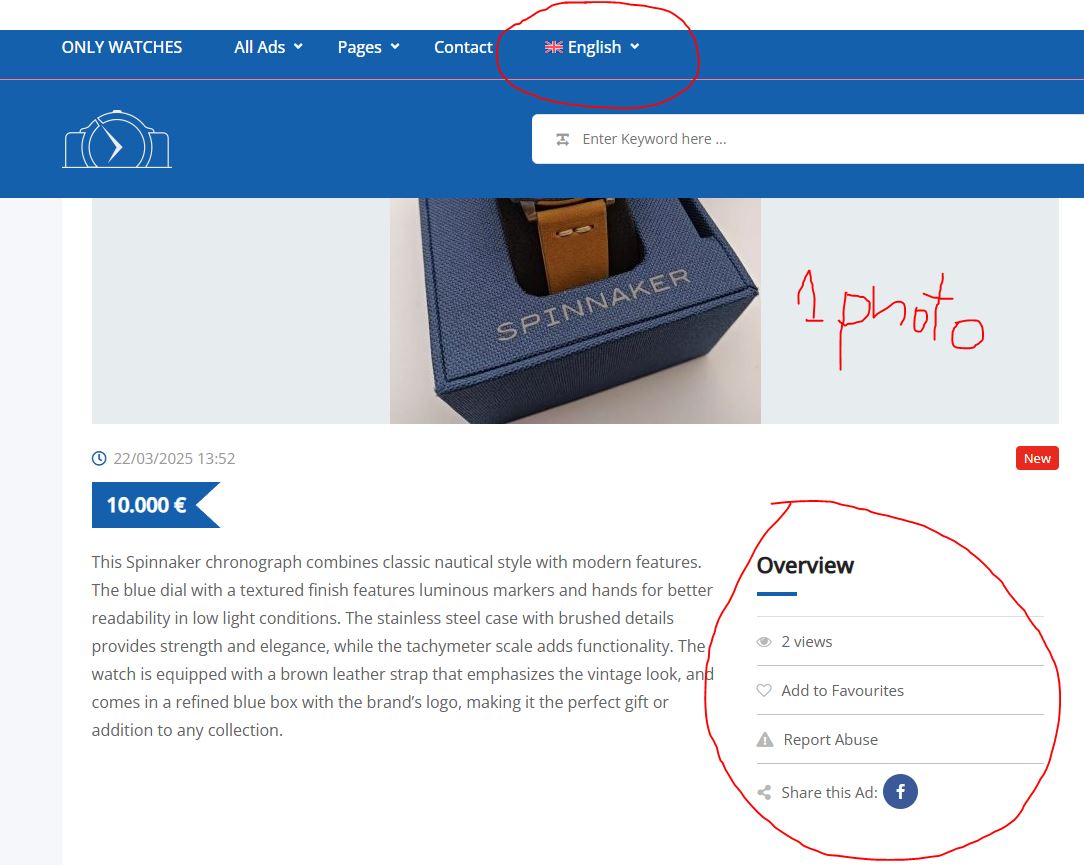
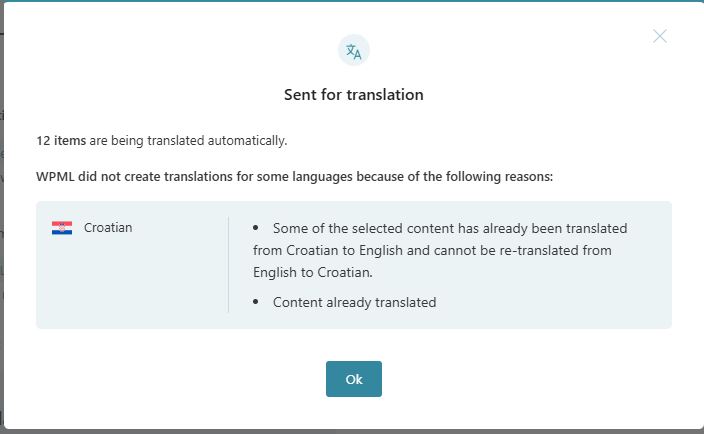
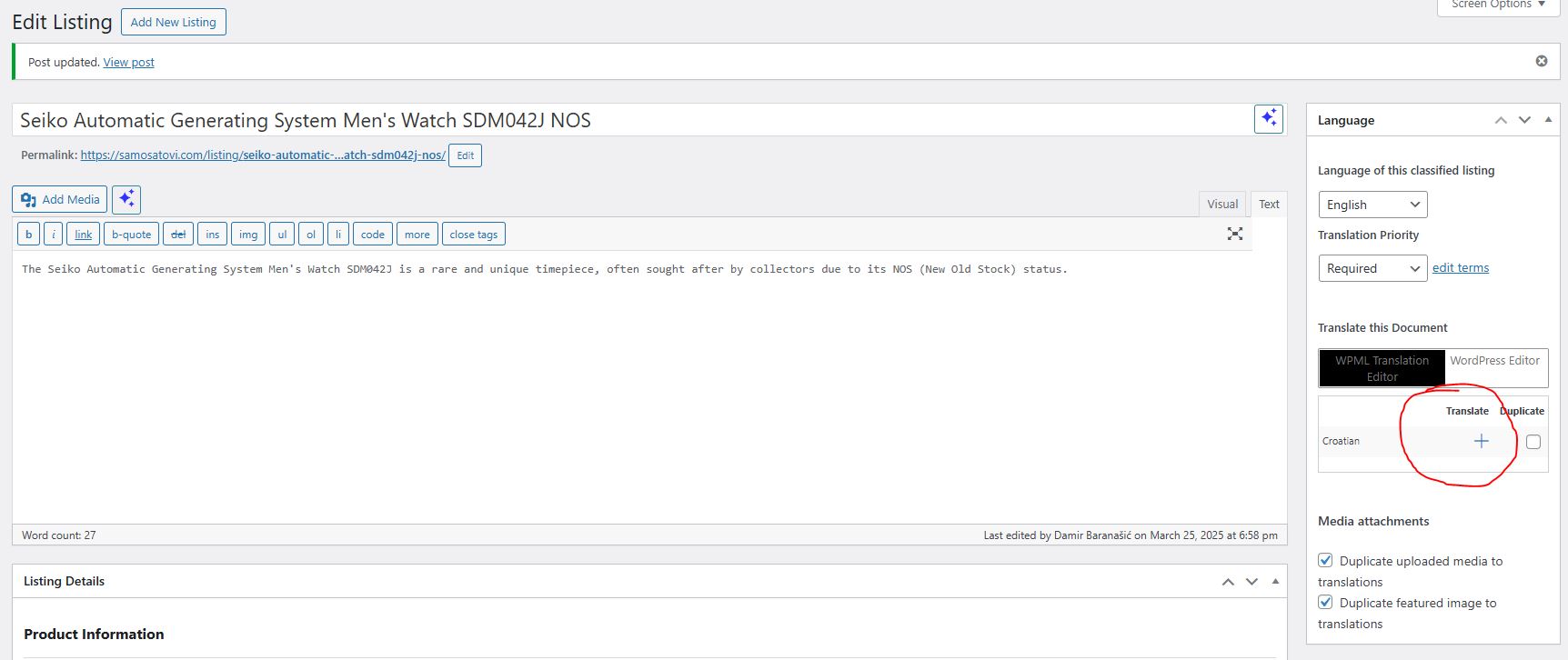
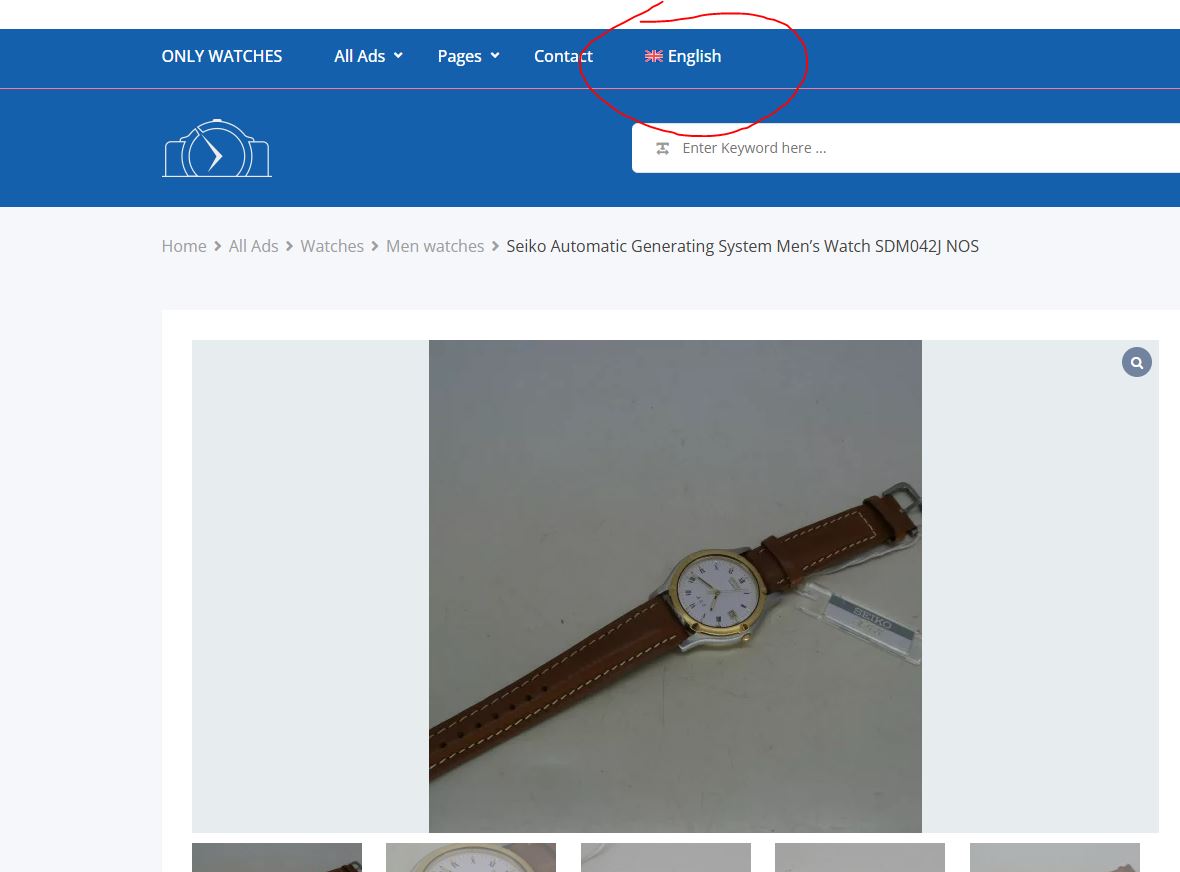
I just added a new watch, but it wasn’t translated automatically; it's visible in the images. When I manually added the translation, it displayed correctly on the page.
So, it does not translate automatically.
Thanks for your reply. Are you able to clone the site to another staging site? I'd like to apply some troubleshooting options in WPML > Support > Troubleshooting link. If not, can I have your permission to create some test listings?
Thanks for your patience. When I create a new listing, all I see are the missing images. I've checked these two options below and it should copy the image over for your new listings as shown in the attached screenshot.
- When uploading media to the Media library, make it available in all languages
- Duplicate media attachments for translations
Could you try creating a new listing now with multiple images and let me know if the issue is resolved?
The topic ‘[Closed] Problem with Classified Listing Multilingual plugin’ is closed to new replies.